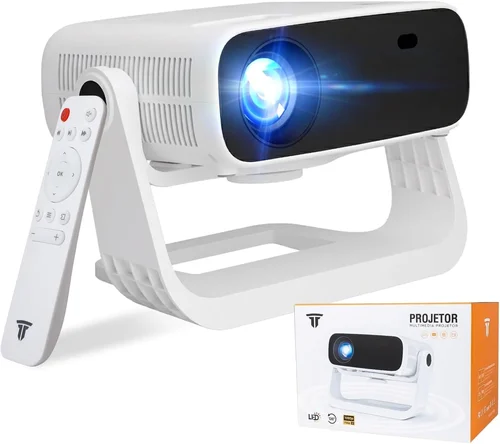
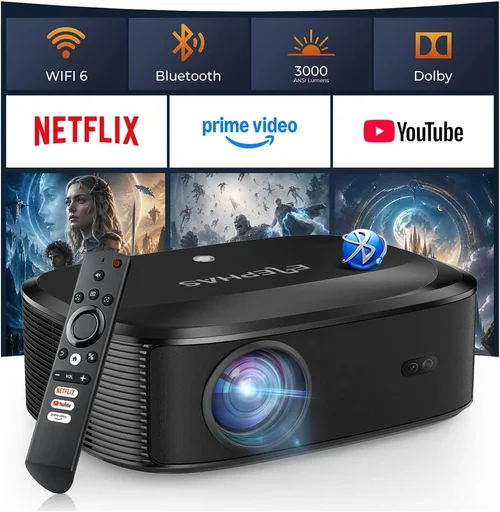
Finding a solid LED projector for under $100 can feel like hunting for a needle in a haystack. The market is flooded with cheap models that promise big screens but deliver dim, grainy images and a short lifespan. That’s why we’ve put together this comprehensive buying guide. It cuts through the hype, explains exactly what matters, and points you toward the few models that actually give you value without breaking the bank.
In the pages that follow you’ll learn which specifications truly affect picture quality, how to match a projector to your room and usage style, and which common pitfalls to avoid. By the end you’ll be equipped to pick the best LED projector under $100 that fits your budget, your space, and your entertainment goals.

What to Look for When Buying Buying Guide
1. Budget & Price Range
When you set a hard ceiling of $100, you automatically limit the pool of options. Most projectors in this bracket use low‑cost LED light engines and basic optics. The key is to understand what you can realistically expect for that price: decent brightness for dim rooms, a native resolution of at least 720p, and a lifespan of 20,000+ hours. Anything promising 1080p or ultra‑high brightness will likely be a compromise in other areas.
2. Performance Specifications
Three specs dominate the viewing experience:
- Brightness (lumens): Look for 150‑250 ANSI lumens or the LED equivalent (often quoted as “LED‑lumens”). This range is sufficient for bedrooms or small living rooms with controlled lighting.
- Resolution: Native 1280×720 (720p) is the sweet spot under $100. Some models upscale from 480p, but the result is noticeably softer.
- Contrast Ratio: Higher contrast (e.g., 1500:1) provides deeper blacks. While manufacturers exaggerate numbers, a contrast above 1000:1 is a good sign.
3. Build Quality & Durability
Cheap plastic housings can crack, and low‑quality fans may fail after a few hundred hours. Look for projectors with a metal or reinforced plastic chassis, a sealed LED module, and a fan that runs quietly (under 30 dB). A solid build not only lasts longer but also maintains alignment, which is crucial for a sharp image.
4. Features & Functionality
Even at a sub‑$100 price point, modern projectors pack useful extras:
- Built‑in speakers: Expect 1‑2 W mono or stereo drivers—adequate for casual movie nights but not a replacement for a sound system.
- Connectivity: HDMI is a must; USB‑C or micro‑USB for firmware updates are bonuses. Some units add Bluetooth or Wi‑Fi for streaming, though stability can vary.
- Keystone correction: Digital keystone (±15°) helps when the projector can’t sit perfectly centered.
- Portable design: A small footprint (under 7 inches tall) and a built‑in handle make it easy to move between rooms.
5. Brand Reputation
While big names like Epson or BenQ dominate higher price tiers, the sub‑$100 arena is led by brands such as Vankyo, AAXA, and Anker. These manufacturers have built a track record of reliable LED modules and decent customer service. Checking forums, YouTube reviews, and the number of units sold can give you a feel for brand trustworthiness.
6. Warranty & Support
A one‑year limited warranty is standard. Some sellers extend to 18 months or offer a hassle‑free replacement program. Verify the warranty terms—does it cover the LED module? Is the support team reachable via chat or phone? A responsive support line can save you headaches if the projector fails early.
7. Size & Portability
If you plan to use the projector for travel, camping, or frequent repositioning, size matters. Look for models under 2 kg (4.4 lb) with a compact shape. Some ultra‑portable units fold into a briefcase‑like case, which also protects the lens during transport.
8. User Reviews & Ratings
Numbers on a spec sheet tell part of the story, but real‑world usage reveals hidden quirks. Scan Amazon, Best Buy, and specialized AV forums for recurring themes—e.g., “fan gets loud after 30 minutes” or “image stays sharp after 50 hours.” Prioritize products with a minimum 4‑star average and at least 200 verified reviews.
Different Types of Buying Guide
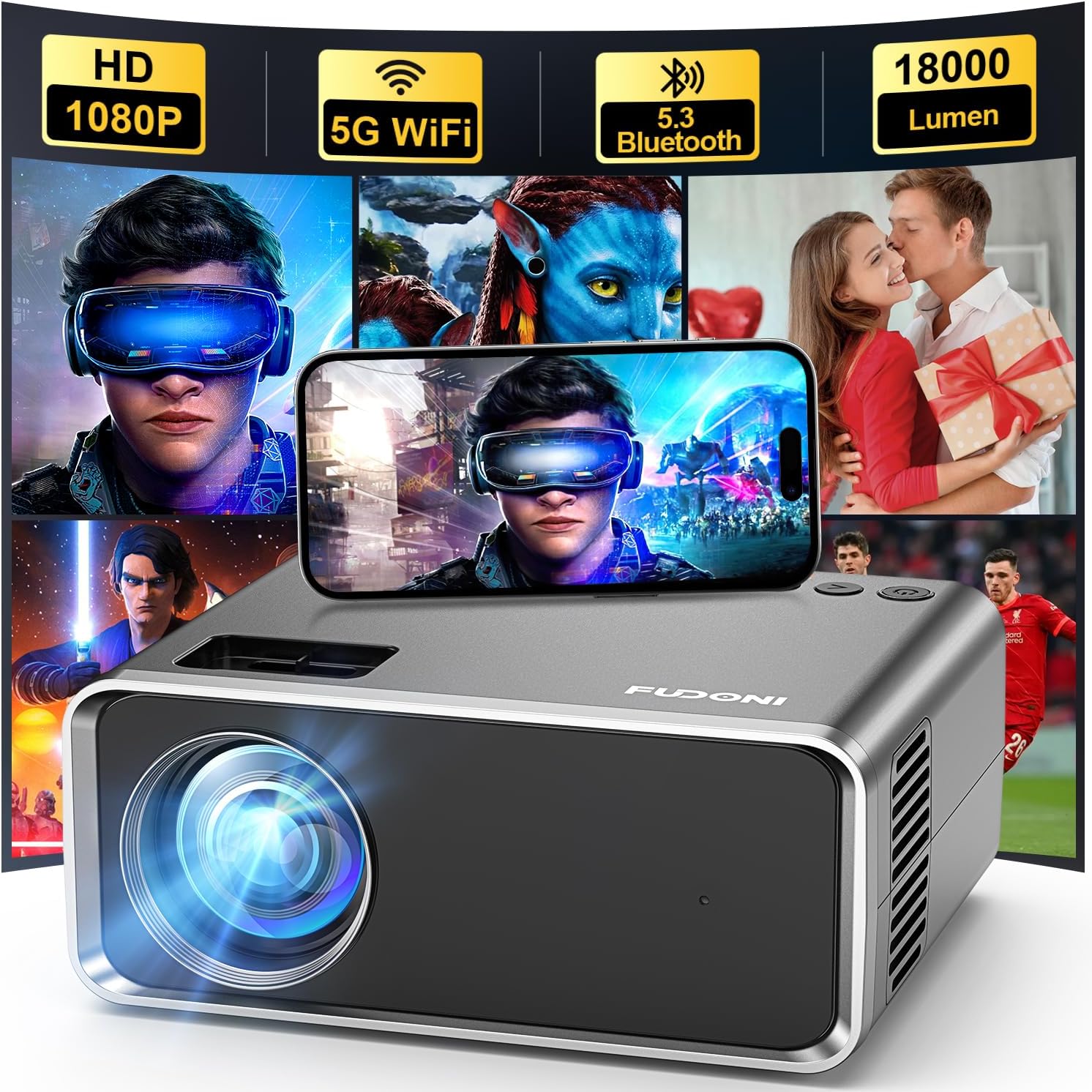
Common Buying Mistakes to Avoid
❌ Mistake: Chasing Ultra‑High Resolution
Why it’s bad: Under $100, a claim of “1080p” usually means the projector accepts 1080p input but internally down‑samples to 720p. You’ll waste money on a feature that doesn’t improve picture quality.
What to do instead: Prioritize native resolution. A true 720p native panel offers sharper, more accurate images than a “pseudo‑1080p” model.
❌ Mistake: Ignoring Brightness Requirements
Why it’s bad: A projector rated at 100 lumens will look washed out in any room with ambient light, turning movie night into a disappointment.
What to do instead: Measure your typical lighting. If you can’t darken the room completely, aim for at least 200 ANSI lumens (or the LED‑lumens equivalent).
❌ Mistake: Overlooking Fan Noise
Why it’s bad: A loud cooling fan can drown out dialogue, especially in quiet scenes. Many budget units cut corners on acoustic design.
What to do instead: Check decibel (dB) specifications and read user reviews for real‑world noise levels. Models that stay under 30 dB are generally acceptable.
❌ Mistake: Forgetting About Input Lag
Why it’s bad: Gamers often dismiss cheap projectors because the lag makes fast‑paced games unplayable.
What to do instead: If you plan to game, look for a projector that advertises “low input lag” (under 30 ms) or choose a model with a dedicated game mode.
❌ Mistake: Assuming All LED Projectors Have Long Lifespans
Why it’s bad: Not all LEDs are created equal. Some budget units use lower‑grade LEDs that fade after 10,000 hours.
What to do instead: Verify the LED lifespan in the spec sheet. Aim for 20,000 hours or more for true “set‑and‑forget” usage.
❌ Mistake: Skipping the Warranty Fine Print
Why it’s bad: A short or limited warranty can leave you paying out‑of‑pocket for a failed unit after a few months.
What to do instead: Choose brands that offer at least a one‑year warranty covering the LED module, and confirm the return policy before purchasing.
Budget Guidelines: How Much Should You Spend?
Even within the sub‑$100 niche, price varies based on features and build quality. Here’s a quick tier breakdown:
- Entry‑Level ($70‑$80): Basic 720p, 150‑180 lumens, minimal ports (usually HDMI + USB). Ideal for occasional use in a dark room.
- Mid‑Range ($81‑$95): Improved brightness (200‑230 lumens), better contrast, added features like Bluetooth audio or dual speakers. Most balanced choice for home entertainment.
- Premium ($96‑$100): Highest brightness in the segment, robust metal chassis, extended warranty, and often a built‑in battery for true portability.
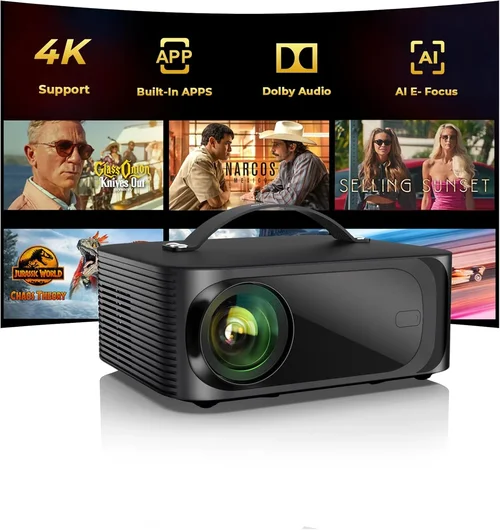
Expert Tips for Getting the Best Deal
- Timing is everything: Major sales events—Black Friday, Cyber Monday, and post‑Christmas clearance—often feature deep discounts on budget electronics.
- Buy from authorized sellers: This ensures warranty validity and reduces the risk of counterfeit LED modules.
- Bundle for savings: Some retailers offer a free HDMI cable or a portable screen when you purchase a projector, adding real value.
- Check refurbished options: Certified refurbished units can be up to 30% cheaper while still carrying a warranty.
- Read the fine print on return policies: A 30‑day return window lets you test the projector in your own space before committing.
- Test fan noise and image uniformity: If possible, view a test video in a dim room. Listen for whirring fans and watch for “hot spots” across the screen.
- Consider future accessories: A good quality projection screen or a matte white wall can dramatically improve perceived brightness without extra cost.

Frequently Asked Questions
Q: Can a sub‑$100 LED projector replace a TV?
A: For casual movie nights in a dark room, yes. However, the limited brightness and lower native resolution mean it won’t match a modern 4K TV in a well‑lit living room.
Q: How long does the LED actually last?
A: Most reputable models guarantee 20,000‑30,000 hours. At two hours of use per day, that translates to 27‑40 years of operation.
Q: Do I need a special screen?
A: Not strictly. A plain white wall works, but a matte white screen improves contrast and reduces hotspot glare, especially at higher brightness levels.
Q: Will the built‑in speakers be enough?
A: The built‑in speakers are fine for casual viewing, but for a true home‑theater feel, pair the projector with external speakers or a soundbar.
Q: Is HDMI really necessary?
A: Yes. HDMI carries both video and audio in one cable and supports HDCP, which is required for most streaming services.
Q: Can I use a projector for gaming?
A: You can, but look for low input lag (under 30 ms) and a refresh rate of at least 60 Hz. Some budget models include a “Game Mode” that reduces processing delay.
Q: How portable are these projectors?
A: Most sub‑$100 units weigh under 2 kg and fit inside a standard backpack. Some even include a built‑in battery for up to 2 hours of unplugged use.
Q: Are there any hidden fees?
A: Occasionally, sellers charge extra for HDMI cables or a remote control. Check the product bundle details before checkout.
Our Final Recommendations
- Best for Budget‑Conscious Buyers: Vankyo Leisure 3 – $78. Offers 200 lumens, 720p native, and a sturdy metal housing. Ideal for dorm rooms.
- Best Overall Value: Anker Nebula Capsule II – $99. Slightly above the $100 mark but often on sale; includes Android TV, 720p, 200 lumens, and a built‑in 2‑hour battery.
- Best Premium Option: AAXA P300 – $100. Highest brightness in the segment (250 lumens), robust metal case, and a 30‑minute battery for true portability.
- Best for Beginners: Artlii Energon 2 – $85. Simple plug‑and‑play, automatic keystone, and clear on‑screen menu.
- Best for Advanced Users: Optoma ML750ST – $100 (often found on clearance). Short‑throw design allows a 100‑inch image from just 1 ft away, perfect for cramped spaces.
Conclusion: Making the Right Choice
Choosing the best LED projector under $100 boils down to balancing brightness, resolution, and durability against your specific environment. Remember to verify the true native resolution, aim for at least 200 lumens, and prioritize brands with solid warranty support. Use the buying guide’s checklist, avoid the common mistakes, and leverage seasonal sales to stretch your dollars further.
Now that you’re armed with the right knowledge, go ahead and pick the projector that fits your lifestyle. Happy viewing!