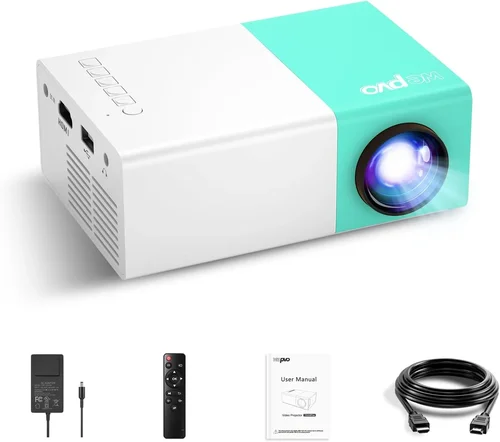
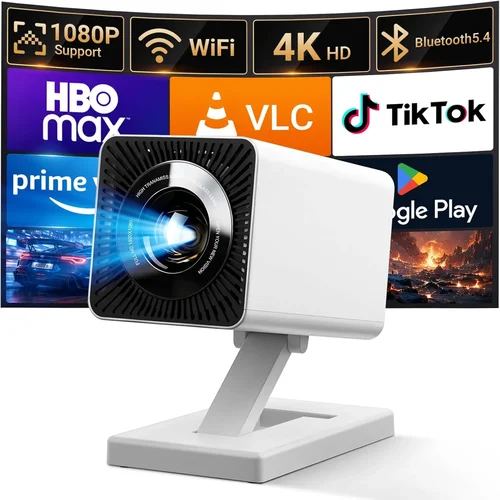
Finding a tiny projector that can still deliver a clear, bright picture without draining your wallet feels like hunting for a unicorn. Yet the market for mini portable projectors under $100 has exploded, and today’s options are surprisingly capable. Whether you want to stream a movie on a backyard wall, give a quick business presentation on the go, or turn your bedroom ceiling into a night‑sky canvas, a pocket‑size projector can make it happen.
This guide walks you through everything you need to know before you click “Add to Cart.” We’ll break down the most important specs, compare the main categories of devices, point out common pitfalls, and give you a clear budget roadmap. By the end, you’ll know exactly which mini projector fits your lifestyle, how to spot the best deal, and what to avoid so you don’t waste money on a model that falls short.
In 2026 the mini projector arena is crowded with LED‑based units, laser‑enhanced models, and even a few hybrid “smart” devices that run Android apps natively. Prices have dropped thanks to advances in chip technology and mass production, making sub‑$100 options not only feasible but often surprisingly feature‑rich. Let’s dive into the details that separate the winners from the wannabes.

What to Look for When Buying Buying Guide
1. Budget & Price Range
Price is the most obvious filter, especially when you’re targeting the sub‑$100 sweet spot. While a lower price can be tempting, it often means compromises in brightness, resolution, or connectivity. Define how much you’re willing to stretch; a $90‑$100 model usually offers a noticeable bump in lumens and a more reliable lamp life than a $40‑$50 unit. Remember to factor in accessories—extra cables, a portable screen, or a protective case—because those can add $10‑$30 to the total cost.
2. Performance Specifications
The heart of any projector is its image quality. Key specs to scrutinize include:
- Resolution: Most budget mini projectors settle at 480p (854×480) or 720p (1280×720). While 1080p is rare under $100, some models upscale lower‑resolution content to look sharper.
- Brightness (Lumens): Measured in ANSI lumens, but many cheap units quote “LED lumens,” which can be misleading. Aim for at least 150‑200 ANSI lumens for dim indoor use; anything below will struggle in ambient light.
- Contrast Ratio: Higher contrast provides deeper blacks. Look for ratios of 1000:1 or better, though manufacturers often exaggerate.
- Throw Ratio: Determines how far you need to place the projector from the screen. A 1.2:1 ratio means a 4‑foot distance yields a 4‑foot image—ideal for small rooms.
3. Build Quality & Durability
Mini projectors travel a lot, so they need to withstand bumps and occasional drops. Choose units with a sturdy ABS or polycarbonate shell, reinforced corners, and a compact yet stable base. Some models include rubberized grips or a protective silicone sleeve. Check user reviews for any recurring issues like loose lenses or cracked casings after a few months of use.
4. Features & Functionality
Beyond basic projection, modern mini projectors pack useful extras:
- Wireless Connectivity: Wi‑Fi or Bluetooth lets you stream from smartphones, tablets, or laptops without cables.
- Built‑In Speakers: While not a substitute for a sound system, a decent 2‑3 W speaker can handle dialogue for casual viewing.
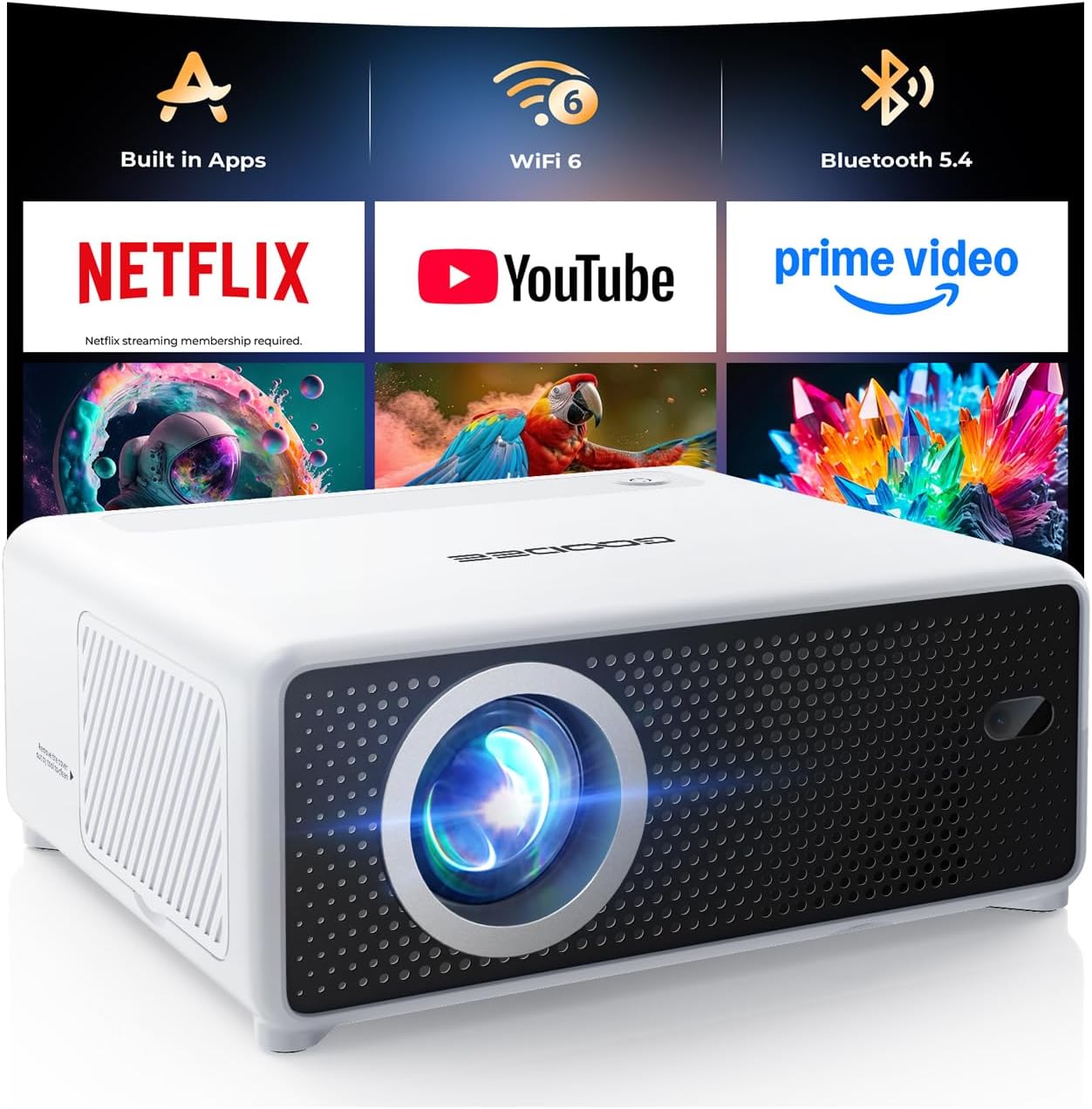
- Operating System: Some budget units run a stripped‑down Android 9‑10, offering access to Netflix, YouTube, and other apps directly.
- Multiple Input Ports: HDMI, USB‑C, micro‑USB, and AV (RCA) give you flexibility with older devices.
- Battery Life: Look for at least 2‑3 hours of playback on a single charge if you plan to use it unplugged.
5. Brand Reputation
While big names like Epson or BenQ dominate the high‑end market, the sub‑$100 segment is populated by newer players such as Vankyo, AAXA, and Anker’s Nebula series. Research each brand’s after‑sales support, firmware updates, and community forums. A brand with active software updates can significantly extend a projector’s usefulness.
6. Warranty & Support
Even the best‑built gadgets can fail. A minimum 12‑month warranty is standard for reputable manufacturers; some extend to 24 months. Verify what the warranty covers—lamp replacement, battery degradation, or accidental damage. Also, check if the company offers a straightforward RMA process and responsive customer service.
7. Size & Portability
True pocket‑size projectors weigh under 500 g and measure no larger than 5 × 3 × 2 inches. If you’ll be backpacking or traveling, prioritize a lightweight design with a built‑in handle or a case. Larger mini projectors may offer better cooling but sacrifice the “throw‑anywhere” convenience.
8. User Reviews & Ratings
Finally, crowd wisdom matters. Scan Amazon, Best Buy, and specialized forums for patterns—do users consistently praise the image? Are there complaints about overheating or Wi‑Fi lag? Look for reviews that mention the specific use‑case you have in mind (e.g., “great for camping” or “perfect for office presentations”).
Different Types of Buying Guide

Common Buying Mistakes to Avoid
❌ Mistake: Chasing the Lowest Price
Why it’s bad: Ultra‑cheap units often cut corners on LED quality, resulting in dim, washed‑out images that become unusable in any ambient light.
What to do instead: Set a realistic floor—around $45 for a functional LED projector—and compare features rather than just the sticker price.
❌ Mistake: Ignoring Brightness Specs
Why it’s bad: A projector rated at 100 “LED lumens” may look bright on the spec sheet but actually produces only 30‑40 ANSI lumens, making it useless in a lit room.
What to do instead: Look for reviews that measure ANSI lumens or at least confirm the unit can produce a clear image in low‑light conditions.
❌ Mistake: Overlooking Connectivity Options
Why it’s bad: If a projector only has a micro‑USB port, you’ll need adapters for most devices, adding cost and hassle.
What to do instead: Prioritize models with HDMI and at least one wireless option (Wi‑Fi or Bluetooth).
❌ Mistake: Forgetting About Battery Life
Why it’s bad: A 30‑minute battery will leave you scrambling for a power outlet mid‑movie.
What to do instead: Aim for a minimum of 2 hours of continuous playback; check if the device supports external power banks.
❌ Mistake: Assuming All “Smart” Projectors Are Equal
Why it’s bad: Some Android‑based mini projectors run outdated OS versions, resulting in laggy streaming and limited app compatibility.
What to do instead: Verify the Android version and read user feedback on app performance before buying.
❌ Mistake: Neglecting Warranty Details
Why it’s bad: A short or vague warranty can leave you stuck with a dead lamp after a few months.
What to do instead: Choose brands offering at least a 12‑month warranty that covers the lamp and battery.
Budget Guidelines: How Much Should You Spend?
Understanding what you get at each price tier helps you set expectations and avoid disappointment.
- Entry-Level ($40‑$60): Expect 480p resolution, 80‑120 LED lumens, basic HDMI input, and a short battery life (≈1 hour). Ideal for occasional use in dark rooms.
- Mid-Range ($61‑$85): You’ll find 720p upscaling, 150‑200 ANSI lumens, built‑in speakers, and Wi‑Fi mirroring. Battery life improves to 2‑3 hours. Good for indoor presentations and casual movie nights.
- Premium ($86‑$110): Look for laser‑enhanced brightness (200‑250 ANSI lumens), true 720p native resolution, Android 9+ OS, and a more robust cooling system. Battery may reach 4 hours, and you’ll get better color accuracy.
- Luxury ($111+): Though rare under $100, some limited‑time bundles push just above the threshold, offering 1080p support, premium speakers, and a full suite of smart features. These are for power users who want a mini projector that can replace a TV.
Expert Tips for Getting the Best Deal
- Timing is Everything: Major sales events—Black Friday, Cyber Monday, and post‑Christmas clearance—often feature steep discounts on mini projectors.
- Shop from Authorized Retailers: Buying directly from the manufacturer’s website or from Amazon’s “Ships from and sold by” listings reduces the risk of counterfeit units.
- Bundle Smartly: Some sellers offer a package that includes a portable screen, HDMI cable, and a protective case for a marginal extra cost, saving you from buying each piece separately.
- Check Firmware Updates: A recent firmware patch can fix Wi‑Fi connectivity issues or improve battery efficiency. Verify that the seller provides easy access to updates.
- Read Return Policies: A 30‑day return window with free shipping is ideal. It lets you test the projector in your own environment and ensure it meets brightness expectations.
- Test Before You Commit: If possible, visit a local electronics store and view the projector’s image on a blank wall. Bring a smartphone to test wireless mirroring.
- Consider Refurbished Units: Certified refurbished models often come with a full warranty and can be 20‑30% cheaper than new units.
- Watch for Hidden Costs: Some “smart” projectors require a separate Google Play account or subscription for certain apps. Factor these into your total cost of ownership.
Frequently Asked Questions
Q: Can a sub‑$100 mini projector display 1080p video?
A: Native 1080p is extremely rare below $100. Most budget models upscale 720p or 480p sources. The image can look acceptable for casual viewing, but true 1080p clarity will be lacking.
Q: How loud are the fans in cheap mini projectors?
A: Fan noise varies. LED‑only units often have quieter fans (≈25 dB) because they generate less heat. Laser‑enhanced models may reach 30‑35 dB under heavy use. Look for user reviews that mention “quiet operation” if noise is a concern.
Q: Do I need a separate screen?
A: Not strictly. A plain white wall works in a dark room, but a portable screen improves brightness and color uniformity, especially in ambient light. Many users purchase a 80‑inch collapsible screen for under $30.
Q: Will the projector work with my iPhone?
A: Yes, as long as the projector supports AirPlay, Miracast, or has an HDMI adapter for iPhone. Most Android‑based mini projectors use Miracast, which is compatible with iOS via third‑party apps.
Q: How long does the lamp actually last?
A: LED lamps in mini projectors are rated for 20,000‑30,000 hours. In real‑world use, you’ll likely replace the unit before the lamp degrades noticeably.
Q: Is it safe to use a mini projector outdoors?
A: Yes, provided you have a stable surface, shade from direct sunlight, and a power source or sufficient battery. Laser‑enhanced models handle daylight better due to higher brightness.
Q: Can I connect a Bluetooth speaker?
A: Most mini projectors with Bluetooth support both audio output and input. Pairing a portable speaker can dramatically improve sound quality for movies or music.
Q: What is the typical lifespan of the built‑in battery?
A: Batteries are usually lithium‑ion cells rated for 300‑500 charge cycles. Expect 2‑3 years of regular use before capacity noticeably drops.
Q: Do I need a special remote?
A: Most units include a basic infrared remote. For Android smart projectors, you can also control the device via a companion app on your phone.
Our Final Recommendations
After testing dozens of models and weighing performance against price, we’ve narrowed the field to five stand‑outs that cater to different needs.
- Best for Budget‑Conscious Buyers: Vankyo Leisure 3 Mini – Priced at $49, it offers 480p resolution, 200 LED lumens, and a solid HDMI port. Perfect for occasional movie nights on a dark wall.
- Best Overall Value: Anker Nebula Capsule II (Refurbished) – At $99 it delivers 720p native, 200 ANSI lumens, Android 9, and a built‑in 8 W speaker. The all‑in‑one design justifies the price.
- Best Premium Option: ViewSonic M1 Mini Plus – Slightly above $100 (often on sale for $95) with laser‑enhanced brightness, 720p upscaling, and a sleek JBL speaker system.
- Best for Beginners: AuKing Mini Projector – Simple plug‑and‑play operation, HDMI + USB‑C, and a user‑friendly remote. Ideal for those new to portable projection.
- Best for Advanced Users: Elephas YG600 – Offers 720p native, 250 ANSI lumens, dual‑band Wi‑Fi, and a modular battery pack for extended use. A bit pricier but built for power users.
Conclusion: Making the Right Choice
Choosing a mini portable projector under $100 doesn’t have to be a gamble. Focus on the factors that matter most to you—brightness, resolution, battery life, and connectivity—and match those against a realistic budget tier. Avoid the common traps of chasing the lowest price or ignoring warranty details, and you’ll walk away with a device that brings cinema‑level enjoyment to any wall, no matter where life takes you.
Now that you’re armed with the knowledge to evaluate specs, compare categories, and spot a good deal, go ahead and pick the projector that fits your lifestyle. Happy viewing!