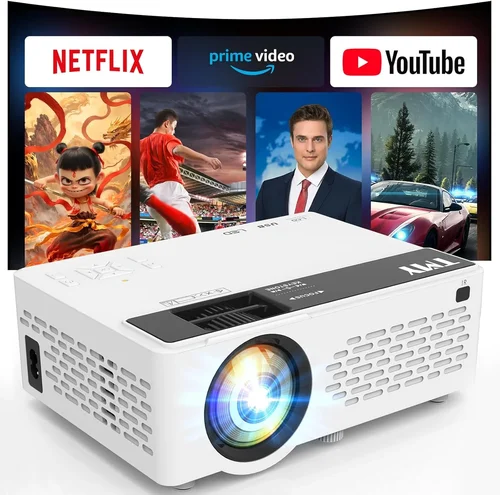
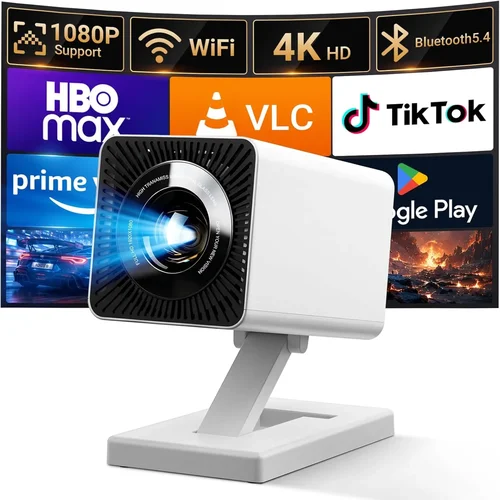
Choosing a home theater projector can feel like stepping into a maze of specs, brand names, and price tags. If you’ve set a budget of $500 or less, the challenge becomes even sharper: you want a bright, sharp image without sacrificing durability or essential features. This guide cuts through the noise, giving you a clear roadmap so you can buy the best movie projector under $500 with confidence.
In the pages that follow you’ll discover exactly what technical specs matter most, how the different projector technologies stack up, common pitfalls to avoid, and a set of curated recommendations for every type of viewer. Whether you’re setting up a backyard cinema, a dorm‑room movie nook, or a family living‑room theater, you’ll finish this guide with a solid plan and a shortlist of models that truly deliver value.

What to Look for When Buying Buying Guide
1. Budget & Price Range
The first decision is simple: you have a ceiling of $500. Within that band, prices can still vary dramatically based on lamp type, resolution, and brand. Aim to allocate most of your budget to core performance (brightness and resolution) and less to optional extras like Bluetooth audio or fancy remote controls. Remember that a lower price often means a shorter lamp life, so factor in long‑term operating costs.
2. Performance Specifications
Three metrics dominate projector performance:
- Brightness (lumens): For a dark home theater, 1,500–2,000 ANSI lumens is sufficient. If you plan to project in a lit room, look for 2,200+ lumens.
- Resolution: Native 1080p (Full HD) is rare under $500, but a true 720p panel or a 1080p “upscaled” projector can still deliver crisp images for most movies.
- Contrast Ratio: Higher contrast means deeper blacks and more detail in dark scenes. A ratio of 10,000:1 or better is a good target.
Balancing these three will give you the sharpest, most vibrant picture without breaking the bank.
3. Build Quality & Durability
Projectors in this price range often use plastic housings to keep costs down. Look for a solid feel, reinforced mounting points, and a well‑ventilated chassis. A reliable cooling system extends lamp life and prevents overheating during marathon movie sessions.
4. Features & Functionality
Beyond the basics, consider these add‑ons:
- Built‑in speakers: Handy for casual use, but they rarely replace a dedicated sound system.
- Wireless connectivity: Wi‑Fi or Bluetooth can simplify streaming, though latency may be an issue for gaming.
- Multiple inputs: HDMI is a must; USB and VGA add flexibility for older devices.
- Keystone correction & lens shift: Essential if you can’t place the projector perfectly centered.
5. Brand Reputation
Established brands such as Epson, BenQ, ViewSonic, and Optoma have proven track records for reliability and support. Newer entrants might offer aggressive pricing, but research warranty terms and post‑sale service before committing.
6. Warranty & Support
A minimum 1‑year limited warranty is standard. Some manufacturers extend to 2‑years for the lamp or include free on‑site service. Check the fine print: does the warranty cover accidental damage, or only defects?
7. Size & Portability
If you plan to move the projector between rooms or take it outdoors, weight and footprint matter. Look for models under 5 lb with a compact form factor and optional carry case.
8. User Reviews & Ratings
Real‑world feedback often highlights issues specs sheets hide—like noisy fans or inconsistent color accuracy. Scan reviews on Amazon, Best Buy, and dedicated AV forums, and focus on reviewers who describe similar usage scenarios to yours.
Different Types of Buying Guide

Common Buying Mistakes to Avoid
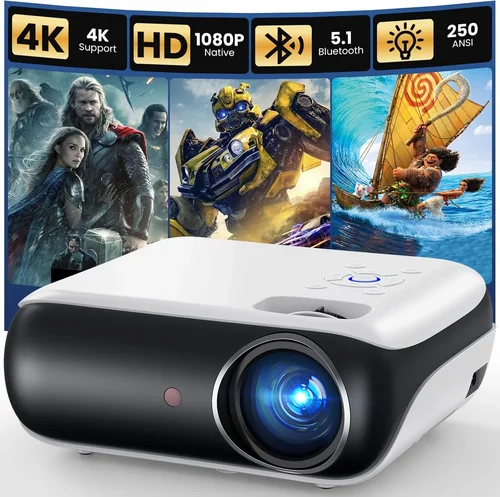
❌ Mistake: Ignoring Ambient Light Conditions
Why it’s bad: A projector rated at 1,500 lumens looks great in a dark room but will appear washed out in a bright living area.
What to do instead: Measure the typical lighting in your viewing space. If you can’t control ambient light, aim for at least 2,200 lumens and consider a high‑contrast ratio.
❌ Mistake: Chasing Native 1080p at Any Cost
Why it’s bad: True 1080p panels under $500 are rare and often compromise on brightness or lamp life.
What to do instead: Opt for a quality 720p projector with good upscaling, or a 1080p “enhanced” model that balances resolution with other specs.
❌ Mistake: Overlooking Input Lag for Gaming
Why it’s bad: High input lag can make fast‑paced games feel sluggish, ruining the experience.
What to do instead: If you plan to game, look for a projector with < 30 ms lag or a dedicated game mode.
❌ Mistake: Forgetting About Throw Distance
Why it’s bad: A projector with a long throw ratio may need a wall far away, which most apartments don’t have.
What to do instead: Check the throw ratio (e.g., 1.2:1) and calculate the required distance for your desired screen size.
❌ Mistake: Neglecting Lamp Replacement Costs
Why it’s bad: Some budget projectors use cheap lamps that need replacement every 1,500–2,000 hours, adding hidden expense.
What to do instead: Compare lamp lifespan (hours) and price; LED or laser light sources, though pricier upfront, often save money long term.
❌ Mistake: Assuming All HDMI Ports Are Equal
Why it’s bad: An HDMI 1.4 port won’t support 4K or HDR, limiting future upgrades.
What to do instead: Prioritize HDMI 2.0 or higher for better bandwidth, even if you’re not using 4K now.
❌ Mistake: Buying Without Testing
Why it’s bad: Online specs can be misleading; real‑world performance varies with room acoustics and screen material.
What to do instead: Visit a local retailer for a demo, or buy from a retailer with a solid return policy to test at home.
Budget Guidelines: How Much Should You Spend?
- Entry-Level ($250‑$350): Expect 1,200–1,600 lumens, 720p native resolution, basic HDMI, and limited warranty. Ideal for dorm rooms or occasional movie nights.
- Mid-Range ($351‑$450): You’ll find 2,000+ lumens, true 720p or enhanced 1080p, better contrast, and added features like keystone correction and dual speakers.
- Premium ($451‑$500): This tier pushes brightness above 2,200 lumens, often includes LED or laser light sources, higher contrast ratios, and more robust build quality.
- Luxury ($500+): While beyond the scope of this guide, models here typically break the $500 barrier but offer 4K resolution, laser light, and professional‑grade lens shift.
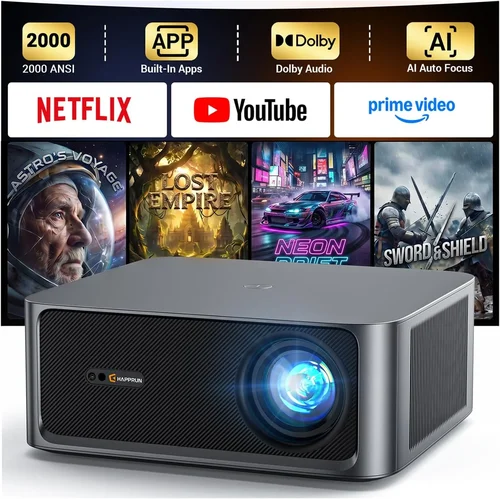
Expert Tips for Getting the Best Deal
- Timing: Late summer (August‑September) sees inventory clear‑outs as manufacturers prepare for new models.
- Where to Buy: Compare Amazon, Best Buy, and manufacturer direct stores. Some brands offer exclusive bundles with extra cables or a free screen.
- Spotting Deals: Look for “refurbished” units with a full warranty—these can be 20% cheaper and perform like new.
- Warranty Considerations: Register your projector immediately to unlock extended coverage options.
- Return Policies: Choose retailers offering at least 30‑day returns; this gives you time to test in your typical lighting.
- Testing Before Buying: Bring a laptop with a 1080p video file to the store and project onto a blank wall; assess brightness, color, and fan noise.
- Bundle Savings: Some sellers include a 100‑inch screen or mounting kit at a reduced price—calculate total value before committing.
- Future‑Proofing: Even on a budget, pick a projector with HDMI 2.0 to avoid obsolescence as streaming devices evolve.

Frequently Asked Questions
Q: Can I use a projector under $500 for outdoor movie nights?
A: Yes, as long as you choose a model with at least 2,200 lumens and a high contrast ratio. Pair it with a portable screen or a white sheet, and consider a battery‑powered LED projector for convenience.
Q: How long does the lamp last on a $500 projector?
A: Lamp life varies by technology. Traditional UHP lamps average 2,000–3,000 hours, while LED or laser sources can reach 20,000–30,000 hours, effectively lasting the life of the projector.
Q: Do I need a special screen?
A: A smooth white wall works for casual viewing, but a dedicated projector screen improves gain and color uniformity, especially in brighter rooms.
Q: Will a budget projector support HDR?
A: Most under‑$500 units lack true HDR support due to limited brightness and color depth. However, they can still display HDR‑encoded content with reduced impact.
Q: Is keystone correction essential?
A: If you can place the projector directly in front of the screen, you may not need it. Digital keystone adds processing time and can slightly degrade image quality.
Q: Can I connect a gaming console?
A: Absolutely. Just ensure the projector has HDMI 1.4 or higher and check the input lag specifications—ideally under 30 ms for a smooth experience.
Q: What screen size can I get with a short‑throw projector under $500?
A: Short‑throw models in this price range typically project 80‑100 inches from a distance of 3‑4 feet. They’re perfect for small rooms.
Q: Are portable pico projectors worth it?
A: For pure portability they excel, but expect lower brightness (under 1,000 lumens) and reduced resolution. Use them in dark environments.
Q: How do I clean the projector lens?
A: Use a soft microfiber cloth and a lens‑cleaning solution. Never blow dust directly onto the lens; a gentle air puff or brush works best.
Our Final Recommendations
- Best for Budget‑Conscious Buyers: ViewSonic PA503S – 3,600 lumens, SVGA resolution, solid build, under $300.
- Best Overall Value: BenQ TH585 – 3,500 lumens, 1080p, low input lag, excellent color accuracy, around $460.
- Best Premium Option (Just Under $500): Epson Home Cinema 1060 – 3,200 lumens, 1080p, LCD panel, 10,000:1 contrast, $495.
- Best for Beginners: Optoma HD146X – Simple setup, 3,400 lumens, 1080p, good warranty, $430.
- Best for Advanced Users: LG PF50KA – LED light source, 2,600 lumens, 1080p, built‑in battery, smart TV apps, $499.
Conclusion: Making the Right Choice
Finding the best movie projector under $500 boils down to matching your viewing environment, usage habits, and long‑term expectations with the right blend of brightness, resolution, and durability. Start by assessing ambient light, decide on the minimum lumens you need, and then narrow your list using the factors and common mistakes outlined above.
Remember, the cheapest option isn’t always the worst, and the most expensive isn’t automatically the best for your situation. Use the budget breakdown to set realistic expectations, apply the expert tips to secure a great deal, and trust the curated recommendations to guide you toward a projector that will bring cinema‑quality experiences to your home without breaking the bank.
Now that you’re armed with knowledge, go ahead and pick the model that fits your space, click “Add to Cart,” and get ready for endless movie nights. Happy viewing!