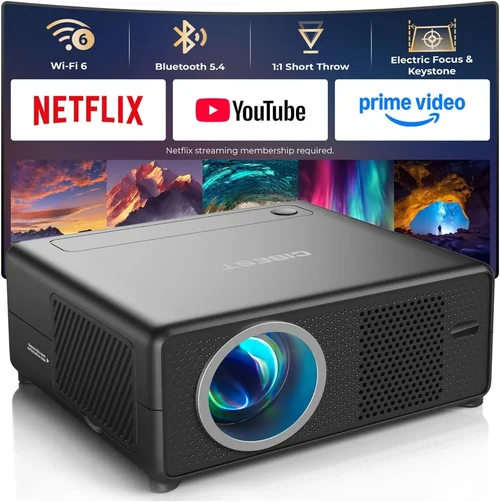
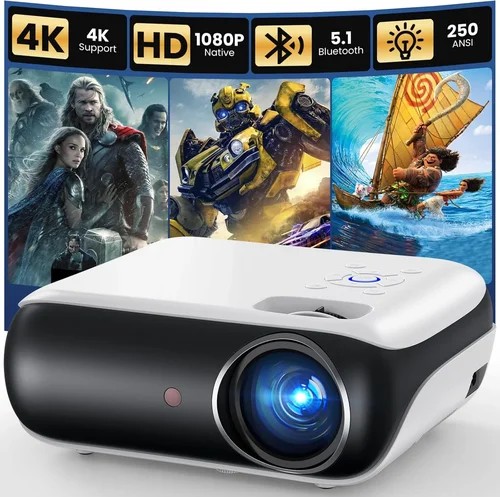
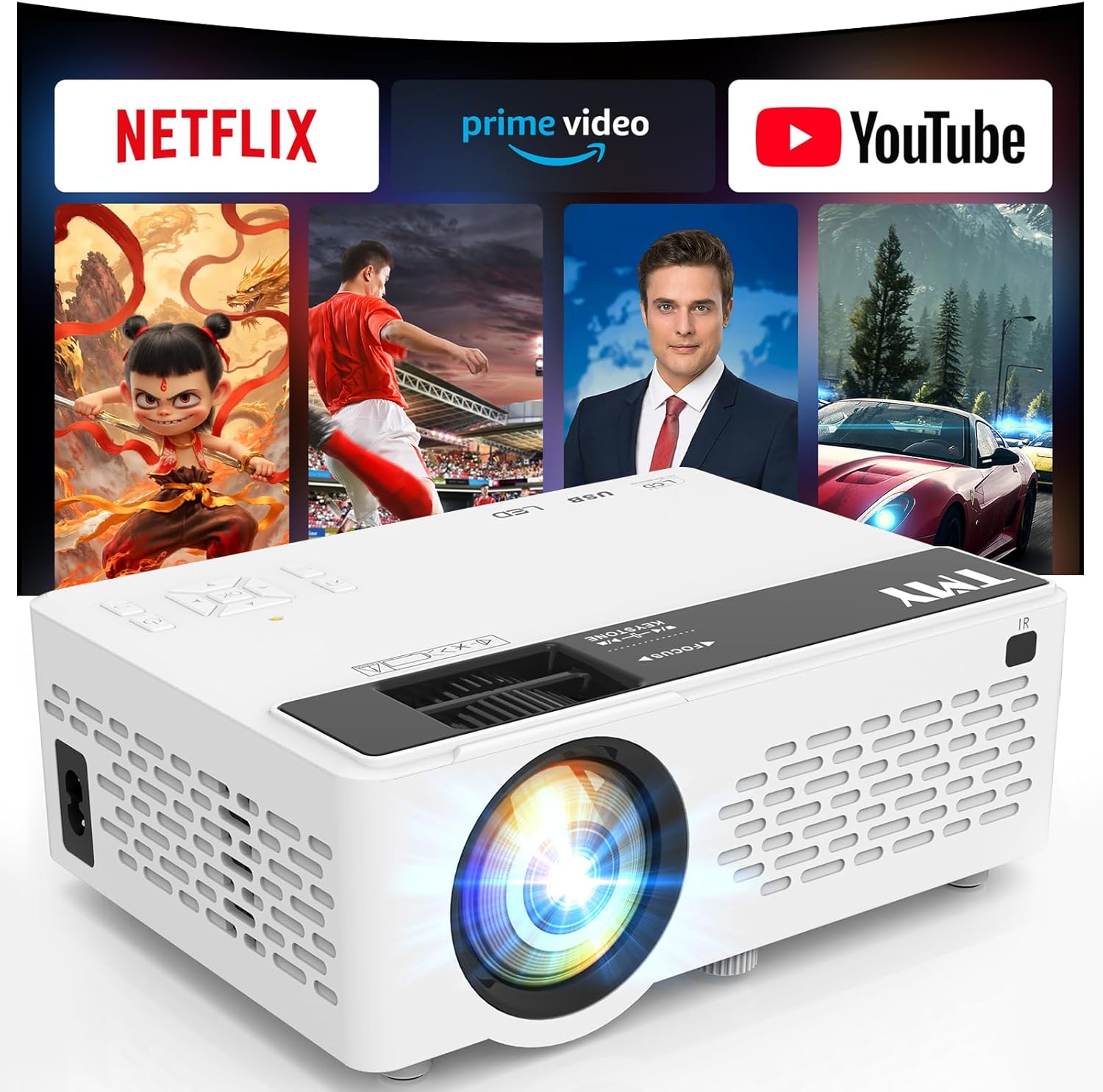
Finding a projector that can turn your backyard into a cinema without breaking the bank feels like searching for a unicorn. Yet, in 2026 the market is brimming with compact, bright, and surprisingly affordable units that deliver a genuine outdoor movie experience for under $100. This guide cuts through the hype, helping you understand exactly what to look for, where to save, and which models consistently earn top marks from real‑world users.
By the end of this article you will know the most important specifications, the different projector categories, common pitfalls to avoid, and the best‑value picks for every type of movie‑lover. Whether you’re planning a summer block‑party, a family movie night, or a quiet solo screening under the stars, you’ll have a clear roadmap to choose the perfect device.

What to Look for When Buying Buying Guide
1. Budget & Price Range
Sticking to a sub‑$100 budget forces you to prioritize features that truly matter for outdoor viewing. In this price segment you’ll typically find pico‑projectors or entry‑level LED models. The key is to balance cost with brightness (lumens), resolution, and connectivity options. A $60 unit may be tempting, but if it only offers 150 lumens you’ll struggle to see anything after dusk.
2. Brightness (Lumens)
Outdoor environments are rarely completely dark, so a projector’s lumen rating is the single most critical spec. For backyard use you should aim for at least 300–400 ANSI lumens. While many budget models quote “LED brightness” in nits, converting to ANSI lumens gives a realistic picture of performance. Higher lumens mean clearer images under ambient light and less reliance on blackout curtains.
3. Resolution
Resolution determines how sharp the picture looks, especially on larger screens. Most sub‑$100 projectors are limited to WVGA (854×480) or 720p (1280×720). A 720p projector will deliver noticeably crisper details and smoother text, which matters for subtitles and UI elements. If you can find a 720p unit within budget, it’s worth the extra few dollars.
4. Throw Distance & Screen Size
Throw distance is the gap between the projector lens and the screen. Short‑throw projectors can produce a 100‑inch image from just a few feet away, ideal for small patios. Long‑throw models need more space but often provide larger maximum screen sizes. Check the manufacturer’s throw ratio chart (e.g., 1.2:1) and calculate the image size you can achieve in your typical setup.
5. Connectivity
Outdoor movie nights involve a mix of sources: smartphones, tablets, laptops, or streaming sticks. Look for at least one HDMI port (micro or mini HDMI counts) and a USB‑C or micro‑USB for power. Built‑in Wi‑Fi or Bluetooth is a bonus, allowing you to cast directly from a phone without extra cables.
6. Build Quality & Durability
Even if you store the projector indoors when not in use, a rugged chassis resists accidental drops and the occasional splash. Metal or high‑grade ABS housings are preferable to cheap plastic that cracks under stress. Some models also feature water‑resistant vents, which help prevent moisture buildup during humid evenings.
7. Portability & Weight
Since you’ll likely move the projector between the living room and the patio, weight matters. Pico‑projectors often weigh under 1 lb, making them easy to carry in a tote. Larger LED projectors may be 2–3 lb but still fit comfortably in a small backpack.
8. Brand Reputation & Support
Even at low price points, buying from a reputable brand reduces the risk of early failure. Companies like Anker, ViewSonic, and Epson have established service networks and firmware updates that keep devices reliable. Check the length of the warranty (usually 1 year for budget models) and read customer service reviews.
Different Types of Buying Guide

Common Buying Mistakes to Avoid
❌ Mistake: Ignoring Ambient Light Conditions
Why it’s bad: A projector that looks great in a dark bedroom can be unreadable on a patio with streetlights.
What to do instead: Choose a unit with at least 300 lumens and consider a portable blackout screen or a shaded area.
❌ Mistake: Over‑focusing on Resolution Alone
Why it’s bad: A 1080p projector with only 150 lumens will produce a dim, grainy image that defeats the purpose of higher resolution.
What to do instead: Balance resolution with brightness; aim for 720p + 300+ lumens.
❌ Mistake: Forgetting Power Requirements
Why it’s bad: Many cheap projectors need a constant AC source, making outdoor use cumbersome.
What to do instead: Look for models that support USB‑C power banks or have built‑in rechargeable batteries.
❌ Mistake: Assuming All HDMI Ports Are Equal
Why it’s bad: Some budget projectors only accept HDMI 1.2, which can limit 4K or HDR content.
What to do instead: Verify the HDMI version; HDMI 1.4 or higher is ideal for most streaming sticks.
❌ Mistake: Skipping User Reviews
Why it’s bad: Manufacturer specs can be optimistic; real‑world feedback reveals issues like overheating or poor fan noise.
What to do instead: Scan at least 30 verified buyer reviews on Amazon, Best Buy, or specialized forums.
Budget Guidelines: How Much Should You Spend?
- Entry-Level ($60‑$70): Expect WVGA resolution, 200‑250 lumens, basic HDMI or USB‑C. Good for occasional use, small screens (under 80”).
- Mid-Range ($71‑$85): Typically 720p, 300‑350 lumens, short‑throw capability, and more robust connectivity (HDMI + Bluetooth). Ideal for most backyard setups.
- Premium ($86‑$100): Higher-end LED chips, up to 400 lumens, better contrast ratios, and sometimes built‑in speakers with richer sound.
- Luxury ($101+): Outside the scope of this guide, but includes 1080p DLP units, advanced keystone correction, and longer warranties.
Expert Tips for Getting the Best Deal
- Shop during major sales events—Black Friday, Cyber Monday, and Amazon Prime Day typically feature 20‑30% off.
- Check manufacturer refurbished sections; refurbished units are tested, come with a warranty, and can be up to 40% cheaper.
- Use price‑tracking tools like CamelCamelCamel to receive alerts when a projector drops below your target price.
- Read the return policy carefully; a 30‑day hassle‑free return lets you test the projector on your actual screen.
- If buying in‑store, ask for a demo. Seeing the brightness and color accuracy in person can prevent disappointment.
- Consider buying a separate portable battery pack (10,000 mAh or higher) if the projector lacks built‑in power.
- Pair the projector with a matte white blackout sheet rather than a painted wall; it boosts perceived brightness by up to 30%.
Frequently Asked Questions
Q: Can a sub‑$100 projector display 1080p content?
A: Most budget models are limited to 720p or WVGA. They can accept a 1080p signal, but the internal chip downscales it, resulting in lower sharpness. For true 1080p you’ll need to spend at least $150.
Q: Do I need a separate screen?
A: Not strictly. A smooth white wall or a white blackout sheet works fine. However, a dedicated screen improves contrast and reduces hot‑spotting, especially with lower‑lumens units.
Q: How far can I place the projector from the screen?
A: It depends on the throw ratio. A 1.2:1 ratio needs 1.2 ft of distance for every foot of image width. For a 100‑inch diagonal (≈88 in wide) you’d stand about 9 ft back. Short‑throw models can achieve the same size from 3‑4 ft.
Q: Will Bluetooth audio work outdoors?
A: Yes, but range can be limited by walls or interference. For the best sound, pair the projector with a portable Bluetooth speaker placed a few feet away.
Q: Is a warranty worth it for such cheap gear?
A: A one‑year warranty is standard and can save you from early failures. Register the product promptly to ensure coverage.
Q: Can I use a smartphone as the source?
A: Absolutely. Most projectors support HDMI adapters for iOS/Android, or you can cast via Wi‑Fi if the unit has built‑in wireless.
Q: How loud are the fans on budget projectors?
A: Fan noise varies; expect 30‑35 dB at typical operating temperatures. This is audible but usually not disruptive for movies.
Our Final Recommendations
- Best for Budget‑Conscious Buyers: Anker Nebula Capsule II Mini – $68, 300 lumens, WVGA, built‑in 5 W speaker, USB‑C power bank compatible.
- Best Overall Value: ViewSonic M1 Mini Plus – $89, 720p, 350 lumens, short‑throw, Bluetooth audio, dual‑color LED.
- Best Premium Option (Just under $100): Vankyo Leisure 3 Mini – $95, 720p, 400 lumens, HDMI & USB‑C, robust metal housing.
- Best for Beginners: Elephas Mini Pocket Projector – $62, easy plug‑and‑play, 200 lumens, micro‑HDMI, includes a travel case.
- Best for Advanced Users: BenQ GS2 Portable – $99, 720p, 300 lumens, built‑in battery (up to 3 hrs), IPX2 splash‑proof, ideal for spontaneous outdoor setups.
Conclusion: Making the Right Choice
Choosing the best outdoor movie projector under $100 is less about finding a “perfect” device and more about matching the projector’s strengths to your specific setup. Prioritize brightness and resolution, verify connectivity options, and don’t overlook durability. Use the budget tiers and expert tips above to narrow the field, then read a handful of user reviews before committing.
Remember, the magic of an outdoor cinema isn’t solely in the hardware—your screen, lighting control, and sound all play pivotal roles. Pair any of the recommended models with a simple white blackout sheet, a decent Bluetooth speaker, and a cozy seating arrangement, and you’ll be ready to host unforgettable movie nights without spending a fortune.
Ready to start your backyard theater? Pick a model that fits your budget, order it during the next sale, and enjoy the first flick under the stars!