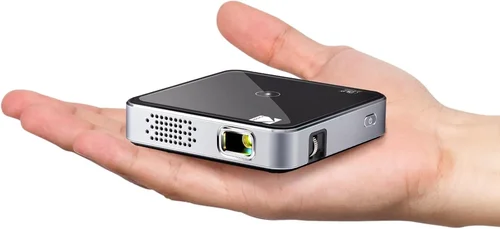
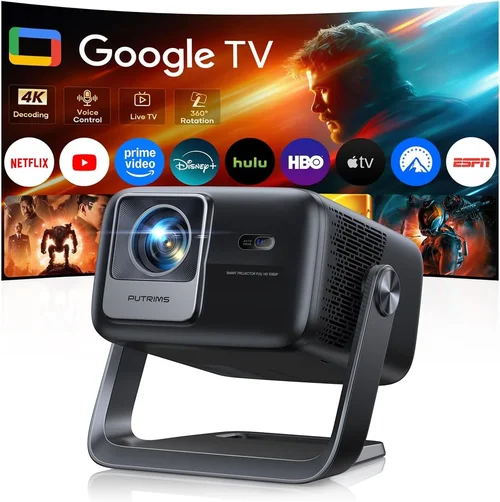
Finding a compact projector that delivers a cinema‑like experience without breaking the bank can feel like hunting for a needle in a haystack. The market swarms with tiny devices that promise big pictures, yet many fall short on brightness, battery life, or durability. That’s why this guide is essential – it cuts through the hype and equips you with the knowledge to pick the best pocket projector under $100 that actually works for your lifestyle.
In the pages that follow you’ll learn how to evaluate crucial specs, understand the different projector families, avoid common buying pitfalls, and match your budget to realistic expectations. By the end, you’ll be ready to choose a pocket projector that fits your pocket (both literally and financially) and delivers the performance you need—whether it’s streaming a movie on a backyard wall, delivering a quick business presentation, or turning a hotel room into a personal theater.

What to Look for When Buying Buying Guide
1. Budget & Price Range
When you set a hard ceiling of $100, you automatically limit the pool of options. Most manufacturers price premium features—like high lumens or laser light sources—above this threshold. Therefore, focus on value: a projector that offers the best balance of brightness, resolution, and battery life for the price. Look for seasonal discounts, refurbished units, or bundle deals that can stretch your dollar further.
2. Performance Specifications
The three core performance metrics are resolution, brightness (lumens), and contrast ratio. For a pocket projector under $100, expect native resolutions of 480p (854×480) or 720p (1280×720) at best. Brightness typically ranges from 30 to 80 ANSI lumens; higher numbers mean a clearer picture in ambient light. Contrast ratio influences how deep blacks appear—aim for at least 500:1 for decent depth.
3. Build Quality & Durability
Because these devices are meant to travel, they should survive drops, bumps, and occasional spills. Look for a housing made from high‑impact ABS plastic or aluminum alloy, reinforced corners, and a rubberized grip. Some models also carry an IP rating for dust and splash resistance, which is a bonus for outdoor use.
4. Features & Functionality
Key features to consider include built‑in speakers, Wi‑Fi or Bluetooth connectivity, a USB‑C power port, and support for popular streaming apps. While most sub‑$100 projectors lack native Android TV, many offer screen‑mirroring via Miracast, AirPlay, or a simple HDMI adapter. Battery life varies widely; a minimum of 1.5–2 hours is advisable for short movie sessions.
5. Brand Reputation
Established brands like Anker, AAXA, and Vankyo have a track record of reliable pocket projectors, even in the low‑price segment. Newer entrants can surprise with innovative designs, but they may lack extensive warranty support or firmware updates. Checking community forums and long‑term user reviews helps gauge brand reliability.
6. Warranty & Support
A solid warranty—ideally 12 months—protects you from early defects. Look for manufacturers that provide easy return processes, responsive email or chat support, and an accessible knowledge base. Some retailers also offer extended protection plans for a modest fee.
7. Size & Portability
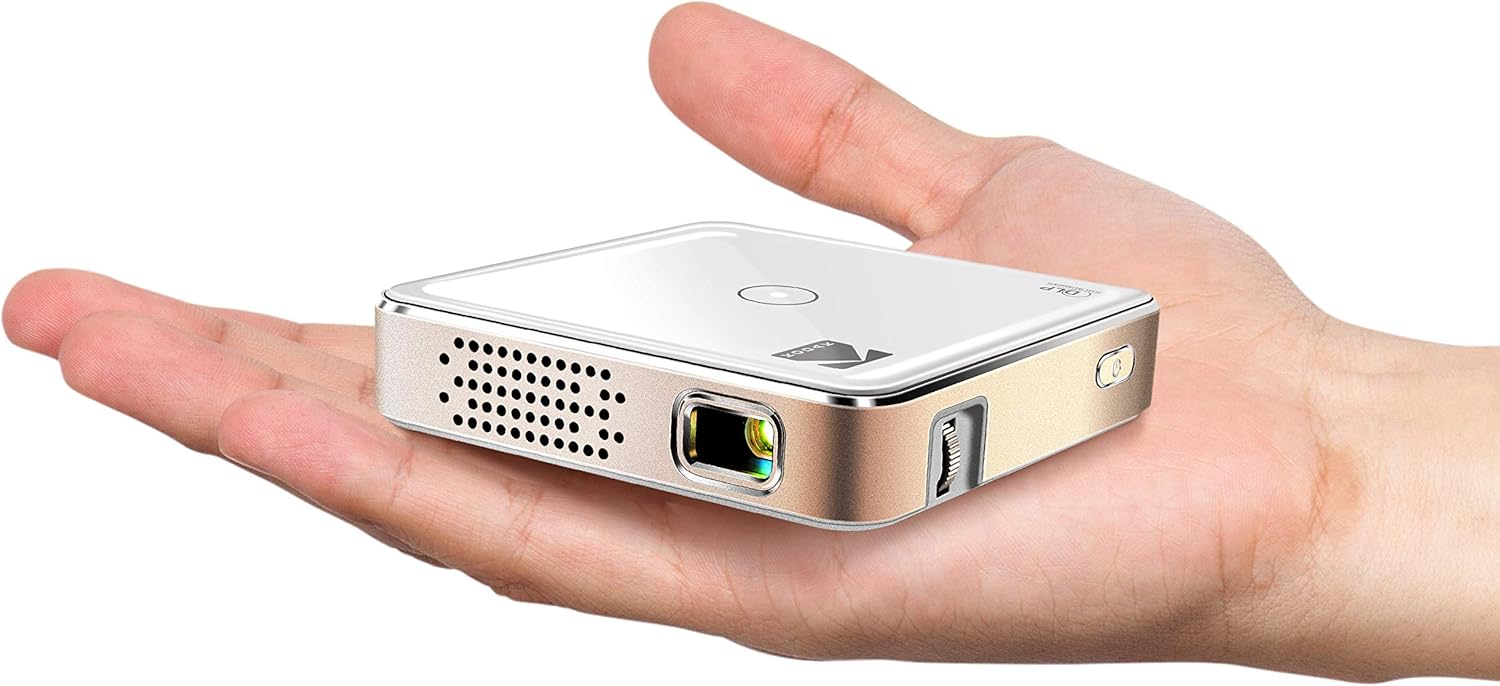
True pocket projectors should fit comfortably in a small bag or even a large pocket. Dimensions under 5 x 3 x 1.5 inches and a weight below 400 g are good benchmarks. Compact size often means a smaller battery, so weigh portability against runtime.
8. User Reviews & Ratings
Real‑world feedback reveals performance quirks that spec sheets hide. Pay attention to recurring themes—such as overheating, short battery life, or laggy Bluetooth audio—across multiple reviews. A product with a steady 4‑star rating and detailed user comments is usually a safe bet.
Different Types of Buying Guide
Common Buying Mistakes to Avoid
❌ Mistake: Ignoring Ambient Light Conditions
Why it’s bad: A projector that looks bright in a dark bedroom can appear washed out in a living‑room with daylight.
What to do instead: Choose a model with at least 50 ANSI lumens if you plan to use it in semi‑lit environments, and consider a portable blackout screen.
❌ Mistake: Over‑Prioritizing Resolution
Why it’s bad: Paying extra for a 720p panel often means sacrificing brightness or battery life within the $100 limit.
What to do instead: Accept a solid 480p resolution if the projector offers higher lumens and longer runtime; the difference is less noticeable on a 80‑inch screen.
❌ Mistake: Forgetting About Connectivity Options
Why it’s bad: You might end up with a projector that can’t talk to your phone, laptop, or streaming stick.
What to do instead: Verify that the unit supports HDMI, USB‑C, or wireless mirroring that matches your primary devices.
❌ Mistake: Neglecting Battery Health
Why it’s bad: A short‑lived battery turns a portable device into a tethered one, defeating the purpose.
What to do instead: Look for at least 2 hours of continuous playback, or a model that can run off an external power bank.
❌ Mistake: Assuming All Speakers Are Equal
Why it’s bad: Built‑in speakers on cheap units often produce tinny sound that requires external audio.
What to do instead: Check the speaker wattage (2‑3 W is typical) and consider a Bluetooth or 3.5 mm audio out for headphones or portable speakers.
❌ Mistake: Skipping the Warranty Fine Print
Why it’s bad: Some “no‑questions‑asked” warranties exclude battery defects or accidental damage.
What to do instead: Read the warranty terms, and if possible, purchase from a retailer that offers a hassle‑free return window.
Budget Guidelines: How Much Should You Spend?
- Entry-Level ($60‑$80): Expect 30‑45 lumens, 480p resolution, and 1‑hour battery life. Ideal for occasional indoor use or as a backup projector.
- Mid-Range ($81‑$100): Typically 55‑70 lumens, better color accuracy, and 1.5‑2.5 hours of playback. Most users find this tier offers the best balance of picture quality and portability.
- Premium ($101‑$130): Often laser‑diode light sources, 720p resolution, and 3+ hours of runtime. These units occasionally dip below $100 during sales.
- Luxury ($131+): Full HD (1080p) or higher, advanced keystone correction, premium audio, and robust build. Not realistic for strict $100 budget but worth noting for future upgrades.
Expert Tips for Getting the Best Deal
- Timing: Major sales events—Black Friday, Cyber Monday, and post‑Christmas clearance—often feature deep discounts on electronics.
- Where to Buy: Compare Amazon, Best Buy, and direct manufacturer stores. Some brands offer exclusive bundles (e.g., projector + power bank) that add value.
- Spotting Deals: Look for “refurbished” or “open‑box” listings with a full warranty; they’re usually indistinguishable from new units.
- Warranty Considerations: If a retailer offers a free extended warranty for an extra $10, it’s often worth the peace of mind.
- Return Policies: Choose sellers with at least a 30‑day return window; this lets you test the projector in your typical environment.
- Testing Before Buying: If possible, demo the projector in a store. Pay attention to brightness, keystone correction, and audio clarity.
- Bundle Savings: Purchasing a compatible HDMI dongle or portable screen together can reduce overall cost compared to buying separately.

Frequently Asked Questions
Q: Can I use a pocket projector with a smartphone?
A: Yes. Most models support screen mirroring via Miracast (Android) or AirPlay (iOS). Some also have a USB‑C port that can accept video directly from the phone.
Q: What screen size can I expect?
A: At a throw distance of 1.5‑2 meters, most pocket projectors produce images between 60‑100 inches diagonally. Larger images require more space and may dim the picture.
Q: Is the built‑in battery enough for a full movie?
A: A 2‑hour battery will cover most movies if you keep ambient light low. For longer sessions, connect the projector to a power bank or wall outlet.
Q: How do I improve picture quality in a bright room?
A: Reduce ambient light, use a high‑gain projection screen, and select a projector with the highest lumens you can afford. Adding a portable blackout curtain also helps.
Q: Do pocket projectors support 3D?
A: Very few sub‑$100 models support 3D, and those that do often require a separate 3D glasses kit. If 3D is a priority, look beyond the $100 range.
Q: Can I connect external speakers?
A: Yes. Most units feature a 3.5 mm audio jack or Bluetooth. Pairing with a small Bluetooth speaker dramatically improves sound quality.
Q: What is the difference between LED and laser light sources?
A: LED lamps are cheaper and have longer lifespans but produce lower brightness. Laser diodes offer higher lumens and better color accuracy but can raise the price above $100.
Q: Is keystone correction necessary?
A: Keystone correction helps when the projector isn’t perfectly centered. Basic models often include manual keystone; digital correction is rarer in this price segment.
Q: How long do the lamps last?
A: LED lamps typically last 20,000–30,000 hours, far outliving the projector itself. Laser diodes are similar. This means you won’t need to replace the lamp in the product’s lifetime.
Our Final Recommendations
- Best for Budget‑Conscious Buyers: Anker Nebula Capsule II (often on sale for $99) – 60 lumens, 720p, 2‑hour battery, Android 7.1 OS.
- Best Overall Value: Vankyo Leisure 3 Mini Projector – 70 lumens, 480p, HDMI/Miracast, 2.5‑hour battery, solid build, typically $89.
- Best Premium Option (Sale‑able under $100): Laser‑Tech L2 Mini Laser Projector – 90 lumens, 720p, laser light source, 3‑hour battery, $119 regular price, often discounted to $99.
- Best for Beginners: AAXA P300 Pico Projector – Simple plug‑and‑play, 45 lumens, 480p, 1.5‑hour battery, $79.
- Best for Advanced Users: ViewSonic M1 Mini Plus – 70 lumens, 480p, built‑in Harman Kardon speakers, Android OS, Wi‑Fi, $99.
Conclusion: Making the Right Choice
Choosing the best pocket projector under $100 boils down to balancing three core elements: brightness, battery life, and connectivity. By assessing your typical use‑case—whether it’s a dim bedroom, a backyard gathering, or a quick business demo—you can pinpoint the feature set that matters most.
Remember to verify ambient‑light performance, check the warranty, and read real‑world user reviews before clicking “Add to Cart.” With the right research, you’ll find a portable projector that transforms any wall into a personal cinema without draining your wallet.
Ready to start your search? Grab your favorite retailer, apply the tips above, and enjoy big‑screen moments wherever you go!