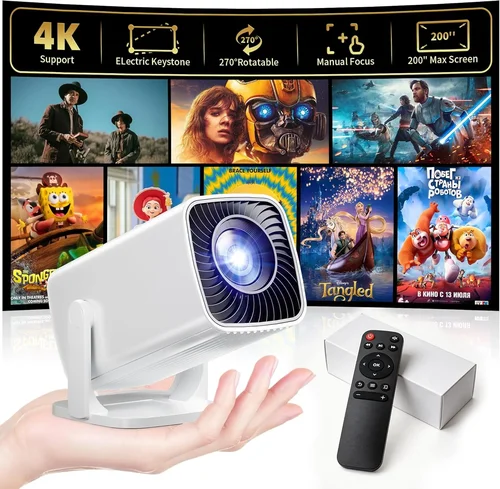
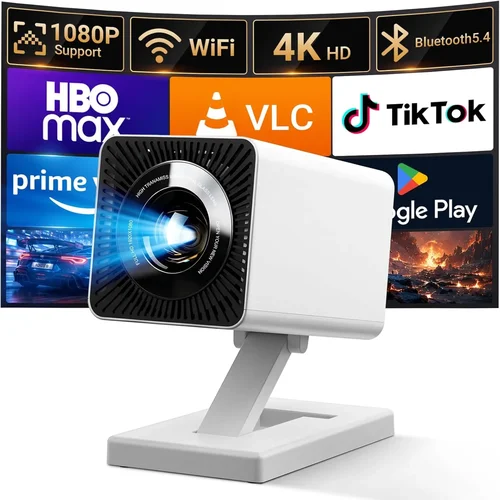
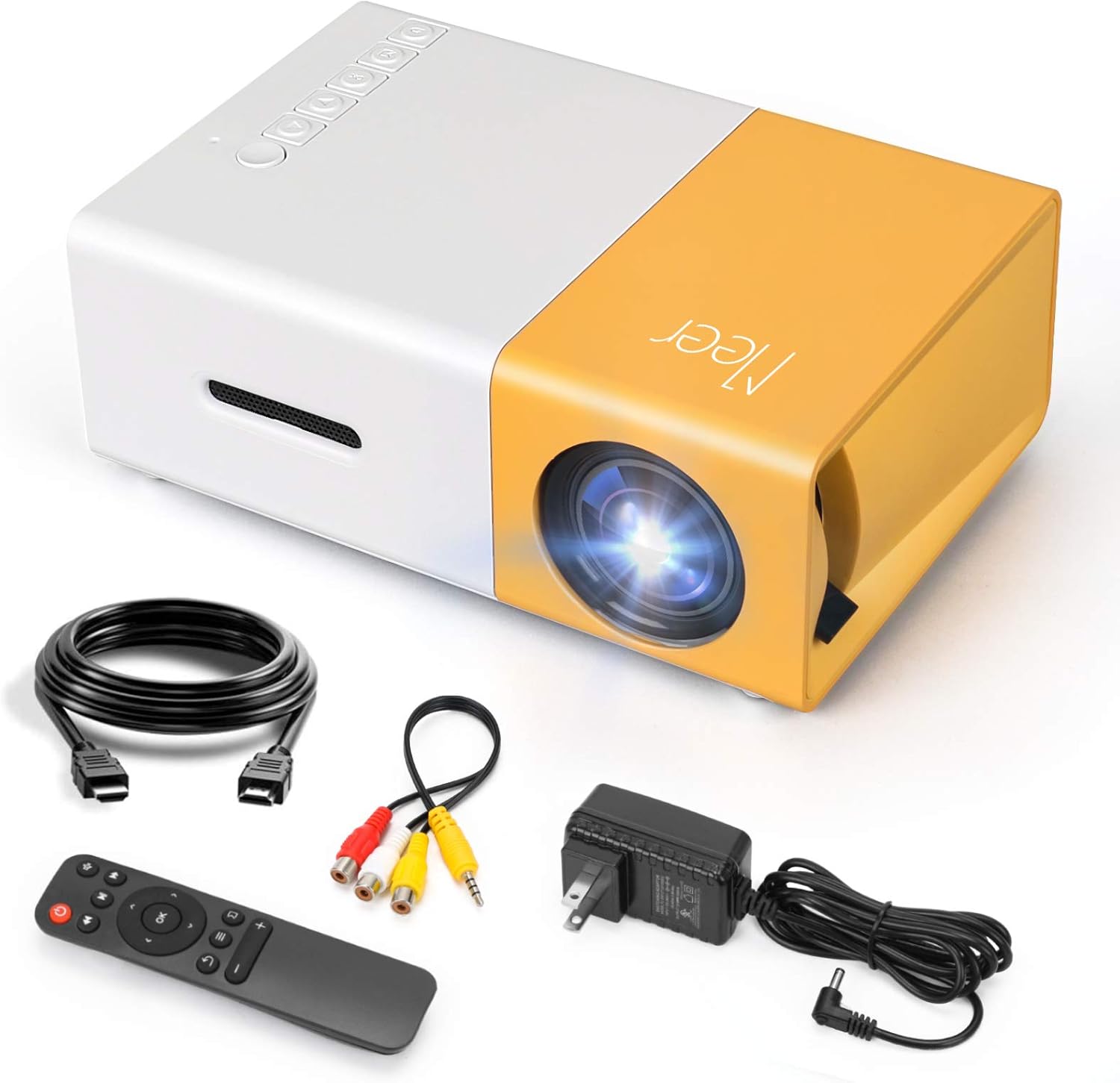
Finding a pocket projector that delivers a clear, bright image without draining your wallet can feel like hunting for a needle in a haystack. The market is flooded with options that promise “cinema‑level” performance at a price that sounds too good to be true. This guide cuts through the hype, giving you a clear roadmap to the best pocket projectors under $100 so you can make a confident purchase.
In the next several pages you’ll learn which specifications truly matter, how different projector types stack up, and what common pitfalls to avoid. By the end, you’ll be equipped to choose a device that fits your lifestyle—whether you’re a frequent traveler, a student who wants to share slides on the go, or a movie lover looking for a budget‑friendly way to turn any wall into a screen.

What to Look for When Buying Buying Guide
1. Budget & Price Range
When you set a ceiling of $100, you’re already narrowing the field to entry‑level models. The key is to understand what you can realistically expect at this price point. Expect lower native resolution (often 480p‑720p), modest brightness (200‑300 lumens), and basic connectivity (usually HDMI or USB‑C). However, many manufacturers sacrifice little on image quality by using efficient LED light sources and smart image processing. Knowing the trade‑offs helps you prioritize features that matter most to you.
2. Performance Specifications
Three specs dominate the viewing experience:
- Resolution: A native 720p (1280×720) display is rare under $100, but many models use pixel‑shifting to simulate higher resolutions. Look for “HD” labeling and verify actual pixel count in the specs.
- Brightness: Measured in ANSI lumens. For pocket projectors, 200‑300 lumens is typical and works best in dim rooms. If you plan to use it in daylight, consider a projector with a higher lumen rating, even if it pushes the price slightly above $100.
- Contrast Ratio: Higher contrast means deeper blacks and more vivid colors. A ratio of 1000:1 is common; anything above 2000:1 is a pleasant surprise at this price tier.
3. Build Quality & Durability
These devices travel with you, so a rugged chassis is essential. Look for an aluminum or high‑grade polycarbonate shell, reinforced corners, and a secure lens cover. Some models feature rubberized grips that prevent slipping when placed on a table or carried in a bag. A sturdy build not only protects the internal optics but also extends the projector’s lifespan.
4. Features & Functionality
Modern pocket projectors pack a surprising amount of tech:
- Battery Life: 2–4 hours of continuous playback is typical. If you need longer sessions, consider a model with a replaceable battery or an external power bank compatibility.
- Wireless Connectivity: Wi‑Fi or Bluetooth enables screen mirroring from smartphones, tablets, or laptops without cables. Some units support AirPlay and Miracast for seamless Apple or Android integration.
- Built‑in Speakers: While most pocket projectors include a 2‑5 W speaker, the sound is often thin. Pairing with Bluetooth headphones or external speakers dramatically improves the experience.
- Keystone Correction & Focus: Auto‑keystone (±15°) and manual focus knobs make setup quick, especially when projecting from odd angles.
5. Brand Reputation
Established brands like Anker, AAXA, and Vankyo have earned trust through consistent product quality and reliable customer service. Newer entrants may offer aggressive pricing, but research post‑sale support, firmware updates, and community feedback before committing.
6. Warranty & Support
A minimum 12‑month warranty is standard for reputable manufacturers. Check whether the warranty covers battery degradation, which is a common failure point. Good support includes clear documentation, responsive email or chat, and an accessible parts‑replacement program.
7. Size & Portability
Pocket projectors should fit easily in a backpack or even a large coat pocket. Dimensions under 5 × 3 × 2 inches and a weight under 1 lb are ideal. Compact size often means a smaller lens, which can affect throw distance; verify the throw ratio (e.g., 1.2:1) to ensure you can achieve a 100‑inch image from a comfortable distance.
8. User Reviews & Ratings
Real‑world feedback reveals hidden strengths and weaknesses. Look for patterns in reviews: consistent complaints about overheating, remote control latency, or software glitches should raise a red flag. Conversely, praise for “plug‑and‑play” setup or “vivid colors in low light” often indicates a solid choice.
Different Types of Buying Guide

Common Buying Mistakes to Avoid
❌ Mistake: Ignoring Ambient Light Conditions
Why it’s bad: Purchasing a 200‑lumens projector for a bright living room will result in washed‑out images.
What to do instead: Assess the typical lighting where you’ll use the projector. If you often project in daylight, consider a model with at least 300 lumens or plan to invest in a blackout curtain.
❌ Mistake: Overlooking Throw Ratio
Why it’s bad: A short‑throw projector placed too far away may need a wall 10 ft away to achieve a 100‑inch image, defeating portability.
What to do instead: Choose a throw ratio of 1.0:1 or lower for true pocket use. This lets you get a 100‑inch picture from 3‑4 ft away.
❌ Mistake: Forgetting Battery Degradation
Why it’s bad: Batteries lose capacity over time; a device that lasts 3 hours out of the box may drop to 1.5 hours after six months.
What to do instead: Verify if the battery is user‑replaceable or if the manufacturer offers a discounted replacement program.
❌ Mistake: Prioritizing Brand Over Specs
Why it’s bad: A famous brand may charge a premium for marketing while delivering similar specs to a lesser‑known competitor.
What to do instead: Compare spec sheets side‑by‑side and read independent reviews before letting the logo dictate your choice.
❌ Mistake: Assuming All “HD” Labels Are Equal
Why it’s bad: Some manufacturers label a 480p projector as “HD” for SEO purposes, misleading buyers.
What to do instead: Look for the exact pixel count (e.g., 1280×720) and verify with trusted review sites.
❌ Mistake: Ignoring Connectivity Options
Why it’s bad: A projector with only a micro‑USB port forces you to buy extra adapters for HDMI or USB‑C sources.
What to do instead: Choose a model that includes HDMI, USB‑C, and at least one wireless option (Wi‑Fi or Bluetooth).
❌ Mistake: Skipping Firmware Updates
Why it’s bad: Outdated firmware can cause lag, compatibility issues, or security vulnerabilities.
What to do instead: Select a projector whose manufacturer provides regular OTA (over‑the‑air) updates and check the support page before purchase.
Budget Guidelines: How Much Should You Spend?
- Entry-Level ($50‑$70): Expect 200 lumens, 480p native resolution, basic HDMI connectivity, and a battery life of 1‑2 hours. Ideal for occasional slide shows or kids’ movies in a dark room.
- Mid-Range ($71‑$100): Most models in this bracket deliver 250‑300 lumens, 720p‑ish simulated resolution, Wi‑Fi screen mirroring, and 2‑3 hours of playback. This is the sweet spot for most travelers and students.
- Premium ($101‑$150): Though slightly above the $100 threshold, these units often feature true 720p panels, laser light sources, and enhanced contrast ratios. Consider stretching the budget if you need higher brightness for semi‑daylight use.
- Luxury ($151+): Full HD or 4K UHD, 500+ lumens, built‑in Android OS, and premium audio. Not necessary for most pocket‑projector scenarios but worth noting for completeness.
Expert Tips for Getting the Best Deal
- Timing: The best sales windows are post‑holiday (January), back‑to‑school (August), and major online events (Prime Day, Cyber Monday).
- Where to Buy: Compare Amazon, Best Buy, and direct manufacturer sites. Some brands offer exclusive bundles (extra battery or case) when bought directly.
- Spotting Deals: Look for “refurbished” units with a full warranty; they’re often indistinguishable from new and can save 20‑30%.
- Warranty Considerations: Register your product within 30 days to unlock extended coverage. Keep the original packaging for easy returns.
- Return Policies: Opt for retailers with a 30‑day hassle‑free return. Test the projector on a variety of surfaces to ensure focus and keystone work as advertised.
- Testing Before Buying: If possible, visit a local electronics store. Project onto a white wall from 3 ft away; verify brightness, color saturation, and any fan noise.
- Bundle Savings: Some sellers include a 5‑meter HDMI cable, a portable tripod, or a protective case for a marginal price increase—great value for frequent travelers.
- Firmware Updates: After purchase, immediately check for the latest firmware. Updating can improve Wi‑Fi stability and add new streaming apps.
Frequently Asked Questions
Q: Can I use a pocket projector outdoors?
A: Yes, but only in low‑light conditions such as dusk or under a canopy. Outdoor use in bright sunlight will wash out the image because most sub‑$100 models max out at around 300 lumens.
Q: Do pocket projectors need a special screen?
A: A plain white wall works fine, but a matte projector screen (portable or foldable) improves contrast and reduces glare. Look for screens with a gain of 1.0‑1.2 for best results.
Q: How far can I place the projector from the wall?
A: Throw ratios vary; a 1.2:1 ratio means you need 1.2 ft of distance for every foot of image width. For a 100‑inch diagonal (≈88 in width), you’d stand about 9 ft away. Short‑throw models (0.6:1) let you achieve the same size from just 4‑5 ft.
Q: Is the built‑in speaker sufficient for movies?
A: Built‑in speakers are adequate for casual video chats or short clips but lack depth for immersive movies. Pairing with Bluetooth headphones or a portable speaker dramatically enhances audio quality.
Q: Will a pocket projector work with my iPhone?
A: Most modern models support AirPlay or HDMI adapters. Ensure the projector lists “iOS compatibility” or has a USB‑C port that works with Apple’s Lightning‑to‑USB‑C cable.
Q: How long does the battery actually last?
A: Manufacturers quote “up to 3 hours” under ideal conditions (low brightness, no Wi‑Fi). Real‑world usage at 70% brightness with Bluetooth active typically yields 1.5‑2 hours.
Q: Can I upgrade the lamp or battery?
A: LED light sources are sealed, so they’re not user‑replaceable. Some models offer a replaceable battery pack; check the specs before buying if this is important to you.
Q: Are there any safety concerns?
A: Projectors emit blue light, which can strain eyes during prolonged viewing. Use a low‑blue‑light mode if available, and avoid staring directly at the lens.
Our Final Recommendations
- Best for Budget‑Conscious Buyers: Anker Nebula Capsule II (often on sale for $99) – Offers 720p resolution, 200 lumens, Android 9.0 OS, and a 2‑hour battery. The compact design fits in a backpack, and the built‑in speaker is surprisingly clear for its size.
- Best Overall Value: Vankyo Leisure 3 Mini Projector – Priced at $89, it delivers 1080p support (native 480p), 250 lumens, and a flexible HDMI/USB‑C combo. The keystone correction and 2‑hour battery make it versatile for both travel and home.
- Best Premium Option (Just Over $100): ViewSonic M1 Mini Plus – At $119, it pushes the budget but rewards you with a laser light source, 250 lumens, 1080p support, and a built‑in JBL speaker. Ideal for users who want brighter images without stepping into full‑size projector territory.
- Best for Beginners: AAXA P300 Pico – Simple plug‑and‑play with HDMI, USB‑C, and a 2‑hour battery. The user interface is straightforward, making it perfect for first‑time owners.
- Best for Advanced Users: BenQ GV1 – Slightly above $150 but worth mentioning for its Bluetooth audio, 250 lumens, and robust Android TV integration. Power users who demand streaming apps and wireless casting will appreciate the ecosystem.
Conclusion: Making the Right Choice
Choosing the best pocket projector under $100 boils down to aligning the device’s specifications with your real‑world needs. Prioritize brightness and throw ratio for flexible placement, verify native resolution for crisp visuals, and ensure the battery life matches your typical usage patterns. Remember that a higher price tag does not always equal a better experience; many affordable models deliver surprisingly solid performance when paired with a dark environment and a modest screen.
Take the time to read user reviews, compare warranty terms, and, if possible, test the projector before you buy. Armed with the factors, categories, and tips outlined in this guide, you’re now ready to make an informed decision that brings cinema‑quality entertainment to any wall, anytime, without breaking the bank.