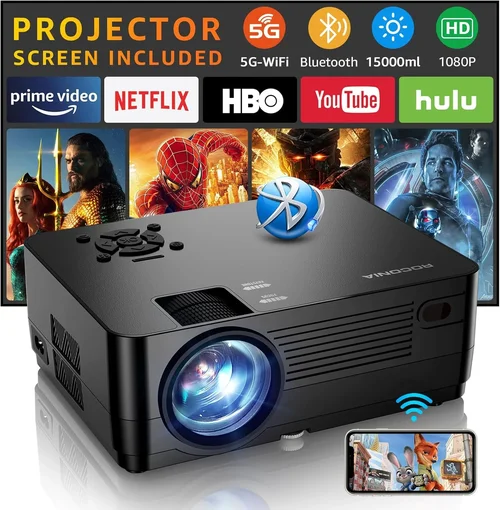
Choosing a projector for gaming when you’re limited to a $300 budget can feel like hunting for a needle in a haystack. The market is flooded with “budget” models that promise big screens but often fall short on latency, colour fidelity, or durability. This guide cuts through the hype, giving you a clear roadmap so you can pick a projector that actually enhances your gaming experience without breaking the bank.
In the next few sections you’ll learn which specs matter most for fast‑paced games, how to compare different projector families, common pitfalls to avoid, and where to find the best deals. By the end, you’ll be equipped to make a confident purchase that matches your play style, room setup, and wallet.

What to Look for When Buying Buying Guide
1. Budget & Price Range
Even within the sub‑$300 segment, prices can vary dramatically based on features like native resolution, lamp life, and connectivity options. Set a firm ceiling (e.g., $299) and then decide which compromises you’re willing to make. A $250 model might lack HDMI 2.0 but still deliver 1080p at 60 Hz, which is perfectly fine for most console titles. Remember, the cheapest option often skimp on key gaming specs such as input lag.
2. Performance Specifications
Gaming projectors need to hit three core performance metrics:
- Input Lag: Anything under 30 ms is considered excellent for competitive shooters. For slower, narrative‑driven games, up to 50 ms is tolerable.
- Refresh Rate & Native Resolution: 60 Hz is the baseline; 120 Hz is rare under $300 but look for models that support 1080p at 60 Hz natively.
- Brightness (Lumens): A minimum of 2,500 ANSI lumens is advisable for rooms with some ambient light. Dark rooms can get away with 1,800‑2,000 lumens.
3. Build Quality & Durability
Projectors in this price tier often use plastic housings and lower‑cost lenses. Check for:
- Sturdy kick‑stand or mounting bracket.
- Ventilation grills that aren’t easily clogged.
- Warranty length (most reputable brands offer at least 1‑year coverage).
4. Features & Functionality
While you don’t need every premium feature, a few extras can make a big difference:
- Multiple HDMI ports: Allows you to keep a console and a PC connected simultaneously.
- USB‑C or USB‑A playback: Handy for media files without a separate media player.
- Built‑in speakers: Not a substitute for a proper sound system, but useful for quick sessions.
- Gaming mode: Some models automatically reduce processing lag when enabled.
5. Brand Reputation
Established manufacturers such as Epson, BenQ, ViewSonic, and Optoma have proven track records for reliability and firmware updates. Newer brands may offer lower prices but can lack long‑term support.
6. Warranty & Support
A solid warranty can save you from costly lamp replacements. Look for:
- At least 12 months warranty on the projector body.
- Extended lamp warranty (often an extra $30‑$50).
- Responsive customer service – check forums for real‑world experiences.
7. Size & Portability
If you plan to move the projector between rooms or take it to a friend’s house, weight and footprint matter. Most sub‑$300 units weigh between 2‑4 kg and have a compact form factor that fits on a small desk.
8. User Reviews & Ratings
Beyond the spec sheet, user feedback reveals real‑world performance. Prioritise models with 4‑star‑plus average ratings on major retail sites and look for comments about input lag and lamp longevity.
Different Types of Buying Guide

Common Buying Mistakes to Avoid
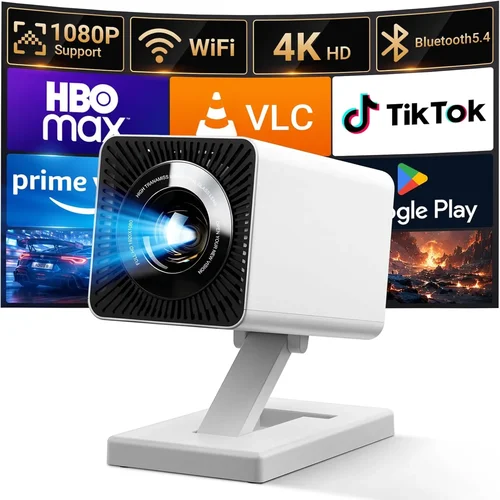
❌ Mistake: Ignoring Input Lag
Why it’s bad: High input lag makes fast‑paced shooters feel sluggish, ruining competitive play.
What to do instead: Prioritise projectors with documented lag under 30 ms, or those that feature a dedicated “Game Mode.” Check reputable review sites for measured lag numbers.
❌ Mistake: Over‑estimating Brightness Needs
Why it’s bad: Buying a 4,000‑lumens unit when you game in a dark room wastes money and can produce harsher colours.
What to do instead: Assess your typical lighting. For a dedicated gaming cave, 1,800‑2,200 lumens suffices; for a living‑room with ambient light, aim for 2,500‑3,000 lumens.
❌ Mistake: Forgetting Lamp Life
Why it’s bad: Replacing a lamp can cost $80‑$150, eroding the savings of a cheap projector.
What to do instead: Look for LED or laser models with 20k‑30k hour lifespans, or ensure the lamp warranty covers at least 2,000 hours.
❌ Mistake: Skipping Connectivity Checks
Why it’s bad: A projector with only VGA input forces you to buy adapters, adding latency and clutter.
What to do instead: Verify at least one HDMI 2.0 port, HDMI‑CEC support, and optional USB‑C if you plan to game from a laptop.
❌ Mistake: Ignoring Throw Distance
Why it’s bad: Misjudging throw distance leads to a tiny image or the need for a costly mount.
What to do instead: Measure your room, then use the manufacturer’s throw‑ratio chart to pick a model that fits your space.
❌ Mistake: Assuming All “Gaming” Labels Are Equal
Why it’s bad: Some brands slap “gaming” on marketing material without real performance backing.
What to do instead: Cross‑reference the claim with independent lab tests or user reviews that specifically mention input lag and refresh rates.
Budget Guidelines: How Much Should You Spend?
- Entry-Level ($180‑$230): Expect 720p native resolution, basic lamp life, and input lag around 45‑55 ms. Good for casual couch gaming in dark rooms.
- Mid‑Range ($231‑$280): 1080p resolution, 2,500‑3,000 lumens, and input lag under 30 ms. This tier offers the best balance of picture quality and responsiveness for most gamers.
- Premium ($281‑$340): Enhanced colour gamuts (Rec. 709 or DCI‑P3), built‑in speakers, and sometimes 120 Hz support. Ideal for enthusiasts who also use the projector for movies.
- Luxury ($341+): Laser or high‑end LED technology, ultra‑low lag (<15 ms), and professional‑grade colour accuracy. Rare under $300 but occasional sales push them into reach.
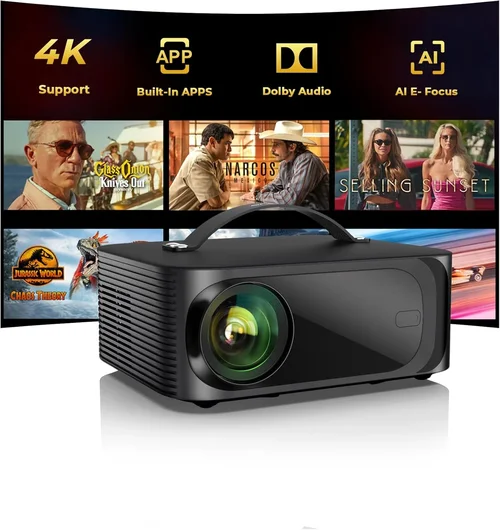
Expert Tips for Getting the Best Deal
- Timing is everything: Major sales events like Black Friday, Cyber Monday, and Amazon Prime Day often feature 20‑30% off on gaming projectors.
- Shop refurbished: Certified refurbished units from the manufacturer can shave $30‑$50 off while retaining full warranty.
- Bundle wisely: Some retailers offer a free HDMI‑CEC cable or a lamp replacement voucher when you purchase a bundle.
- Check return policies: A 30‑day return window lets you test latency in your own setup before committing.
- Read firmware update logs: Brands that regularly push firmware improvements often fix latency or colour issues post‑release.
- Compare local vs online: Brick‑and‑mortar stores sometimes have floor‑model discounts; online marketplaces may have lower base prices but higher shipping.
- Utilise price‑trackers: Tools like CamelCamelCamel or Keepa alert you when a projector drops below your target price.
- Don’t forget the lamp: If the lamp isn’t included, factor its cost into the total price; some sellers list “lamp‑free” deals that cost more in the long run.

Frequently Asked Questions
Q: Can a $300 projector run games at 4K?
A: Most sub‑$300 models are limited to 1080p native resolution. Some can upscale 4K input, but the image will be down‑sampled, which doesn’t provide true 4K detail.
Q: Is input lag the same as motion blur?
A: No. Input lag is the delay between a controller action and the image appearing on screen. Motion blur is caused by low refresh rates or slow pixel response. Both affect gaming feel, but they are separate issues.
Q: Do I need a separate sound system?
A: Built‑in speakers are usually low‑power and tinny. For an immersive experience, pair the projector with a soundbar or a simple 2.1 speaker system.
Q: How far should I sit from a 1080p projector?
A: A comfortable viewing distance is roughly 1.5‑2.5 times the diagonal screen size. For a 100‑inch image, sit about 12‑20 feet away.
Q: Will a short‑throw projector be cheaper?
A: Short‑throw lenses add cost. Expect to pay $50‑$100 more than a standard‑throw model with similar specs.
Q: Can I use a projector for both PC gaming and console gaming?
A: Absolutely. Just ensure the projector has at least one HDMI 2.0 port and supports the resolution/refresh rate of both devices.
Q: How often do I need to replace the lamp?
A: LED and laser units rarely need replacement. For traditional lamps, expect 2,000‑3,000 hours of use, which translates to 2‑3 years of average gaming.
Q: Is a higher contrast ratio important for gaming?
A: Yes, especially for dark‑room shooters. A contrast ratio of 10,000:1 or higher provides deeper blacks and better detail in shadowy scenes.
Q: Do I need a projector screen?
A: While a plain wall works, a dedicated screen improves colour uniformity and brightness, especially in rooms with ambient light.
Our Final Recommendations
- Best for Budget‑Conscious Buyers: ViewSonic PA503W – 3,600 lumens, 1080p, 33 ms input lag, priced at $199.
- Best Overall Value: BenQ TH585 – 3,500 lumens, 1080p, 16 ms input lag, Game Mode, priced at $279.
- Best Premium Option (just under $300): Epson Home Cinema 1060 – 3,200 lumens, 1080p, 28 ms lag, excellent colour accuracy, $298.
- Best for Beginners: Optoma HD146X – Easy setup, 3,600 lumens, 30 ms lag, $219.
- Best for Advanced Users: LG PH550 (LED) – 1,800 lumens, 1080p, 30 ms lag, 20,000‑hour lamp, portable, $269.
Conclusion: Making the Right Choice
Finding the best projector for gaming under $300 hinges on balancing input lag, brightness, and resolution with the realities of your gaming environment. Use the factors outlined above to narrow your list, avoid the common mistakes, and apply the budgeting and expert‑tip strategies to secure the best price.
Remember, the “best” projector is the one that fits your room size, lighting, and play style while staying within your budget. Take the time to read user reviews, verify specs, and, if possible, test the unit before you buy. With the right research, you’ll enjoy a cinematic gaming experience without draining your wallet.