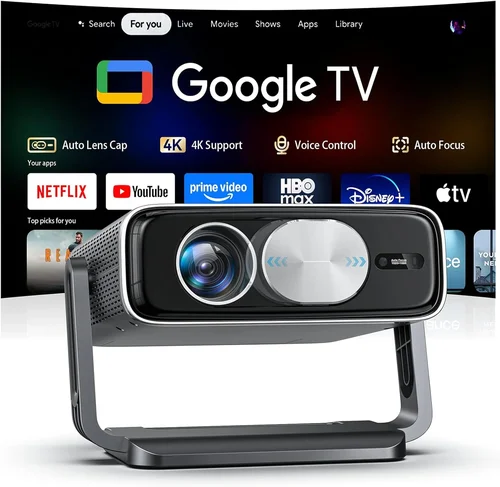
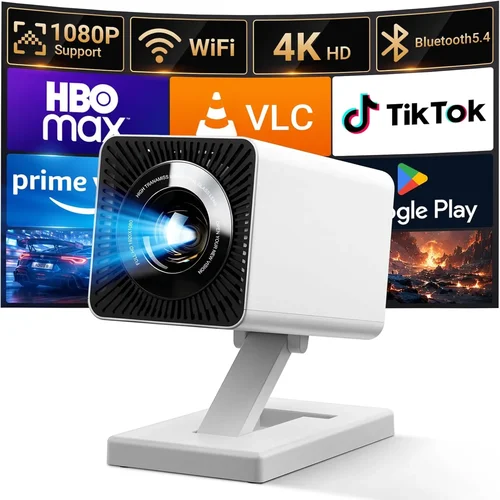
Welcome to the definitive guide for anyone looking to bring the cinematic experience home without breaking the bank. If you’ve ever wondered why some movies feel larger‑than‑life while others look washed out on a cheap screen, the answer often lies in the projector you choose. In 2026 the market is flooded with options that promise 4K, HDR, and “home‑theater quality,” yet many of these devices sit well above the $5,000 mark. This guide narrows the field to the best projector for home under $5,000, helping you cut through the hype and focus on what truly matters.
What you’ll learn:
- The critical specifications that separate a decent home‑projector from a great one.
- Real‑world budgeting tips so you can allocate funds for screen, sound, and accessories.
- Common pitfalls that cause buyers to regret their purchase, and how to avoid them.
- Expert‑level recommendations for a range of use‑cases—from casual movie nights to serious gaming.
In the past year, demand for mid‑range home projectors has surged as streaming services release more 4K content and gamers seek larger displays for immersive play. Manufacturers have responded with a wave of models that pack impressive specs into a sub‑$5,000 price tag. This guide distills those developments into actionable advice, ensuring you get the most value for every dollar spent.

What to Look for When Buying Buying Guide
1. Budget & Price Range
Even within the “under $5,000” bracket, there’s a wide spread of pricing. Entry‑level models may hover around $1,200, while premium units approach the $4,800 ceiling. Your budget determines which features are realistic—higher brightness, true 4K resolution, and advanced lens shift often come at a premium. Set a firm ceiling, then allocate percentages to core categories: projector (≈70%), screen (≈20%), and accessories (≈10%). This ensures you don’t overspend on a projector only to skimp on a proper screen, which can negate the visual gains.
2. Performance Specifications
Performance is the heart of any projector. Focus on these key specs:
- Resolution: Native 4K (3840×2160) delivers true detail, while 1080p with upscaling can be acceptable for casual viewers.
- Brightness (lumens): For a dark home theater, 1,500–2,500 ANSI lumens is sufficient. If you plan to watch in a lit living room, aim for 2,500–3,500 lumens.
- Contrast Ratio: Higher contrast (e.g., 30,000:1) yields deeper blacks, essential for HDR content.
- Color Gamut: Look for DCI‑P3 coverage of 90%+ for accurate, vibrant colors.
- Throw Ratio: Determines how far the projector must be from the screen. Short‑throw (≤0.5) is ideal for small rooms.
3. Build Quality & Durability
A projector is a long‑term investment. Metal chassis, sealed optics, and robust cooling systems extend lifespan. Check user reviews for reports of overheating or fan noise. Models with sealed laser light sources typically last 20,000–30,000 hours, far outpacing traditional lamps that need replacement every 2,000–3,000 hours.
4. Features & Functionality
Modern projectors pack a suite of features that can simplify setup and improve usability:
- Lens Shift: Vertical and horizontal shift let you fine‑tune image placement without keystone correction.
- Keystone Correction: Useful but can degrade image quality; rely on lens shift first.
- Built‑in Speakers: Most sub‑$5,000 units have modest 10‑20 W speakers—adequate for background audio but not for true home‑theater sound.
- Smart OS: Android TV, Roku, or proprietary platforms enable streaming without external boxes.
- Gaming Modes: Low input lag (≤16 ms) and high refresh rates (120 Hz) are essential for competitive gaming.
5. Brand Reputation
Brands like Epson, BenQ, Optoma, and ViewSonic have established track records for reliability and service. Newer entrants (e.g., Hisense, Xiaomi) can offer attractive pricing but may lack extensive warranty networks. Research the brand’s history, firmware update frequency, and community support forums.
6. Warranty & Support
Look for at least a 2‑year limited warranty covering the projector body and light source. Some manufacturers extend laser‑light warranties to 3–5 years. Verify the availability of local service centers and the ease of obtaining replacement parts.
7. Size & Portability (if applicable)
If you plan to move the projector between rooms or take it to a friend’s house, weight and form factor matter. Portable laser models often weigh under 5 lb and include quick‑connect HDMI ports. However, ultra‑compact units may sacrifice brightness and lens shift.
8. User Reviews & Ratings
Aggregated scores on retailer sites give a quick health check, but dive into the comments. Look for recurring themes: “fan gets loud after 2 hours,” “rainbow effect on dark scenes,” or “excellent HDR performance.” Real‑world feedback often reveals issues that spec sheets hide.
Different Types of Buying Guide

Common Buying Mistakes to Avoid
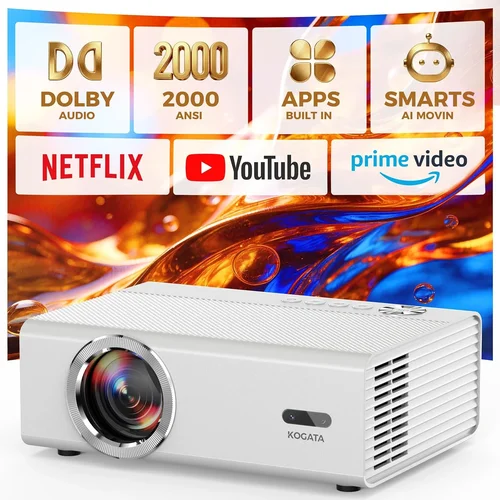
❌ Mistake: Ignoring Room Lighting
Why it’s bad: Buying a 1,500‑lumens projector for a bright living room will result in a washed‑out picture.
What to do instead: Measure ambient light levels and choose a brightness rating that exceeds them by at least 30%.
❌ Mistake: Over‑Focusing on Megapixels
Why it’s bad: Megapixel counts are marketing jargon for projectors; what matters is native resolution and pixel density on the screen.
What to do instead: Prioritize native 4K or at‑least 1080p with genuine upscaling algorithms.
❌ Mistake: Forgetting Lens Shift
Why it’s bad: Relying solely on keystone correction can soften edges and reduce contrast.
What to do instead: Choose a model with at least ±10% vertical lens shift for flexible placement.
❌ Mistake: Skipping the Screen
Why it’s bad: Projecting onto a plain wall introduces color bleed and reduced contrast.
What to do instead: Invest in a matte white or high‑gain screen that matches your projector’s throw distance.
❌ Mistake: Buying the Cheapest Lamp
Why it’s bad: Low‑cost lamps may have shorter lifespans, leading to frequent replacements and higher total cost of ownership.
What to do instead: Opt for laser light sources or reputable lamp brands with a solid warranty.
❌ Mistake: Neglecting Audio Needs
Why it’s bad: Built‑in speakers often lack the power and clarity for a true home‑theater experience.
What to do instead: Pair your projector with a soundbar or a modest AV receiver and bookshelf speakers.
❌ Mistake: Not Checking Input Lag for Gaming
Why it’s bad: High input lag can make fast‑paced games feel unresponsive.
What to do instead: Look for a gaming mode or input lag ≤16 ms at 1080p/120 Hz.
Budget Guidelines: How Much Should You Spend?
- Entry‑Level ($1,200‑$1,900): Expect 1080p resolution, 2,000 ANSI lumens, basic HDR, and limited lens shift. Ideal for casual movie nights in dark rooms.
- Mid‑Range ($2,000‑$3,400): Native 4K or high‑quality 4K‑enhanced panels, 2,500‑3,000 lumens, laser light source, and robust connectivity (HDMI 2.1, USB‑C).
- Premium ($3,500‑$4,800): True 4K laser projectors with 30,000:1 contrast, 4,000+ lumens, full‑array lens shift, and integrated smart OS.
- Luxury ($5,000+): While outside the scope of this guide, these units offer 8K resolution, ultra‑short‑throw designs, and cinema‑grade color grading.
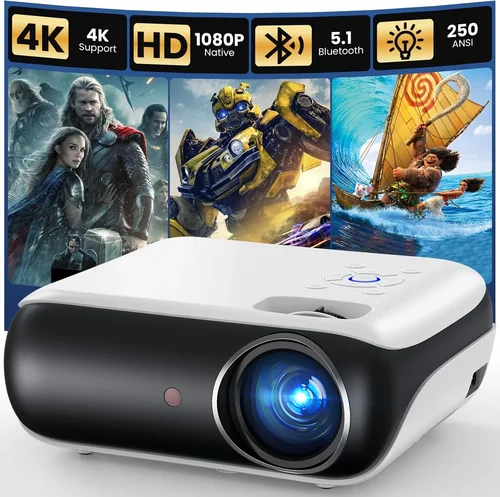
Expert Tips for Getting the Best Deal
- Timing: The best months are November (Black Friday), December (Cyber Monday), and early spring when new models arrive.
- Retailers: Compare Amazon, Best Buy, and B&H. B&H often includes a free calibration kit with higher‑end models.
- Bundle Savings: Look for bundles that include a screen, HDMI‑2.1 cable, and a wall‑mount; the combined price is usually lower than buying separately.
- Warranty Extensions: If you plan heavy usage (e.g., daily gaming), consider a third‑party extended warranty that covers the laser light source.
- Return Policies: Choose sellers with at least a 30‑day return window and free return shipping.
- Testing: If possible, view a demo in a showroom. Bring a 4K HDR source (like a Nintendo Switch OLED) to evaluate color and lag.
- Firmware Updates: Check that the manufacturer releases regular firmware patches; this can improve performance and fix bugs.
- Future‑Proofing: Ensure the projector supports HDMI 2.1, HDR10+, and Dolby Vision to stay compatible with upcoming content.

Frequently Asked Questions
Q: Do I need a 4K projector for streaming services?
A: Most major streaming platforms (Netflix, Disney+, Amazon Prime) now offer 4K HDR content. To fully appreciate the detail and color depth, a native 4K projector is ideal, but a high‑quality 1080p model with good upscaling can still deliver an enjoyable experience if your budget is tight.
Q: How far should the projector be from the screen?
A: The required distance depends on the throw ratio. For a 2.0 throw ratio and a 100‑inch diagonal screen, you’ll need roughly 8‑9 ft of throw distance. Short‑throw models (≤0.5) can sit just a few inches from the wall.
Q: Will a projector work with a ceiling‑mounted screen?
A: Absolutely. Ensure the projector’s lens shift can accommodate the vertical offset caused by ceiling mounting. Otherwise, you may need a keystone correction, which can slightly degrade image quality.
Q: What is “rainbow effect” and should I worry?
A: The rainbow effect is a visual artifact seen in some single‑chip DLP projectors, where bright moving objects display brief spectral colors. It’s more noticeable in dark rooms. If you’re sensitive to this, consider an LCD or laser‑phosphor DLP model, which largely eliminates the issue.
Q: Is a laser light source really worth the extra cost?
A: Laser light sources provide longer lifespan (20,000‑30,000 hrs) and stable brightness over time. While they add $500‑$800 to the price, the total cost of ownership is lower because you never replace a lamp.
Q: Can I use a projector for gaming at 120 Hz?
A: Yes, but only if the projector supports HDMI 2.1 and advertises a 120 Hz mode. Look for “Gaming Mode” with low input lag (≤16 ms). Some mid‑range models cap at 60 Hz, which is fine for most console games but not competitive PC titles.
Q: Do I need a special screen for HDR?
A: A high‑gain, gray‑oriented screen can help preserve HDR contrast in brighter rooms. For dark rooms, a matte white screen with a gain of 1.0‑1.2 works well and maintains color accuracy.
Q: How loud are projectors?
A: Fan noise varies. Laser models tend to be quieter (≤28 dB) because they generate less heat. DLP units often sit around 30‑35 dB. If you’re sensitive to background noise, check decibel ratings in reviews.
Q: Is mounting the projector on the ceiling necessary?
A: Ceiling mounting provides a clean look and optimal viewing angle, especially for short‑throw units. However, a sturdy shelf with proper ventilation can work if ceiling mounting isn’t feasible.
Our Final Recommendations
- Best for Budget‑Conscious Buyers: BenQ TH585 – 1080p, 3,500 lumens, low input lag, under $1,300. Great for gamers on a budget.
- Best Overall Value: Epson Home Cinema 5050UB – True 4K, 2,600 lumens, 2,500:1 contrast, excellent color accuracy, priced around $2,900.
- Best Premium Option: Optoma CinemaX P2 – 4K laser, 3,000 lumens, 2,500:1 contrast, built‑in 2.1 sound, short‑throw design, $4,500.
- Best for Beginners: ViewSonic PX706HD – 1080p, 3,000 lumens, short‑throw, easy setup, $1,200.
- Best for Advanced Users: LG CineBeam HU85LA – Ultra‑short‑throw 4K laser, 2,700 lumens, HDR10, Wi‑Fi streaming, $4,800.
Conclusion: Making the Right Choice
Choosing the best projector for home under $5,000 boils down to matching your viewing environment, content preferences, and budget. Prioritize brightness and contrast for bright rooms, native 4K and color gamut for movie enthusiasts, and low input lag for gamers. Remember that a projector is only one piece of the puzzle; a quality screen and sound system will amplify the experience.
Take the time to assess your space, read user reviews, and compare specifications side‑by‑side. With the insights from this guide, you’re equipped to make an informed decision that will deliver cinematic joy for years to come.
Ready to start shopping? Use the recommendations above as a checklist, and don’t forget to apply seasonal discounts for the best possible price.