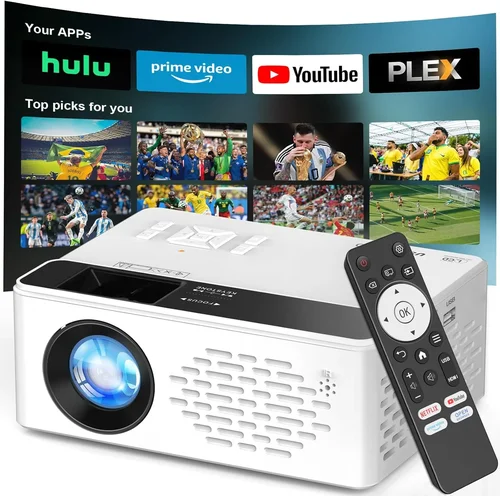
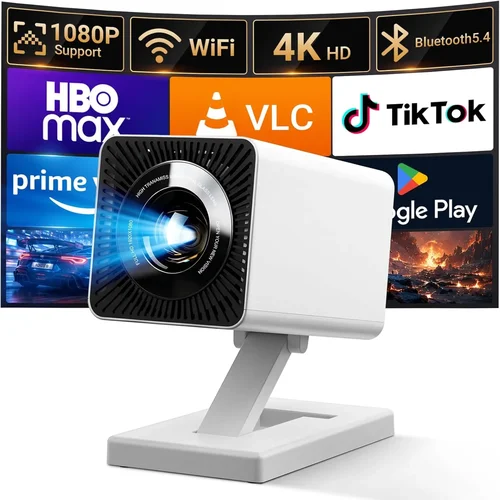
Finding a projector that can deliver crisp, vibrant HD movies without breaking the bank is a challenge many movie‑night enthusiasts face. In 2026 the market is flooded with options that promise cinema‑like experiences, yet most of them sit well above the $200 mark. This guide narrows the field, explaining exactly what to look for so you can enjoy blockbuster‑quality picture on a budget.
By the end of this article you will know which specifications truly matter, which projector types fit different living spaces, and how to avoid the common pitfalls that turn a promising purchase into a disappointment. Whether you’re setting up a bedroom theater, a backyard screen, or a portable travel companion, the principles below will help you make a confident, informed decision.

What to Look for When Buying Buying Guide
1. Budget & Price Range
When you set a ceiling of $200, every dollar counts. The first step is to understand how manufacturers allocate that budget. Typically, lower‑priced projectors sacrifice either brightness (lumens) or contrast ratio to keep costs down. Decide which compromise you can tolerate. If your viewing room can be darkened completely, a projector with 1,500 lumens may be sufficient. If you need some ambient light tolerance, you may need to stretch a little beyond $200 or accept a slightly lower resolution.
2. Resolution & Image Detail
HD (1920×1080) is the baseline for a satisfying movie experience. Some $200 models only offer 720p (1280×720) or even native 480p with upscaling. While upscaling can improve the look of low‑resolution content, it cannot recreate true detail. Prioritize a projector that lists “Full HD” or “1080p native.” If you find a 1080p model at $199, verify through user reviews that the panel truly supports that resolution and isn’t merely a marketing claim.
3. Brightness (Lumens)
Lumens measure how much light the projector emits. For a dark bedroom, 1,200–1,500 lumens is usually enough. If you plan to watch in a living room with some ambient light, aim for 2,000 lumens or more. Keep in mind that LED‑based projectors often list “ANSI lumens” differently from lamp‑based units; LED units may appear dimmer despite a high number on the spec sheet.
4. Contrast Ratio
Contrast ratio determines how deep the blacks appear. A high contrast (e.g., 10,000:1) gives you richer colors and more detail in dark scenes—crucial for movies with dramatic lighting. Budget projectors often quote inflated ratios, so cross‑check with independent reviews. Real‑world contrast is better judged by user‑submitted images and video samples.
5. Light Source Technology
There are three main light sources in the sub‑$200 segment:
- LED: Long lifespan (20,000+ hours), low heat, but sometimes lower brightness.
- LCoS (Laser‑phosphor): Emerging in budget models, offers good color accuracy and stable brightness.
- Traditional Lamp: Brighter for the price, but the lamp will need replacement after 2,000–3,000 hours, adding to long‑term cost.
Select based on how often you’ll use the projector and whether you mind occasional lamp swaps.
6. Throw Distance & Screen Size
Throw distance is the gap between projector lens and screen. Short‑throw models can fill a 100‑inch screen from just a foot away, ideal for small rooms. Most $200 projectors are standard‑throw, requiring 6–10 feet for a 100‑inch image. Measure your space first, then verify the projector’s “throw ratio” (e.g., 1.2:1) to ensure you can achieve the desired screen size.
7. Connectivity Options
Modern streaming demands versatile inputs. Look for at least one HDMI 2.0 port (supports 4K@60Hz, though your projector may only output 1080p). USB‑C, USB‑A, and micro‑SD slots are bonuses for playing media directly. Wireless options such as Wi‑Fi or Bluetooth are rare under $200, but some models offer Miracast or AirPlay via a companion app.
8. Build Quality & Portability
Budget units can feel plasticky, but robust hinges, rubberized feet, and a solid chassis prolong life. If you plan to move the projector between rooms or take it on trips, weight under 3 kg and a compact form factor are important. Some manufacturers include a carry case—always a plus.
Different Types of Buying Guide

Common Buying Mistakes to Avoid
❌ Mistake: Buying the Highest Lumens Without Checking Contrast
Why it’s bad: A bright image can look washed out if the contrast ratio is low, turning cinematic blacks into gray.
What to do instead: Balance lumens with a contrast ratio of at least 5,000:1 for true movie depth.
❌ Mistake: Ignoring Native Resolution
Why it’s bad: Upscaling tricks can’t create detail that isn’t there; you’ll notice pixelation on HD content.
What to do instead: Verify “native 1080p” in the spec sheet and confirm through third‑party reviews.
❌ Mistake: Overlooking Throw Distance
Why it’s bad: A projector that needs 10 ft of space will be useless in a 6‑ft living room.
What to do instead: Measure your room, calculate required throw ratio, and pick a model that fits.
❌ Mistake: Forgetting About Lamp Life
Why it’s bad: Replacing a lamp can cost $30‑$50, adding hidden expense.
What to do instead: Choose LED or laser‑phosphor units for near‑infinite lamp life, or budget lamp replacements into your total cost.
❌ Mistake: Assuming All HDMI Ports Are Equal
Why it’s bad: Some cheap projectors only have HDMI 1.3, limiting HDR and 4K passthrough.
What to do instead: Look for HDMI 2.0 or higher; even if you only use 1080p now, future‑proofing helps.
❌ Mistake: Skipping User Reviews
Why it’s bad: Manufacturer specs can be optimistic; real‑world usage reveals noise, fan heat, and firmware bugs.
What to do instead: Read at least 10‑15 verified buyer reviews on multiple platforms before finalizing.
Budget Guidelines: How Much Should You Spend?
- Entry‑Level ($130‑$150): Expect 720p or low‑brightness 1080p. Good for occasional movie nights in a dark room.
- Mid‑Range ($151‑$180): True 1080p, 1,500‑2,000 lumens, decent contrast. Ideal for most bedrooms and small living rooms.
- Premium ($181‑$200): 1080p with higher brightness, short‑throw options, and built‑in Android TV. Best for versatile use.
- Luxury ($200+): Rare under $200, but some sales push high‑end mini‑projectors into this bracket, offering 4K upscaling and HDR.
Expert Tips for Getting the Best Deal
- Buy during major sales events (Amazon Prime Day, Cyber Monday) when stock clears.
- Check refurbished or open‑box listings from reputable sellers; they usually carry a limited warranty.
- Compare prices across Amazon, Best Buy, Walmart, and direct manufacturer sites; some offer exclusive bundles.
- Read the fine print on return policies—90‑day returns give you room to test the projector at home.
- When possible, test the unit in a store; bring a laptop with HDMI to see actual brightness and color.
- Consider a separate speaker system; most budget projectors have weak built‑in audio.
- Register your product for extended warranty if the manufacturer offers free upgrades.
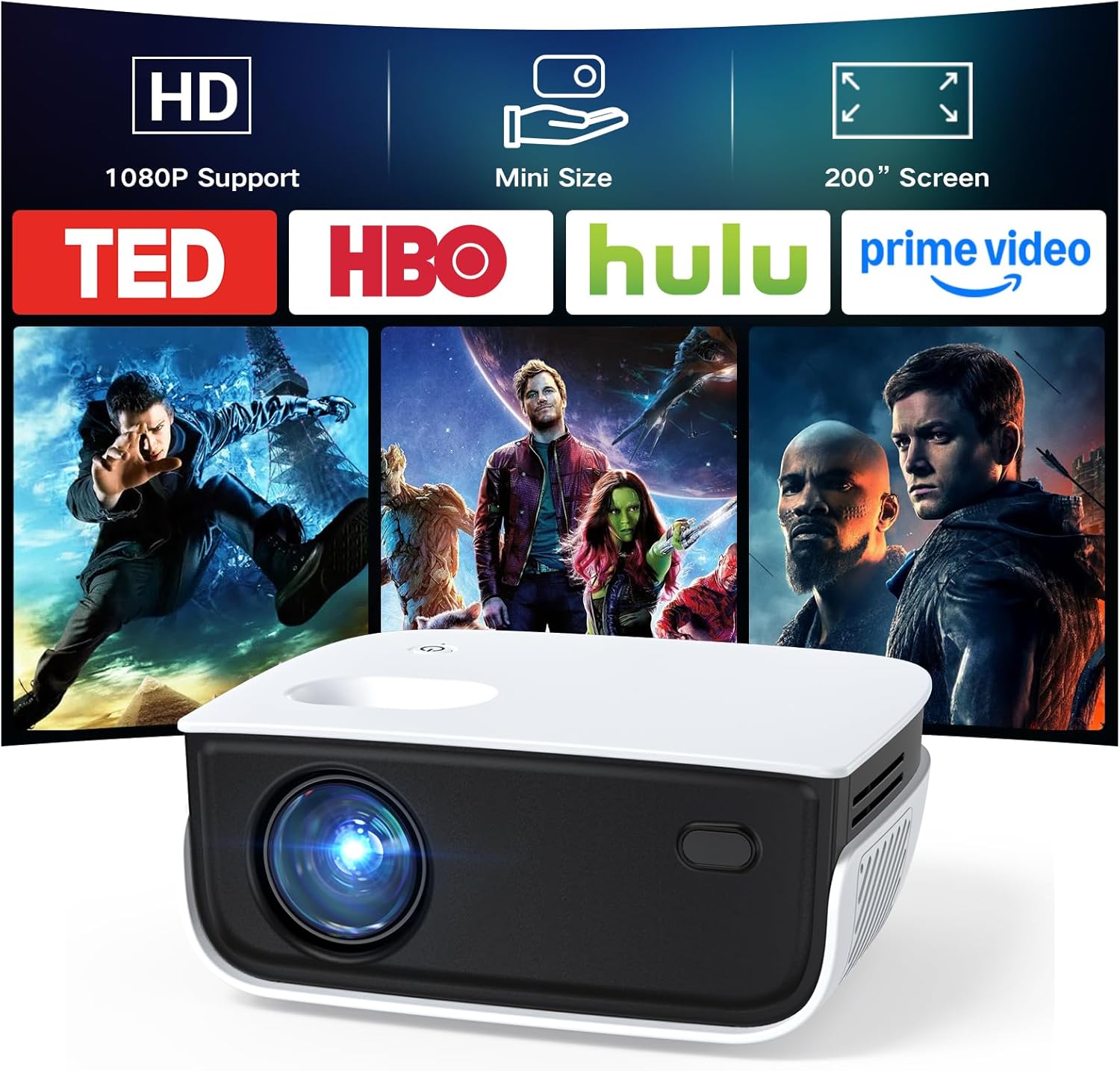
Frequently Asked Questions
Q: Can a $200 projector display true 1080p without upscaling?
A: Yes, but you must verify “native 1080p” in the specs. Some models claim 1080p but actually run at 720p internally and upscale.
Q: Do I need a screen, or can I project onto a wall?
A: A smooth, white wall works for casual viewing, but a dedicated projector screen improves brightness and contrast, especially in rooms with ambient light.
Q: How far should I sit from a 100‑inch image?
A: The ideal viewing distance is about 1.5‑2.5 times the screen diagonal, so roughly 12‑20 feet for a 100‑inch screen.
Q: Will a projector under $200 support HDR?
A: HDR support is rare at this price point. Even when listed, the limited brightness often prevents a true HDR experience.
Q: Is a short‑throw projector worth the extra cost?
A: If you have limited throw distance (e.g., a small apartment), a short‑throw model provides a larger image without moving furniture. The trade‑off may be slightly lower brightness.
Q: How long does the lamp last on a lamp‑based projector?
A: Typical lamp life is 2,000‑3,000 hours. At 4 hours per movie night, that’s about 1‑2 years of regular use.
Q: Can I connect my phone wirelessly?
A: Most sub‑$200 projectors lack native Wi‑Fi. You can use a Chromecast, Amazon Fire Stick, or a Miracast dongle for wireless streaming.
Our Final Recommendations
- Best for Budget‑Conscious Buyers: Vankyo Leisure 3 – $149, native 1080p, 2,400 lumens, simple HDMI, solid reviews for dark rooms.
- Best Overall Value: BenQ TH585 – $189, 1080p, 3,500 lumens, 10,000:1 contrast, low input lag for occasional gaming.
- Best Premium Option: ViewSonic M1 Mini Plus – $199, LED, built‑in Android TV, short‑throw, 500 lumens (bright enough for dim rooms), portable.
- Best for Beginners: DR. J Professional HI‑04 – $129, easy setup, 1,800 lumens, decent contrast, includes tripod.
- Best for Advanced Users: Optoma HD146X – $199, 1080p, 3,600 lumens, 25,000:1 contrast, interchangeable lens kit for custom throw distances.
Conclusion: Making the Right Choice
Choosing a projector under $200 is less about finding a perfect machine and more about matching the device to your specific viewing environment and priorities. Focus on native 1080p, a balanced blend of lumens and contrast, and a throw ratio that fits your room. Remember to read real‑world reviews, consider lamp life or LED longevity, and factor in accessories like a screen or sound system.
Armed with the knowledge from this guide, you can confidently select a projector that transforms your movie nights without draining your wallet. Happy viewing, and may your next binge be larger than life!