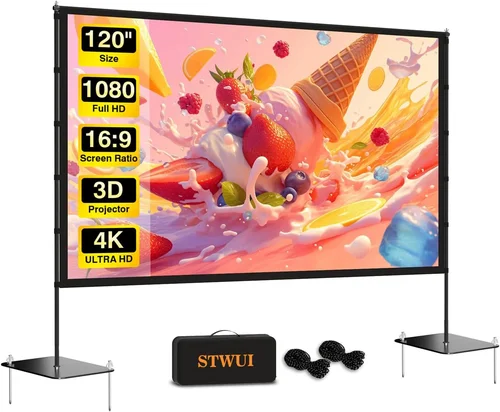
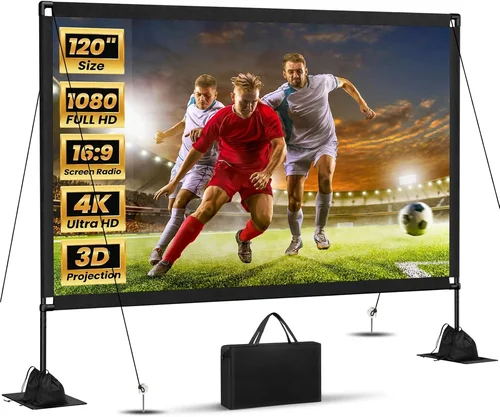
Finding the perfect projector screen under $1,000 can feel like searching for a needle in a haystack. The market is flooded with options that promise cinema‑grade performance, yet many fall short when it comes to real‑world use. This guide cuts through the noise, giving you a clear roadmap so you can spend your money wisely and enjoy a picture that truly dazzles.
In the pages that follow, you’ll learn how to match screen size to room dimensions, what gain numbers really mean, and which material blends durability with picture quality. We’ll also compare the most common screen styles, flag common buying blunders, and hand‑pick the top models for every budget tier. By the end, you’ll have the confidence to choose a screen that turns any living room, home theater, or office into a visual masterpiece—all without breaking the bank.

What to Look for When Buying Buying Guide
1. Budget & Price Range
Setting a realistic budget is the first step. Screens under $1,000 span a wide spectrum—from basic pull‑down fabrics to motorized, ultra‑wide formats. Knowing how much you’re willing to invest helps narrow the field and prevents you from chasing features that won’t noticeably improve your viewing experience.
2. Performance Specifications
Two specs dominate the conversation: gain and aspect ratio. Gain measures how much light the screen reflects; a value of 1.0 reflects the same amount of light the projector emits, while 1.2 or higher can make the image appear brighter, especially in rooms with ambient light. Aspect ratio (16:9, 2.35:1, etc.) determines the shape of the image and should align with the content you watch most often.
3. Build Quality & Durability
Even the best‑performing screen can disappoint if it sags, tears, or warps over time. Look for sturdy frames—aluminum or reinforced steel—paired with high‑quality rollers or tensioned spring systems. For portable models, a robust carrying case and reinforced corners make a big difference.
4. Features & Functionality
Features such as motorized operation, masking borders, and dual‑gain zones add convenience and flexibility. Motorized screens let you hide the surface when not in use, while masking can improve black levels by reducing stray light. Dual‑gain screens offer a low‑gain center for accurate color reproduction and a higher‑gain edge for brighter images.
5. Brand Reputation
Established brands like Elite Screens, Silver Ticket, and Vutec have a track record of consistent quality and reliable customer service. While newer entrants can offer innovative designs, researching brand history and warranty policies can save you headaches later.
6. Warranty & Support
A solid warranty signals confidence from the manufacturer. Look for at least a 2‑year coverage on the screen surface and frame, with options to extend. Quick response times and accessible support channels (phone, chat, email) are also crucial when you need help with installation or troubleshooting.
7. Size & Portability
Screen size should be calculated based on viewing distance: a common rule of thumb is to sit at a distance 1.5 to 2.5 times the screen’s diagonal. Portable screens (roll‑up or tripod‑mounted) are ideal for renters or multi‑room setups, while fixed‑frame models suit dedicated home theaters.
8. User Reviews & Ratings
Real‑world feedback often reveals issues that specs don’t cover—like how a screen handles humidity, or whether the motor is noisy. Scan reviews on retailer sites, AV forums, and YouTube unboxings to gauge overall satisfaction and identify any recurring problems.
Different Types of Buying Guide
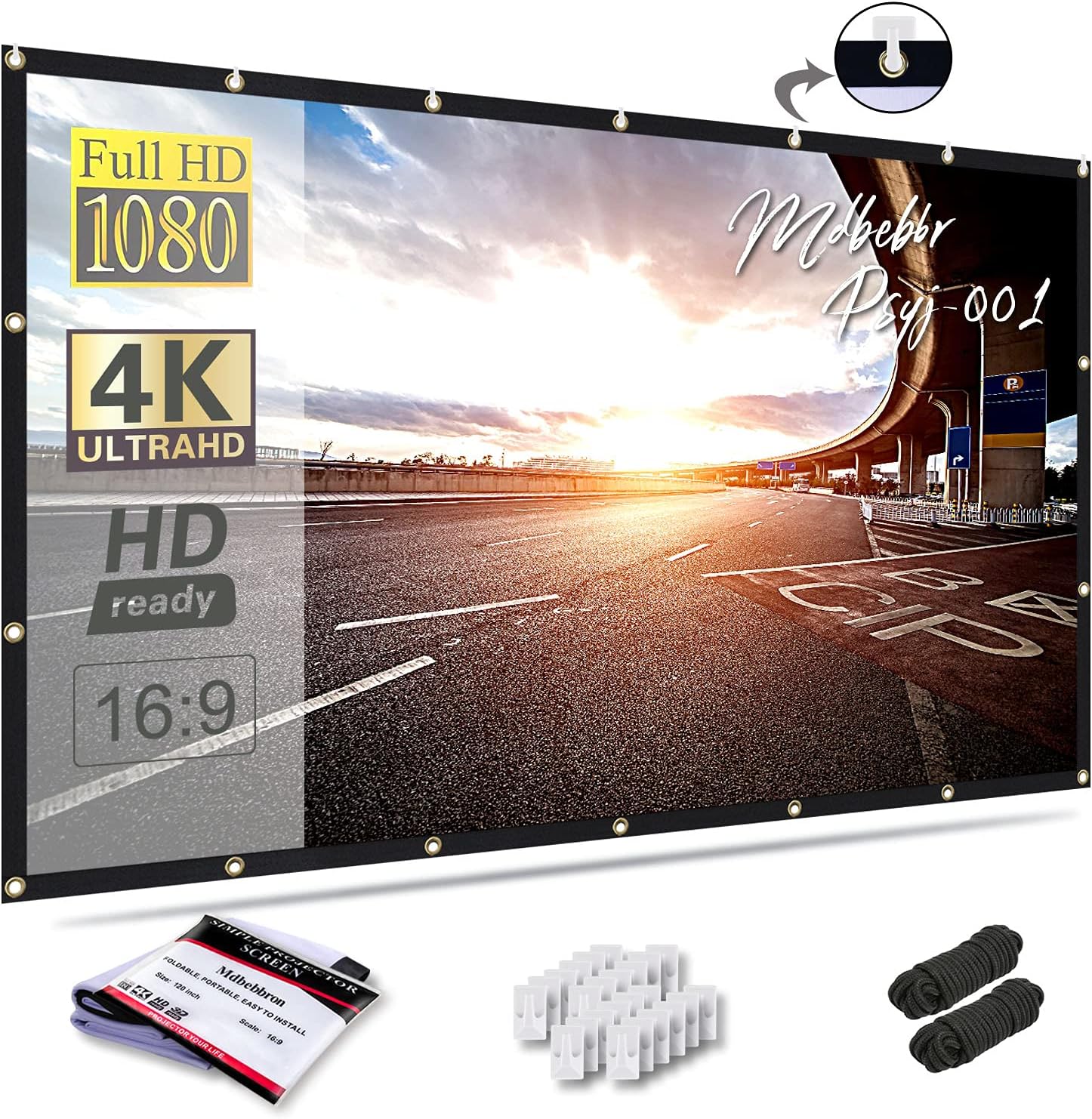
Common Buying Mistakes to Avoid
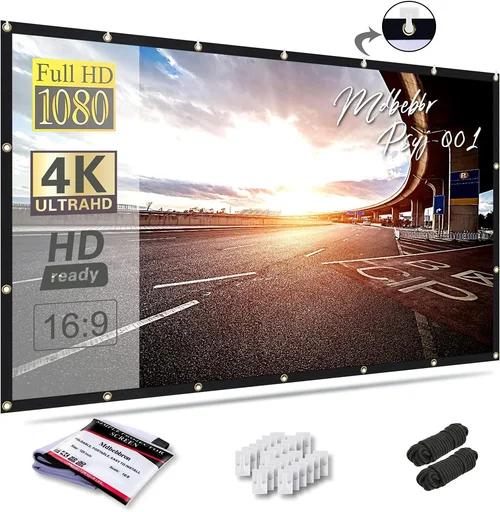
❌ Mistake: Ignoring Room Ambient Light
Why it’s bad: A high‑gain screen in a bright living room can cause hotspots and wash out colors.
What to do instead: Measure the room’s light level and choose a medium‑gain (0.8‑1.0) matte white screen or consider a black‑border screen to improve contrast.
❌ Mistake: Picking Size Without Calculating Viewing Distance
Why it’s bad: Too large and you’ll have to move your eyes constantly; too small and the image feels cramped.
What to do instead: Use the 1.5‑2.5× rule (distance ÷ screen diagonal) to find the sweet spot.
❌ Mistake: Overlooking Installation Flexibility
Why it’s bad: Fixed frames demand precise mounting; a misaligned screen ruins the picture.
What to do instead: Choose a screen with adjustable mounting brackets or a motorized system that self‑levels.
❌ Mistake: Assuming All White Screens Are the Same
Why it’s bad: Different fabrics reflect light differently; some cause color shift or glare.
What to do instead: Opt for a reputable material like CineWhite or Silver‑Grade, and read user reports on color fidelity.
❌ Mistake: Forgetting Warranty Details
Why it’s bad: A cheap screen may have a limited warranty that doesn’t cover surface defects.
What to do instead: Verify the warranty length, what it covers, and whether you can purchase an extension.
❌ Mistake: Not Testing Before Purchase
Why it’s bad: Online photos can’t convey how a screen handles humidity or motor noise.
What to do instead: If possible, visit a local AV store to see the screen in action, or buy from a retailer with a generous return policy.
Budget Guidelines: How Much Should You Spend?
- Entry‑Level ($150‑$300): Expect basic roll‑up or tripod models with matte white fabric. Good for occasional movie nights and presentations.
- Mid‑Range ($301‑$600): Fixed‑frame or motorized screens with higher‑quality tensioning systems and better gain control. Ideal for dedicated home theaters on a budget.
- Premium ($601‑$900): Dual‑gain or acoustic‑transparent screens, motorized with remote control, and reinforced frames. Perfect for audiophiles who also care about sound quality.
- Luxury ($901+): Ultra‑wide formats, custom‑cut screens, or premium materials like high‑contrast gray or 3D‑ready surfaces. Targeted at enthusiasts building a full‑scale home cinema.
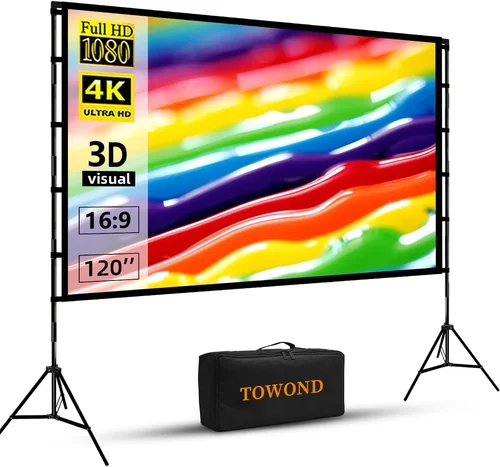
Expert Tips for Getting the Best Deal
- Buy during major sales events (Black Friday, Prime Day, holiday clearance) for the deepest discounts.
- Consider refurbished or open‑box units from reputable sellers; they’re often like new with full warranty.
- Shop from authorized dealers to ensure you receive genuine accessories and support.
- Bundle the screen with a compatible projector when possible—some retailers offer package savings.
- Read the fine print on return policies; a 30‑day hassle‑free return is ideal for testing fit and performance.
- Check for free shipping or local pickup options to avoid extra delivery costs.
- When buying motorized screens, verify that the motor noise is below 30 dB to keep the viewing experience silent.

Frequently Asked Questions
Q: What gain is best for a dimly lit home theater?
A: A gain of 1.0 to 1.2 works well in controlled lighting, providing a bright image without compromising color accuracy.
Q: Can I use a projector screen for gaming?
A: Absolutely. Look for low‑lag screens with a matte finish to reduce glare and maintain fast response times.
Q: Do I need an acoustic‑transparent screen for surround sound?
A: If you place speakers directly behind the screen, an acoustic‑transparent (perforated) screen prevents sound distortion while preserving picture quality.
Q: How do I maintain a fabric screen?
A: Dust it gently with a soft brush or low‑speed vacuum. Spot‑clean stains with a mild detergent and a damp cloth—avoid harsh chemicals.
Q: Is a motorized screen louder than a manual one?
A: High‑quality motorized screens are engineered to operate below 30 dB, essentially silent. Cheaper models may be noisier.
Q: What is the difference between matte white and gray screens?
A: Gray screens boost perceived contrast in bright rooms, but they may slightly dim the image. Matte white offers true colors and maximum brightness.
Q: Can I mount a screen on a ceiling without a stud?
A: Yes, using a heavy‑duty ceiling mount with toggle bolts or a professional installation kit designed for drywall.
Q: Do I need a screen if I have a high‑lumens projector?
A: Even powerful projectors benefit from a proper screen, which enhances uniformity, color reproduction, and reduces hotspotting.
Our Final Recommendations
- Best for Budget‑Conscious Buyers: Silver Ticket 100‑Inch Fixed‑Frame – $279. Matte white fabric, 1.1 gain, solid aluminum frame, excellent value.
- Best Overall Value: Elite Screens Spectrum 120‑Inch Motorized – $559. Dual‑gain zones, remote control, low‑noise motor, 16:9 aspect.
- Best Premium Option: Vutec V1200 120‑Inch Acoustic‑Transparent – $899. Perfect for surround‑sound setups, 1.0 gain, high tension, motorized.
- Best for Beginners: ProjectorScreen.com 84‑Inch Portable Roll‑Up – $199. Easy setup, lightweight case, decent gain for casual use.
- Best for Advanced Users: Da-Lite High‑Contrast Gray 100‑Inch Fixed‑Frame – $879. 0.8 gain gray surface, ideal for bright rooms, premium build.
Conclusion: Making the Right Choice
Choosing the best projector screen under $1,000 boils down to understanding your space, your viewing habits, and the features that truly matter. By evaluating gain, aspect ratio, build quality, and warranty—while steering clear of common pitfalls—you’ll land on a screen that delivers cinema‑like immersion without overspending. Remember, the right screen amplifies your projector’s strengths, turning every movie night, gaming session, or presentation into a visual experience worth sharing.
Ready to upgrade? Use the insights from this guide to compare models, check reviews, and take advantage of seasonal deals. Your perfect screen is waiting—make the smart purchase today.