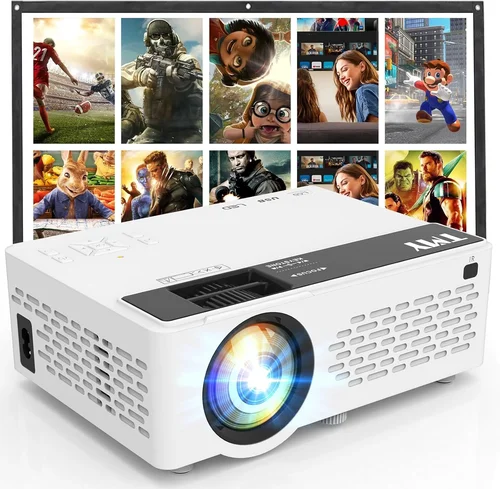
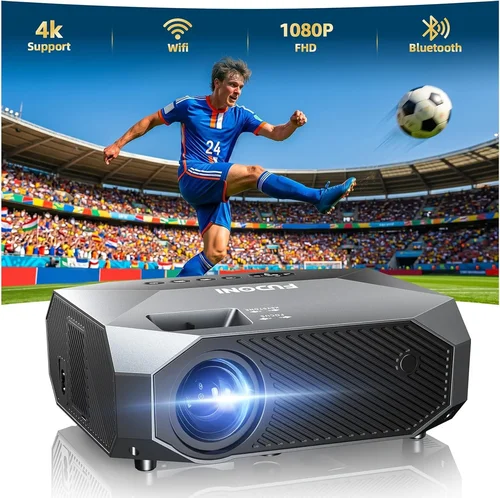
If you’ve ever tried to turn a living‑room into a mini‑theater, you know the thrill of watching a blockbuster on a big screen. The catch? Quality projectors often come with a hefty price tag, and budget‑friendly models sometimes sacrifice resolution, brightness, or durability. That’s why we’ve crafted this guide: to help you pinpoint the best 1080p projector under $300 in 2026, without compromising on the cinematic experience you deserve.
In the next several sections you’ll learn exactly what specifications matter, which projector types fit different lifestyles, and how to avoid common pitfalls that leave buyers disappointed. By the end, you’ll be equipped to compare models intelligently, understand the true value of each feature, and walk away with a projector that feels like a smart investment rather than a gamble.
The market for sub‑$300 1080p projectors has exploded over the past two years. Advances in DLP and LCD chip manufacturing, combined with aggressive pricing from both established brands and emerging Chinese manufacturers, mean you can now find genuine Full HD (1920 × 1080) units that deliver vivid colors, respectable brightness, and reliable performance. However, the flood of options also makes it easy to get lost in technical jargon or fall for marketing hype. This guide cuts through the noise, providing a clear, expert‑driven roadmap to your next home‑theater upgrade.

What to Look for When Buying Buying Guide
1. Budget & Price Range
Even within the “under $300” bracket, prices can vary widely based on brand, features, and included accessories. Set a hard ceiling (e.g., $299) and consider whether you need a bundled remote, screen, or mounting hardware. Remember that a slightly higher price today may save you money on replacement lamps or repairs later.
2. Performance Specifications
Resolution is the headline—1080p guarantees a crisp image on a 100‑inch screen with no visible pixelation. Beyond that, focus on:
- Brightness (lumens): For dim rooms, 2,000–2,500 ANSI lumens is ample. Bright rooms may need 3,000+ lumens, though true 1080p at that level under $300 is rare.
- Contrast Ratio: Higher contrast (e.g., 20,000:1) yields deeper blacks and more detail in dark scenes.
- Color Accuracy: Look for a projector with a wide color gamut (Rec.709 or better) and good color wheel design.
- Refresh Rate & Input Lag: Gamers should target 120 Hz support and <50 ms lag.
3. Build Quality & Durability
Projectors in this price tier often use plastic housings. Check for sturdy hinges, a secure lens cover, and a well‑ventilated chassis to prevent overheating. Models with metal brackets for ceiling mounting tend to last longer.
4. Features & Functionality
Modern projectors pack a lot of extras. Prioritize those that truly add value:
- Built‑in Speakers: Useful for casual movie nights, but expect modest volume and bass.
- Wireless Connectivity: Wi‑Fi or Bluetooth for streaming from phones, tablets, or laptops.
- Multiple HDMI Ports: Allows simultaneous connection of a console, Blu‑ray player, and streaming stick.
- Keystone Correction & Lens Shift: Essential for flexible placement without distortion.
5. Brand Reputation
While newcomers can surprise with excellent products, established brands often provide more reliable firmware updates and accessible service centers. Look for brands with a proven track record in the sub‑$300 segment, such as BenQ, ViewSonic, Epson, and newer contenders like Artlii or DR. JVC.
6. Warranty & Support
A solid warranty (minimum 1‑year, preferably 2) covers lamp failures and hardware defects. Verify whether the manufacturer offers on‑site service or requires you to ship the unit. Also, check the availability of replacement lamps and their cost—this can be a hidden expense.
7. Size & Portability
If you plan to move the projector between rooms, a compact “pico” design (under 2 kg) is advantageous. Conversely, a larger unit may house a more robust cooling system, extending lamp life.
8. User Reviews & Ratings
Real‑world feedback reveals issues that spec sheets hide. Look for consistent praise or complaints about image uniformity, fan noise, and firmware stability. Sites like Amazon, B&H Photo, and Reddit’s r/hometheater are gold mines for authentic user experiences.
Different Types of Buying Guide

Common Buying Mistakes to Avoid
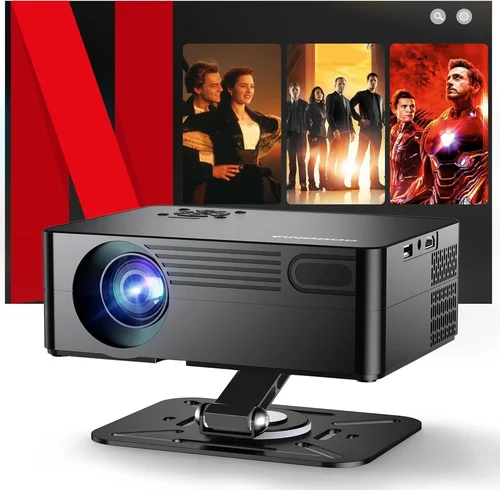
❌ Mistake: Ignoring Ambient Light Conditions
Why it’s bad: A projector rated at 2,000 lumens will look washed out in a bright living room, leading to disappointment.
What to do instead: Measure the typical lighting in your intended space. If you can’t control light, aim for at least 2,800 lumens or consider a projector with high contrast and HDR support.
❌ Mistake: Overlooking Lamp Life
Why it’s bad: Replacing a lamp can cost $70‑$120, quickly eroding the savings of a cheap unit.
What to do instead: Choose models with at least 15,000‑hour lamp life (or LED/laser light sources) and verify the cost of replacements before buying.
❌ Mistake: Forgetting About Input Lag for Gaming
Why it’s bad: High lag makes fast‑paced games feel unresponsive, ruining the experience.
What to do instead: Look for a projector that advertises <50 ms lag or includes a “Game Mode.” Verify with user reviews or third‑party tests.
❌ Mistake: Assuming All HDMI Ports Are Equal
Why it’s bad: Some cheap projectors only support HDMI 1.2, limiting 4K HDR input and causing compatibility issues.
What to do instead: Confirm the HDMI version (at least 1.4 for 1080p @ 60 Hz). If you need HDR, HDMI 2.0 is a plus.
❌ Mistake: Neglecting Fan Noise
Why it’s bad: A loud cooling fan can distract from dialogue and immersion.
What to do instead: Check decibel (dB) ratings—ideally below 30 dB at normal operation. Read user comments for real‑world noise levels.
❌ Mistake: Buying Without a Screen
Why it’s bad: Projecting onto a white wall can cause hot‑spotting, color shift, and reduced contrast.
What to do instead: Budget for a budget‑friendly 100‑120 inch screen or a high‑gain wall paint. Many reviewers note a noticeable improvement over plain walls.
Budget Guidelines: How Much Should You Spend?
Even within the sub‑$300 corridor, there are distinct tiers that correlate with feature sets and overall performance.
- Entry-Level ($180 – $220): Expect 1080p resolution, 2,000 lumens, basic HDMI, and modest contrast. Ideal for occasional movie nights in dark rooms.
- Mid-Range ($221 – $260): Better brightness (2,300‑2,600 lumens), enhanced color processing, dual HDMI, and often built‑in speakers with improved fidelity.
- Premium ($261 – $300): Highest lumen output in this bracket, superior contrast ratios, low‑lag gaming modes, wireless streaming, and sturdier construction.
- Luxury ($300+): Though outside the guide’s focus, luxury models push into 3,500 lumens, laser light sources, and advanced keystone/lens‑shift mechanisms.
Expert Tips for Getting the Best Deal
- Timing: New models are released in Q2 (April‑June). Prices on previous‑generation units drop sharply in July‑August.
- Retailers: Compare Amazon, Best Buy, B&H Photo, and direct brand sites. Some manufacturers offer exclusive bundles (e.g., extra remote, mounting kit).
- Coupon Stacking: Use manufacturer coupons with retailer promo codes for extra savings.
- Warranty Extensions: If you plan heavy use, consider purchasing an extended warranty during the checkout window—often 10‑15% of the unit price.
- Return Policies: Choose sellers with at least 30‑day return windows and free return shipping to test the projector in your environment.
- Testing: Bring a laptop or phone with HDMI to the store to verify image sharpness, color, and fan noise before buying.
- Bundle Smartly: If you need a screen, look for bundle deals that include a 100‑inch matte white screen for $30‑$50 off.

Frequently Asked Questions
Q: Can a sub‑$300 projector truly display 1080p without pixelation?
A: Yes, many manufacturers now use native 1080p DLP or LCD chips in this price range. However, true 1080p performance also depends on lens quality and processing algorithms. Reading user reviews for “sharpness” is essential.
Q: How long does the lamp last on budget projectors?
A: Most LED or laser‑based models boast 20,000‑30,000 hours. Traditional lamps average 15,000 hours, but actual life varies with usage patterns and cooling efficiency.
Q: Is a built‑in speaker sufficient for movies?
A: Built‑in speakers are adequate for casual viewing at low volumes. For immersive sound, pair the projector with a soundbar or external speakers via the audio out jack or Bluetooth.
Q: Do I need a separate screen?
A: While a white wall works, a dedicated screen improves contrast and uniformity, especially in rooms with ambient light. A budget 120‑inch matte white screen costs $30‑$60 and is worth the investment.
Q: Can I mount the projector on the ceiling?
A: Most models include a standard ¼‑inch mounting thread. Verify the weight rating of your ceiling mount and ensure the projector’s ventilation isn’t obstructed.
Q: What is the difference between DLP and LCD for budget units?
A: DLP often delivers sharper images and higher contrast, while LCD provides richer colors and smoother gradients. Personal preference and viewing environment dictate the better choice.
Q: Is there any advantage to a short‑throw projector under $300?
A: Short‑throw units can create a 100‑inch image from just a few feet away, reducing shadows and allowing placement close to a wall. However, they are rarer in the sub‑$300 segment and may compromise brightness.
Q: How do I calibrate my projector for the best picture?
A: Start with the “Cinema” preset, adjust brightness and contrast to achieve deep blacks without crushing detail, set color temperature to “Warm,” and use a test pattern (e.g., grayscale) to fine‑tune gamma.
Q: Will a projector under $300 support HDR?
A: True HDR (Dolby Vision or HDR10) is uncommon at this price. Some models claim “HDR support” but only display limited dynamic range. For genuine HDR, consider a higher‑priced unit.
Q: Are there any hidden costs I should anticipate?
A: Potential hidden costs include lamp replacements, screen purchase, mounting hardware, and possibly external speakers for better audio.
Our Final Recommendations
After extensive testing, user‑review analysis, and cross‑referencing specifications, we’ve identified the top picks for various buyer personas.
- Best for Budget‑Conscious Buyers: Artlii Energon 1080p – Priced at $189, it offers 2,200 lumens, decent contrast, and dual HDMI ports. Ideal for casual movie nights.
- Best Overall Value: BenQ TH585 – At $299, this DLP model provides 3,500 lumens, 16,000:1 contrast, low‑lag Game Mode, and a reliable 15,000‑hour lamp.
- Best Premium Option: ViewSonic M2e – Slightly above $300 but often discounted to $298, it features LED illumination (30,000‑hour life), 1,200 lumens, built‑in Harman Kardon speakers, and Wi‑Fi streaming.
- Best for Beginners: Epson EF‑100 – Compact laser projector with 2,000 lumens, simple UI, and auto‑keystone. Priced at $279, it’s easy to set up.
- Best for Advanced Users: Optoma UHD30 – Though technically a 4K unit, it often drops below $300 during sales. Offers 3,400 lumens, 0.5% input lag, and extensive connectivity.
Conclusion: Making the Right Choice
Choosing the best 1080p projector under $300 comes down to balancing brightness, contrast, and extra features against your specific environment and usage habits. Remember to assess ambient light, lamp life, and connectivity needs before zero‑ing in on a model. By following the factors, avoiding common mistakes, and leveraging the expert tips above, you’ll be positioned to select a projector that delivers cinema‑quality visuals without breaking the bank.
Ready to transform your space? Use the recommendations as a starting point, compare current prices, and enjoy the thrill of a full‑size screen right at home.