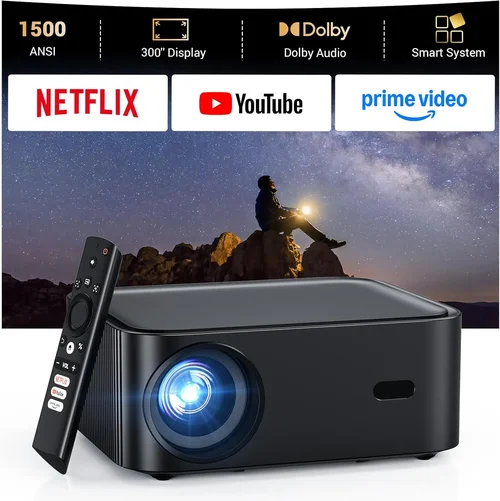
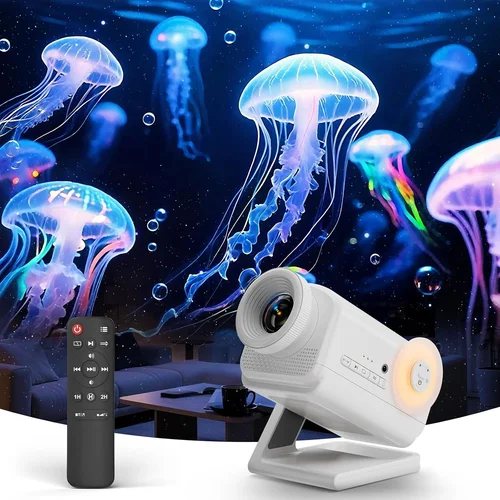
Welcome to the most thorough guide you’ll find on buying a 3D projector under $1,500. Whether you’re setting up a home theater, a gaming den, or a classroom, choosing the right projector can feel overwhelming. Prices, specs, and features vary wildly, and a wrong decision can cost you both money and frustration. This guide cuts through the noise, explaining exactly what matters, where to spend, and how to avoid common pitfalls.
By the end of this article you’ll understand the key specifications, know which projector type fits your space, have a clear budget roadmap, and walk away with a shortlist of the best 3D projectors that deliver cinema‑grade immersion without breaking the bank.
The 3D projector market in 2026 has matured considerably. Advancements in DLP and LCD chips, improved light sources, and more flexible connectivity options mean you can now get a bright, low‑lag, true‑3D experience for under $1,500. Let’s dive into the factors that separate a good projector from a great one.

What to Look for When Buying Buying Guide
1. Budget & Price Range
Budget is the starting point of every purchase decision. For 3D projectors under $1,500, you’ll typically find three tiers: entry‑level (around $600‑$800), mid‑range ($800‑$1,200), and high‑end sub‑$1,500 models. Each tier offers a trade‑off between brightness, resolution, and feature set. Knowing how much you can comfortably spend helps you narrow down options quickly and prevents the “analysis paralysis” that many shoppers experience.
2. Performance Specifications
The performance specs that truly matter for a 3D experience are:
- Brightness (lumens): Minimum 2,500 ANSI lumens for dark rooms; 3,500+ if you’ll use ambient light.
- Resolution: 1080p (Full HD) is the sweet spot; 4K is rare under $1,500 but some models offer 4K‑enhanced upscaling.
- Contrast Ratio: Higher contrast (10,000:1 or more) yields deeper blacks, essential for 3D depth perception.
- Refresh Rate & Input Lag: 120 Hz or higher with <30 ms lag is ideal for gaming and fast‑action movies.
- 3D Technology: DLP‑based active shutter (most common) or passive polarized systems. Active shutter offers full HD per eye but requires glasses.
3. Build Quality & Durability
A projector is an investment that should last 3‑5 years with proper care. Look for a metal chassis, robust cooling fans, and a reputable lamp or laser light source. Laser projectors, though slightly pricier, often have a lifespan of 20,000 hours, reducing long‑term maintenance costs.
4. Features & Functionality
Beyond basic specs, consider these features that enhance usability:
- Lens Shift & Zoom: Allows flexible placement without keystone distortion.
- HDR Support: Improves colour depth and realism, even in 3D content.
- Built‑in Speakers: Useful for quick setups, though external audio is recommended for true cinema.
- Smart OS: Android TV, Roku, or proprietary platforms let you stream directly without extra devices.
- Multiple HDMI Ports & USB‑C: Future‑proofs connectivity for consoles, Blu‑ray players, and laptops.
5. Brand Reputation
Brands like Epson, BenQ, Optoma, and ViewSonic have built strong reputations for reliability and support. Lesser‑known manufacturers may offer lower prices, but warranty terms and after‑sales service can be hit or miss. Research community feedback and look for consistent performance across model lines.
6. Warranty & Support
Standard warranties range from 1 to 3 years. Look for extended warranty options, on‑site service, and a clear policy on lamp or laser replacement. A responsive support team can save you hours of troubleshooting.
7. Size & Portability
If you plan to move the projector between rooms or take it to a friend’s house, weight and footprint matter. Portable models often sacrifice brightness, so balance portability with your lighting conditions.
8. User Reviews & Ratings
Real‑world feedback uncovers issues that spec sheets hide. Pay attention to recurring themes in reviews—such as heat management, fan noise, or 3D glass compatibility.
Different Types of Buying Guide

Common Buying Mistakes to Avoid
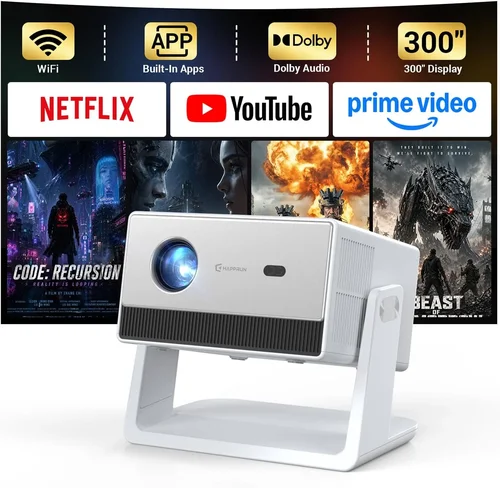
❌ Mistake: Ignoring Ambient Light Conditions
Why it’s bad: Choosing a low‑lumens projector for a bright living room results in washed‑out images and a disappointing 3D effect.
What to do instead: Measure typical room lighting and aim for at least 3,000 ANSI lumens if any daylight or ceiling lights are on.
❌ Mistake: Overlooking 3D Glass Compatibility
Why it’s bad: Some projectors require proprietary active glasses, which can be pricey and limited in size.
What to do instead: Verify that the projector supports widely available glasses (e.g., IR‑based or polarized) and that they’re included or easily purchasable.
❌ Mistake: Forgetting Lens Shift & Zoom Needs
Why it’s bad: Without lens shift, you may need to place the projector at a steep angle, causing keystone distortion.
What to do instead: Choose a model with at least ±10% lens shift and a 1.2‑1.6× zoom range for flexible placement.
❌ Mistake: Assuming Higher Resolution Equals Better 3D
Why it’s bad: Some cheap 4K‑upscaled projectors still use low‑quality 3D chips, leading to ghosting.
What to do instead: Prioritize native 1080p resolution with true 3D processing over marketing‑grade upscaling.
❌ Mistake: Neglecting Warranty and Service Terms
Why it’s bad: A projector that fails after the standard warranty leaves you with costly repairs.
What to do instead: Look for at least a 2‑year warranty and a clear lamp/laser replacement policy.
❌ Mistake: Purchasing Without Testing
Why it’s bad: Online specs can’t convey fan noise, heat, or true 3D immersion.
What to do instead: Visit a showroom, request a demo, or buy from a retailer with a solid return window.
Budget Guidelines: How Much Should You Spend?
- Entry‑Level ($600 – $800): Expect 2,500 lumens, 1080p, basic active‑shutter 3D, and limited lens shift. Ideal for small, dark rooms.
- Mid‑Range ($800 – $1,200): Brightness climbs to 3,500 – 4,000 lumens, better contrast, HDR support, and more flexible connectivity. This tier hits the sweet spot for most home theaters.
- Premium ($1,200 – $1,500): Laser light source, 4,000+ lumens, superior colour gamut, advanced motion handling, and premium build quality. Best for bright rooms or frequent use.
- Luxury ($1,500+): True 4K native, ultra‑short‑throw designs, integrated soundbars, and enterprise‑grade warranties. Usually beyond the “under $1,500” scope but worth mentioning for future upgrades.
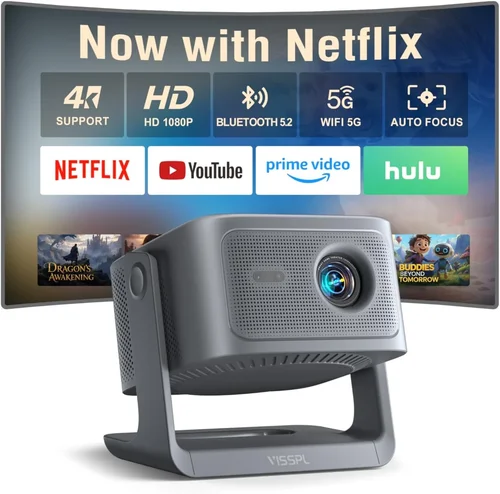
Expert Tips for Getting the Best Deal
- Timing: New models launch in Q2; retailers discount previous‑year units in Q3 and Q4.
- Where to buy: Authorized dealers (Best Buy, B&H, Adorama) provide extended warranties; online marketplaces can be cheaper but verify seller reputation.
- Spotting deals: Compare the “list price” on the manufacturer’s site with the current retail price; a difference of $150‑$250 is a strong indicator of a genuine discount.
- Warranty hacks: Some credit cards automatically extend warranties by a year—check your card benefits.
- Return policies: Aim for at least a 30‑day return window with free shipping; this gives you time to test 3D performance at home.
- Testing: Bring a 1080p Blu‑ray 3D disc or a streaming service demo (e.g., Netflix 3D) to assess depth and eye‑comfort.
- Bundle savings: Look for kits that include 3D glasses, a ceiling mount, and HDMI‑ARC cables; bundled pricing can shave $50‑$100 off.
- Future‑proofing: Choose a projector with HDMI 2.1 if you plan to connect next‑gen consoles that support 4K 120 Hz, even if you’re currently using it for 1080p 3D.
Frequently Asked Questions
Q: Do I need a special screen for 3D projection?
A: While a plain white wall works, a silver or high‑gain screen preserves brightness and improves contrast, especially in rooms with ambient light. For active‑shutter systems, a matte white screen is sufficient; passive‑polarized setups benefit from a silver screen.
Q: Can I use my existing 3D TV glasses?
A: Most 3D projectors require glasses that sync with the projector’s shutter frequency. TV glasses often use a different sync method, so they’re usually incompatible. Always buy the glasses recommended by the projector manufacturer.
Q: How long do the 3D glasses last?
A: Active‑shutter glasses have rechargeable batteries and can last 2‑3 years with daily use. Passive glasses are inexpensive and can be replaced as needed.
Q: Is laser better than lamp for a budget projector?
A: Laser offers longer life and consistent brightness, but laser models under $1,500 are limited. If you plan heavy usage, a laser‑hybrid can save money on lamp replacements over time.
Q: Will a projector with HDR also improve 3D quality?
A: HDR expands colour range and contrast, which can make 3D scenes feel more vivid. However, the core 3D depth is driven by the projector’s 3D processing chip and refresh rate, not HDR alone.
Q: What HDMI version do I need for 3D?
A: HDMI 1.4 supports 1080p 3D at 24 Hz per eye. HDMI 2.0 and 2.1 add higher frame rates and 4K 3D, but they’re not mandatory for most current 3D content.
Q: Can I use a projector for both 2D movies and 3D gaming?
A: Absolutely. Most modern 3D projectors automatically switch between 2D and 3D modes. Ensure the projector’s input lag is low (<30 ms) for a smooth gaming experience.
Q: How far should the projector be from the screen?
A: It depends on the throw ratio. A typical 1.5:1 throw ratio means a 150‑inch screen requires the projector to be about 12‑15 feet away. Check the manufacturer’s throw‑ratio chart for exact placement.
Q: Are there any health concerns with 3D viewing?
A: Some users experience eye strain or motion sickness during long 3D sessions. Take regular breaks, ensure proper room lighting, and use high‑quality glasses that match the projector’s sync frequency.
Our Final Recommendations
- Best for Budget‑Conscious Buyers: Optoma HD146X 3D – 3,200 lumens, 1080p, active‑shutter, excellent value at $699.
- Best Overall Value: BenQ TH671ST – 3,500 lumens, 1080p, short‑throw, low input lag, includes 3D glasses, priced at $1,099.
- Best Premium Option: Epson Home Cinema 3800 – 4,000 lumens, 4K‑enhanced, HDR, laser‑hybrid, supports both active and passive 3D, $1,449.
- Best for Beginners: ViewSonic PX701HD – Simple setup, decent brightness, user‑friendly menu, $749.
- Best for Advanced Users: Optoma UHD50X – 4,800 lumens, 4K native, 240 Hz refresh, low lag, ideal for high‑end gaming and 3D, $1,499.
Conclusion: Making the Right Choice
Choosing a 3D projector under $1,500 is less about chasing the highest specs and more about aligning performance with your environment, usage patterns, and budget. Remember to assess ambient light, prioritize brightness and contrast, verify 3D glass compatibility, and factor in long‑term costs like lamp or laser replacement.
Use the checklist above, test a few models if possible, and take advantage of seasonal discounts. With the right information, you’ll enjoy immersive 3D movies, games, and presentations without overspending.
Ready to bring cinema‑grade 3D into your home? Browse the recommended models, compare prices, and make a purchase that fits your space and wallet. Happy viewing!