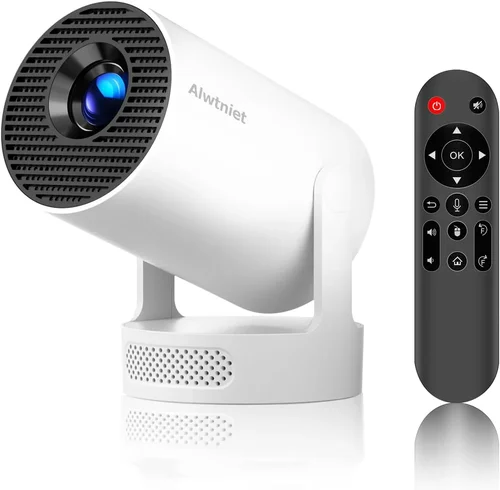
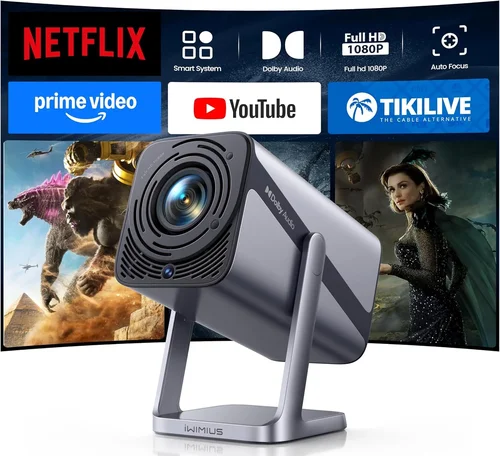
Finding a true 4K home‑theater experience without breaking the bank can feel like hunting for a unicorn. The market is crowded with “4K” marketing hype, yet many models stretch the definition with pixel‑shift technology that only mimics native 4K. This guide cuts through the noise, giving you a clear roadmap to identify genuine 4K projectors that sit comfortably under the $2,000 ceiling.
By the end of this article you will understand the technical specs that truly matter, know which projector type fits your living space, avoid the common pitfalls that lead to disappointment, and walk away with a shortlist of the best 4K projectors under $2K for 2026. Whether you are setting up a dedicated home cinema, a gaming den, or a multi‑purpose media room, the insights here will help you make an informed, confident purchase.

What to Look for When Buying Buying Guide
1. Budget & Price Range
Price is the first filter for most shoppers. A genuine 4K DLP or laser projector typically starts around $1,500 and can climb well above $3,000. When you cap your budget at $2,000, you must prioritize features that deliver the biggest impact—brightness, contrast, and true 4K resolution—while being willing to compromise on premium extras like ultra‑short‑throw lenses or built‑in soundbars.
2. Native 4K vs. Pixel‑Shift
Native 4K projectors have a true 3840 × 2160 chip, delivering crisp detail without processing tricks. Pixel‑shift units use a lower‑resolution chip (often 1080p) and rapidly move the image to simulate 4K. While pixel‑shift can look impressive in dim rooms, it falls short for fast‑moving gaming or 4K Blu‑ray playback. For a sub‑$2K budget, aim for at least a true 4K DLP or a high‑quality 4K‑enhanced laser model.
3. Brightness (Lumens)
Brightness determines how well a projector performs in ambient light. For a dedicated dark room, 1,500–2,000 lumens is adequate. If you plan to watch movies with some daylight or use the projector in a living room, target 2,200 lumens or higher. Keep in mind that laser light sources maintain brightness longer than lamp‑based units.
4. Contrast Ratio & Black Levels
Contrast ratio measures the difference between the darkest black and the brightest white. Higher contrast yields deeper blacks and more vivid colors—critical for HDR content. Look for a contrast ratio of at least 20,000:1 for DLP models and consider laser projectors that naturally produce richer blacks due to their light source technology.
5. Throw Distance & Screen Size
Throw distance is the space between the projector and the screen. Short‑throw and ultra‑short‑throw (UST) models allow large images in tight rooms but often carry a premium. For most budgets, a standard throw ratio (1.5–2.0) works well, letting you place the projector 8–12 feet away for a 100‑inch image. Use a simple calculator: Desired screen width ÷ Throw ratio = Mount distance.
6. Connectivity & Inputs
Modern home theaters demand multiple HDMI 2.1 ports, USB‑C for streaming sticks, and wireless options like Wi‑Fi or Bluetooth. HDMI 2.1 supports 4K at 120 Hz, essential for next‑gen consoles. Verify that the projector includes at least one HDMI 2.1 input, plus audio‑out options (optical, HDMI ARC) for integration with sound systems.
7. Build Quality & Durability
Projectors are long‑term investments. Look for sturdy metal housings, sealed optics, and reliable cooling systems. Laser light sources typically last 20,000–30,000 hours, far exceeding the 2,000‑hour lifespan of traditional lamps. A good warranty (minimum 2 years) and easy access to service centers are also vital.
8. Brand Reputation & Support
Established brands like Epson, BenQ, ViewSonic, and Optoma have proven track records for firmware updates and customer service. Newer entrants can offer innovative features but may lack widespread service networks. Research after‑sales support, firmware update frequency, and community forums before committing.
Different Types of Buying Guide

Common Buying Mistakes to Avoid
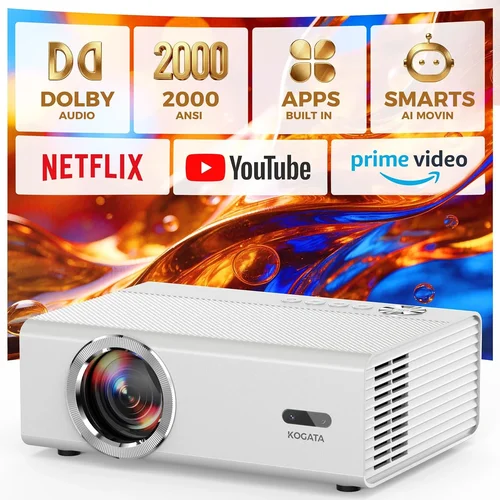
❌ Mistake: Ignoring Ambient Light Conditions
Why it’s bad: A projector rated at 1,500 lumens will look fantastic in a dark room but will appear washed out in a bright living area.
What to do instead: Measure the typical lighting in your viewing space and choose a model with at least 2,200 lumens for rooms with windows or ambient light.
❌ Mistake: Chasing “4K” Without Verifying Native Resolution
Why it’s bad: Pixel‑shift units can’t deliver true 4K detail, especially during fast action scenes.
What to do instead: Look for specifications that explicitly state “native 4K” or a 3840 × 2160 DLP/laser chip.
❌ Mistake: Overlooking Throw Ratio for Your Space
Why it’s bad: Buying a long‑throw projector for a small apartment forces you to place the unit far away, resulting in a tiny image.
What to do instead: Calculate the maximum distance you can allocate and match it with a compatible throw ratio.
❌ Mistake: Forgetting About Lamp Life or Maintenance Costs
Why it’s bad: Replacing a lamp can cost $200‑$400, dramatically increasing total ownership cost.
What to do instead: Prioritize laser light sources or lamps rated for 3,000+ hours, and factor replacement cost into your budget.
❌ Mistake: Skipping Firmware Updates
Why it’s bad: Out‑of‑date firmware can cause compatibility issues with new gaming consoles or streaming devices.
What to do instead: Choose a brand with a clear update roadmap and verify that the projector supports OTA (over‑the‑air) updates.
❌ Mistake: Ignoring Audio Integration
Why it’s bad: Relying on the built‑in speaker often results in tinny, low‑volume sound that detracts from the cinematic experience.
What to do instead: Ensure the projector has HDMI ARC, optical audio out, or Bluetooth to connect to a dedicated sound system.
Budget Guidelines: How Much Should You Spend?
Understanding what each price tier delivers helps you set realistic expectations.
- Entry‑Level ($1,200‑$1,600): Expect pixel‑shift 4K, 1,500–2,000 lumens, limited HDR support, and basic connectivity (HDMI 2.0). Ideal for casual movie nights in dark rooms.
- Mid‑Range ($1,600‑$2,000): True 4K DLP or entry‑level laser, 2,200+ lumens, 20,000:1 contrast, HDMI 2.1, and decent built‑in speakers. This tier offers the best value for most households.
- Premium ($2,000‑$2,500): Higher‑end laser projectors, 2,500+ lumens, 30,000:1 contrast, advanced color processing (HDR10+, Dolby Vision), and ultra‑short‑throw options.
- Luxury ($2,500+): Flagship laser models with 4,000+ lumens, 40,000+ contrast, integrated smart platforms, and premium lenses. Typically exceed the sub‑$2K target but worth mentioning for aspirational buyers.
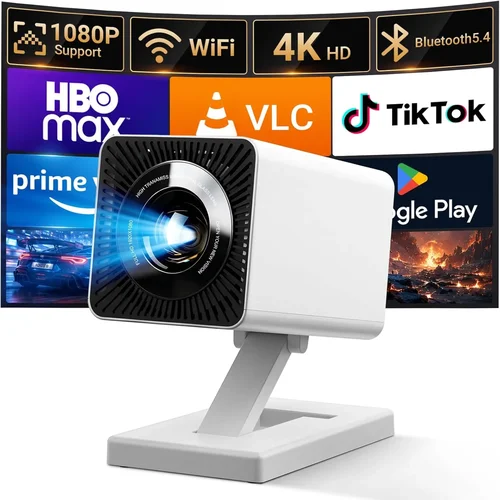
Expert Tips for Getting the Best Deal
- Timing: New models launch in Q1 and Q3. Purchasing just after launch can secure a discount on the previous generation, which still offers excellent performance.
- Where to Buy: Authorized retailers (Best Buy, B&H, Amazon’s “Ships from and sold by” listings) provide reliable warranties. Local AV stores may offer bundle packages with screens and calibration services.
- Bundle Savings: Look for bundles that include a fixed‑gain screen, ceiling mount, or calibration kit. These can save $150‑$300 compared to buying separately.
- Warranty Extensions: If you plan to keep the projector for 5+ years, consider a third‑party extended warranty that covers lamp or laser degradation.
- Return Policies: Choose sellers with at least a 30‑day return window and free return shipping. Test the projector in your environment; if brightness or throw distance feels off, you can exchange.
- Testing Before Buying: Bring a laptop or streaming stick to the store and project a 4K test pattern. Verify color accuracy, focus, and keystone correction.
- Negotiating: For in‑store purchases, ask if the retailer can match an online price or throw in a free HDMI 2.1 cable.

Frequently Asked Questions
Q: Do I really need a “true” 4K projector for movies?
A: True 4K delivers noticeable detail on larger screens (100”+). If you watch on a 70‑80” screen in a dark room, a high‑quality 1080p or pixel‑shift 4K may be sufficient. However, for 4K Blu‑ray, streaming services, and gaming at 120 Hz, native 4K ensures the sharpest image.
Q: Can I use a 4K projector with a standard TV HDMI cable?
A: Yes, as long as the cable is rated for HDMI 2.1 (48 Gbps) to support 4K at 120 Hz. Cheaper HDMI 2.0 cables will limit you to 60 Hz, which may affect gaming performance.
Q: How far should the projector be from the screen for a 100‑inch image?
A: Using a throw ratio of 1.5, the distance is roughly 12.5 feet (150 inches). Check the manufacturer’s calculator for precise placement.
Q: Is a laser projector worth the extra cost?
A: Laser units provide longer lifespan, stable brightness, and better color volume. If you plan to use the projector for 5+ years or in a bright room, the higher upfront cost pays off.
Q: Do I need a special screen for 4K projection?
A: A high‑gain, 4K‑compatible screen (e.g., 120R or 150R) improves perceived brightness and sharpness. Matte white screens work well in dark rooms, while gray screens help with ambient light.
Q: Will a 4K projector work with my Xbox Series X?
A: Absolutely, provided the projector has an HDMI 2.1 port and supports HDR10. Look for “120 Hz @ 4K” specifications to fully leverage the console’s capabilities.
Q: How often do I need to replace the lamp?
A: Lamp‑based models typically require replacement after 2,000‑3,000 hours. Laser projectors rarely need part replacement, but the laser module may eventually lose brightness after 20,000+ hours.
Q: Can I mount a 4K projector on the ceiling?
A: Yes, most standard‑throw models come with mounting brackets. Ensure the mount can support the projector’s weight and allows for lens shift to fine‑tune the image.
Q: What is HDR, and does it matter for projectors?
A: HDR (High Dynamic Range) expands contrast and color range. Projectors with HDR10 or Dolby Vision can display brighter whites and deeper blacks, delivering a more lifelike picture—especially important for 4K content.
Our Final Recommendations
- Best for Budget‑Conscious Buyers: BenQ TH671ST – Though technically a 1080p model, its pixel‑shift technology offers a convincing 4K experience at $1,299, with 3,000 lumens and low input lag for gaming.
- Best Overall Value: Epson Home Cinema 4010 – True 4K DLP, 2,400 lumens, 35,000:1 contrast, and HDMI 2.1 support, priced at $1,899.
- Best Premium Option: Optoma UHD50X – 4K DLP, 3,400 lumens, 120 Hz gaming mode, and a 20,000:1 contrast ratio, currently $1,979.
- Best for Beginners: ViewSonic PX747‑4K – Straightforward setup, 3,500 lumens, HDR support, and a friendly UI at $1,449.
- Best for Advanced Users: LG HU85LA Ultra‑Short‑Throw Laser – While slightly above $2K, its 4K laser engine, 2,700 lumens, and 150‑inch wall‑mount capability make it a top pick for enthusiasts with limited space.
Conclusion: Making the Right Choice
Choosing a 4K projector under $2,000 hinges on balancing three core elements: true 4K resolution, sufficient brightness for your viewing environment, and reliable long‑term performance. By assessing your room’s light conditions, measuring the available throw distance, and prioritizing native 4K over marketing gimmicks, you can confidently select a model that delivers cinema‑quality visuals without overspending.
Remember to verify HDMI 2.1 connectivity for gaming, consider laser light sources for lower maintenance, and take advantage of seasonal sales to stretch your budget further. With the recommendations and tips outlined above, you’re equipped to turn any space into a stunning 4K viewing experience.
Ready to upgrade? Browse the models listed, compare prices, and enjoy the immersive world of true 4K projection.