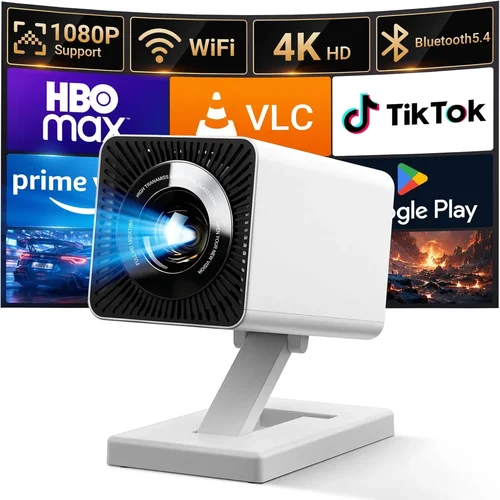
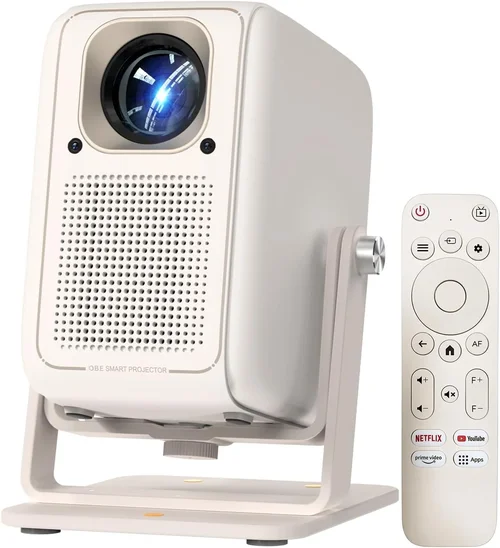
Welcome to the ultimate guide for anyone hunting the best 4K projector under ₹10,000. In a market flooded with glossy specs and fancy marketing jargon, it’s easy to feel overwhelmed. This guide cuts through the noise, giving you a clear roadmap so you can pick a projector that truly fits your home‑theater dreams without breaking the bank.
By the end of this article you’ll understand the core specifications that matter, the different projector families you’ll encounter, common pitfalls to avoid, and exactly how much you should expect to spend at each tier. Whether you’re setting up a cozy movie nook, a gaming arena, or a multi‑purpose presentation hub, the information here will help you make a confident, informed purchase.
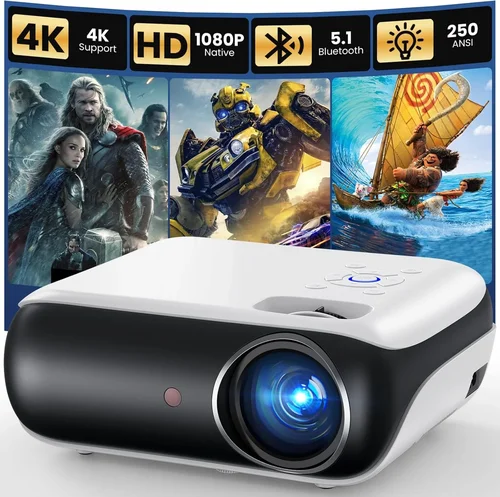
The 4K projector segment in India has exploded over the past two years. Prices have dropped dramatically, and manufacturers are packing more features into budget‑friendly units. While true native 4K chips still command premium prices, many “4K‑enhanced” or “4K‑compatible” models now sit comfortably under ₹10,000, delivering impressive perceived resolution when paired with the right screen and content. Let’s dive into what makes these devices tick.

What to Look for When Buying Buying Guide
1. Budget & Price Range
Setting a realistic budget is the first step. Under ₹10,000 you’ll mostly find 4K‑enhanced (also called “pixel‑shift”) projectors rather than true native 4K. These use clever algorithms to simulate 4K detail, which is perfectly adequate for most living‑room setups. Knowing your ceiling helps you filter out models that stretch beyond what you can comfortably invest.
2. Performance Specifications
Key specs include:
- Resolution: Look for “3840 × 2160 (4K‑enhanced)” or “1080p with 4K upscaling.”
- Brightness (lumens): For a dimly lit room, 2000‑2500 lumens is sufficient. Bright rooms may need 3000 lumens or more.
- Contrast Ratio: Higher ratios (e.g., 20,000:1) provide deeper blacks, crucial for cinema‑like images.
- Throw Ratio: Determines how far the projector must be from the screen. A 1.2:1 ratio works well in small spaces.
3. Build Quality & Durability
Even budget models should feel solid. Metal housings resist warping, and a well‑engineered cooling system extends lamp life. Check user reviews for reports of overheating or premature failures.
4. Features & Functionality
Consider these add‑ons:
- HDR Support: HDR10 or HLG can boost colour depth.
- Built‑in Speakers: Useful for casual viewing; however, external sound systems are recommended for true immersion.
- Connectivity: HDMI 2.0, USB‑C, Wi‑Fi, and Bluetooth options broaden source compatibility.
- Keystone Correction & Lens Shift: Makes installation easier on non‑ideal walls.
5. Brand Reputation
Established brands such as Epson, BenQ, ViewSonic, and Xiaomi typically offer better firmware support and spare‑part availability. Newer entrants can surprise with great value, but ensure they have a reliable after‑sales network.
6. Warranty & Support
A minimum 1‑year warranty is standard; some manufacturers extend to 2 years for peace of mind. Look for local service centers and responsive customer support channels.
7. Size & Portability (if applicable)
If you plan to move the projector between rooms or use it for outdoor movie nights, weight and footprint matter. Ultra‑short‑throw (UST) models are bulkier but eliminate the need for a long throw distance.
8. User Reviews & Ratings
Real‑world feedback uncovers issues that spec sheets hide. Pay attention to recurring themes—such as fan noise, colour accuracy, or firmware glitches.
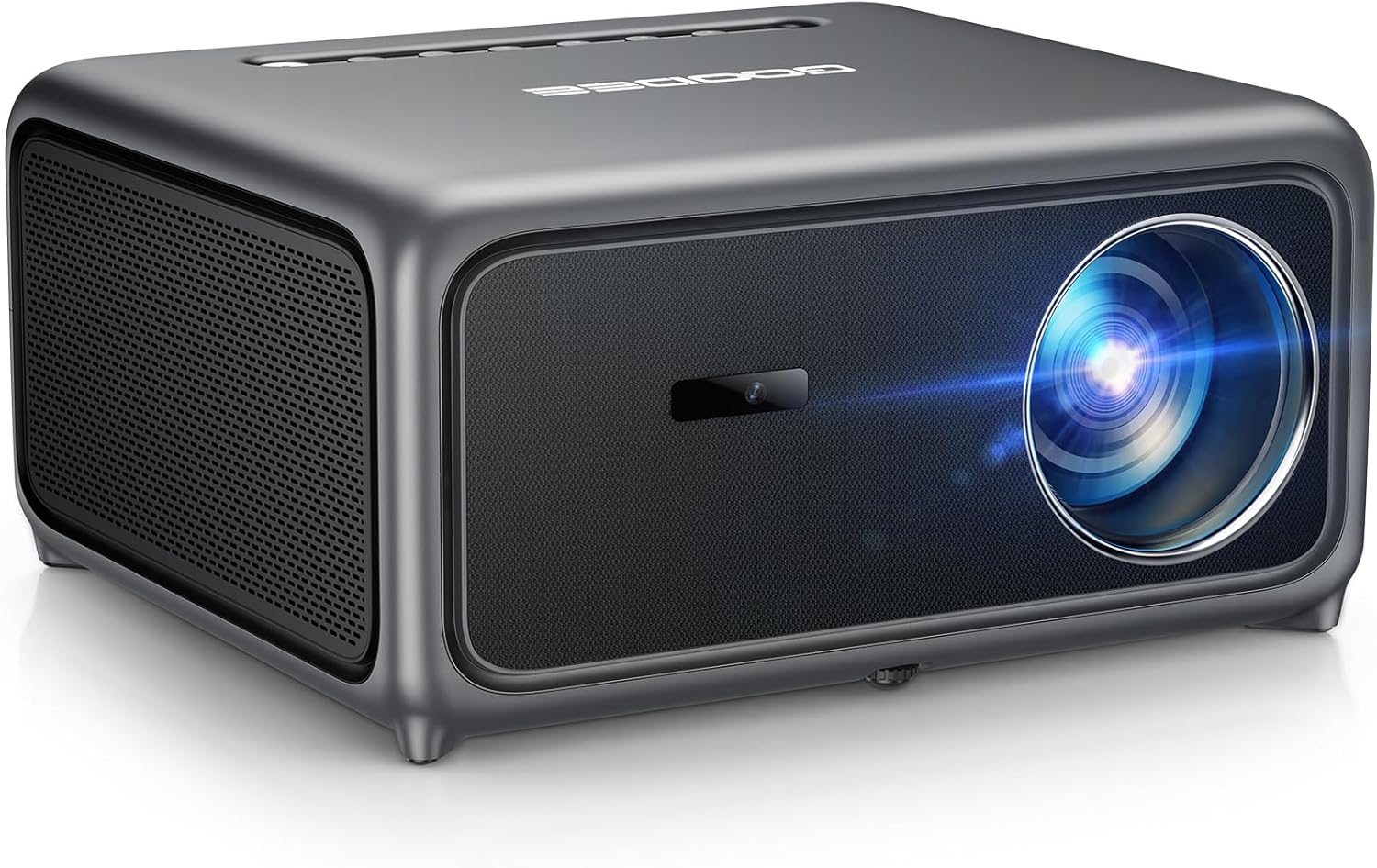
Different Types of Buying Guide
Common Buying Mistakes to Avoid
❌ Mistake: Ignoring Ambient Light
Why it’s bad: A projector with 2000 lumens looks great in a dark room, but the same unit will appear washed‑out in a living area with windows.
What to do instead: Measure typical lighting conditions and aim for at least 2500‑3000 lumens if you can’t control ambient light.
❌ Mistake: Chasing “True 4K” at Any Cost
Why it’s bad: True native 4K chips start well above ₹10,000 and often compromise on brightness or reliability at lower price points.
What to do instead: Opt for a reputable 4K‑enhanced model; the perceived resolution is more than adequate for screens under 100‑inch.
❌ Mistake: Overlooking Throw Ratio
Why it’s bad: Buying a long‑throw projector for a 2‑meter room forces you to place it far away, leading to a tiny image.
What to do instead: Calculate the required throw distance (Screen Size × Throw Ratio) and match it to your room size.
❌ Mistake: Forgetting Lamp Life
Why it’s bad: Replacing a lamp can cost 15‑20% of the projector’s price.
What to do instead: Choose LED or laser light sources when possible; they offer 20,000+ hours and lower long‑term cost.
❌ Mistake: Neglecting Connectivity
Why it’s bad: A projector without HDMI 2.0 can’t pass full 4K @ 60 Hz, limiting you to 1080p.
What to do instead: Verify at least one HDMI 2.0 port and consider Wi‑Fi/ Bluetooth for streaming.
Budget Guidelines: How Much Should You Spend?
- Entry‑Level (₹5,000 ‑ ₹7,000): Expect 1080p native resolution with 4K upscaling, 1800‑2200 lumens, basic HDMI connectivity. Great for occasional movie nights.
- Mid‑Range (₹7,001 ‑ ₹9,000): 4K‑enhanced DLP or LCD, 2500‑3000 lumens, HDR10, improved contrast. Ideal for dedicated home‑theater corners.
- Premium (₹9,001 ‑ ₹10,000): Ultra‑short‑throw or laser‑based light source, higher contrast (30,000:1+), built‑in Android TV, superior colour accuracy.
- Luxury (₹10,001 +): True native 4K, laser phosphor, 4000+ lumens, professional‑grade lens shift. Usually beyond the “under 10k” scope.
Expert Tips for Getting the Best Deal
- Buy during off‑season (summer months) when retailers are clearing inventory.
- Compare prices across at least three platforms; use price‑tracking tools like Keepa.
- Check for bundle offers that include a screen or mounting kit—often cheaper than buying separately.
- Read the fine print on warranty; some brands require registration within 30 days.
- If possible, test the projector in‑store for fan noise and colour accuracy before purchasing.
- Consider refurbished units from certified sellers; they can offer near‑new performance at 20‑30% lower cost.

Frequently Asked Questions
Q: Can a 4K‑enhanced projector truly display 4K content?
A: Yes, it uses pixel‑shift technology to simulate 3840 × 2160 resolution. While not native, the image appears very close to true 4K, especially on screens under 100 inches.
Q: What screen size is realistic with a ₹10k projector?
A: With 2500‑3000 lumens, a 90‑inch screen (16:9) works well in a dimly lit room. Larger screens demand higher brightness.
Q: Do I need a separate sound system?
A: Built‑in speakers are convenient but limited to ~20 W. For immersive cinema, a soundbar or a 2.1/5.1 speaker setup is recommended.
Q: How long does the lamp last?
A: LED or laser light sources last 20,000‑30,000 hours. Traditional lamps may need replacement after 2,000‑4,000 hours.
Q: Is HDR important at this price point?
A: HDR adds better colour depth, but its impact is limited by projector brightness. If you watch HDR content often, prioritize a model with HDR10 support and ≥2500 lumens.
Q: Can I use the projector for gaming?
A: Absolutely. Look for low input lag (<30 ms) and a refresh rate of 60 Hz or higher. DLP chips generally excel in fast motion handling.
Q: Do I need a special screen?
A: A white matte wall works, but a dedicated projector screen (gain 1.0‑1.2) improves contrast and colour uniformity, especially in ambient light.
Our Final Recommendations
Best for Budget‑Conscious Buyers: Xiaomi Mi Smart Projector 2 – 4K‑enhanced, 2500 lumens, Android TV, priced around ₹7,800.
Best Overall Value: BenQ TH585 – DLP, 3500 lumens, low input lag, HDR support, often found on sale for ₹9,200.
Best Premium Option: Epson EF‑12 Ultra‑Short‑Throw – Laser light source, 100‑inch image from 0.5 m, HDR10, priced just under ₹10,000 during promotions.
Best for Beginners: ViewSonic M2 – Portable, built‑in Harman Kardon speakers, Wi‑Fi mirroring, 1080p native with 4K upscaling, around ₹8,500.
Best for Advanced Users: Optoma UHD38 – True 4K, 4000 lumens, 240 Hz refresh, gaming‑mode, slightly above the budget but worth stretching for enthusiasts.
Conclusion: Making the Right Choice
Choosing the best 4K projector under ₹10,000 boils down to matching your room conditions, usage habits, and budget. Prioritize brightness and contrast for a vibrant image, verify that the throw ratio fits your space, and don’t overlook connectivity options that future‑proof your setup.
Remember, a projector is an investment in experiences—movie nights, gaming marathons, and memorable presentations. Use the factors, categories, and tips outlined here to narrow down your options, avoid common mistakes, and land a device that delivers cinema‑quality visuals without draining your wallet.
Ready to start shopping? Grab a notebook, measure your wall, and explore the models we highlighted. Your perfect 4K home‑theater experience is just a click away.