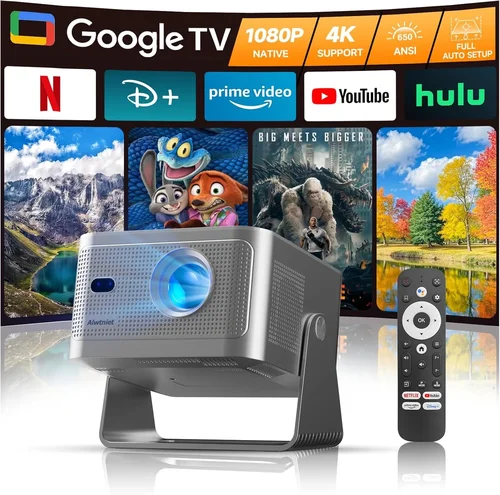
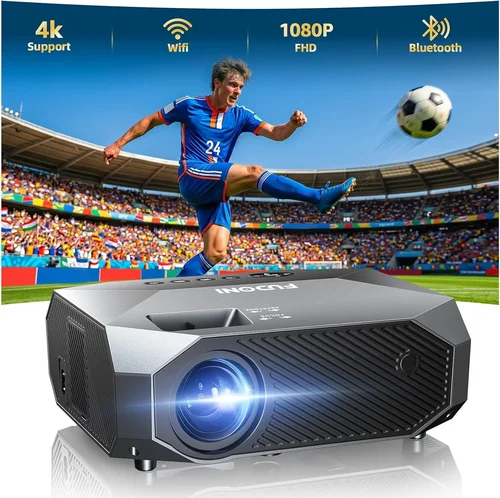
Finding the perfect 1080p projector under $2,000 can feel like searching for a needle in a haystack, especially when the market is flooded with models that promise cinema‑grade performance at a fraction of the cost. This guide cuts through the noise, giving you a clear roadmap so you can invest confidently and avoid costly missteps.
By the end of this article you’ll understand the technical specs that truly matter, know which projector types align with your viewing habits, and have a shortlist of top‑rated models that deliver bright, sharp images without breaking the bank. Whether you’re setting up a home theater, a backyard movie night, or a portable presentation device, the principles here apply across the board.
The 1080p projector segment has matured dramatically over the past few years. Advances in light‑engine technology, laser phosphor sources, and improved contrast processing mean that many units now rival higher‑priced 4K counterparts for everyday use. As a result, the $2,000 ceiling is no longer a barrier to a truly immersive experience.

What to Look for When Buying Buying Guide
1. Budget & Price Range
Setting a realistic budget is the first step. While $2,000 is the upper limit for this guide, you’ll find viable options across three sub‑tiers: entry‑level (under $800), mid‑range ($800‑$1,400), and premium ($1,400‑$2,000). Each tier offers a trade‑off between brightness, contrast, and feature set. Knowing how much you’re willing to spend helps narrow choices quickly and prevents you from chasing specs that exceed your needs.
2. Performance Specifications
Performance is defined by three core numbers: lumens, contrast ratio, and native resolution. For a true 1080p experience you need a projector that actually outputs 1920×1080 pixels natively—not simply upscaled. Brightness (measured in ANSI lumens) should be at least 2,500 for a dark home theater and 3,500‑4,000 if you plan to use ambient light. Contrast ratio influences black depth; a ratio of 10,000:1 or higher delivers richer shadows, crucial for movies and gaming.
3. Build Quality & Durability
Projectors are long‑term investments, so robust construction matters. Look for metal chassis, reinforced lens housings, and reliable cooling systems. Units with sealed optics are less prone to dust‑related dimming. If you need a portable model, check for shock‑absorbing mounts and a sturdy carry case.
4. Features & Functionality
Modern projectors pack a suite of smart features. Key ones to prioritize include:
- HDMI 2.0 or higher – supports full 1080p at 60 Hz and HDR signals.
- Built‑in speakers – useful for casual viewing, though external audio is recommended for true cinema.
- Wireless screen mirroring – AirPlay, Miracast, or Chromecast built‑in simplifies streaming from phones and laptops.
- Lens shift and keystone correction – essential for flexible placement without image distortion.
- Long‑life light source – laser or LED sources can exceed 20,000 hours, dramatically reducing maintenance costs.
5. Brand Reputation
Established brands such as Epson, BenQ, ViewSonic, and Optoma have proven track records in delivering reliable 1080p projectors. Their global support networks, firmware updates, and readily available replacement parts give you peace of mind. Newer entrants may offer innovative tech but can lack the service infrastructure that seasoned users rely on.
6. Warranty & Support
A solid warranty protects your investment. Look for at least a 2‑year parts and labor guarantee, with the option to extend. Check if the manufacturer offers on‑site service or a local authorized repair center. Customer support responsiveness often differentiates a good purchase experience from a frustrating one.
7. Size & Portability
If you intend to move the projector between rooms or take it on the road, size and weight become decisive. Compact “pico” projectors can weigh under 2 lb, while full‑size home theater units may be 8‑10 lb. Consider the throw distance as well—short‑throw models allow a large image from a few feet away, ideal for small apartments.
8. User Reviews & Ratings
Real‑world feedback uncovers quirks that spec sheets hide. Scan reputable sites like Amazon, B&H, and professional forums for recurring themes—such as fan noise, color accuracy, or firmware bugs. A product with a high average rating but a handful of consistent complaints may still be a solid choice if the issues are minor or fixable via firmware updates.
Different Types of Buying Guide

Common Buying Mistakes to Avoid
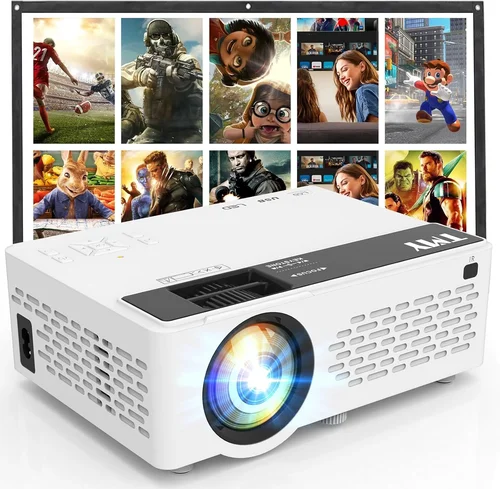
❌ Mistake: Ignoring Ambient Light Conditions
Why it’s bad: Selecting a low‑lumens projector for a bright living room results in washed‑out images and a disappointing viewing experience.
What to do instead: Measure typical room lighting and aim for at least 3,000 ANSI lumens if you cannot fully darken the space. Alternatively, invest in blackout curtains or a dedicated media room.
❌ Mistake: Overlooking Throw Distance
Why it’s bad: A standard‑throw projector may need 12‑15 ft to fill a 100‑inch screen, which many apartments cannot accommodate.
What to do instead: Calculate the required throw ratio (screen width ÷ distance) and match it to the projector’s specifications. Short‑throw models are ideal when space is limited.
❌ Mistake: Forgetting About Lamp Life Costs
Why it’s bad: Traditional UHP lamps can cost $150‑$300 to replace, adding hidden expenses over the projector’s life.
What to do instead: Prioritize laser or LED light sources, which often last 20,000‑30,000 hours and are covered under the warranty.
❌ Mistake: Choosing the Cheapest HDMI Cable
Why it’s bad: Inadequate cables can cause signal loss, color banding, or intermittent connections, especially with 1080p@60 Hz HDR content.
What to do instead: Invest in a high‑speed HDMI 2.0 cable certified for 18 Gbps to ensure flawless transmission.
❌ Mistake: Neglecting Audio Needs
Why it’s bad: Built‑in speakers are often under‑powered, leaving movies sounding tinny.
What to do instead: Plan for external audio—soundbars or AV receivers—using the projector’s audio out or HDMI ARC.
❌ Mistake: Assuming All 1080p Projectors Are Equal
Why it’s bad: Resolution alone doesn’t guarantee image quality; contrast, color gamut, and processing all impact the final picture.
What to do instead: Compare contrast ratios, color accuracy (Rec. 709 or DCI‑P3 coverage), and image processing features like dynamic contrast or HDR support.
❌ Mistake: Skipping Firmware Updates
Why it’s bad: Out‑of‑date firmware can harbor bugs, limit compatibility with new devices, or miss performance enhancements.
What to do instead: Register your projector on the manufacturer’s website and check for updates before first use.
Budget Guidelines: How Much Should You Spend?
Understanding what each price tier offers helps you align expectations with reality.
- Entry-Level ($600‑$800): Expect 2,500‑3,000 lumens, basic contrast (≈5,000:1), and limited connectivity (often a single HDMI). Ideal for casual movie nights in dark rooms.
- Mid-Range ($800‑$1,400): Brightness climbs to 3,500‑4,000 lumens, contrast improves to 10,000‑12,000:1, and you’ll find wireless mirroring plus lens shift. This tier balances performance and price for most households.
- Premium ($1,400‑$2,000): Laser‑phosphor light engines, contrast ratios of 15,000:1 or higher, HDR10 support, and robust build quality. Best for enthusiasts who want cinema‑grade visuals without stepping into 4K pricing.
- Luxury ($2,000+): Though outside the scope of this guide, luxury models push brightness beyond 5,000 lumens, feature ultra‑short‑throw optics, and integrate high‑end audio processing.
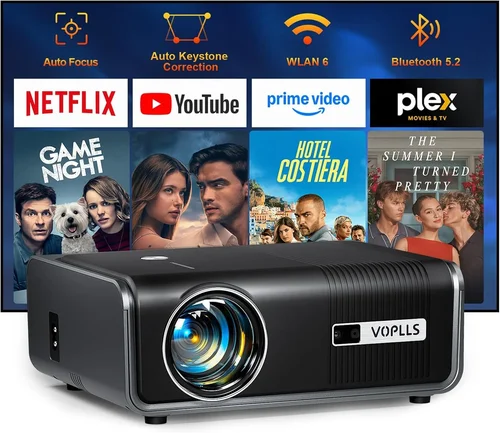
Expert Tips for Getting the Best Deal
- Timing: New projector releases typically happen in Q1. Purchasing a few months later can net you a discount on the previous generation, which still offers excellent performance.
- Where to Buy: Authorized retailers (B&H, Adorama, Amazon) provide reliable warranties. Brick‑and‑mortar stores let you demo units, which can be invaluable for assessing fan noise and black levels.
- Bundle Savings: Look for bundles that include a mounting kit, HDMI cable, or extended warranty—often cheaper than buying accessories separately.
- Refurbished Units: Certified refurbished projectors from the manufacturer carry the same warranty as new units and can save 15‑25%.
- Return Policies: Choose sellers with a 30‑day return window and free shipping for returns. This gives you a risk‑free trial period.
- Testing Before Buying: If possible, project a high‑contrast test pattern (e.g., the classic “black‑white‑gray” chart) to evaluate contrast and color uniformity.
- Warranty Extensions: For laser models, a 3‑year extension is often cost‑effective and protects against rare component failures.

Frequently Asked Questions
Q: Do I need a 1080p projector if I have a 4K TV?
A: Not necessarily. Projectors excel at delivering massive screen sizes (100‑150 inches) that TVs can’t match. If you prioritize size over pixel density and have a dark viewing environment, a high‑quality 1080p projector can provide a more immersive experience than a 4K TV of similar cost.
Q: Can I use a 1080p projector for gaming?
A: Absolutely. Look for low input lag (under 30 ms) and a refresh rate of 60 Hz or higher. Many mid‑range models now include a “Game Mode” that optimizes processing to reduce lag.
Q: How important is HDR for a 1080p projector?
A: HDR adds dynamic range, making bright areas brighter and dark areas darker. While true HDR performance shines on 4K panels, a 1080p projector with HDR10 support still benefits from richer colors and better contrast.
Q: What is the ideal screen size for a 1080p projector?
A: For 1080p, the optimal viewing distance is roughly 1.5‑2.5 times the screen diagonal. A 100‑inch screen works well at 12‑20 ft. Larger screens are possible but may reveal pixelation if you sit too close.
Q: Do I need a special screen?
A: A white matte screen provides decent results, but an ambient‑light‑reject (ALR) screen dramatically improves contrast in bright rooms. ALR screens are worth the extra cost if you can’t fully darken the space.
Q: How often should I clean the projector?
A: Clean the air filters every 2‑3 months and use a soft brush or canned air for the lens. Avoid using liquids directly on the lens; a microfiber cloth with a small amount of lens cleaner works best.
Q: Is a laser projector really better than a lamp?
A: Laser light sources offer higher brightness consistency over time, longer lifespan, and instant on/off without warm‑up. For users who plan heavy usage, the higher upfront cost pays off.
Q: Can I mount the projector ceiling‑side?
A: Yes, provided the model offers sufficient lens shift and keystone correction. Ensure the mounting bracket supports the projector’s weight and that ventilation isn’t obstructed.
Q: What’s the difference between short‑throw and ultra‑short‑throw?
A: Short‑throw projectors need 4‑6 ft to fill a 100‑inch screen, whereas ultra‑short‑throw (UST) can sit inches from the wall, making them ideal for tight spaces or furniture‑back installations.
Q: Do I need a separate color calibration?
A: Most mid‑range projectors are calibrated out of the box for Rec. 709. If you demand color‑critical work (e.g., photo editing), consider a calibration kit or professional service.
Our Final Recommendations
- Best for Budget‑Conscious Buyers: ViewSonic PX706HD – 3,200 lumens, 10,000:1 contrast, short‑throw, under $800. Offers excellent brightness for its price and solid gaming performance.
- Best Overall Value: BenQ TH671ST – 3,000 lumens, 10,000:1 contrast, low input lag, and a versatile short‑throw lens. Priced around $1,200, it balances performance and features.
- Best Premium Option: Epson Home Cinema 4010 – 2,400 lumens laser‑phosphor, 40,000:1 contrast, 4K‑enhanced processing, HDR10, and excellent color accuracy. Slightly above $2,000 but often found on sale within the budget.
- Best for Beginners: Optoma HD146X – 3,600 lumens, 25,000:1 contrast, simple setup, and user‑friendly menu. Ideal for first‑time owners seeking hassle‑free operation.
- Best for Advanced Users: LG HU80KA – Portable laser projector with 2,500 lumens, 1,200,000:1 contrast, and built‑in smart OS. Though marketed as 4K, its native 1080p panel delivers superb image quality and flexibility.
Conclusion: Making the Right Choice
Choosing the best 1080p projector under $2,000 boils down to matching your viewing environment, usage habits, and budget to the right blend of brightness, contrast, and features. Remember to assess ambient light, calculate throw distance, and prioritize a reliable light source. By avoiding common pitfalls—like under‑estimating lumen needs or ignoring warranty terms—you’ll secure a projector that delivers cinema‑like immersion for years to come.
Take the time to compare the models highlighted above, read user reviews, and, if possible, see a demo in person. With the knowledge from this guide, you’re well‑equipped to make an informed purchase that turns every movie night, game session, or presentation into a memorable visual experience.