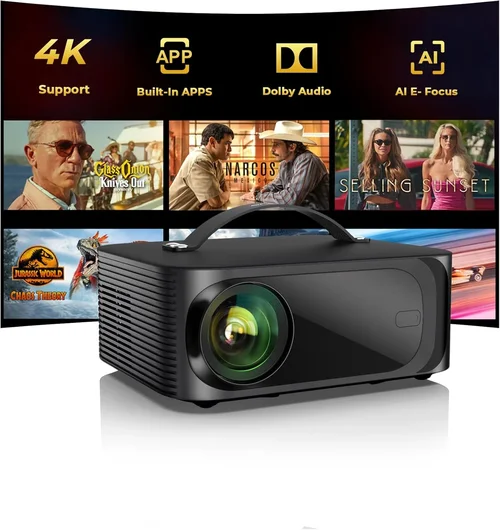
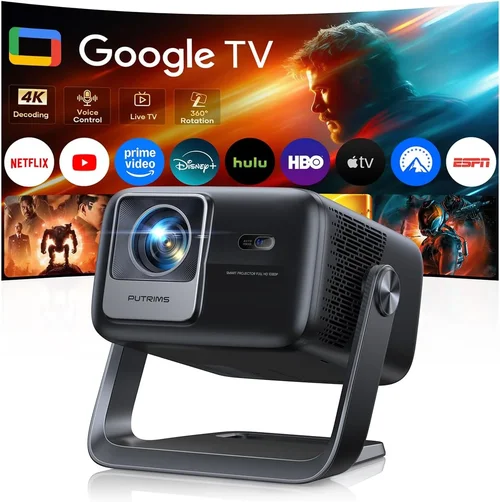
Welcome to the most thorough guide you’ll find for choosing a 4K projector under $1,500. Whether you’re setting up a home‑theater, a gaming den, or a portable office, the right projector can turn an ordinary room into a cinematic experience without breaking the bank. In the past few years, advances in DLP and laser technology have pushed true‑4K resolution into the sub‑$1,500 segment, but the market is still crowded with “4K‑enhanced” models that promise more than they deliver. This guide cuts through the hype, explains the technical jargon, and equips you with the knowledge to pick a projector that fits your budget, space, and viewing habits.
In the sections that follow you’ll learn how to evaluate brightness, contrast, color accuracy, and connectivity—plus the hidden costs that often catch shoppers off guard. We’ll compare the main projector families, flag common buying mistakes, break down price tiers, and share insider tips on scoring the best deal. By the end, you’ll be confident enough to walk into a store or click “add to cart” knowing exactly why the model you choose is the best match for your needs.

What to Look for When Buying Buying Guide
1. Budget & Price Range
Even within the “under $1,500” bracket, prices can swing dramatically based on lamp type, native resolution, and brand premium. Set a firm ceiling, but also allocate a small portion of your budget for accessories—screen, mounting hardware, and high‑quality cables. Remember that a lower upfront price can translate into higher long‑term costs if the lamp needs replacement every 2,000 hours.
2. Performance Specifications
The three pillars of picture quality are brightness (measured in lumens), contrast ratio, and resolution. For true 4K (3840 × 2160) you’ll see a noticeable step‑up in detail over 1080p, especially on larger screens. However, most budget 4K projectors use pixel‑shifting technology, which can introduce slight softness. Look for a minimum of 2,500 ANSI lumens for ambient‑light rooms, and a contrast ratio of at least 15,000:1 to preserve deep blacks.
3. Build Quality & Durability
Projectors that stay cool run longer. Check for metal chassis, efficient cooling fans, and a sealed lamp compartment that resists dust. Models with a longer lamp life (3,000+ hours) or laser light sources typically have fewer moving parts and lower maintenance costs.
4. Features & Functionality
Smart‑TV integration, HDR support, and built‑in speakers are nice-to‑haves, but they can also add to the price. Prioritize features that actually matter to you: HDMI 2.0 or 2.1 ports for 4K @ 60 Hz, USB‑C for quick media playback, and keystone correction (preferably lens‑shift rather than digital) for flexible placement.
5. Brand Reputation
Established brands such as Epson, BenQ, Optoma, and ViewSonic have solid service networks and frequent firmware updates. Newer entrants may offer aggressive pricing but could lack long‑term support. Research after‑sales service ratings and read community forums to gauge real‑world reliability.
6. Warranty & Support
A longer warranty (3‑years) can save you money if a component fails early. Look for on‑site service options and a clear policy on lamp replacement. Some manufacturers offer extended warranties for a modest fee—evaluate whether the extra coverage is worth the peace of mind.
7. Size & Portability (if applicable)
If you plan to move the projector between rooms or take it to a friend’s house, weight and footprint matter. Short‑throw models can sit close to the screen, reducing shadows, while ultra‑short‑throw units can be placed on a coffee table. Portable laser projectors often sacrifice some brightness but excel in compactness.
8. User Reviews & Ratings
Technical specs tell part of the story; user feedback reveals how a projector performs in everyday settings. Look for reviews that mention long‑term reliability, fan noise, and any firmware bugs. A product with a 4‑star average across multiple retailers is usually a safer bet than a newcomer with a perfect score based on only a few reviews.
Different Types of Buying Guide

Common Buying Mistakes to Avoid
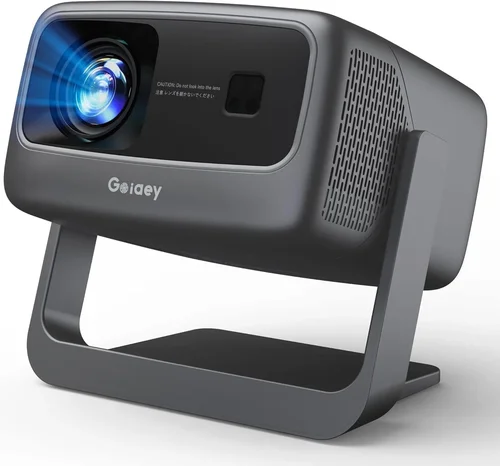
❌ Mistake: Ignoring Ambient Light
Why it’s bad: A projector rated at 2,500 lumens may look brilliant in a dark home theater, but the same unit can appear washed out in a living room with windows.
What to do instead: Measure the typical light level in your viewing area. If you can’t fully darken the room, aim for at least 3,000 ANSI lumens and consider a high‑gain screen.
❌ Mistake: Overlooking Lamp Life
Why it’s bad: A cheap lamp replacement can cost $150‑$250, turning an “affordable” projector into an expensive long‑term commitment.
What to do instead: Choose a laser or LED light source, or at least a model with a 3,000‑hour lamp warranty.
❌ Mistake: Assuming All 4K Is Equal
Why it’s bad: Some “4K‑enhanced” units use a 1080p chip with pixel‑shifting. The result is not true 4K detail.
What to do instead: Verify native resolution. Look for “True 4K” or “3840 × 2160” in the specifications.
❌ Mistake: Forgetting About Throw Distance
Why it’s bad: Placing a long‑throw projector too close to the screen can cause a distorted image or require a massive screen.
What to do instead: Use the manufacturer’s throw‑ratio calculator to match projector and room size. Short‑throw models are ideal for limited space.
❌ Mistake: Neglecting Audio Needs
Why it’s bad: Built‑in speakers are often underpowered, leading to a subpar movie experience.
What to do instead: Budget for an external sound system—soundbars or a small AV receiver with bookshelf speakers.
❌ Mistake: Skipping Firmware Updates
Why it’s bad: Out‑of‑date firmware can cause compatibility issues with new streaming devices.
What to do instead: Choose a brand that provides regular updates and check the support page before final purchase.
Budget Guidelines: How Much Should You Spend?
- Entry‑Level ($800‑$1,000): Expect 2,500‑2,800 lumens, pixel‑shift 4K, basic HDMI ports, and a lamp life around 2,000 hours. Good for dark rooms and occasional movie nights.
- Mid‑Range ($1,000‑$1,300): True 4K chips become more common, brightness climbs to 3,000‑3,500 lumens, and you’ll find HDR10 support. Ideal for mixed‑use (movies + gaming).
- Premium ($1,300‑$1,500): Laser light sources, contrast ratios above 20,000:1, and advanced lens‑shift mechanisms. Best for bright living rooms and frequent use.
- Luxury ($1,500+): While outside the scope of this guide, these models often include 4K laser with 4,000+ lumens, built‑in Android TV, and ultra‑low fan noise.
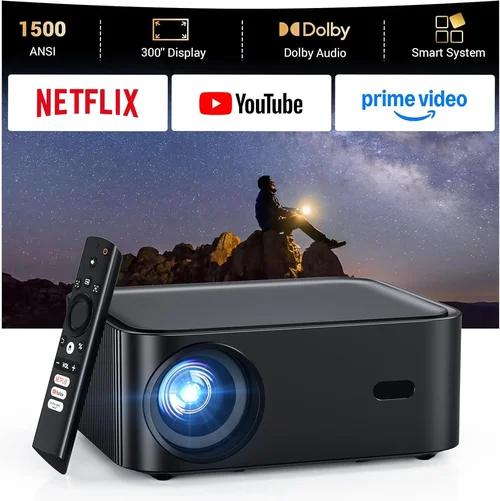
Expert Tips for Getting the Best Deal
- Timing: New models are announced in January and July. Prices on the previous generation typically drop 15‑25% shortly after.
- Where to Buy: Authorized retailers (Best Buy, B&H, and the manufacturer’s own store) often include extended warranties at no extra cost.
- Spotting Deals: Look for bundle offers that include a screen, HDMI cable, or wall mount—these can save $100‑$200.
- Warranty Considerations: Register your projector within 30 days to activate the full warranty period; some brands void it if you delay.
- Return Policies: Choose sellers with at least a 30‑day return window and free return shipping—essential for testing in your environment.
- Testing Before Buying: If possible, view a 4K Blu‑ray or stream a 4K HDR title in the store to assess brightness and color accuracy.
- Future‑Proofing: Opt for HDMI 2.1 if you plan to connect next‑gen consoles; it supports 4K @ 120 Hz and variable refresh rate.

Frequently Asked Questions
Q: Do I need a special screen for a 4K projector?
A: While a plain white wall works, a high‑gain 4K‑rated screen preserves detail and improves contrast, especially in bright rooms. Look for a screen with a gain of 1.0‑1.3 and a 4K‑compatible surface.
Q: Can I use a 4K projector for gaming?
A: Yes, but verify the input lag (ideally under 30 ms) and support for HDMI 2.0/2.1. Some budget models have higher lag; a dedicated gaming mode can help.
Q: How far should the projector be from the screen?
A: It depends on the throw ratio. A 1.5:1 ratio means you need 1.5 feet of distance for every foot of screen width. Use the manufacturer’s calculator or a throw‑distance chart.
Q: Is HDR really noticeable on a sub‑$1,500 projector?
A: HDR can improve perceived contrast, but true HDR performance requires high peak brightness (≥3,500 lumens) and a wide color gamut. Mid‑range models deliver a modest HDR boost; premium laser units show the most impact.
Q: Should I buy a lamp‑based or laser projector?
A: Laser projectors have longer life (20,000+ hours) and stable brightness, making them worth the extra $200‑$300 if you plan heavy use. Lamp units are cheaper upfront but incur replacement costs.
Q: What is lens shift and why does it matter?
A: Lens shift moves the image vertically or horizontally without distorting geometry. It’s more flexible than keystone correction and maintains image quality.
Q: Do I need a separate sound system?
A: Built‑in speakers are usually insufficient for immersive cinema. Pair the projector with a soundbar or a small AV receiver for the best experience.
Q: Can I mount the projector on the ceiling?
A: Most models support ceiling mounting with a standard ¼‑20 screw pattern. Check the weight rating of your mount and ensure adequate ventilation.
Our Final Recommendations
Best for Budget‑Conscious Buyers: BenQ TK800M – 3,000 lumens, true 4K, HDR‑10, and a 15,000:1 contrast ratio, all for around $999. Ideal for bright rooms and occasional gaming.
Best Overall Value: Optoma UHD50X – 3,400 lumens, 240 Hz refresh rate, low input lag (15 ms), and a robust 4K DLP chip at $1,199. Balances performance and price superbly.
Best Premium Option: Epson Home Cinema 4010 – Laser light source, 2,500 lumens, 4K‑enhanced (pixel‑shift) with excellent color accuracy, priced at $1,449. Perfect for long‑term use and bright environments.
Best for Beginners: ViewSonic PX747‑4K – Easy setup, 3,500 lumens, and a straightforward remote. At $899 it offers a gentle learning curve.
Best for Advanced Users: LG HU85LA Ultra Short‑Throw Laser (often found on sale near $1,500) – 4K laser, 2,700 lumens, ultra short‑throw, and built‑in smart TV platform. Ideal for minimalist living rooms.
Conclusion: Making the Right Choice
Choosing the best 4K projector under $1,500 boils down to matching three core factors: the lighting conditions of your space, the type of content you’ll watch, and how much upkeep you’re willing to handle. Use the checklist of performance specs, verify true 4K resolution, and factor in long‑term costs such as lamp or laser replacement. By avoiding common pitfalls—like ignoring ambient light or overlooking throw distance—you’ll protect your investment and enjoy cinema‑quality visuals for years.
Now that you’re equipped with the knowledge, take a look at the models highlighted in our recommendations, compare prices, and read a few user reviews. When the time feels right, place your order, set up a screen, and get ready to experience movies, games, and sports the way they were meant to be seen—on a true 4K canvas without blowing your budget.