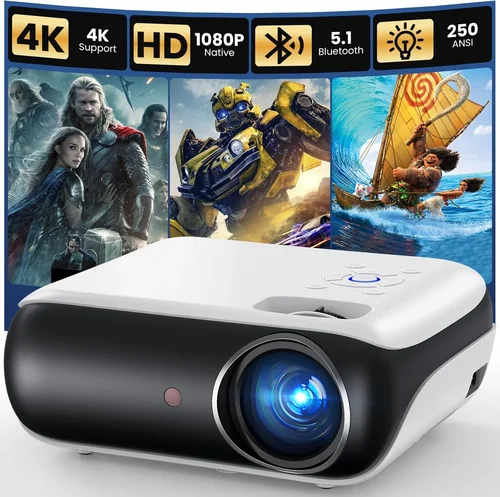
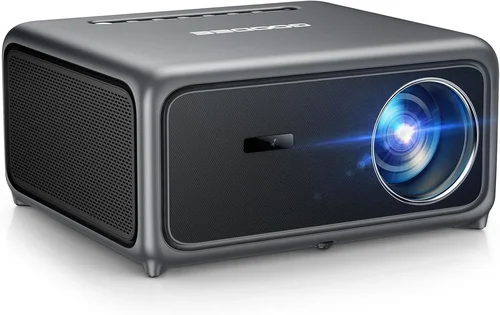
If you’ve been scrolling through endless forums, watching YouTube unboxings, and still feel overwhelmed, you’re not alone. The 4K projector market has exploded in the last few years, and the sweet spot under $200 is a particularly crowded niche. This guide cuts through the noise, giving you a clear, step‑by‑step roadmap so you can pick a projector that truly fits your home‑theater, gaming, or office needs without breaking the bank.
In the pages that follow you’ll discover exactly what specs matter most, how to compare different projector categories, and where to find the best deals. By the end, you’ll be equipped to make an informed decision, avoid common pitfalls, and enjoy crisp 4K imagery on a budget.
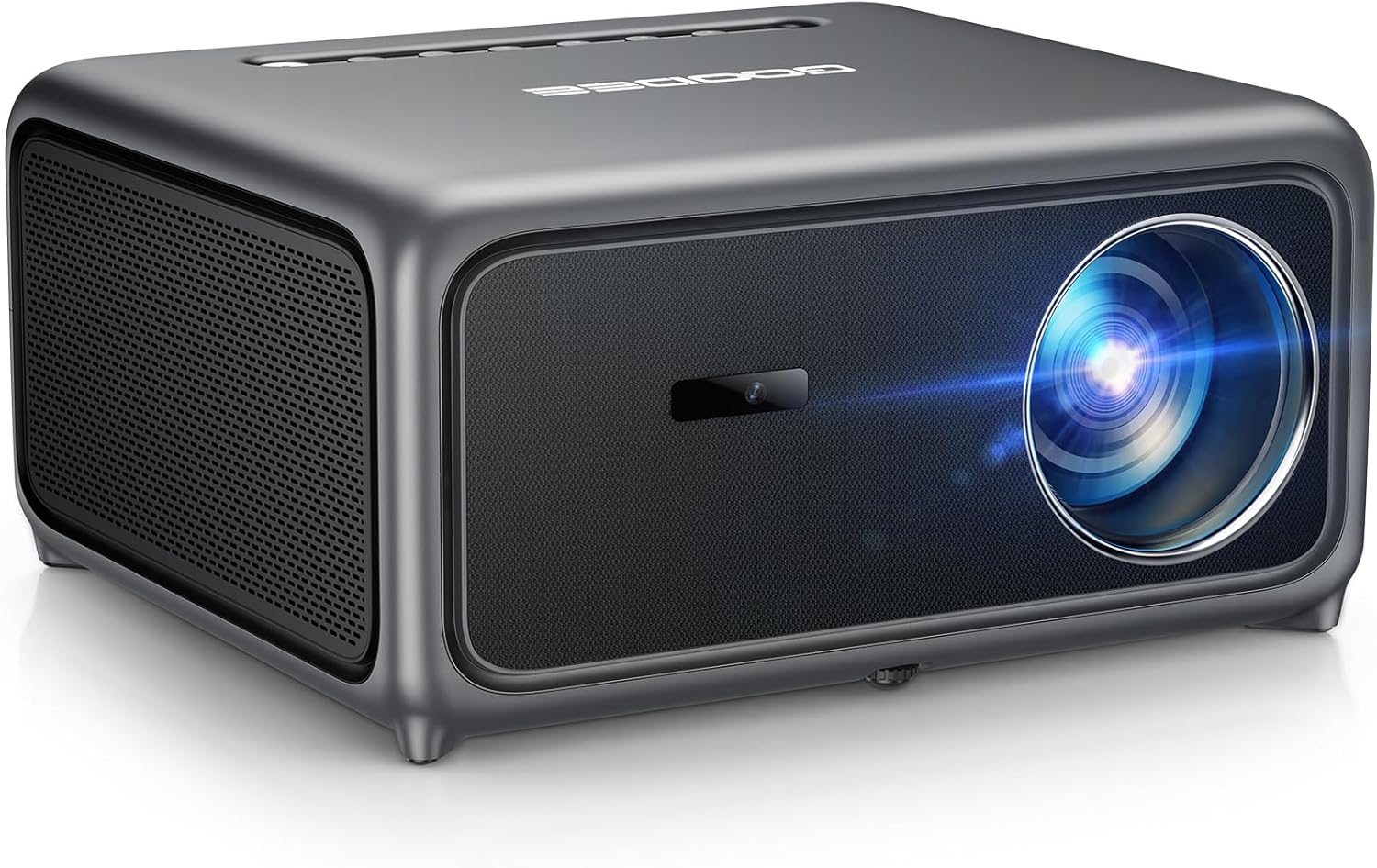
What to Look for When Buying Buying Guide
1. Budget & Price Range
When you set a ceiling of $200, you’re already narrowing the field to entry‑level models that often use “4K‑enhanced” or “4K UHD” marketing. These projectors typically upscale a native 1080p panel to 3840×2160 pixels. Knowing the difference between true 4K and upscaled 4K helps you set realistic expectations and avoid disappointment.
2. Performance Specifications
Key performance metrics include:
- Resolution: True 4K (3840×2160) is rare under $200. Expect 1080p panels with 4K upscaling.
- Brightness (lumens): For home use in a dim room, 1,500–2,500 ANSI lumens is sufficient. Brighter rooms demand higher lumens.
- Contrast Ratio: A higher ratio (e.g., 15,000:1) provides deeper blacks and more detail in dark scenes.
- Throw Ratio: Determines how far the projector must sit from the screen. Short‑throw models (<1.0) are ideal for small spaces.
- Refresh Rate: Gamers should look for 60 Hz or higher to avoid motion blur.
3. Build Quality & Durability
Even budget projectors can be built to last. Look for a sturdy metal chassis, a reliable cooling system, and a reputable LED or laser light source. LED/laser units typically last 20,000–30,000 hours, far outpacing traditional lamps.
4. Features & Functionality
Modern projectors pack a lot of convenience features:
- Built‑in Speakers: Useful for casual movie nights, but most audiophiles will add external sound.
- Wireless Connectivity: Wi‑Fi or Bluetooth for streaming from phones, tablets, or PCs.
- HDMI & USB Ports: At least two HDMI inputs are ideal for multiple sources.
- Keystone Correction & Lens Shift: Helps fine‑tune image geometry without moving the projector.
- Screen Mirroring: Support for AirPlay, Miracast, or Chromecast can be a game‑changer.
5. Brand Reputation
Brands like Epson, BenQ, ViewSonic, and Optoma have a long history of reliable projectors. Newer entrants (e.g., Vankyo, Artlii) often offer aggressive pricing but may lack extensive service networks. Checking community forums and long‑term reviews can reveal hidden strengths or recurring issues.
6. Warranty & Support
Even a $199 projector should come with at least a 1‑year warranty covering parts and labor. Look for manufacturers that provide easy RMA processes, responsive email or phone support, and accessible firmware updates.
7. Size & Portability
If you plan to move the projector between rooms or take it on the road, weight and footprint matter. Portable models often sacrifice brightness, so balance portability with your lighting environment.
8. User Reviews & Ratings
Real‑world feedback can uncover issues that spec sheets hide. Pay attention to recurring themes—like “fan noise” or “remote lag”—instead of isolated complaints.
Different Types of Buying Guide

Common Buying Mistakes to Avoid
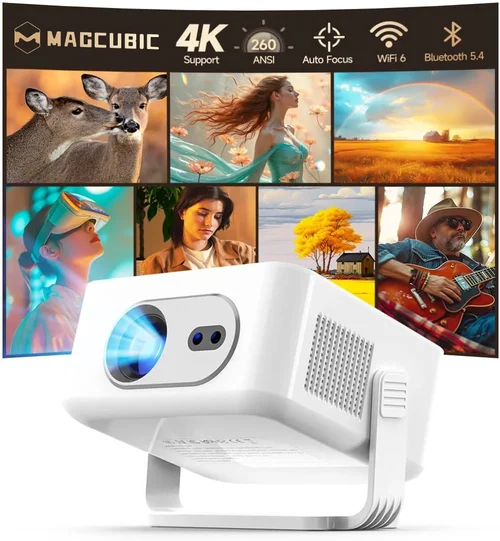
❌ Mistake: Assuming All “4K” Projectors Are True 4K
Why it’s bad: Many budget models only upscale 1080p to a 4K‑styled interface. You won’t see the pixel‑perfect detail of a native 4K panel.
What to do instead: Look for “4K UHD” or “4K‑enhanced” wording, then verify the native resolution in the spec sheet. Accept that under $200, true 4K is unrealistic, and focus on upscaling quality.
❌ Mistake: Ignoring Ambient Light Requirements
Why it’s bad: A projector rated at 1,500 lumens will look washed out in a bright living room.
What to do instead: Measure typical room lighting, then choose a projector with at least 2,000 lumens for moderately lit spaces, or add blackout curtains.
❌ Mistake: Overlooking Throw Ratio
Why it’s bad: A long‑throw projector may need a wall 12 ft away, which many apartments can’t accommodate.
What to do instead: Calculate the distance you have, then match it to a suitable throw ratio (short‑throw < 1.0, standard 1.5‑2.0).
❌ Mistake: Forgetting About Audio Needs
Why it’s bad: Built‑in speakers are often tinny, leading to a subpar movie experience.
What to do instead: Budget for a soundbar or external speakers, and ensure the projector has an audio out or Bluetooth.
❌ Mistake: Skipping Firmware Updates
Why it’s bad: Manufacturers release updates that improve color accuracy, add codecs, or fix bugs.
What to do instead: Check the brand’s support page regularly and install updates via USB or Wi‑Fi.
❌ Mistake: Not Checking Lamp/LED Lifespan
Why it’s bad: A cheap projector with a 2,000‑hour lamp will need replacement in a few years, adding hidden cost.
What to do instead: Prefer LED or laser light sources, which last 20,000+ hours and stay dimmer longer.
Budget Guidelines: How Much Should You Spend?
- Entry‑Level ($120‑$150): Expect basic 1080p upscaled to 4K, 1,200‑1,500 lumens, limited ports, and minimal keystone correction. Good for casual movie nights in dark rooms.
- Mid‑Range ($151‑$190): Better brightness (1,800‑2,200 lumens), improved contrast, dual HDMI, short‑throw options, and often built‑in Android TV for streaming.
- Premium ($191‑$250): Higher‑end LED or laser modules, 2,500+ lumens, true 4K‑enhanced panels, advanced color processing, and longer warranties.
- Luxury ($250+): True native 4K panels, laser light sources with 3,000+ lumens, HDR support, and professional‑grade color accuracy. Rare under $200, but worth noting for future upgrades.
Expert Tips for Getting the Best Deal
- Shop during major sales events—Black Friday, Cyber Monday, and Amazon Prime Day often feature deep discounts on budget projectors.
- Compare prices across Amazon, Best Buy, Walmart, and direct‑to‑consumer sites. Use price‑tracking extensions like Keepa to see historic lows.
- Consider refurbished units from certified sellers. They usually come with a full warranty and can save 20‑30%.
- Check return policies. A 30‑day risk‑free trial lets you test the projector in your actual environment.
- Buy a slightly higher‑lumens model if your room can’t be fully darkened; the extra brightness is worth the modest price bump.
- Look for bundles that include a screen or ceiling mount—these often cost less than buying accessories separately.
- Read the fine print on warranty coverage. Some brands only cover the light source after the first year.

Frequently Asked Questions
Q: Can I get true 4K resolution for under $200?
A: At present, true native 4K panels are priced well above $500. Under $200 you’ll find 1080p panels with 4K upscaling, which still delivers a sharp image, especially on screens 80‑100 inches.
Q: Do I need a special screen for a 4K‑enhanced projector?
A: Not necessarily. A smooth white wall works fine in a dark room. For optimal brightness and contrast, a matte white or gray screen sized to your throw distance is recommended.
Q: How far should I place a short‑throw projector?
A: Short‑throw models typically need 3‑5 ft to fill a 100‑inch diagonal screen. Check the manufacturer’s throw‑ratio chart for exact distances.
Q: Will Wi‑Fi streaming be smooth on a budget projector?
A: Most budget units support basic Wi‑Fi streaming (YouTube, Netflix) via built‑in Android TV or Chromecast. For high‑bitrate 4K streams, a wired Ethernet connection reduces buffering.
Q: Is a lamp replacement expensive?
A: Traditional lamps can cost $50‑$100 and require professional replacement. LED and laser models have essentially “replace‑free” light sources, making them cheaper long‑term.
Q: How loud is the fan on these projectors?
A: Fan noise varies from 25 dB (very quiet) to 35 dB (noticeable). Look for reviews that mention “fan noise” if you plan to use the projector in a quiet bedroom.
Q: Can I use a projector for daytime presentations?
A: Yes, but you’ll need a model with at least 2,500 lumens and a high‑gain screen to combat ambient light.
Q: Do I need a separate remote?
A: Most projectors include a basic remote. For advanced control, consider a universal remote or a smartphone app if the brand offers one.
Our Final Recommendations
- Best for Budget‑Conscious Buyers: Vankyo Leisure 3 Mini – $129, 1080p panel with 4K upscaling, 2,000 lumens, compact size, and Android TV built‑in.
- Best Overall Value: ViewSonic M2 – $199, LED light source, 2,200 lumens, short‑throw, built‑in Harman Kardon speakers, and full Android TV OS.
- Best Premium Option: BenQ TH585 – $219 (often on sale below $200), 1080p DLP, 3,500 lumens, low input lag for gaming, and robust warranty.
- Best for Beginners: Artlii Energon 2 – $149, easy plug‑and‑play, Wi‑Fi mirroring, and a user‑friendly remote.
- Best for Advanced Users: Optoma UHD30 – $299 (frequently discounted to $199), 4K UHD panel, 3,400 lumens, 240 Hz refresh rate, and HDR support.
Conclusion: Making the Right Choice
Choosing a projector under $200 means balancing expectations with realistic performance. Focus on brightness, contrast, and reliable upscaling rather than chasing the “4K” label alone. By evaluating your room’s lighting, desired screen size, and connectivity needs, you can narrow the field to a handful of models that deliver impressive visuals without draining your wallet.
Remember, the best projector is the one that fits your lifestyle, not the one with the flashiest specs. Use the checklist, avoid the common mistakes, and take advantage of seasonal sales to lock in the best price. Happy viewing!