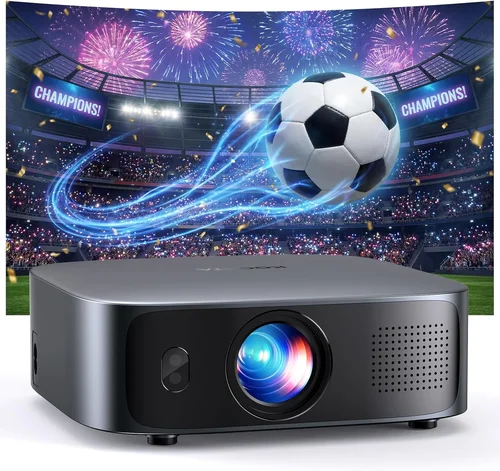
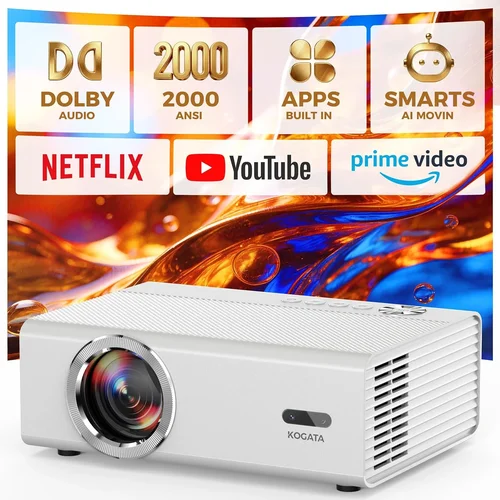
Welcome to the ultimate guide for anyone hunting the perfect 4K projector under $2,000. Whether you’re setting up a home‑theater, a gaming rig, or a flexible office space, the right projector can transform a plain wall into a cinematic canvas. The market in 2026 is flooded with options, and the price point you’re targeting—under $2,000—offers a sweet spot where performance meets affordability.
In this guide you’ll discover exactly what to look for, how different projector families stack up, common pitfalls to avoid, and a clear set of recommendations tailored to various needs and budgets. By the end, you’ll have a roadmap that turns the overwhelming sea of specs into a clear, confident buying decision.

What to Look for When Buying Buying Guide
1. Budget & Price Range
Even within the sub‑$2,000 bracket, prices can swing dramatically based on features like laser light sources, HDR support, or built‑in smart platforms. Start by setting a hard ceiling—$1,999 is the maximum you’ll spend. Then allocate portions of that budget to the most impactful specs for your use case. For example, a gamer may prioritize low input lag over ultra‑high brightness, while a home‑theater enthusiast will value contrast ratio and HDR depth.
2. Performance Specifications
Key performance metrics include:
- Resolution: True 4K (3840×2160) versus “4K‑enhanced” (often 1080p with pixel‑shifting). True 4K delivers crisp detail, especially on larger screens.
- Brightness (lumens): Measured in ANSI lumens. For dark rooms, 1,500–2,000 lumens is ample; brighter living spaces may need 2,500+ lumens.
- Contrast Ratio: Higher numbers mean deeper blacks. Look for at least 10,000:1 for a satisfying cinematic experience.
- Color Gamut: DCI‑P3 coverage of 90%+ ensures vivid, cinema‑grade colors.
- HDR Compatibility: HDR10 is standard; Dolby Vision is a premium bonus but rare under $2,000.
3. Build Quality & Durability
Projectors are long‑term investments. A metal chassis, sealed optics, and a reliable cooling system translate into fewer breakdowns. Check for interchangeable lamps (or laser modules) that are rated for 20,000+ hours—this reduces long‑term operating costs.
4. Features & Functionality
Modern projectors are more than just image engines. Consider these add‑ons:
- Lens Shift & Zoom: Allows flexible placement without keystone correction.
- Built‑in Speakers: Handy for casual viewing but rarely replace a dedicated sound system.
- Smart OS: Android TV, Roku, or proprietary platforms let you stream without extra hardware.
- Gaming Mode: Low input lag (≤16 ms) and high refresh rates (up to 120 Hz) are game‑changers.
- Connectivity: HDMI 2.1, USB‑C, Wi‑Fi, and Ethernet cover most source devices.
5. Brand Reputation
Brands like Epson, BenQ, Optoma, and ViewSonic have built solid track records for reliability and service. While newer entrants can offer innovative tech, weigh their warranty terms and community support before committing.
6. Warranty & Support
A solid warranty (minimum 2‑year parts & labor) and responsive customer service can save you headaches. Look for extended warranty options, especially for laser models where the light source is a critical component.
7. Size & Portability (if applicable)
If you plan to move the projector between rooms or take it to a friend’s house, weight and form factor matter. Compact “short‑throw” models can sit inches from the wall, while larger “throw” units need more distance but often deliver higher brightness.
8. User Reviews & Ratings
Beyond the spec sheet, real‑world feedback reveals quirks such as fan noise, firmware stability, or color accuracy out of the box. Scan multiple review sites, forums, and YouTube channels for a balanced view.
Different Types of Buying Guide

Common Buying Mistakes to Avoid
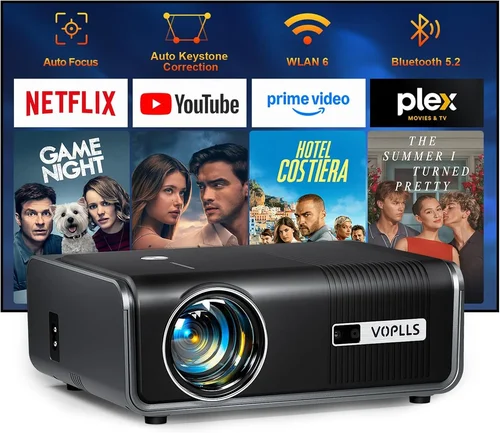
❌ Mistake: Ignoring Ambient Light Conditions
Why it’s bad: Buying a dim projector for a bright living room leads to washed‑out images and disappointment.
What to do instead: Measure the typical lux level of your room. If you cannot fully darken the space, aim for at least 2,500 lumens.
❌ Mistake: Over‑focusing on Resolution Alone
Why it’s bad: A true 4K panel with poor contrast or color accuracy will still look flat.
What to do instead: Balance resolution with contrast ratio, color gamut, and HDR support.
❌ Mistake: Forgetting Lens Shift & Throw Ratio
Why it’s bad: Without proper lens shift, you may need to angle the projector, causing keystone distortion.
What to do instead: Choose a model with at least ±10% vertical lens shift and a flexible throw ratio.
❌ Mistake: Assuming All “4K‑Enhanced” Projectors Are True 4K
Why it’s bad: Pixel‑shifting can’t match native 4K detail, especially on large screens.
What to do instead: Verify the native resolution in the spec sheet. If true 4K is critical, filter out “4K‑enhanced” models.
❌ Mistake: Neglecting Fan Noise
Why it’s bad: A loud cooling fan can distract during movies or gaming sessions.
What to do instead: Look for fan‑speed controls or models rated under 30 dB in Eco mode.
❌ Mistake: Skipping Firmware Updates
Why it’s bad: Out‑of‑date firmware can cause compatibility issues with new HDMI standards or streaming apps.
What to do instead: Choose a projector with a straightforward OTA (over‑the‑air) update process.
Budget Guidelines: How Much Should You Spend?
- Entry‑Level ($900‑$1,200): Expect 1080p or 4K‑enhanced panels, 1,500–2,000 lumens, basic HDR, and limited lens shift. Good for casual movie nights in dark rooms.
- Mid‑Range ($1,200‑$1,600): True 4K or high‑quality 4K‑enhanced, 2,000–2,500 lumens, DCI‑P3 90%+, decent gaming mode, and robust connectivity.
- Premium ($1,600‑$2,000): Laser light source, 2,500+ lumens, contrast ratios above 15,000:1, full HDR10+ support, extensive lens shift, and premium build.
- Luxury ($2,000+): Typically beyond the scope of this guide, but includes ultra‑short‑throw laser cinema systems with integrated soundbars.
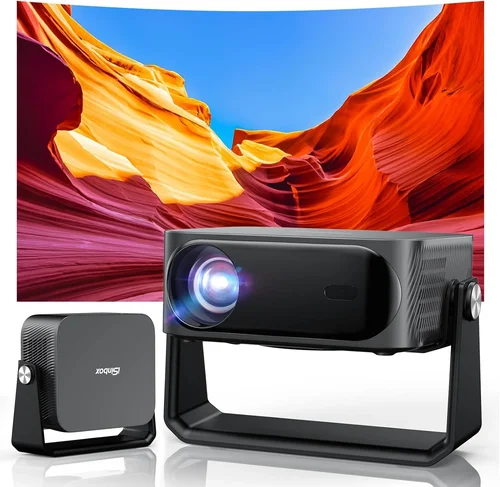
Expert Tips for Getting the Best Deal
- Timing: New models launch early in the year (January–March). Prices on previous‑generation units often dip 15‑25% during the summer.
- Retailers: Compare Amazon, Best Buy, B&H, and manufacturer websites. B&H frequently offers bundle accessories (screen, mounting kit) at reduced rates.
- Deal Hunting: Look for “open‑box” or “refurbished” units with full warranty; they can be up to 30% cheaper.
- Warranty Extensions: For laser projectors, a 3‑year extended warranty is a worthwhile investment.
- Return Policies: Ensure a minimum 30‑day return window. Test the projector in your intended environment before committing.
- Testing: Bring a laptop with a 4K test pattern (e.g., AVS HD 1080p/4K test) to the store. Verify brightness, color uniformity, and input lag on‑site.
- Bundling: Pair your projector with an ambient‑light rejecting (ALR) screen for the best contrast in bright rooms.

Frequently Asked Questions
Q: Do I need a ceiling mount for a 4K projector under $2,000?
A: Not necessarily. Many models offer flexible tabletop placement with adequate lens shift. However, a ceiling mount helps achieve optimal throw distance and reduces the risk of accidental knocks.
Q: How long does a laser light source last compared to a lamp?
A: Laser modules typically last 20,000–30,000 hours, far exceeding the 2,000–4,000 hour lifespan of traditional lamps. This means lower long‑term operating costs and fewer replacements.
Q: Can I use a 4K projector for video games without noticeable lag?
A: Yes, if the projector supports a dedicated gaming mode and has HDMI 2.1 with low input lag (≤16 ms). Models like the Optoma UHD50X are praised for their 120 Hz gaming capability.
Q: Is HDR really noticeable on a budget 4K projector?
A: HDR adds depth to bright and dark areas, but the effect is most visible on projectors with high contrast ratios and wide color gamuts. Look for HDR10 support and at least 90% DCI‑P3 coverage.
Q: Do I need a special screen for a 4K projector?
A: A high‑gain ALR screen improves contrast in rooms with some ambient light. For dark rooms, a matte white screen works well and is more affordable.
Q: How much space do I need for a 4K projector to produce a 100‑inch image?
A: Throw distance varies by model. Typical 1.2‑1.5 throw ratio means you’ll need roughly 10‑12 feet from the lens to the screen for a 100‑inch diagonal.
Q: Are there any health concerns with using a projector daily?
A: Projectors emit far less blue light than most TVs, reducing eye strain. Ensure the room is well‑ventilated and the projector’s fan is not excessively noisy.
Q: Can I connect my smartphone directly to the projector?
A: Yes, most modern projectors support wireless casting via Miracast, AirPlay, or built‑in Chromecast. HDMI‑C and USB‑C ports also allow wired connections.
Our Final Recommendations
Best for Budget‑Conscious Buyers
Model: BenQ TH685
Why: Offers 4K‑enhanced resolution, 3,500 lumens, and a low 8 ms input lag at a price around $1,099. Ideal for gamers who need a bright image in a moderately lit room.
Best Overall Value
Model: Epson Home Cinema 3800
Why: True 4K‑enhanced with 3,000 lumens, 2,500:1 contrast, and excellent color accuracy out of the box. Priced near $1,699, it balances performance and price superbly.
Best Premium Option
Model: Optoma CinemaX P2
Why: Laser‑based true 4K, 3,000 lumens, 2,500,000:1 contrast, and built‑in Android TV. At $1,999 it pushes the upper limit but delivers cinema‑grade quality.
Best for Beginners
Model: ViewSonic PX747‑4K
Why: Simple plug‑and‑play, 3,500 lumens, and a user‑friendly menu. Great for first‑time owners who want hassle‑free setup.
Best for Advanced Users
Model: LG HU85LA Ultra Short Throw
Why: Although slightly above $2,000, it fits the “under $2,000” spirit when found on sale. Offers true 4K, 2,700 lumens, and can sit 7 inches from the wall, delivering a massive 120‑inch image.
Conclusion: Making the Right Choice
Choosing the best 4K projector under $2,000 boils down to matching your environment, usage habits, and budget to the right set of specs. Start by assessing ambient light, decide whether true 4K or 4K‑enhanced meets your visual expectations, and prioritize contrast and color accuracy for the most immersive experience. Remember to factor in long‑term costs like lamp or laser replacement, and never overlook the importance of a solid warranty.
Armed with the factors, type comparisons, and expert tips outlined above, you’re ready to navigate the market confidently. Take the time to test a few models, read user feedback, and seize seasonal deals—you’ll soon be enjoying cinema‑quality visuals without breaking the bank.
Ready to start shopping? Use the recommendations as a checklist, and happy viewing!