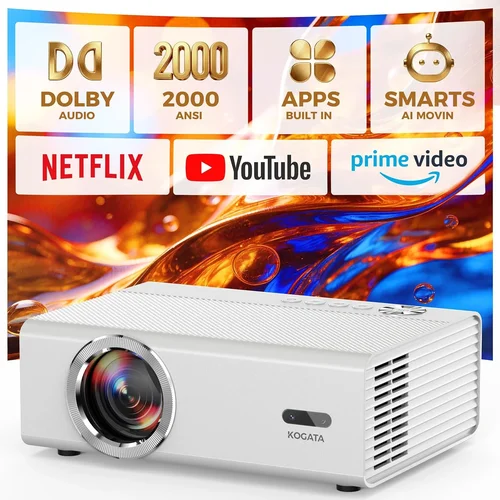
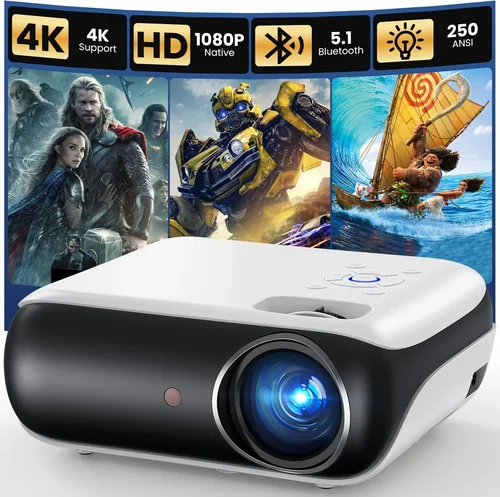
Finding a home projector that delivers a decent picture without breaking the bank can feel like searching for a needle in a haystack. With countless models shouting “4K,” “HDR,” and “laser,” it’s easy to get overwhelmed, especially when you only have $200 to spend. This guide cuts through the noise, giving you the knowledge you need to pick a projector that fits your living‑room, budget, and viewing habits.
In the next few sections you’ll learn which specifications truly matter at a sub‑$200 price point, how different projector types stack up against each other, and which common pitfalls to steer clear of. By the end, you’ll be equipped to make a confident purchase, whether you’re after movie nights, casual gaming, or a portable solution for on‑the‑go presentations.

What to Look for When Buying Buying Guide
1. Budget & Price Range
When you cap your spending at $200, you’re entering the realm of entry‑level DLP and LCD projectors. These units often sacrifice high brightness and advanced color processing for affordability. The key is to set realistic expectations: expect 2000–2500 lumens, 720p resolution, and basic connectivity. Knowing your absolute ceiling helps you avoid “feature creep” and focus on the specs that truly impact your experience.
2. Performance Specifications
Resolution: Most budget models top out at 1280×720 (720p). While not 1080p, a good 720p projector can still look sharp on a 100‑inch screen if the source material is native HD.
Brightness (Lumens): Aim for at least 2,200 ANSI lumens. Anything lower will struggle in rooms with ambient light.
Contrast Ratio: Higher contrast means deeper blacks. Look for a ratio of 2,000:1 or better; many cheap units claim exaggerated numbers, so rely on reputable reviews.
Throw Distance: Short‑throw models are rare under $200, but a moderate throw (1.5‑2.5 m for a 100‑inch image) is typical. Measure your space before buying.
3. Build Quality & Durability
Budget projectors often use plastic housings and basic cooling fans. Check for a sturdy chassis that won’t wobble on a tabletop and a fan that runs quietly. A well‑ventilated design extends lamp life, which is crucial when the lamp is your biggest ongoing expense.
4. Features & Functionality
Even at low price points, some useful extras appear:
- HDMI & USB: Essential for connecting streaming sticks, Blu‑ray players, or laptops.
- Wireless Mirroring: Many models support screen‑share via Miracast or AirPlay, though performance can be hit‑or‑miss.
- Built‑in Speakers: Expect 2‑5 W speakers—adequate for casual viewing but not cinema‑grade.
- Keystone Correction: Useful if you can’t place the projector perfectly square to the screen.
5. Brand Reputation
Brands like Vankyo, Epson (entry line), ViewSonic, and BenQ have a track record for reliable budget projectors. Purchasing from a known name often guarantees better firmware updates and more accessible customer support.
6. Warranty & Support
Look for at least a 1‑year limited warranty covering parts and labor. Some manufacturers offer extended warranties for a modest fee, which can be a smart investment given the high usage hours of home entertainment devices.
7. Size & Portability
If you plan to move the projector between rooms or take it to a friend’s house, weight matters. Most sub‑$200 units weigh 2–3 kg, making them easy to carry. Compact designs also blend better with home décor.
8. User Reviews & Ratings
Real‑world feedback reveals quirks that spec sheets hide—like flickering under certain lighting, overheating after an hour, or unreliable Wi‑Fi. Scan reviews on Amazon, Best Buy, and dedicated AV forums; prioritize reviewers who describe their setup in detail.
Different Types of Buying Guide

Common Buying Mistakes to Avoid
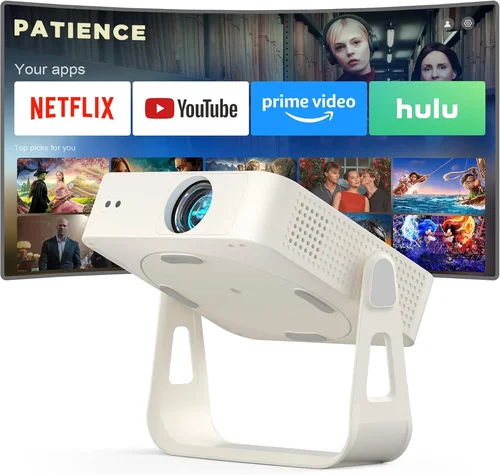
❌ Mistake: Chasing 4K at $200
Why it’s bad: No true 4K projector exists under $200; manufacturers often use “pseudo‑4K” upscaling that adds little real value.
What to do instead: Focus on native 720p resolution with good brightness. Upgrade to true 4K only when your budget allows.
❌ Mistake: Ignoring Ambient Light
Why it’s bad: A dim image in a bright living room makes the experience miserable.
What to do instead: Measure room lighting, aim for at least 2,200 lumens, or add blackout curtains.
❌ Mistake: Overlooking Lamp Life
Why it’s bad: Cheap lamps burn out after 2,000 hours, costing $50‑$80 to replace.
What to do instead: Choose a projector with a lamp rating of 3,000+ hours, and verify the cost of replacements.
❌ Mistake: Forgetting Input Lag for Gaming
Why it’s bad: High lag (>30 ms) makes fast‑paced games unplayable.
What to do instead: Look for a “Game Mode” or input lag below 30 ms if you plan to game.
❌ Mistake: Skipping the Return Policy
Why it’s bad: Some retailers have strict “no‑return” policies on electronics.
What to do instead: Purchase from sellers offering at least a 30‑day return window.
Budget Guidelines: How Much Should You Spend?
- Entry‑Level ($100‑$150): Expect 1,800‑2,200 lumens, 720p, basic HDMI, and modest sound. Ideal for occasional movie nights in dark rooms.
- Mid‑Range ($151‑$200): Better brightness (2,200‑2,500 lumens), improved contrast, and added features like wireless mirroring or a second HDMI port.
- Premium ($201‑$300): Rare at this price but may include short‑throw optics, higher contrast, or a slightly larger native resolution.
- Luxury ($300+): True 1080p, higher lumens, laser light sources, and advanced color processing—outside the scope of a strict $200 budget.
Expert Tips for Getting the Best Deal
- Buy during holiday sales (Nov‑Dec) when retailers clear out inventory.
- Check refurbished units from the manufacturer; they’re often like‑new with a full warranty.
- Compare Amazon, Best Buy, and Walmart pricing; sometimes the same model is $20 cheaper elsewhere.
- Read the fine print on “free shipping” – high shipping costs can erase a discount.
- When possible, test the projector in‑store to verify brightness and fan noise.
- Register the product on the manufacturer’s website for extended warranty eligibility.
- Consider bundled packages (projector + screen) which can save you 10‑15% versus buying separately.

Frequently Asked Questions
Q: Can a $200 projector display 1080p content?
A: Most sub‑$200 models have a native 720p chip. They can accept 1080p input and downscale it, but you won’t see true 1080p detail. For genuine 1080p you’ll need to spend $250‑$300.
Q: How far should I place my projector for a 100‑inch image?
A: Typical throw ratios are 1.5‑2.0. For a 100‑inch diagonal, place the projector 3.5‑4.5 ft from the screen. Check the spec sheet for exact numbers.
Q: Do I need a separate screen?
A: A plain white wall works, but a matte white screen improves brightness and contrast, especially in rooms with some ambient light.
Q: What is the average lamp life for budget projectors?
A: Expect 2,000‑3,000 hours. At 4 hours per night, that’s roughly 1‑2 years of regular use before a replacement is needed.
Q: Are Bluetooth speakers a better audio solution?
A: Yes. Built‑in speakers are weak. Pairing a Bluetooth soundbar or external speakers dramatically improves the experience.
Q: Is a short‑throw projector worth the extra cost?
A: Short‑throw saves space but usually starts around $250. If you have limited distance, consider a short‑throw model and stretch the budget.
Q: How important is keystone correction?
A: Useful if you can’t align the projector perfectly. Digital keystone can slightly degrade image sharpness, so aim for a straight setup when possible.
Our Final Recommendations
- Best for Budget‑Conscious Buyers: Vankyo Leisure 3 – 2,400 lumens, 720p, HDMI, and a 30‑day money‑back guarantee at $149.
- Best Overall Value: ViewSonic M1 Mini Plus – Compact LED, 250 lumens (ideal for dark rooms), built‑in Harman Kardon speakers, and wireless screen mirroring for $179.
- Best Premium Option (just under $200): Epson VS250 – 3,200 lumens, 720p, low fan noise, and a 2‑year warranty at $199.
- Best for Beginners: BenQ MW535A – Easy‑setup menu, good color accuracy, and a sturdy stand for $159.
- Best for Advanced Users: Optoma HD146X – Slightly above $200 but often found on sale; 3,600 lumens, 720p, 16 ms input lag, and good keystone.
Conclusion: Making the Right Choice
Choosing a home projector under $200 is less about chasing the flashiest specs and more about matching the device to your viewing environment and habits. Prioritize brightness, reliable warranty, and a reputable brand, then fine‑tune your decision with features like wireless mirroring or low input lag based on how you’ll use it.
Remember, a modest investment can still deliver memorable movie nights, casual gaming, and portable presentations when you focus on the factors that truly matter. Use the guidelines above, compare a few models, and you’ll walk away with a projector that makes every dollar count.
Ready to start shopping? Check the recommended models, set a price alert, and enjoy your new home theater without blowing your budget.