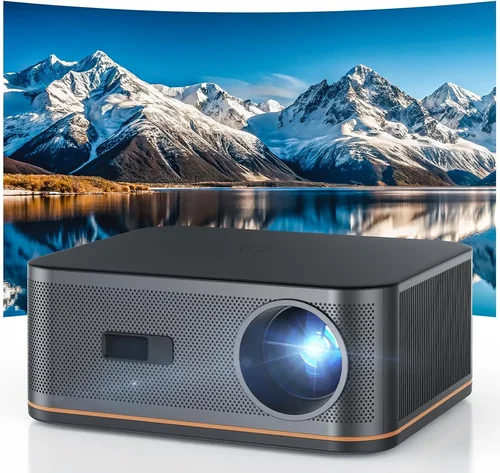
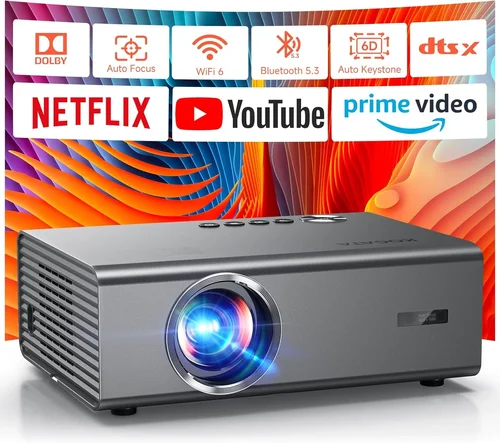
If you’ve ever tried to practice your swing at home, you know that a realistic visual display can make all the difference. A quality projector turns a simple garage or spare room into a virtual driving range, letting you see ball flight, distance, and even spin in real time. Yet many golfers assume they need to spend thousands on a cinema‑grade unit to get decent results. The truth is that a solid golf‑sim experience is possible for under $500—if you know what to look for.
This guide walks you through everything you need to consider when hunting for the best budget projector for a golf simulator. We’ll break down the key specs, compare projector categories, flag common pitfalls, and give you a step‑by‑step buying plan. By the end, you’ll be able to choose a model that fits your swing, space, and wallet without the guesswork.
In 2026 the projector market is crowded, but a handful of entry‑level models consistently deliver the brightness, resolution, and latency that a golf simulator demands. Whether you’re a weekend warrior, a teaching pro, or a tech‑savvy DIYer, the information below will help you separate the “good enough” from the “great value.”

What to Look for When Buying Buying Guide
1. Budget & Price Range
Setting a clear budget is the first step. While you can find projectors for as low as $100, most models under $500 will lack the lumen output or throw distance flexibility needed for a realistic simulator. Aim for $300‑$500 to strike a balance between cost and performance. Remember to factor in accessories—screen material, mounting brackets, and HDMI cables can add $50‑$150.
2. Brightness (Lumens)
Brightness, measured in ANSI lumens, determines how vivid the image will be in ambient light. For a golf simulator you’ll typically operate in a dimly lit garage or basement, but some spill‑over light is inevitable. Look for at least 2,500‑3,000 lumens; anything lower will appear washed out, especially on a matte screen. Higher lumens also allow you to keep the room slightly brighter, which is easier on the eyes during long practice sessions.
3. Resolution & Image Detail
Sharpness matters because you’ll be tracking ball flight and club impact on a virtual screen. A native 1080p (Full HD) resolution is the sweet spot for budget units. Some projectors advertise “4K‑enhanced” but rely on pixel‑shifting, which can introduce blur. Full HD ensures a clear, crisp image without breaking the bank.
4. Throw Ratio & Placement Flexibility
The throw ratio tells you how far the projector needs to be from the screen to fill a given width. A short‑throw projector (0.5‑0.8:1) can sit just a foot or two away, which is ideal for tight indoor spaces. Standard throw (1.5‑2.0:1) requires more distance but often comes with better keystone correction. Choose a throw ratio that matches your room dimensions and mounting options.
5. Input Lag & Refresh Rate
Even a few milliseconds of delay can throw off timing when you’re syncing the simulator software with the projected image. Look for a projector with input lag under 30 ms and a native refresh rate of 60 Hz or higher. Some budget models offer a “gaming mode” that reduces processing and speeds up response.
6. Connectivity Options
Most modern simulators output HDMI 2.0 or higher. Ensure the projector has at least one HDMI port that supports 1080p at 60 fps. Additional ports like USB, VGA, or wireless screen mirroring are bonuses but not essential. A built‑in speaker is optional; many golfers prefer external audio for a more immersive experience.
7. Build Quality & Durability
Projectors can be heavy and generate heat. Look for a metal or high‑grade plastic chassis with adequate ventilation. A sealed lamp housing extends the lamp life—most budget models now use LED or laser light sources that last 20,000+ hours, reducing long‑term maintenance costs.
8. Warranty & Support
A solid warranty (at least 2 years) signals manufacturer confidence. Check if the warranty covers the lamp/LED module and whether you can get on‑site service or must ship the unit. Good customer support can save you time and money if firmware updates or calibration assistance are needed.
Different Types of Buying Guide

Common Buying Mistakes to Avoid
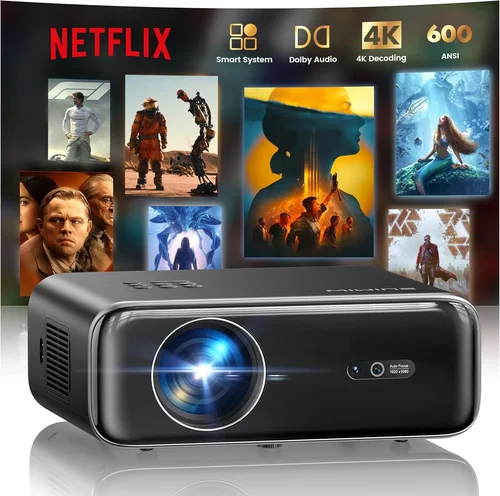
❌ Mistake: Choosing the Cheapest Model Without Checking Lumens
Why it’s bad: Low‑lumens projectors produce a dim, washed‑out image that makes ball tracking difficult and can strain your eyes.
What to do instead: Set a minimum of 2,500 lumens as a non‑negotiable spec, even if it means spending a few dollars more.
❌ Mistake: Ignoring Throw Ratio for Your Space
Why it’s bad: A standard‑throw projector in a cramped garage forces you to place it far away, creating a tiny image or requiring a massive screen.
What to do instead: Measure the distance from your intended mounting point to the screen and match it with a compatible throw ratio.
❌ Mistake: Overlooking Input Lag
Why it’s bad: High latency disrupts the sync between your swing data and the visual feedback, leading to inaccurate practice.
What to do instead: Look for a “gaming mode” or a spec sheet that lists input lag under 30 ms.
❌ Mistake: Forgetting About Lamp/LED Lifespan
Why it’s bad: Replacing a lamp can cost $100‑$150 and involve downtime.
What to do instead: Prefer LED or laser light sources with 20,000+ hour lifespans; they’re pricier upfront but cheaper over time.
❌ Mistake: Neglecting Warranty and Return Policies
Why it’s bad: A short or limited warranty leaves you vulnerable to defects, especially in high‑heat environments.
What to do instead: Choose brands that offer at least a two‑year warranty and a 30‑day return window.
Budget Guidelines: How Much Should You Spend?
Understanding price tiers helps you set realistic expectations.
- Entry‑Level ($300‑$350): Expect 2,500 lumens, 720p‑1080p native resolution, basic HDMI, and a short lamp life (5,000‑8,000 hours). Good for casual swing practice.
- Mid‑Range ($351‑$450): Offers 3,000‑3,500 lumens, true 1080p, low input lag, and LED or laser light source. This is the sweet spot for most home simulators.
- Premium ($451‑$600): Higher brightness (4,000+ lumens), enhanced color accuracy, built‑in keystone correction, and robust connectivity (HDMI 2.1, USB‑C). Ideal for enthusiasts who want near‑professional visuals.
- Luxury ($600+): Typically includes 4K resolution, laser light engines, and advanced lens shift. Overkill for most budget seekers but worth mentioning for completeness.
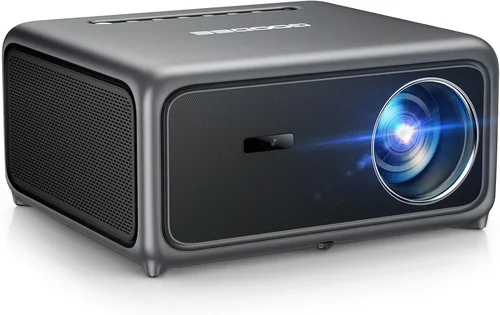
Expert Tips for Getting the Best Deal
- Time Your Purchase: Look for Black Friday, Cyber Monday, and Amazon Prime Day deals. Prices can drop 20‑35% on selected models.
- Compare Retailers: Check both big‑box stores and specialized golf‑tech shops. Sometimes a local dealer will throw in a free screen or mounting kit.
- Use Price‑Tracking Tools: Websites like CamelCamelCamel or Keepa alert you when a projector hits your target price.
- Check for Bundle Offers: Some sellers package a projector with a screen, HDMI cable, and wall mount for a lower total cost.
- Read the Fine Print on Warranty: Verify whether the lamp/LED is covered and if accidental damage is included.
- Test Before You Commit: If possible, view a demo unit in a store. Pay attention to brightness, color uniformity, and any visible rainbow effect (common in DLP).
- Consider Refurbished Units: Certified refurbished projectors often come with a full warranty at a 30‑40% discount.
Frequently Asked Questions
Q: Do I need a special screen for a golf simulator?
A: While a plain white wall can work, a high‑gain matte screen (1.3‑1.5 gain) improves brightness uniformity and reduces hotspotting, giving a clearer image for ball tracking.
Q: Can I use a projector with a TV stand?
A: Yes, as long as the stand can support the projector’s weight and you have enough clearance for the throw distance. A sturdy tripod or ceiling mount is often more stable.
Q: Is 1080p enough for realistic ball flight?
A: Absolutely. Most golf simulation software renders the ball and club at a resolution well below 1080p, so a Full HD projector provides more than enough detail.
Q: How far should the projector be from the screen?
A: It depends on the throw ratio. For a 0.6:1 short‑throw unit, a 6‑foot distance will fill a 100‑inch screen. Always calculate using the formula: Distance = Screen Width × Throw Ratio.
Q: Will ambient light ruin my simulator?
A: Bright ambient light can wash out the image. Aim for a room that can be darkened, or choose a projector with 3,500+ lumens to combat moderate light.
Q: Do I need a separate computer for the simulator?
A: Most golf simulators run on a PC or console. Ensure the computer meets the software’s graphics requirements (typically a GTX 1660 or better).
Q: How often do I need to replace the lamp?
A: LED and laser light sources last 20,000+ hours, effectively “lifetime” for home use. Traditional lamps may need replacement every 3‑5 years.
Q: Is there a noticeable lag with HDMI cables?
A: Not with a good quality HDMI 2.0 cable. Lag usually comes from the projector’s internal processing, not the cable.
Q: Can I mount the projector on the ceiling?
A: Yes, most projectors have standard ¼‑inch mounting holes. Ceiling mounts free up floor space and allow optimal throw angles.
Q: Will a portable projector work for a permanent setup?
A: Portable models can be used permanently if they meet brightness and throw‑ratio needs, but they may lack robust ventilation for continuous use.
Our Final Recommendations
- Best for Budget‑Conscious Buyers: ViewSonic PA503S – 3,600 lumens, 800×600 native resolution, short‑throw, under $300. Ideal for tight spaces.
- Best Overall Value: BenQ TH671ST – 3,000 lumens, true 1080p, 0.69:1 throw ratio, low input lag mode, priced at $449.
- Best Premium Option (Just Under $500): Epson Home Cinema 2150 – 2,500 lumens, 1080p, lens shift, wireless screen mirroring, $489.
- Best for Beginners: Optoma HD146X – 3,600 lumens, 1080p, easy setup, $399.
- Best for Advanced Users: LG PF50KA – 2,500 lumens, LED, 1080p, built‑in battery for flexible placement, $479.
Conclusion: Making the Right Choice
Choosing a projector for a golf simulator under $500 isn’t about compromising quality—it’s about aligning specs with your environment and practice goals. Prioritize brightness, resolution, and throw ratio, and don’t forget latency and warranty. Use the budget tiers and expert tips provided to narrow down options, and you’ll walk away with a projector that makes every swing feel like a round on the course.
Ready to bring the fairway home? Start comparing the models above, check current sales, and set up a test run. Your perfect budget golf‑sim projector is just a click away.