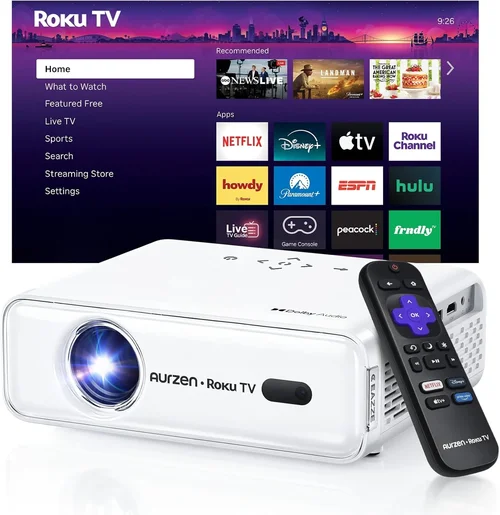
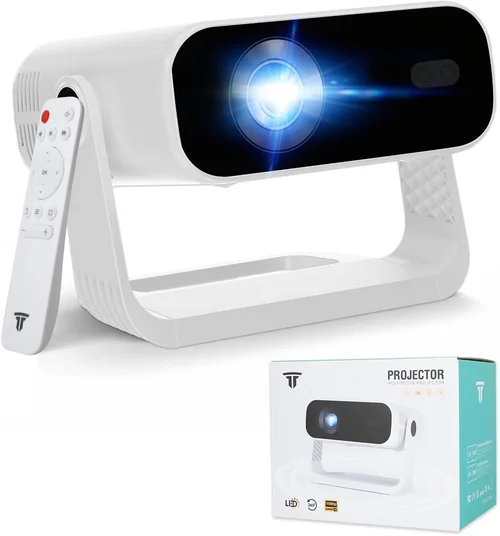
Choosing the right projector for a church can feel like navigating a maze of technical jargon, budget constraints, and unique worship‑space needs. One wrong choice can lead to dim images, frequent maintenance headaches, or a system that simply can’t keep up with the growing multimedia demands of modern services. That’s why this buying guide exists—to cut through the noise and give you a clear, step‑by‑step roadmap for selecting the best church projector under $1,000.
In the next several sections you will learn how to evaluate key performance specs, match projector types to your sanctuary’s size, avoid common purchasing pitfalls, and get the most value for every dollar spent. By the end, you’ll be equipped to make a confident, informed decision that enhances worship experiences without breaking the bank.
The projector market for churches has evolved dramatically over the past five years. LED and laser light sources have become affordable, throw‑ratio options are more diverse, and smart connectivity (wireless HDMI, AirPlay, and built‑in media players) is now standard even in entry‑level models. This guide reflects the 2026 landscape, focusing on devices that deliver bright, clear images in low‑ambient lighting while staying under the $1,000 ceiling.

What to Look for When Buying Buying Guide
1. Budget & Price Range
Setting a realistic budget is the first step. While $1,000 is the upper limit for this guide, you’ll find viable options as low as $300. Remember that the initial purchase price isn’t the whole story—consider long‑term costs such as lamp replacements (if applicable), maintenance contracts, and optional accessories like ceiling mounts or wireless transmitters.
2. Performance Specifications
Performance drives the worship experience. Focus on three core specs:
- Brightness (lumens): For most sanctuaries with controlled lighting, 3,000–4,500 lumens is sufficient. Larger, naturally lit spaces may need 5,000 lumens or more.
- Resolution: Native 1080p (Full HD) is the sweet spot under $1,000. While 4K projectors exist, they typically exceed the budget and offer diminishing returns on smaller screens.
- Contrast Ratio: Higher contrast improves text readability on slides and hymn lyrics. Aim for at least 10,000:1.
3. Build Quality & Durability
Churches run projectors for many hours each week. Look for metal housings, robust cooling systems, and dust‑proof filters. Models with sealed optics (common in laser/LED units) often require less frequent cleaning and have longer lifespans.
4. Features & Functionality
Modern projectors are more than just light sources. Key features to prioritize:
- Wireless Connectivity: Built‑in Wi‑Fi or Bluetooth enables streaming from phones, tablets, or worship‑software without extra dongles.
- Multiple Input Ports: HDMI, USB‑C, and VGA provide flexibility for legacy laptops and newer media players.
- Lens Shift & Zoom: Allows precise image placement without moving the projector—a boon for fixed‑ceiling installations.
- Keystone Correction: Essential when the projector can’t be perfectly aligned with the screen.
5. Brand Reputation
Established brands such as Epson, BenQ, ViewSonic, and Optoma have proven track records in the education and worship markets. Research warranty lengths, firmware update policies, and community support forums before committing.
6. Warranty & Support
A solid warranty can save you thousands. Look for at least a 2‑year parts‑and‑labor guarantee, and check whether the manufacturer offers on‑site service or a nationwide repair network.
7. Size & Portability (if applicable)
While most churches install ceiling‑mounted units, some smaller congregations use portable projectors for outreach events. In those cases, weight, dimensions, and quick‑setup features become decisive.
8. User Reviews & Ratings
Real‑world feedback uncovers issues that spec sheets hide. Prioritize products with a minimum of 150 user reviews and an average rating of 4.2 stars or higher on reputable retail sites.
Different Types of Buying Guide

Common Buying Mistakes to Avoid
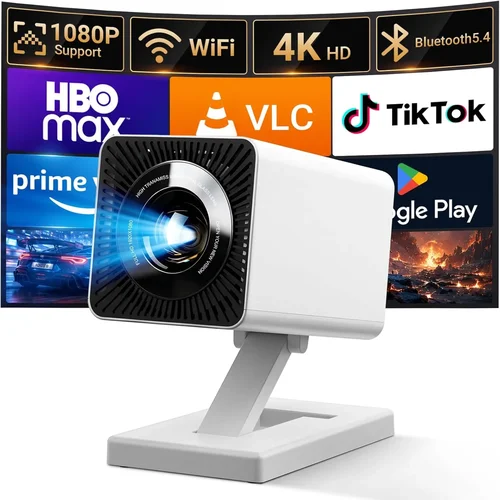
❌ Mistake: Ignoring Ambient Light Conditions
Why it’s bad: A projector that looks bright in a dark home theater may appear washed out in a sanctuary with windows.
What to do instead: Measure the typical lux level in your worship space and select a lumen rating that exceeds it by at least 30%.
❌ Mistake: Over‑Focusing on Resolution Alone
Why it’s bad: A 4K projector with 2,000 lumens will struggle in a bright room, defeating the purpose of higher resolution.
What to do instead: Balance resolution with brightness and contrast; for most churches, 1080p at 3,500 lumens is optimal.
❌ Mistake: Forgetting Lens Shift & Throw Ratio
Why it’s bad: Without proper lens shift, you may need to mount the projector at an awkward angle, causing distortion.
What to do instead: Choose a model with at least ±10% vertical lens shift and a throw ratio that matches your screen distance.
❌ Mistake: Skipping the Warranty Fine Print
Why it’s bad: Some warranties exclude lamp replacement or limit service to the country of purchase.
What to do instead: Read the warranty terms carefully; prioritize brands that cover lamp life and offer on‑site repair.
❌ Mistake: Assuming All Ports Are Equal
Why it’s bad: A projector might list “HDMI” but only support 1.4, limiting 4K capability or HDCP compliance.
What to do instead: Verify port versions (HDMI 2.0+, USB‑C with DisplayPort Alt Mode) to ensure compatibility with your worship software.
Budget Guidelines: How Much Should You Spend?
- Entry‑Level ($300‑$500): Expect lamp‑based units with 2,500–3,000 lumens, basic HDMI, and limited warranty. Ideal for small chapels or occasional use.
- Mid‑Range ($500‑$800): LED or hybrid laser projectors offering 3,500–4,500 lumens, 1080p, wireless streaming, and longer warranties. This tier fits most medium‑size congregations.
- Premium ($800‑$1,000): High‑brightness laser‑hybrid models with advanced lens shift, built‑in media players, and robust support. Best for churches with large screens or bright ambient light.
- Luxury ($1,000+): While beyond this guide’s scope, ultra‑short‑throw 4K laser units provide cinema‑grade image quality for flagship worship centers.
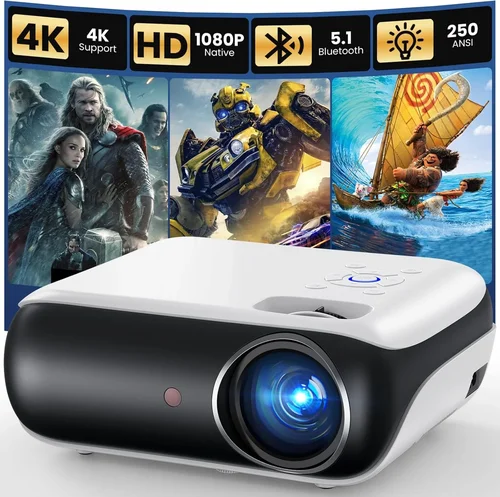
Expert Tips for Getting the Best Deal
- Timing: Purchase during fiscal‑year‑end (June‑July) or major sales events (Black Friday, Cyber Monday) for the deepest price cuts.
- Where to Buy: Compare prices on authorized reseller sites (e.g., B&H, Adorama) and direct‑to‑consumer portals. Beware of third‑party sellers lacking warranty support.
- Spotting Deals: Look for “refurbished” units that are factory‑certified; they usually carry the same warranty as new models.
- Warranty Considerations: Register your projector within 30 days to activate extended warranty options.
- Return Policies: Choose retailers with at least a 30‑day return window and free return shipping for peace of mind.
- Testing Before Buying: If possible, view a demo in a similarly lit environment. Check for uniform brightness and color accuracy.
- Accessory Savings: Bundle a high‑quality ceiling mount and a short‑throw lens (if needed) to avoid aftermarket compatibility issues.

Frequently Asked Questions
Q: Do I need a projector with 4K resolution for church services?
A: Not necessarily. Most worship presentations use slides, lyrics, and video clips that are well served by 1080p. The extra cost of 4K rarely translates into a noticeable improvement on a typical 100‑120 inch screen in a dimmed sanctuary.
Q: How long will the lamp last in a lamp‑based projector?
A: Lamp life varies by model and usage. Expect 3,000–5,000 hours for most budget lamps, which translates to roughly 2–3 years of weekly Sunday use. LED and laser units eliminate this concern entirely.
Q: Can I mount a projector on the ceiling without professional help?
A: Yes, if the unit is lightweight (<10 lb) and includes a universal mounting kit. However, for larger or higher‑lumens models, hiring a professional ensures proper alignment and safety.
Q: Is wireless HDMI reliable for live worship streaming?
A: Modern wireless HDMI (e.g., WHDI, Miracast) can support 1080p at 60 Hz with low latency, but it’s best to test in your specific environment. Interference from Wi‑Fi routers can cause occasional drops.
Q: What screen material works best with projectors under $1,000?
A: A matte white screen with a gain of 1.0–1.2 provides balanced brightness and color fidelity. For brighter rooms, a gray screen can improve contrast but may require higher lumens.
Q: Should I prioritize a higher contrast ratio or higher brightness?
A: In a controlled‑lighting sanctuary, contrast often matters more for readability. However, if you have large windows or daytime services, prioritize brightness first.
Q: Are there any hidden costs I should anticipate?
A: Yes. Consider mounting hardware, cable management, periodic filter cleaning, and potential lamp replacements for lamp‑based units. Adding a surge protector is also advisable.
Our Final Recommendations
- Best for Budget‑Conscious Buyers: Epson PowerLite 1795F – 3,200 lumens, 1080p, lamp‑based, reliable brand, priced around $480.
- Best Overall Value: BenQ TH671ST – 3,600 lumens, short‑throw, 1080p, built‑in speaker, $680.
- Best Premium Option: Optoma UHD30 – 3,800 lumens, 1080p laser‑hybrid, 20,000‑hour light source, Wi‑Fi, $970.
- Best for Beginners: ViewSonic M1+ – Portable LED, 2,500 lumens, built‑in battery, easy setup, $399.
- Best for Advanced Users: LG PF50KA – 2,500 lumens, 1080p, wireless screen sharing, built‑in media player, $850.
Conclusion: Making the Right Choice
Selecting a church projector under $1,000 boils down to balancing brightness, durability, and smart features against your specific worship environment and budget. By assessing ambient light, screen size, and connectivity needs, you can narrow the field to a handful of models that deliver crystal‑clear images week after week.
Remember: the most expensive unit isn’t automatically the best fit, and the cheapest may cost more in lamp replacements and downtime. Use the factors, comparison tables, and expert tips outlined here to prioritize what matters most to your congregation.
Ready to upgrade your sanctuary’s visual ministry? Start by measuring your screen distance, set a realistic budget, and then explore the recommended models. Your worship experience—and your congregation—will thank you.