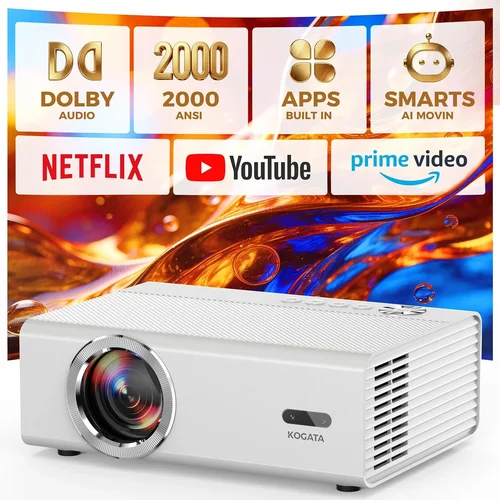
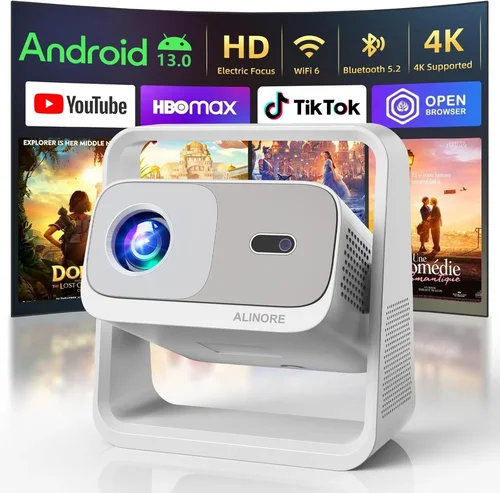
Choosing a digital projector under $1,000 can feel like navigating a maze of specs, brand promises, and endless reviews. Whether you’re setting up a home theater, need a reliable tool for work presentations, or simply want a portable device for backyard movie nights, the right projector can transform the way you experience visual content. This guide cuts through the noise, giving you a clear roadmap to make an informed decision without overspending.
In the pages that follow, you’ll learn which specifications truly matter, how different projector types stack up against each other, and which common pitfalls to steer clear of. We’ll also break down budget tiers, share insider tips for snagging the best deals, and finish with curated recommendations for every type of user. By the end, you’ll have the confidence to pick a projector that fits your space, usage patterns, and wallet.
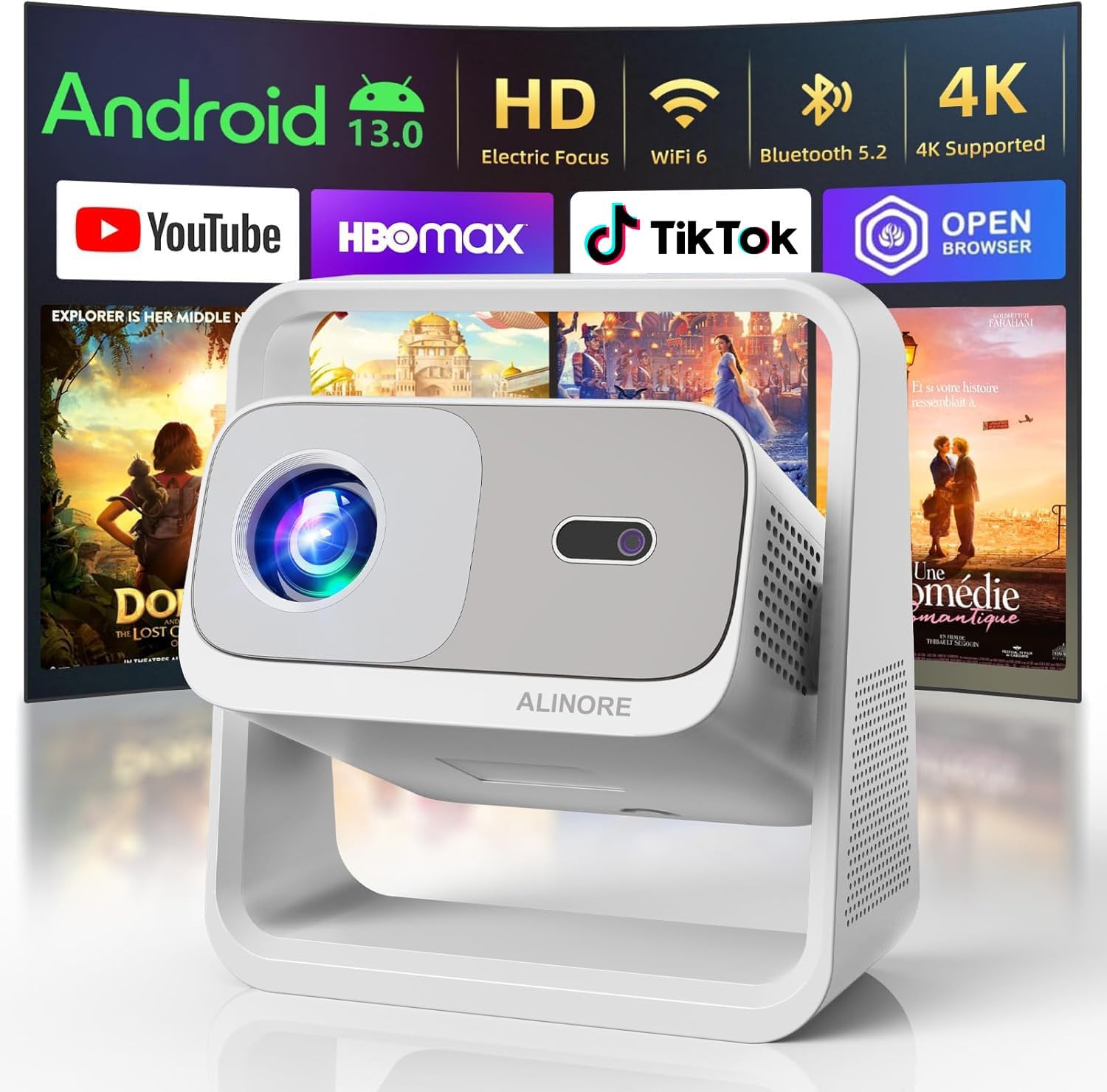
What to Look for When Buying Buying Guide
1. Budget & Price Range
Even within the sub‑$1,000 segment, prices can swing dramatically based on features, brand, and performance. Setting a realistic budget early helps you focus on models that deliver value without unnecessary extras. Remember, the cheapest option may lack essential features like adequate brightness or reliable lamp life, while the most expensive can include premium lenses you’ll never use.
2. Performance Specifications
The heart of any projector lies in its core specs:
- Brightness (lumens): For dim rooms, 1,500–2,500 ANSI lumens is sufficient. Bright living rooms or daylight spaces demand 2,500–3,500 lumens.
- Resolution: 1080p (Full HD) is the sweet spot for most buyers under $1,000. Some 4K‑enhanced models exist, but true 4K remains rare at this price.
- Contrast Ratio: Higher contrast yields deeper blacks. Aim for at least 10,000:1 for a cinematic feel.
- Throw Distance & Ratio: Determines how far the projector must sit from the screen to achieve a given image size. Short‑throw models are ideal for small rooms.
3. Build Quality & Durability
A projector is an investment that should endure years of use. Look for sturdy housings, reliable cooling systems, and reputable lamp technologies (LED or laser). Metal chassis and well‑engineered fan designs reduce vibration and extend lifespan.
4. Features & Functionality
Modern projectors offer a suite of “smart” features. Consider which are essential for you:
- Wireless Connectivity: Wi‑Fi or Bluetooth for streaming from phones, tablets, or laptops.
- Built‑in Speakers: Useful for casual viewing, but audiophiles will still want external sound.
- Keystone Correction & Lens Shift: Allows flexible placement without image distortion.
- HDR Support: Enhances color depth; look for HDR10 compatibility if you watch HDR content.
5. Brand Reputation
Established brands like Epson, BenQ, Optoma, and ViewSonic have proven track records for reliability and service. Newer entrants can surprise with innovation, but research warranty terms and post‑sale support before committing.
6. Warranty & Support
Projector lamps (or laser modules) can be costly to replace. A solid warranty—ideally two years covering parts and labor—plus easy access to authorized service centers can save you headaches later.
7. Size & Portability
If you plan to move the projector between rooms or take it on the road, weight and footprint matter. Portable units often sacrifice brightness, so balance mobility with performance needs.
8. User Reviews & Ratings
Real‑world feedback reveals how a projector performs over time. Look for patterns in reviews: consistent issues with lamp life, overheating, or remote responsiveness are red flags.
Different Types of Buying Guide

Common Buying Mistakes to Avoid
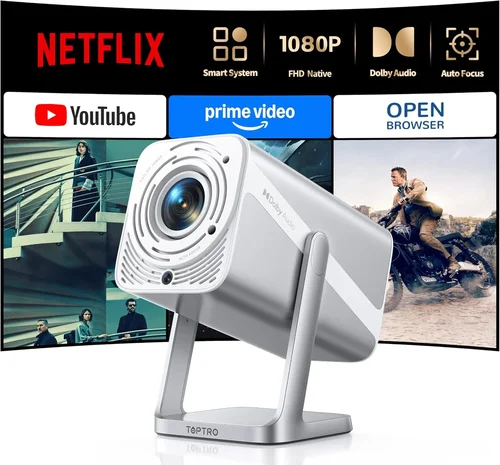
❌ Mistake: Ignoring Ambient Light Conditions
Why it’s bad: A projector rated at 2,000 lumens may look brilliant in a dark home theater but will appear washed out in a bright living room.
What to do instead: Measure the typical lighting in your intended space. If you can’t control ambient light, target at least 3,000 lumens and consider a high‑contrast ratio.
❌ Mistake: Over‑Focusing on Resolution Alone
Why it’s bad: A 4K‑enhanced projector with low brightness can still deliver a dull picture, negating the resolution advantage.
What to do instead: Balance resolution with brightness, contrast, and color accuracy. For most under‑$1,000 buyers, native 1080p with good lumens beats “pseudo‑4K”.
❌ Mistake: Forgetting Lamp/Laser Lifespan Costs
Why it’s bad: Replacing a lamp can cost $150‑$300, adding hidden expenses.
What to do instead: Prioritize LED or laser light sources for longer life, or factor lamp replacement costs into your total budget.
❌ Mistake: Neglecting Connectivity Options
Why it’s bad: You may end up buying extra adapters or streaming sticks if the projector lacks Wi‑Fi or HDMI ports you need.
What to do instead: List your devices (gaming console, laptop, phone) and verify the projector offers compatible inputs (HDMI 2.0, USB‑C, Bluetooth).
❌ Mistake: Buying the Wrong Throw Ratio
Why it’s bad: A standard‑throw projector placed too close to the wall will produce a tiny image; too far, and it may not fill the screen.
What to do instead: Calculate the required throw distance using the formula: Distance = Image Width × Throw Ratio. Choose a model that fits your room dimensions.
❌ Mistake: Overlooking Noise Levels
Why it’s bad: A fan‑heavy projector can distract during movies or presentations.
What to do instead: Check the dB rating; under 30 dB is whisper‑quiet, 30‑35 dB is acceptable for most home use.
Budget Guidelines: How Much Should You Spend?
- Entry-Level ($400‑$600): Expect 1,500–2,000 lumens, 720p–1080p resolution, basic HDMI connectivity, and limited warranty. Ideal for casual movie nights in dark rooms.
- Mid-Range ($600‑$800): You’ll find true 1080p, 2,500–3,000 lumens, better contrast ratios, and added features like wireless mirroring and built‑in speakers.
- Premium ($800‑$1,000): Look for LED or laser light sources, higher contrast (15,000:1+), HDR support, and robust connectivity (Bluetooth, dual HDMI, USB‑C). These units often include short‑throw options.
- Luxury ($1,000+): While beyond the guide’s focus, this tier offers true 4K, ultra‑short‑throw lenses, and cinema‑grade color gamuts. Consider only if your budget permits.
Expert Tips for Getting the Best Deal
- Timing: New models launch in spring; retailers discount previous‑year units in late summer.
- Where to Buy: Compare prices on Amazon, Best Buy, and manufacturer sites. Some manufacturers offer refurbished units with full warranties at 15% off.
- Spotting Deals: Look for bundles that include a screen, HDMI cable, or extended warranty—often cheaper than buying accessories separately.
- Warranty Considerations: Register your projector within 30 days to activate extended support offers.
- Return Policies: Choose sellers with at least a 30‑day return window; this gives you time to test in your actual environment.
- Testing Before Buying: If possible, view a demo in a store, checking brightness, color accuracy, and fan noise.
- Negotiate: In brick‑and‑mortar stores, ask for a price match or additional accessories at no extra cost.

Frequently Asked Questions
Q: Can I use a projector as a primary TV?
A: Yes, if you have a dark room and a screen that matches the projector’s native resolution. For bright living areas, a high‑lumens model (3,000+) is essential, but a large‑screen TV may still be more practical.
Q: How far should the projector be from the screen?
A: It depends on the throw ratio. For a 2.0 throw ratio and a 100‑inch diagonal screen (≈88 in wide), you’d place the projector about 176 in (≈4.5 ft) away.
Q: Do I need a separate sound system?
A: Built‑in speakers are convenient for casual use, but they rarely deliver cinema‑level audio. Pairing with a soundbar or external speakers greatly enhances the experience.
Q: What’s the difference between LED and laser light sources?
A: Both offer longer life than traditional lamps. LED units are generally cheaper but may have lower brightness. Laser provides higher lumens and consistent color over time, often at a slightly higher price.
Q: Is a short‑throw projector worth the extra cost?
A: If you have limited throw distance (e.g., a small apartment), short‑throw models eliminate shadowing and allow a large image from a few feet away, justifying the premium.
Q: How often do I need to replace the lamp?
A: Traditional lamps last 2,000–4,000 hours. LED and laser modules can exceed 20,000 hours, effectively lasting the life of the projector.
Q: Can I mount a projector on the ceiling?
A: Absolutely. Ensure the model supports ceiling mounting, has adequate ventilation, and consider a lens shift feature to fine‑tune the image without moving the unit.
Q: What screen should I buy?
A: For the best image, a matte white screen with a gain of 1.0–1.1 works for most rooms. If you have high ambient light, a gray or high‑gain screen helps improve contrast.
Q: Do I need a separate HDMI cable?
A: While many projectors include a basic HDMI cable, investing in a high‑speed (18 Gbps) cable ensures support for 4K HDR content and reduces signal degradation over longer runs.
Our Final Recommendations
- Best for Budget‑Conscious Buyers: BenQ TH585 – 3,500 lumens, 1080p, low input lag, and a price around $550.
- Best Overall Value: Epson Home Cinema 2150 – 2,500 lumens, 1080p, wireless mirroring, and solid lamp life for $680.
- Best Premium Option: Optoma UHD38 – 4,000 lumens, true 4K, HDR10, and 0.2ms response, priced just under $1,000.
- Best for Beginners: ViewSonic M2 – Portable, LED light source, built‑in Harman Kardon speakers, and Wi‑Fi casting for $799.
- Best for Advanced Users: LG HU80KA – Ultra‑short‑throw, 4K, laser light source, and smart TV platform for $999.
Conclusion: Making the Right Choice
Choosing the best digital projector under $1,000 boils down to matching your environment, usage habits, and budget. Prioritize brightness for well‑lit spaces, resolution for detailed content, and connectivity for a seamless workflow. Remember to factor in long‑term costs like lamp replacement and to read real‑world reviews before committing.
Armed with the factors, comparisons, and tips in this guide, you’re ready to walk into any store—or click “add to cart”—with confidence. Happy projecting, and enjoy the bigger‑than‑life viewing experience you deserve!