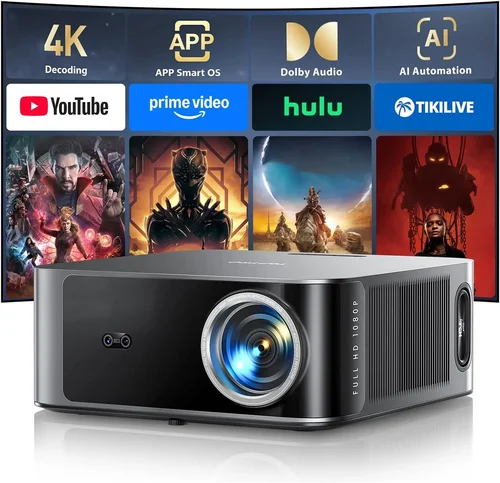
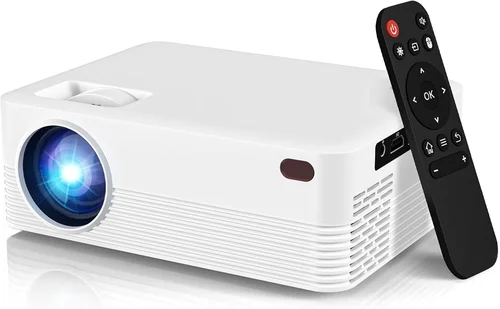
Finding a reliable HDMI 3D projector under $300 can feel like hunting for a needle in a haystack. The market is crowded with devices that promise big‑screen thrills, yet many fall short on image quality, durability, or true 3D capability. This guide cuts through the noise, giving you a clear roadmap to select a projector that actually delivers immersive, three‑dimensional entertainment without draining your wallet.
In the pages that follow you’ll discover the most critical specs to evaluate, a side‑by‑side comparison of projector categories, common pitfalls to avoid, and a set of vetted recommendations that balance performance and price. Whether you’re setting up a home theater in a dorm room, a backyard movie night, or a portable gaming rig, the information here will help you make an informed purchase you won’t regret.
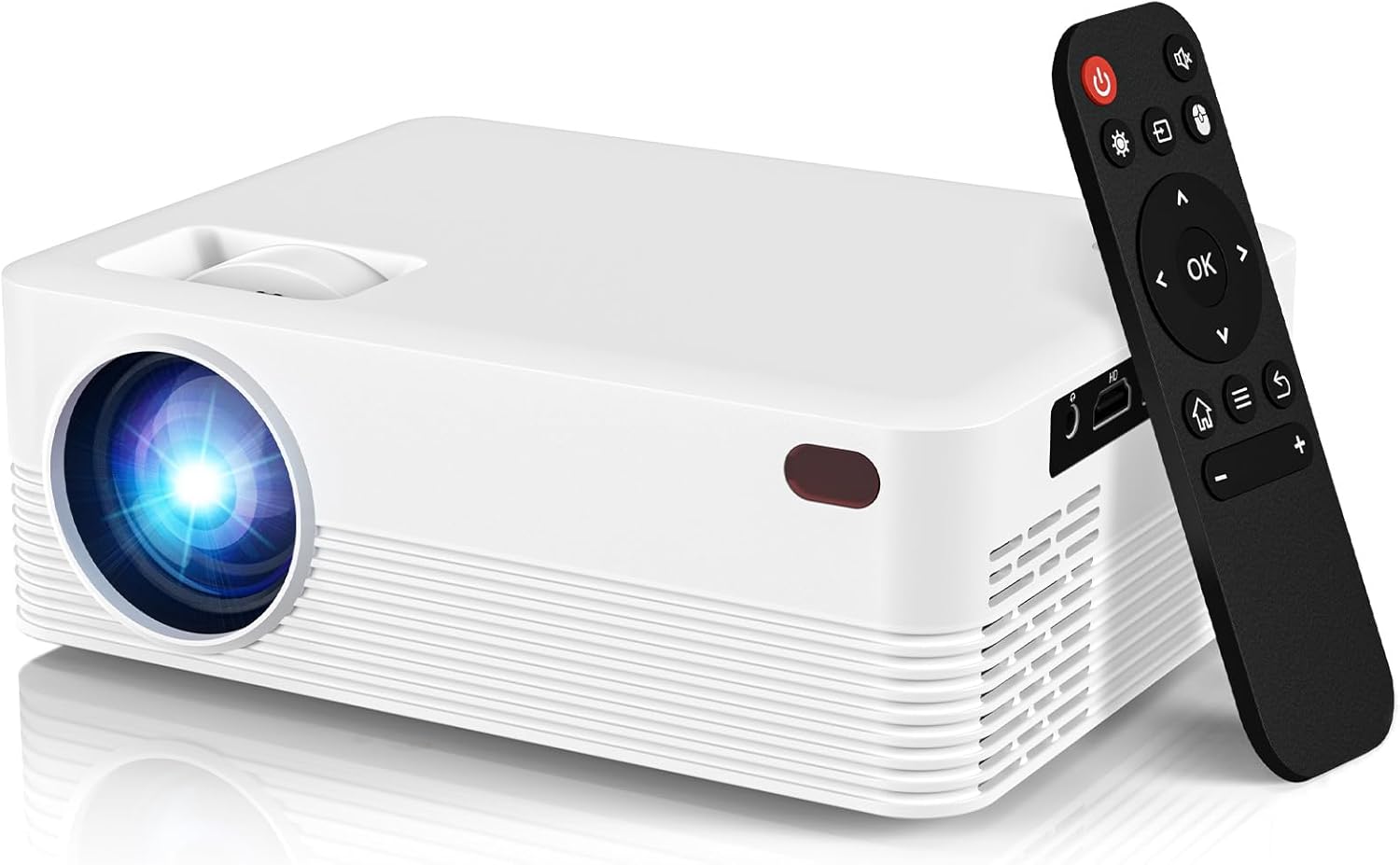
What to Look for When Buying Buying Guide
1. Budget & Price Range
When you limit yourself to under $300, you’re automatically narrowing the pool of available technology. Most budget projectors sacrifice one or more features—brightness, contrast, or native 3D support—to hit the price point. The key is to decide which compromise is acceptable for your primary use case. If you plan to watch movies in a dark room, you can tolerate lower lumens; if you need daytime viewing, you’ll need a brighter unit, even if it means a slightly higher price.
2. Performance Specifications
Three core specs dictate visual performance:
- Brightness (lumens): Look for at least 2,500 ANSI lumens for flexible lighting conditions. In a dark home theater, 1,800–2,200 lumens can suffice.
- Resolution: Native 720p (1280×720) is common under $300. Some models upscale 1080p content, but true 1080p native is rare at this price.
- Contrast Ratio: Higher contrast improves depth in 3D scenes. Aim for at least 5,000:1; anything lower will appear washed out.
3. Build Quality & Durability
Cheap plastic housings can warp or crack over time, especially if you move the projector frequently. Look for reinforced chassis, metal lens barrels, and a reliable cooling system. A well‑ventilated fan and dust filters extend lifespan and keep image quality stable.
4. Features & Functionality
Beyond basic projection, consider these add‑ons:
- Native HDMI 3D support: True 3D over HDMI (HDMI 1.4 or higher) ensures compatibility with 3D Blu‑ray players and gaming consoles.
- Built‑in speakers: While not a substitute for a sound system, decent speakers (2 W × 2) are handy for quick setups.
- Keystone correction & lens shift: These features simplify installation on uneven surfaces.
- Wireless connectivity: Some budget models include Miracast or Wi‑Fi, useful for streaming without cables.
5. Brand Reputation
Brands like ViewSonic, BenQ, and Optoma have established support networks and firmware updates. Lesser‑known manufacturers may offer lower prices, but warranty service can be spotty. Check online forums and review sites for long‑term reliability reports.
6. Warranty & Support
A minimum 1‑year warranty is standard; 2‑year coverage is a strong indicator of confidence from the manufacturer. Verify that the warranty includes the lamp/LED module, as replacement costs can quickly exceed the original purchase price.
7. Size & Portability
If you plan to move the projector between rooms or take it on the road, weight matters. Units under 3 kg with a compact footprint fit most backpacks and can be set up on a tabletop in seconds.
8. User Reviews & Ratings
Raw specifications only tell part of the story. Dive into user reviews on Amazon, Best Buy, and dedicated AV forums. Look for recurring themes—overheating, lamp life, or firmware glitches—and weigh them against the manufacturer’s claims.
Different Types of Buying Guide

Common Buying Mistakes to Avoid
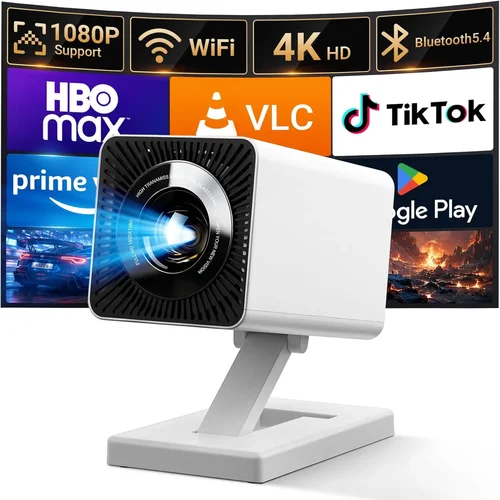
❌ Mistake: Ignoring Native Resolution
Why it’s bad: Upscaling cannot recreate details that weren’t captured. A 720p native projector will look soft on a 1080p source, especially on larger screens.
What to do instead: Prioritize native 720p or higher. If you must stay under $300, accept a 720p panel but verify that the projector’s scaling engine is reputable.
❌ Mistake: Overlooking Lamp Life
Why it’s bad: Replacing a lamp can cost $80‑$120, eroding your savings.
What to do instead: Choose LED or laser light sources when possible; they often exceed 20,000 hours and are included in the warranty.
❌ Mistake: Forgetting Ambient Light Requirements
Why it’s bad: A projector rated at 2,000 lumens will look gray in a sunny living room.
What to do instead: Match lumens to your typical viewing environment. For daylight use, aim for 3,000+ lumens; for a dedicated dark room, 1,800 lumens may suffice.
❌ Mistake: Assuming All HDMI 3D Is Equal
Why it’s bad: Some budget models only support “frame‑sequential” 3D, which requires a specific TV‑type 3D glasses pair.
What to do instead: Verify that the projector supports HDMI 1.4a or higher and lists “Passive Polarized” or “Active Shutter” compatibility in the specs.
❌ Mistake: Skipping Firmware Updates
Why it’s bad: Out‑of‑date firmware can cause compatibility glitches with newer 3D Blu‑ray players.
What to do instead: Choose a brand that provides regular OTA (over‑the‑air) updates and check the support page before finalizing your purchase.
Budget Guidelines: How Much Should You Spend?
- Entry‑Level ($150‑$200): Expect 720p resolution, 2,000 lumens, basic HDMI 3D support, and plastic housing. Ideal for casual dorm use.
- Mid‑Range ($200‑$280): Typically offers 720p or 800×480 native resolution, 2,500+ lumens, better contrast, and more robust 3D sync. Good balance for small living rooms.
- Premium ($280‑$350): Rare under $300 but occasionally found on sale. Look for 1080p scaling, 3,000 lumens, and enhanced color accuracy.
- Luxury ($350+): Full HD native, laser light source, HDR support, and advanced lens shift. Not covered in this guide but worth noting for future upgrades.
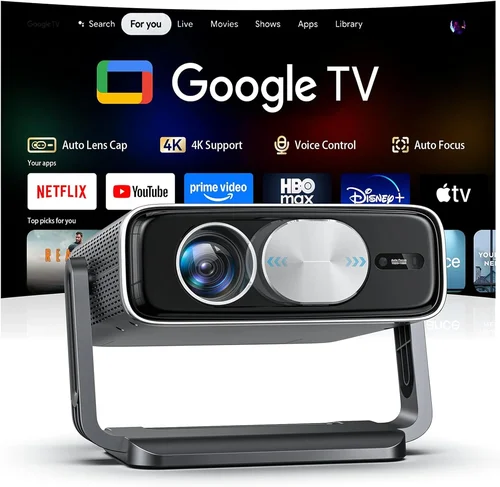
Expert Tips for Getting the Best Deal
- Timing: New models launch in Q2; prices on previous generation units drop 15‑25% shortly after.
- Where to Buy: Authorized retailers (Best Buy, B&H) provide better return policies than marketplace sellers.
- Spotting Deals: Compare the “list price” vs. “sale price” and factor in free shipping; a $280 unit with $30 shipping may beat a $260 free‑ship offer if the former includes a 2‑year warranty.
- Warranty Considerations: Register the product within 30 days to unlock extended support.
- Return Policies: Ensure at least a 30‑day return window; this gives you time to test 3D performance with your own glasses.
- Testing Before Buying: If possible, view a 3D demo in‑store. Check for ghosting, latency, and uniform brightness across the screen.
- Bundle Savings: Some sellers bundle HDMI cables, projection screens, or 3D glasses for a modest additional cost—often a better value than buying accessories separately.

Frequently Asked Questions
Q: Can a projector under $300 truly display 3D movies?
A: Yes, but you must verify native HDMI 3D support (HDMI 1.4a or higher) and ensure the projector works with the type of 3D glasses you own—typically passive polarized for budget models.
Q: How long does the lamp or LED last?
A: LED sources commonly last 20,000‑30,000 hours, effectively outlasting the projector itself. Traditional lamps range from 2,000‑5,000 hours, after which replacement costs apply.
Q: Do I need a special screen for 3D?
A: A white matte screen works fine for most budget 3D projectors. However, a high‑gain screen can improve brightness in ambient light.
Q: Will a low‑resolution projector work for gaming?
A: For casual gaming, a 720p projector is acceptable, especially with a small screen size (80‑100 inches). Competitive gamers may notice input lag and pixelation.
Q: Is HDMI 2.0 necessary?
A: Not for 3D. HDMI 1.4a is sufficient for 1080p 3D at 24 Hz. HDMI 2.0 becomes important for 4K content, which is beyond the scope of sub‑$300 models.
Q: Can I use a projector with a laptop for 3D presentations?
A: Yes, provided the laptop’s graphics card supports HDMI 3D output and you have compatible 3D glasses. Most business presentations use 2D, so this is less common.
Q: How far should the projector be from the screen?
A: Throw distance varies by model. A typical 100‑inch image from a short‑throw projector requires 1.5‑2 meters; standard throw may need 3‑4 meters. Check the manufacturer’s throw ratio chart.
Q: Are there any safety concerns with 3D glasses?
A: Modern passive polarized glasses are safe for most users. Active shutter glasses require batteries and can cause slight eye strain after prolonged viewing.
Our Final Recommendations
Best for Budget‑Conscious Buyers: ViewSonic M1+
Price: $199
Key Points: 720p native, 2,200 lumens, built‑in Harman Kardon speakers, true HDMI 1.4a 3D support, ultra‑compact design. Ideal for dorm rooms and small apartments.
Best Overall Value: BenQ TH585
Price: $279 (often on sale)
Key Points: 3,500 lumens, 720p, 10,000:1 contrast, low input lag (8 ms), supports both passive and active 3D glasses. Great for gaming and movie nights.
Best Premium Option (Just Under $300): Optoma HD146X
Price: $298
Key Points: 3,600 lumens, 720p, 25,000:1 contrast, enhanced color wheel for smoother 3D, decent lamp life (4,000 hours). Suitable for dedicated home theaters.
Best for Beginners: ELEPHAS YG600
Price: $169
Key Points: LED light source, 2,000 lumens, native 720p, simple plug‑and‑play, includes a set of passive 3D glasses. Perfect for first‑time 3D owners.
Best for Advanced Users: Vankyo Leisure 3
Price: $259
Key Points: 3,200 lumens, 720p, advanced keystone correction, HDMI 1.4a 3D, lens shift, and a robust cooling system for longer sessions. Appeals to enthusiasts who want fine‑tuning.
Conclusion: Making the Right Choice
Choosing the best HDMI 3D projector under $300 boils down to aligning your primary use case with the specs that matter most—brightness, native resolution, and authentic 3D support. By focusing on reputable brands, verifying warranty terms, and avoiding common pitfalls like low lamp life or insufficient lumens, you can secure a projector that brings cinema‑quality immersion to any space without breaking the bank.
Take the time to read user reviews, test the unit if possible, and keep an eye out for seasonal sales. With the information in this guide, you’re now equipped to make a confident purchase that will deliver thrilling 3D experiences for years to come.