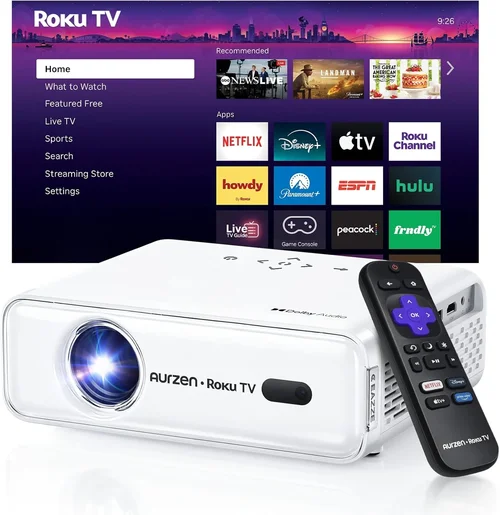
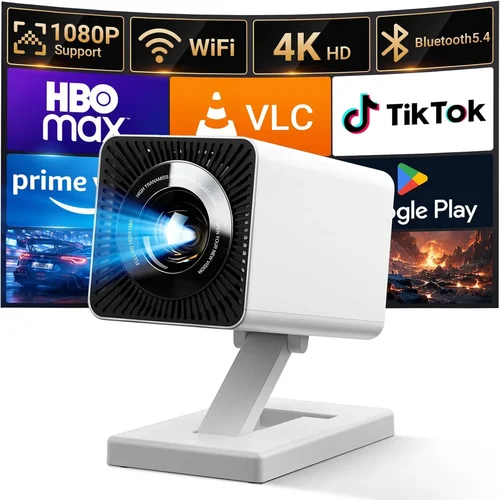
Welcome to the ultimate guide for anyone hunting the perfect home HD projector without breaking the bank. Whether you’re setting up a cozy movie night in the living room, turning a spare bedroom into a gaming arena, or just need a larger‑than‑life display for streaming your favorite shows, the right projector can transform the experience. In 2026 the market is overflowing with options, but not every model delivers true value at a sub‑$500 price point. This guide cuts through the noise, explains exactly what to look for, and points you toward the models that consistently outperform their peers.
In the next few pages you’ll learn how to evaluate brightness, resolution, contrast, and connectivity, discover the different projector technologies that matter for a home setting, and avoid the common pitfalls that turn an exciting purchase into a disappointment. By the end, you’ll have a clear roadmap to choose a projector that matches your room, budget, and viewing habits—plus a shortlist of top‑rated picks ready for you to add to the cart.

What to Look for When Buying Buying Guide
1. Budget & Price Range
Even though we’re focusing on models under $500, the price spectrum within that bracket is still wide. A $150 entry‑level unit may lack essential features such as keystone correction or multiple HDMI ports, while a $495 model could offer a robust lamp life, higher native brightness, and better color accuracy. Set a realistic ceiling based on how often you’ll use the projector and whether you need extra accessories (wall mount, screen, cables). Remember that a higher upfront cost often translates to lower long‑term expenses, especially when lamp replacement cycles are considered.
2. Performance Specifications
The heart of any projector is its performance specs. Key numbers to compare are:
- Resolution: For true HD at a budget, look for native 1080p (1920×1080). Some “Full HD” models upscale from 720p, which can lead to softer images.
- Brightness (lumens): Measured in ANSI lumens, a minimum of 2,500 is advisable for rooms with some ambient light; 3,500+ is ideal if you can’t fully darken the space.
- Contrast Ratio: Higher contrast (e.g., 20,000:1) delivers deeper blacks and more vibrant colors, crucial for movie nights.
- Throw Ratio: Determines how far the projector needs to be from the screen. A short‑throw (0.8–1.2:1) is perfect for small rooms, while a standard throw (1.5–2.5:1) works in larger spaces.
3. Build Quality & Durability
Budget projectors can feel flimsy, but a solid chassis, metal brackets, and a well‑engineered cooling system are worth seeking. Look for models with a reputable lamp life (30,000–50,000 hours) and a sealed optical engine that resists dust buildup. A sturdy build not only prolongs life but also reduces the risk of misalignment after moving the unit.
4. Features & Functionality
Modern projectors pack a suite of conveniences. Prioritize the following:
- Keystone Correction: Automatic or manual correction (±30°) helps square the image when the projector can’t be placed perfectly centered.
- Lens Shift: Offers precise vertical/horizontal adjustment without distorting geometry—a premium feature that appears on some higher‑end sub‑$500 models.
- Built‑in Speakers: While not a replacement for a dedicated sound system, a decent 5‑10 W speaker can suffice for casual viewing.
- Wireless Connectivity: Wi‑Fi or Bluetooth for screen mirroring from smartphones, tablets, or laptops adds flexibility.
- Multiple Input Ports: At least two HDMI ports, a USB‑C or USB‑A for media playback, and a VGA or AV input for legacy devices.
5. Brand Reputation
Brands that have consistently delivered reliable home entertainment projectors include Epson, BenQ, ViewSonic, and Optoma. These manufacturers typically offer better firmware support, more accessible customer service, and a larger ecosystem of accessories. While lesser‑known brands may tempt with lower prices, they often lack robust after‑sales support.
6. Warranty & Support
A solid warranty can save you headaches. Look for at least a 2‑year parts‑and‑labor warranty, with the option to extend. Check if the manufacturer provides easy lamp replacement kits, online troubleshooting guides, and responsive technical support via phone or chat.
7. Size & Portability (if applicable)
If you plan to move the projector between rooms or take it on the road, weight and dimensions matter. Compact models under 4 kg with a built‑in handle are ideal for portability. However, ultra‑portable units often sacrifice brightness and lens quality, so balance mobility with performance needs.
8. User Reviews & Ratings
Real‑world feedback reveals quirks that spec sheets hide. Scan Amazon, Best Buy, and specialized AV forums for recurring themes—such as “fan noise,” “color shifting,” or “remote lag.” A product with a steady 4‑star average and detailed reviews is generally a safer bet than a newer model with limited feedback.
Different Types of Buying Guide
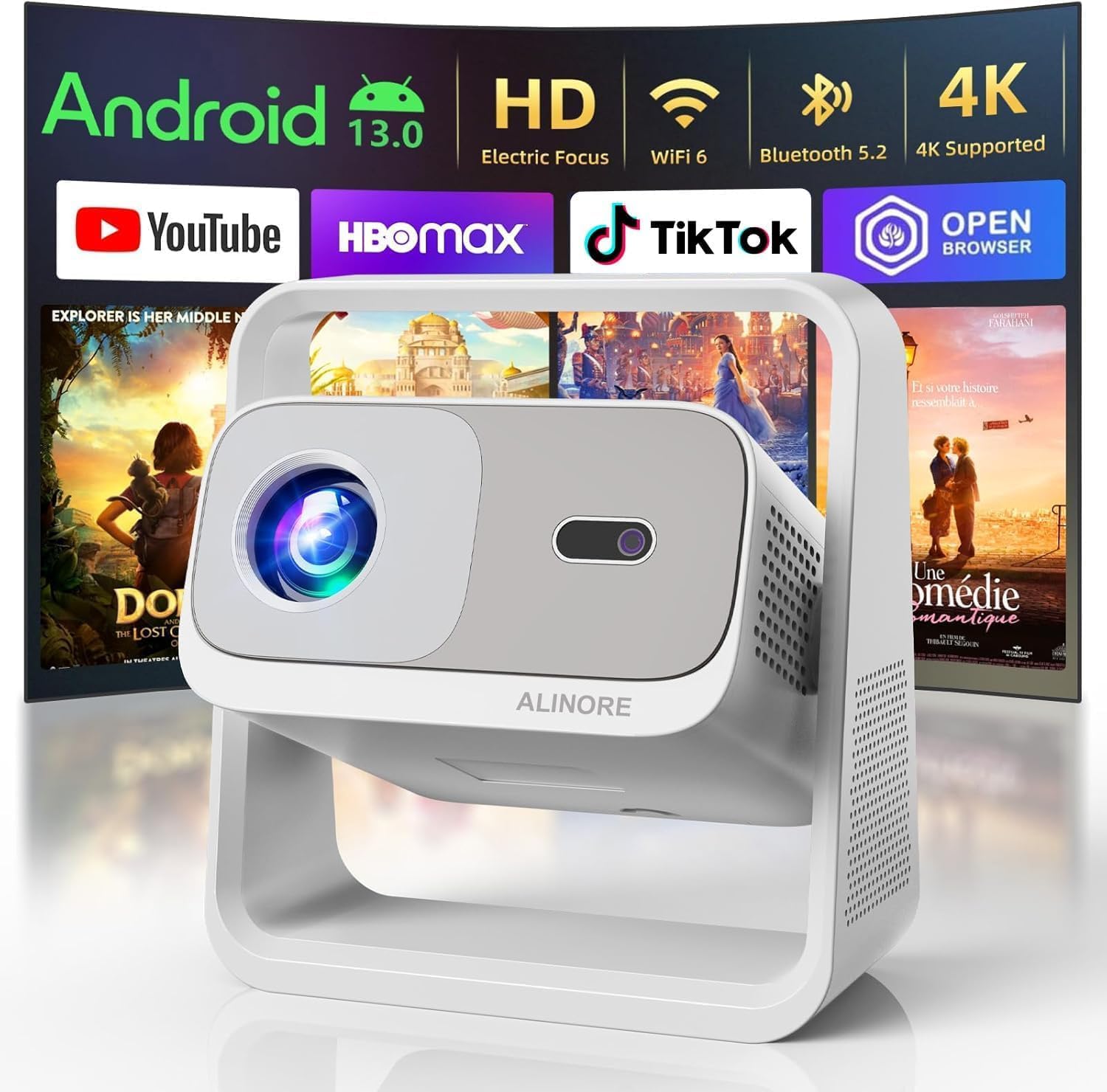
Common Buying Mistakes to Avoid
❌ Mistake: Ignoring Ambient Light Conditions
Why it’s bad: Buying a 2,000‑lumens projector for a bright living room results in washed‑out images and a frustrating viewing experience.
What to do instead: Measure the typical light level in your room and aim for at least 2,500 lumens for moderate ambient light, or invest in blackout curtains.
❌ Mistake: Over‑Focusing on Resolution Alone
Why it’s bad: A 1080p panel with poor contrast and low brightness can look worse than a 720p unit with superior optics.
What to do instead: Balance resolution with contrast ratio and lumens. For most home setups under $500, native 1080p with 2,500+ lumens is the sweet spot.
❌ Mistake: Forgetting Lamp Life Costs
Why it’s bad: A cheap lamp replacement can add $80‑$120 to your total cost, negating the savings from a low purchase price.
What to do instead: Check the manufacturer’s lamp lifespan (hours) and calculate the cost per hour of operation before buying.
❌ Mistake: Neglecting Input Compatibility
Why it’s bad: If your console or streaming device uses HDMI 2.1 and the projector only supports HDMI 1.4, you may lose HDR or 4K capabilities.
What to do instead: Verify that the projector’s HDMI version matches your primary sources, or ensure it has a reliable HDMI‑ARC for audio.
❌ Mistake: Purchasing Without Testing
Why it’s bad: Online specs can be misleading; you might end up with excessive fan noise or color tint.
What to do instead: Visit a local electronics store, request a demo, or buy from a retailer with a generous return window.
❌ Mistake: Overlooking Mounting Options
Why it’s bad: A projector that requires a ceiling mount but lacks a compatible bracket can cause installation headaches.
What to do instead: Check if the model includes a VESA‑compatible mount or whether a third‑party solution is readily available.
Budget Guidelines: How Much Should You Spend?
Understanding what you receive at each price tier helps set realistic expectations.
- Entry-Level ($150‑$250): Expect 720p resolution, 2,000 lumens, basic HDMI port, and limited keystone correction. Ideal for occasional movie nights in a dark room.
- Mid‑Range ($250‑$400): Native 1080p, 2,500‑3,000 lumens, better contrast, dual HDMI, and improved lamp life. This tier offers the best value for most families.
- Premium ($400‑$500): Higher brightness (3,500+ lumens), short‑throw options, lens shift, and enhanced color processing. Suitable for bright rooms or dedicated home‑theater setups.
- Luxury ($500+): While beyond the scope of this guide, luxury models introduce 4K resolution, HDR10+, and laser light sources for ultimate performance.
Expert Tips for Getting the Best Deal
- Timing: Purchase during major sales events (Black Friday, Cyber Monday, Amazon Prime Day) for the deepest markdowns.
- Retailer Comparison: Check big‑box stores, manufacturer websites, and reputable online marketplaces. Some retailers offer bundle deals with screens or mounting hardware.
- Coupon Stacking: Combine manufacturer coupons, store credit cards, and cash‑back offers for extra savings.
- Warranty Extension: If you plan heavy usage, consider buying an extended warranty during the checkout window—often cheaper than a third‑party plan.
- Return Policy: Choose sellers with at least a 30‑day return window and free return shipping. This lets you test the projector in your own environment.
- Testing Before Buying: Bring a laptop or streaming stick to the store to evaluate color accuracy and fan noise on the spot.
- Bundle Wisely: If you need a screen, look for a “projector + screen” bundle; it usually saves 10‑15% versus buying separately.

Frequently Asked Questions
Q: Can I use a budget projector in a well‑lit living room?
A: Yes, but you’ll need a model with at least 3,000 ANSI lumens and a high contrast ratio. Adding blackout curtains or dimming ambient lights will dramatically improve image quality.
Q: Do I need a separate screen?
A: While a plain white wall works, a dedicated projector screen provides better gain and color uniformity, especially for higher‑lumens units. For budgets under $500, a 100‑inch 16:9 matte white screen is a good compromise.
Q: How often does the lamp need replacement?
A: Most budget projectors list 30,000‑50,000 hours of lamp life. At 4 hours of use per day, that translates to roughly 20‑35 years—far beyond the typical upgrade cycle.
Q: Is HDMI‑ARC necessary?
A: HDMI‑ARC simplifies audio routing to a soundbar or AV receiver. It’s not essential for basic setups, but it adds convenience if you already own a compatible audio system.
Q: What’s the difference between DLP and LCD?
A: DLP uses tiny mirrors for fast response and higher contrast, while LCD offers richer color accuracy and eliminates the “rainbow effect.” Choose DLP for darker rooms and LCD for vibrant, color‑critical content.
Q: Can I connect my phone wirelessly?
A: Many 2026 models include Wi‑Fi or Bluetooth screen mirroring (Miracast, AirPlay). Ensure the projector supports the protocol used by your device.
Q: Will a short‑throw projector fit my small bedroom?
A: Absolutely. Short‑throw units can project a 100‑inch image from just 2‑3 feet away, reducing shadows and eliminating the need for ceiling mounting.
Q: How important is lens shift?
A: Lens shift allows you to move the image vertically or horizontally without distortion. It’s valuable if you can’t place the projector perfectly centered, but many budget models omit it.
Q: Do I need a separate remote?
A: Most projectors come with a basic infrared remote. For smarter control, many manufacturers offer companion apps that let you adjust settings from your phone.
Our Final Recommendations
- Best for Budget‑Conscious Buyers: Epson Home Cinema 1060 – 3,200 lumens, 1080p, solid color accuracy, and a reliable 2‑year warranty, all under $300.
- Best Overall Value: BenQ TH585 – 3,500 lumens, low input lag for gaming, HDR support, and a built‑in speaker package; priced around $399.
- Best Premium Option (under $500): ViewSonic PX706HD – Short‑throw design, 3,200 lumens, 1080p, and lens shift; perfect for tight spaces at $449.
- Best for Beginners: Optoma HD146X – User‑friendly menu, automatic keystone, and decent brightness for under $350.
- Best for Advanced Users: LG PF50KA – Portable, built‑in battery, Wi‑Fi, and 1080p with 2,600 lumens; great for hybrid home‑theater and on‑the‑go use.
Conclusion: Making the Right Choice
Choosing a home HD projector under $500 doesn’t have to be a gamble. By focusing on the right balance of brightness, resolution, contrast, and connectivity, you can enjoy cinema‑quality visuals without overspending. Remember to assess your room’s lighting, verify lamp life, and read real‑world reviews before committing.
Take the time to compare the models highlighted above, weigh the factors that matter most to you, and you’ll walk away with a projector that turns every movie night into a memorable event. Happy viewing, and may the pixels be ever in your favor!