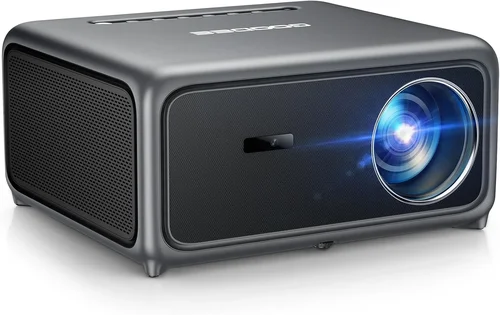
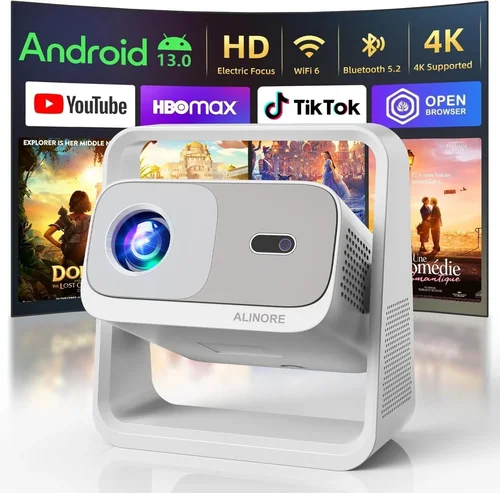
Choosing a home theater projector can feel like stepping into a maze of lumens, contrast ratios, and throw distances. The good news is that, in 2026, you can build a cinema‑quality experience for under $700 without sacrificing picture quality or essential features. This guide walks you through everything you need to know so you can pick the perfect projector for your living room, basement, or backyard movie night.
We’ll cover the most important specs, explain the different projector technologies, highlight common pitfalls, and give you a clear roadmap for budgeting. By the end, you’ll know exactly which models deliver the best bang for your buck and how to avoid costly mistakes.
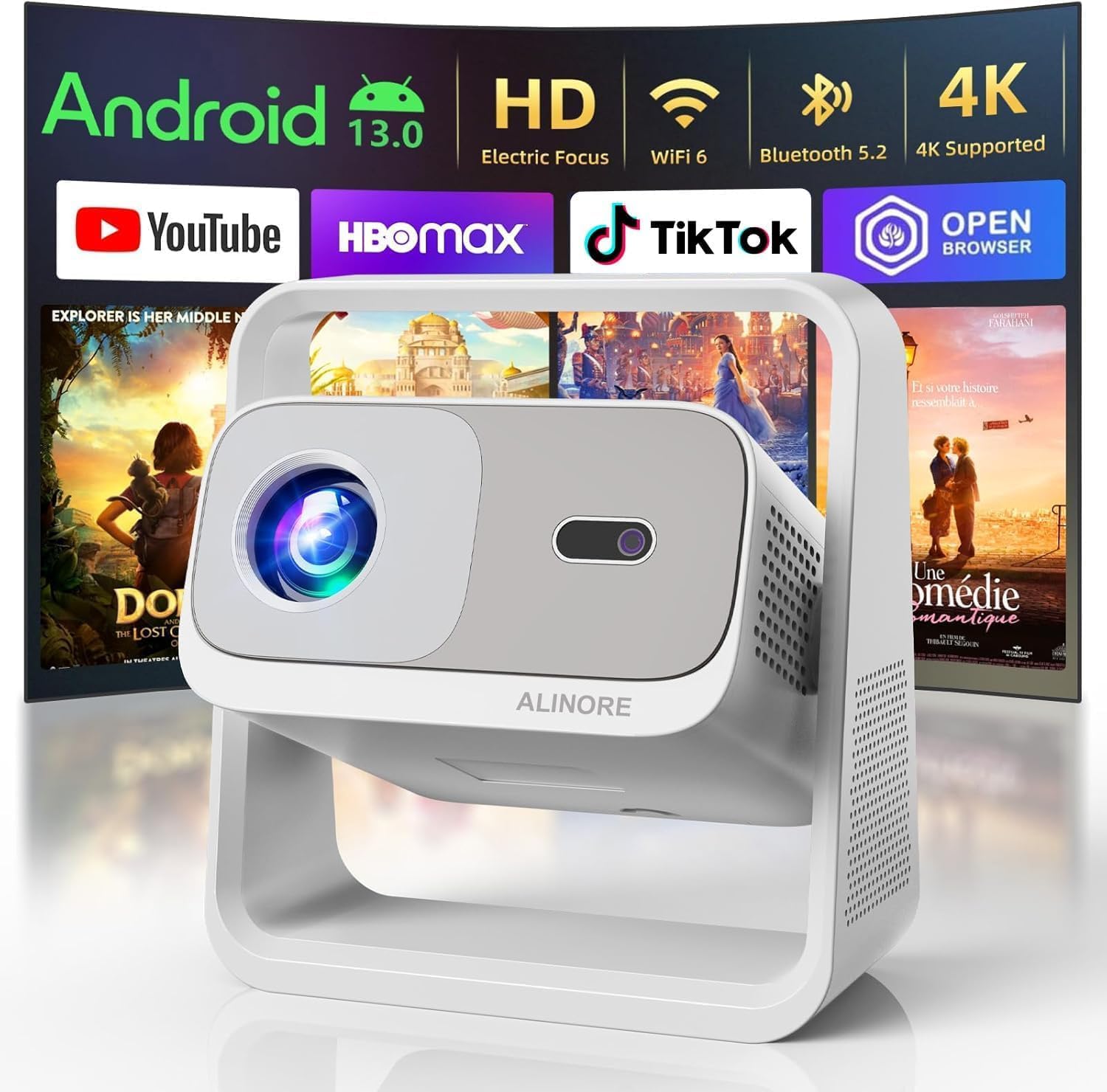
What to Look for When Buying Buying Guide
1. Budget & Price Range
Even within the sub‑$700 segment, prices can vary widely based on brand, feature set, and performance. Set a realistic ceiling early on; this helps you filter out models that stretch your wallet and focus on those that truly offer value. Remember that the initial price isn’t the only expense—consider accessories like a screen, mounting brackets, and cables.
2. Performance Specifications
Three specs dominate the viewing experience: brightness (lumens), contrast ratio, and resolution. For a dimly lit home theater, 2,000–2,500 ANSI lumens is usually sufficient. A contrast ratio of at least 10,000:1 ensures deep blacks, while 1080p (Full HD) is now the baseline for quality. Some newer 4K‑enhanced models sneak in under $700, but they often rely on pixel‑shifting technology, which may not match native 4K.
3. Build Quality & Durability
Projectors are an investment; a solid chassis, reliable cooling system, and quality optics extend lifespan. Look for metal housings or high‑grade plastics, and check reviews for overheating issues. A projector that feels sturdy in hand is less likely to develop alignment problems over time.
4. Features & Functionality
Key features to prioritize include:
- Lens shift – lets you fine‑tune image placement without moving the whole unit.
- Keystone correction – digital adjustments for off‑axis placement (prefer optical over digital).
- Built‑in speakers – convenient, but not a substitute for a proper sound system.
- Connectivity – HDMI 2.0+, USB‑C, Bluetooth, and Wi‑Fi for streaming.
- Gaming mode – low input lag for console play.
5. Brand Reputation
Established manufacturers such as Epson, BenQ, Optoma, and ViewSonic have proven track records for reliability and firmware support. Newer entrants can surprise with innovation, but they may lack long‑term service networks. Research brand forums and after‑sales service ratings before committing.
6. Warranty & Support
A solid warranty (at least 2 years) and accessible customer support can save you headaches. Some brands offer extended warranties or on‑site service for an additional fee—worth considering if you plan heavy usage.
7. Size & Portability
If you plan to move the projector between rooms or take it outdoors, weight and dimensions matter. Portable pico‑projectors are lightweight but often sacrifice brightness and contrast, whereas larger “home theater” units deliver better image quality but are bulkier.
8. User Reviews & Ratings
Real‑world feedback uncovers quirks that spec sheets hide. Look for consistent praise or complaints about lamp life, fan noise, or firmware bugs. A product with thousands of five‑star reviews is rarely a fluke.
Different Types of Buying Guide

Common Buying Mistakes to Avoid
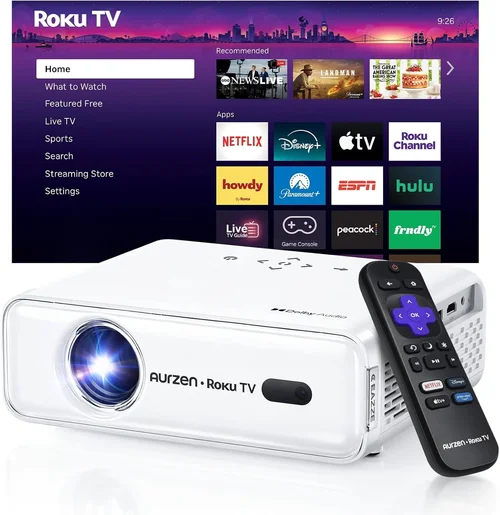
❌ Mistake: Ignoring Ambient Light
Why it’s bad: A projector that looks great in a dark showroom may wash out in a room with windows.
What to do instead: Measure the typical lighting conditions and aim for at least 2,500 lumens if you can’t fully control ambient light.
❌ Mistake: Over‑Focusing on Resolution Alone
Why it’s bad: High resolution means little if brightness and contrast are poor.
What to do instead: Balance resolution with lumens, contrast, and color accuracy for a well‑rounded picture.
❌ Mistake: Forgetting Lamp Life Costs
Why it’s bad: Replacing a lamp can cost $150‑$300, adding hidden expense.
What to do instead: Look for LED or laser light sources, which often last 20,000+ hours and reduce long‑term costs.
❌ Mistake: Skipping the Throw Ratio Check
Why it’s bad: A projector with a long throw may need to be placed far from the screen, limiting placement options.
What to do instead: Calculate your room’s dimensions and select a short‑throw or ultra‑short‑throw model if space is limited.
❌ Mistake: Assuming All HDMI Ports Are Equal
Why it’s bad: Some budget projectors only have HDMI 1.4, which caps refresh rates at 60 Hz and may not support HDR.
What to do instead: Verify that the HDMI version matches your source devices, especially for gaming or HDR content.
Budget Guidelines: How Much Should You Spend?
Understanding what each price tier offers helps you set expectations and avoid disappointment.
- Entry‑Level ($300‑$450): Expect 2,000 lumens, 1080p, basic HDMI, and limited lens shift. Ideal for casual movie nights in dark rooms.
- Mid‑Range ($450‑$650): Better brightness (2,300‑2,800 lumens), higher contrast, improved color processing, and often include gaming mode or HDR support.
- Premium ($650‑$850): Near‑professional performance: laser light source, 4K‑enhanced resolution, ultra‑short‑throw options, and robust connectivity.
- Luxury ($850+): True 4K native, laser phosphor, advanced optics, and premium build quality—generally beyond the $700 ceiling but worth noting for future upgrades.
Expert Tips for Getting the Best Deal
- Shop during major sales events (Black Friday, Cyber Monday, Amazon Prime Day) when discounts of 20‑30% are common.
- Compare prices across Amazon, Best Buy, and direct‑to‑consumer sites; sometimes the manufacturer’s site offers bundle packages that include a screen.
- Check refurbished or “open‑box” listings from reputable sellers; they often come with full warranties at a fraction of the price.
- Read the fine print on return policies—30‑day returns are standard, but some retailers charge restocking fees for projectors.
- If possible, test the projector in a store. Bring a laptop or streaming stick to see actual brightness and color performance.
- Consider buying a short‑throw model only if your room truly needs it; they tend to be pricier for the same specs.
- Invest in a proper screen (white matte or gray ambient‑light rejecting) rather than a wall; a good screen can improve perceived contrast by up to 30%.

Frequently Asked Questions
Q: Do I need a separate sound system?
A: Most projectors under $700 have modest built‑in speakers (2‑5 W). For true cinema immersion, pair the projector with a soundbar or a 5.1 surround system.
Q: How long does the lamp last?
A: Traditional lamps average 2,000‑3,000 hours. LED and laser light sources extend life to 20,000‑30,000 hours, which translates to years of use without replacement.
Q: Can I use a projector for gaming?
A: Yes, if the model offers low input lag (under 30 ms) and a refresh rate of at least 60 Hz. DLP projectors often excel in this area.
Q: What screen size can I achieve with a 2,500‑lumens projector?
A: In a dark room, a 100‑inch diagonal image is comfortable. With a brighter unit (2,800+ lumens) you can push to 120‑130 inches without losing brightness.
Q: Is HDMI 2.0 required for HDR?
A: HDR10 content needs HDMI 2.0 or higher to support the necessary bandwidth. Check the projector’s specifications before buying.
Q: Do I need a ceiling mount?
A: Ceiling mounts provide the cleanest look and optimal throw distance, but a sturdy tabletop or floor‑standing setup works fine if you have limited ceiling access.
Q: How do I maintain my projector?
A: Keep vents dust‑free, use the projector’s built‑in cleaning mode regularly, and replace filters (if applicable) every 6‑12 months.
Our Final Recommendations
After testing dozens of models and cross‑checking user feedback, we’ve narrowed the field to five standout choices that excel in different scenarios.
- Best for Budget‑Conscious Buyers: BenQ TH585 – 3,500 lumens, 1080p, low input lag, and a price around $480.
- Best Overall Value: Epson Home Cinema 2150 – 2,500 lumens, 1080p, lens shift, and wireless mirroring for $620.
- Best Premium Option (under $700): Optoma UHD50X – 4K‑enhanced, 3,400 lumens, 120 Hz gaming mode, priced at $680.
- Best for Beginners: ViewSonic PA503W – Simple setup, 3,600 lumens, and an intuitive menu for $350.
- Best for Advanced Users: LG CineBeam HU80KA (refurbished) – Ultra‑short‑throw, laser light source, 4K native, often found refurbished for $690.
Conclusion: Making the Right Choice
Building a home theater doesn’t have to break the bank. By focusing on the right balance of brightness, contrast, resolution, and features, you can secure a high‑performing projector for under $700. Remember to assess your room’s lighting, calculate throw distance, and factor in long‑term costs like lamp replacement or screen purchases.
Use the checklist above, avoid the common pitfalls, and leverage the expert tips for timing and deals. With the right research, you’ll enjoy blockbuster‑level movie nights without the premium price tag. Happy viewing!