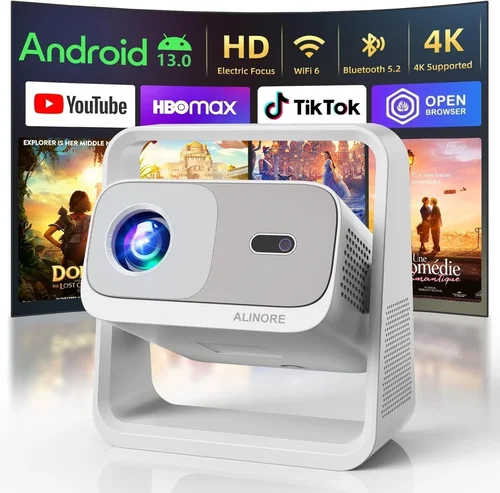
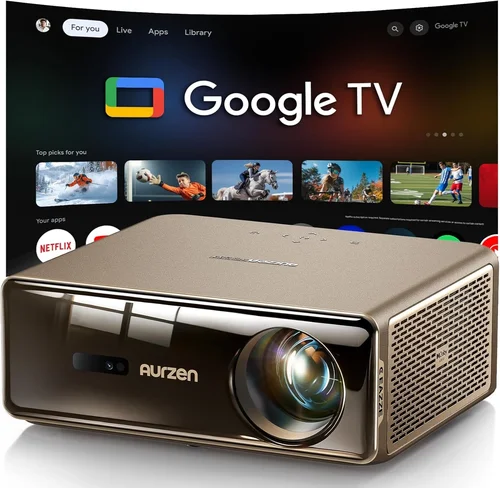
Choosing a home‑theater projector can feel like stepping into a maze of lumens, contrast ratios, and throw distances. With prices ranging from a few hundred dollars to several thousand, it’s easy to wonder whether you’ll ever find a machine that delivers cinema‑quality visuals without breaking the bank. That’s why this guide exists: to cut through the jargon, compare the most capable models under $1,000, and give you the confidence to pick a projector that fits your room, budget, and viewing habits.
In the pages that follow you’ll learn which technical specs truly matter for a home‑theater experience, how different projector technologies stack up against each other, and what pitfalls most first‑time buyers stumble into. We’ll also break down the price tiers within the sub‑$1,000 market, share insider tips on scoring the best deals, and finish with a curated list of top picks for every type of viewer. Whether you’re setting up a dedicated media room, a cozy bedroom cinema, or a flexible living‑room setup, this guide will help you make an informed, future‑proof decision.

What to Look for When Buying Buying Guide
1. Budget & Price Range
Even though the focus of this guide is projectors under $1,000, the exact amount you’re willing to spend still influences the features you’ll get. A $450 model may excel in brightness but compromise on colour accuracy, while a $950 unit might include advanced lens shift and HDR support. Set a realistic ceiling early on, then use that figure to filter out options that either under‑deliver or exceed your financial comfort zone.
2. Performance Specifications
The core specs that dictate picture quality are:
- Brightness (lumens): For dedicated home‑theater rooms with controlled lighting, 1,800–2,500 ANSI lumens is usually sufficient. If you plan to watch in a brighter living room, aim for 2,500+ lumens.
- Contrast Ratio: Higher contrast means deeper blacks and more detail in dark scenes. Look for a native contrast of at least 15,000:1; dynamic contrast can boost this number but varies with content.
- Resolution: 1080p (Full HD) remains the baseline for sub‑$1,000 models, though a handful of 4K‑upscaling projectors have entered the market. Upscaling improves detail but cannot replace native 4K.
- Colour Gamut & Accuracy: DCI‑P3 coverage of 80%+ or Rec. 709 coverage close to 100% ensures vivid, cinema‑like colours. Look for models that include a colour calibration tool.
3. Build Quality & Durability
A projector is an investment that should last 4,000–6,000 hours of use. Metal chassis, robust cooling fans, and a sealed lamp compartment reduce dust ingress and prolong lamp life. Check the manufacturer’s stated lamp lifespan (often 5,000–8,000 hours for LED/Laser units) and whether the projector offers a sealed, maintenance‑free design.
4. Features & Functionality
Beyond raw picture metrics, modern projectors pack a suite of convenience features:
- Lens Shift & Zoom: Allows you to fine‑tune image placement without keystone correction, preserving image integrity.
- Keystone Correction: Useful for off‑axis setups, but excessive digital correction can soften edges.
- HDR Support: HDR10 is common; HDR10+ and Dolby Vision are rare under $1,000 but worth noting.
- Built‑in Speakers: Convenient for casual viewing, though most audiophiles will use external sound systems.
- Smart Platform: Android TV, Roku, or proprietary OS enable streaming without extra devices.
- Connectivity: HDMI 2.0 (or newer), USB‑C, Wi‑Fi, and Bluetooth broaden source options.
5. Brand Reputation
Established brands such as Epson, BenQ, Optoma, and ViewSonic have proven track records for reliability and firmware updates. Newer entrants like Hisense or Xiaomi may offer aggressive pricing but often lack long‑term support. Research warranty length, customer service response times, and community forums before committing.
6. Warranty & Support
A solid warranty protects you against early failures. Look for at least a 2‑year warranty covering the lamp/LED module. Some manufacturers provide an extended warranty for a modest fee, which can be a smart safeguard for a device you plan to use nightly.
7. Size & Portability (if applicable)
If you need a projector that can be moved between rooms or taken to a friend’s house, weight and footprint matter. Ultra‑short‑throw (UST) models often sit on a table, while portable pico‑projectors weigh under 2 lb. Balance portability with the performance criteria listed above.
8. User Reviews & Ratings
Real‑world feedback reveals issues that spec sheets hide—excessive fan noise, firmware bugs, or colour drift over time. Scan reviews on retailer sites, Reddit threads, and AV enthusiast forums. Pay attention to recurring complaints; a single negative review may be an outlier, but a pattern signals a genuine concern.
Different Types of Buying Guide

Common Buying Mistakes to Avoid
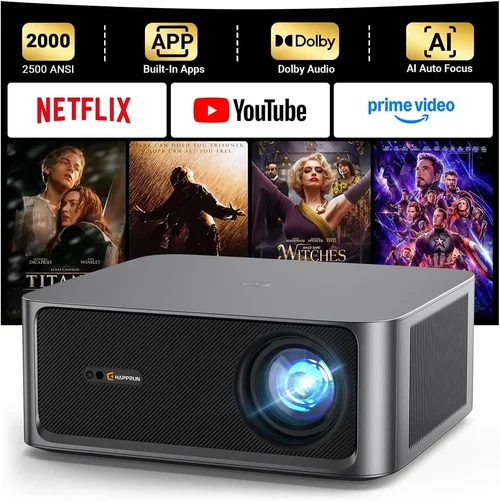
❌ Mistake: Ignoring Ambient Light Conditions
Why it’s bad: A projector rated at 2,000 lumens may look brilliant in a dark home theater but will appear washed‑out in a sun‑lit living room.
What to do instead: Measure typical room brightness, then add a 20‑30% safety margin to the lumen rating. If you can’t control light, prioritize a higher‑lumens model or consider a UST with a brighter lamp.
❌ Mistake: Over‑relying on Digital Keystone
Why it’s bad: Heavy digital keystone correction stretches pixels, reducing sharpness and contrast.
What to do instead: Choose a projector with optical lens shift or place the unit on a stable, centered mount. Use keystone only for minor adjustments.
❌ Mistake: Forgetting About Throw Distance
Why it’s bad: Buying a standard‑throw projector for a small apartment can force you to place the unit too far away, resulting in a tiny image.
What to do instead: Calculate the required throw distance using the projector’s throw ratio (e.g., 1.2 – 1.4 for 100‑inch image). If space is limited, opt for a UST or short‑throw model.
❌ Mistake: Neglecting Audio Needs
Why it’s bad: Built‑in speakers are often underpowered, leading to a sub‑par cinematic experience.
What to do instead: Plan for an external sound system—soundbar, AV receiver, or home‑theater speakers—and ensure the projector has appropriate audio outputs (optical, HDMI ARC, or Bluetooth).
❌ Mistake: Disregarding Lamp or Light Source Longevity
Why it’s bad: Replacing a lamp can cost $150‑$300, and some models require professional service.
What to do instead: Favor LED or laser light sources for their 20,000‑hour lifespans. If you choose a lamp‑based unit, verify the cost and availability of replacements.
❌ Mistake: Skipping Firmware Updates
Why it’s bad: Unpatched firmware can cause compatibility issues with new streaming apps or HDMI standards.
What to do instead: Choose a brand that releases regular updates and check the support page before purchase.
Budget Guidelines: How Much Should You Spend?
Even within the sub‑$1,000 bracket, price correlates with certain capabilities. Below is a practical breakdown to help you match expectations with spend.
- Entry-Level ($350‑$550): Typically 1080p, 1,800–2,200 lumens, basic colour accuracy, limited lens shift. Ideal for casual viewers who prioritize cost over premium features.
- Mid‑Range ($551‑$800): Improved contrast (15,000:1+), better colour gamuts, some HDR10 support, optical lens shift, and longer lamp life (LED/Laser). This tier delivers a solid cinema feel in dim rooms.
- Premium ($801‑$1,000): Higher brightness (2,500+ lumens), advanced HDR, robust connectivity (HDMI 2.1, Bluetooth, Wi‑Fi), and often ultra‑short‑throw designs. Best for living‑room setups where space and ambient light are constraints.
- Luxury ($1,001+): True native 4K, laser phosphor light sources, 30,000:1 contrast, and enterprise‑grade warranty. While outside the guide’s price cap, it’s worth mentioning for future upgrades.
Expert Tips for Getting the Best Deal
- Timing is Everything: New models launch early in the year (January‑March). Prices on older units drop sharply in Q2 and Q4.
- Shop Comparison Sites: Use tools like CamelCamelCamel or Google Shopping to track historical pricing across retailers.
- Bundle Opportunities: Some sellers include a premium screen, mounting kit, or HDMI cable when you buy a projector. Evaluate the bundle’s total value.
- Check Return Policies: A 30‑day return window with free shipping lets you test the projector in your own environment.
- Warranty Extensions: If you plan heavy nightly usage, a paid extended warranty can save money on lamp replacement.
- Test Before You Commit: Visit a local electronics store and view a demo unit on a dark screen. Take note of fan noise, colour vibrancy, and edge‑to‑edge sharpness.
- Negotiate with Retailers: Smaller boutique AV shops often match online pricing and may throw in free calibration.

Frequently Asked Questions
Q: Do I need a screen, or can I project onto a wall?
A: While a plain white wall works, a dedicated projector screen improves gain, colour uniformity, and contrast. For budget‑conscious setups, a matte white paint (e.g., “Screen Goo”) offers a decent compromise.
Q: How far should the projector be from the screen?
A: Use the manufacturer’s throw ratio. For a 1.5:1 ratio and a 100‑inch diagonal image, the distance will be about 12.5 ft. Ultra‑short‑throw models can sit within 2‑3 ft of the screen.
Q: Is HDR really noticeable on a sub‑$1,000 projector?
A: HDR can enhance brightness peaks and colour depth, but the effect is limited by the projector’s peak lumens and colour gamut. Look for HDR10 support and a contrast ratio above 20,000:1 for a noticeable improvement.
Q: What’s the difference between LED and laser light sources?
A: LED projectors use multiple diodes and are generally cheaper, offering 5,000‑10,000 hour lamp life. Laser (or laser‑phosphor) units combine a blue laser with a phosphor wheel, delivering higher brightness and up to 20,000‑30,000 hour life with more stable colour.
Q: Can I use my projector for gaming?
A: Yes, provided the projector supports low input lag (ideally <20 ms) and a refresh rate of 60 Hz or higher. Look for “Game Mode” settings that disable image processing for faster response.
Q: How do I maintain my projector?
A: Keep the ventilation area dust‑free, clean the filter every 3‑6 months, and avoid projecting on dusty surfaces. For lamp‑based units, let the lamp cool down before turning it off to extend life.
Q: Do I need a special wall mount?
A: Ceiling mounts with tilt and swivel are common for standard‑throw projectors. Ultra‑short‑throw models typically sit on a table or low wall shelf, so a simple bracket or no mount at all may suffice.
Q: Is 4K‑upscaling worth it?
A: Upscaling improves perceived detail on 1080p panels, especially with high‑quality source material. However, it cannot replace native 4K. If you watch a lot of 4K streaming, a native 4K projector (usually above $1,000) is preferable.
Our Final Recommendations
- Best for Budget‑Conscious Buyers: Epson Home Cinema 1060 – 3,600 lumens, 1080p, low input lag, and a solid 2‑year warranty, all for around $450.
- Best Overall Value: BenQ HT2050A – 2,200 lumens, 1080p, 15,000:1 contrast, lens shift, and excellent colour accuracy at $799.
- Best Premium Option (under $1,000): Optoma UHD38 – 4,000 lumens, true 4K UHD, HDR10, 16 ms input lag, and a short‑throw design for $989.
- Best for Beginners: ViewSonic M2 – LED light source, 1,200 lumens, built‑in Harman Kardon speakers, and Android TV integration for $899.
- Best for Advanced Users: LG HU85LA (refurbished) – Ultra‑short‑throw 4K laser projector, 2,700 lumens, AI‑enhanced colour, priced just under $1,000 on reputable refurb sites.
Conclusion: Making the Right Choice
Investing in a home‑theater projector under $1,000 is entirely feasible when you focus on the specs that truly impact your viewing environment: brightness, contrast, colour accuracy, and throw distance. Use the factors outlined in this guide to narrow down the type of projector that matches your room layout, lighting conditions, and usage patterns. Avoid common pitfalls like over‑reliance on digital keystone or ignoring ambient light, and take advantage of seasonal sales and thorough warranty checks.
Ultimately, the best projector is the one that delivers a cinematic experience that feels personal to you—whether that’s a bright, punchy picture in a bustling living room or a deep‑black, immersive image in a dedicated media cave. Armed with the knowledge from this guide, you’re ready to compare models confidently, negotiate smartly, and bring the magic of the big screen into your home without exceeding your budget.