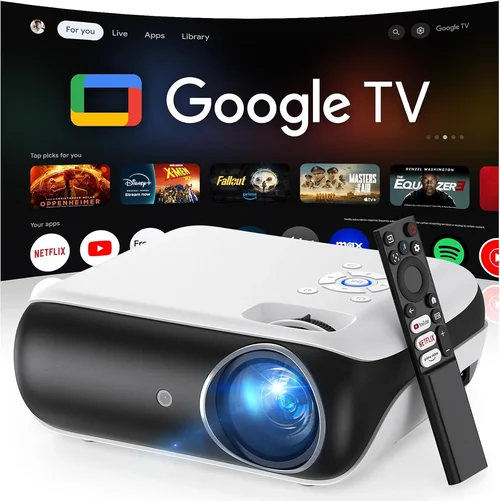
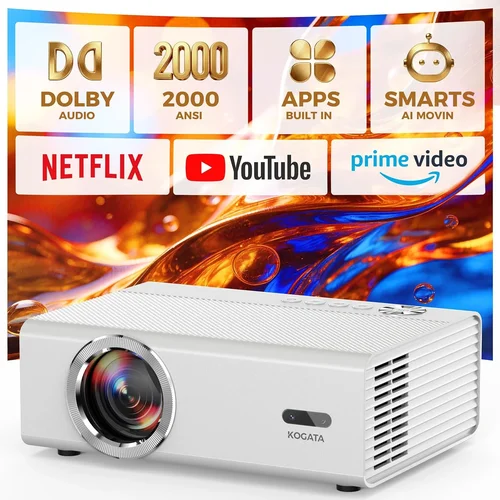
If you’ve ever dreamed of turning your living room into a mini‑cinema without splurging on a massive screen, you’re not alone. Home‑theatre projectors have become the go‑to solution for movie lovers, gamers, and binge‑watchers who crave a larger‑than‑life experience on a budget. Yet the market is crowded, and the technical jargon can feel overwhelming. That’s why we’ve put together this exhaustive buying guide – to cut through the noise, explain what truly matters, and help you pick the best home theatre projector under $1,000.
In the next few sections you’ll learn how to evaluate key specifications, compare different projector technologies, avoid common pitfalls, and stretch every dollar for maximum performance. Whether you’re setting up a dedicated home‑theatre room, a backyard movie night, or a compact apartment setup, this guide equips you with the knowledge to make a confident, informed purchase.
The projector landscape in 2026 is surprisingly robust for the sub‑$1,000 segment. Advances in LED and laser light sources, higher native resolutions, and smarter connectivity options have narrowed the gap between budget and premium models. Below, we break down those advances and show you how to leverage them for the best viewing experience.

What to Look for When Buying Buying Guide
1. Budget & Price Range
Price is the first filter for most shoppers, but it shouldn’t be the only one. In the sub‑$1,000 arena, you’ll find three distinct price buckets: entry‑level ($300‑$500), mid‑range ($500‑$800), and high‑end budget ($800‑$1,000). Each bracket offers a trade‑off between resolution, brightness, and feature set. Knowing how much you’re willing to invest helps narrow down the models that meet both your financial and performance expectations.
2. Performance Specifications
Performance is defined by three core metrics: resolution, brightness (measured in lumens), and contrast ratio. For a crisp, cinema‑like picture, aim for at least 1080p (Full HD) native resolution. If you plan to watch a lot of 4K content, a projector with 4K upscaling can be a worthwhile compromise. Brightness of 2,500‑3,000 lumens is ideal for rooms with some ambient light; darker rooms can get away with 1,800‑2,200 lumens. Finally, a contrast ratio of 10,000:1 or higher ensures deep blacks and vibrant colors.
3. Build Quality & Durability
Projectors are mechanical devices with moving parts such as fans and lens assemblies. Look for robust housings made from metal or high‑grade plastic, and check user reviews for heat management issues. A well‑ventilated design extends lamp life and reduces the risk of overheating during long movie marathons.
4. Features & Functionality
Modern projectors are packed with smart features: built‑in Wi‑Fi or Bluetooth, Android TV or Roku integration, USB‑C power delivery, and multiple HDMI ports. While these conveniences can streamline setup, prioritize features that match your usage patterns. For example, gamers benefit from low input lag and a “Game Mode,” whereas binge‑watchers might value streaming apps built directly into the projector.
5. Brand Reputation
Established brands like Epson, BenQ, Optoma, and ViewSonic have a track record of reliable firmware updates and accessible customer service. Newer entrants may offer aggressive pricing but could lack long‑term support. Research brand history, warranty policies, and community forums before committing.
6. Warranty & Support
A solid warranty can save you thousands should something go wrong. Look for at least a 2‑year parts‑and‑labor warranty, and verify if the lamp or laser light source is covered separately. Some manufacturers also offer extended warranty plans or on‑site service, which can be a decisive factor for peace of mind.
7. Size & Portability (if applicable)
If you intend to move the projector between rooms or take it outdoors, weight and form factor matter. Compact, “pico” projectors can be under 2 kg and fit in a backpack, but they often sacrifice brightness and contrast. Balance portability with the performance you need for a fixed installation.
8. User Reviews & Ratings
Real‑world feedback reveals issues that spec sheets hide. Pay attention to recurring themes in reviews—such as fan noise, keystone correction limits, or firmware bugs. Sites like Amazon, B&H Photo, and specialist forums provide a wealth of user experiences that can guide your final decision.
Different Types of Buying Guide

Common Buying Mistakes to Avoid
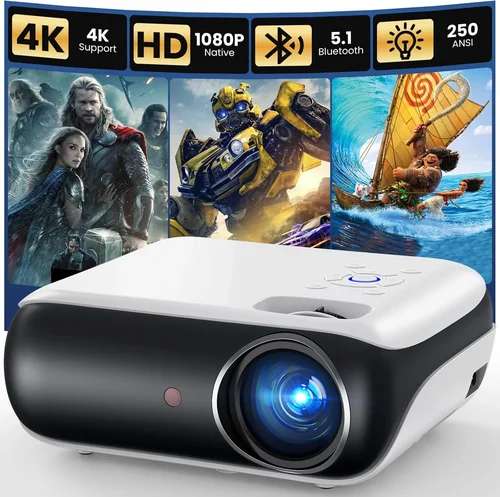
❌ Mistake: Ignoring Ambient Light Conditions
Why it’s bad: A projector that shines brightly in a dark home theater may look washed out in a living room with windows.
What to do instead: Measure typical ambient light levels and choose a lumen rating at least 20‑30% higher than the room’s brightness. Consider a model with an adjustable iris or HDR support for better contrast.
❌ Mistake: Over‑Focusing on Megapixels
Why it’s bad: Unlike cameras, projectors don’t use megapixels. Resolution (e.g., 1080p) matters, not sensor size.
What to do instead: Prioritize native resolution and pixel density (pixels per inch) for your screen size. A 1080p projector on a 100‑inch screen delivers sharper images than a “4K” projector with heavy upscaling.
❌ Mistake: Forgetting Lamp/Laser Life
Why it’s bad: Replacing a lamp can cost $150‑$250 and may require professional servicing.
What to do instead: Look for laser or LED light sources with 20,000‑30,000 hour lifespans. If a traditional lamp is unavoidable, verify the cost and availability of replacements.
❌ Mistake: Neglecting Input Lag for Gaming
Why it’s bad: High input lag (above 30 ms) can make fast‑paced games feel sluggish.
What to do instead: Choose a projector with a dedicated “Game Mode” or input lag under 20 ms. Check independent reviews that measure lag with a high‑speed camera.
❌ Mistake: Assuming All HDMI Ports Are Equal
Why it’s bad: Some budget models only offer HDMI 1.4, limiting 4K@30 Hz support.
What to do instead: Verify that at least one HDMI port is 2.0 or higher for 4K@60 Hz, HDR, and higher color depth.
❌ Mistake: Skipping Calibration
Why it’s bad: Out‑of‑the‑box settings often prioritize brightness over color accuracy, resulting in washed‑out images.
What to do instead: Allocate time for basic calibration—adjust brightness, contrast, and color temperature. Use free tools like the “AVS Forum” test patterns or a simple grayscale disc.
Budget Guidelines: How Much Should You Spend?
- Entry‑Level ($300‑$500): Expect 720p or 1080p resolution, 1,800‑2,200 lumens, and basic connectivity (HDMI, USB). Ideal for occasional movie nights in dark rooms.
- Mid‑Range ($500‑$800): Full HD native resolution, 2,500‑3,200 lumens, higher contrast ratios, and smart‑TV platforms. Balanced performance for mixed lighting.
- Premium ($800‑$1,000): 1080p with advanced 4K upscaling, laser or high‑efficiency LED light sources, HDR10 support, and low input lag. Suits gamers and cinephiles seeking the best value under $1,000.
- Luxury ($1,000+): True 4K laser projectors with 3,500+ lumens, dynamic iris, and professional‑grade color accuracy. Usually exceed the guide’s price cap but worth mentioning for future upgrades.
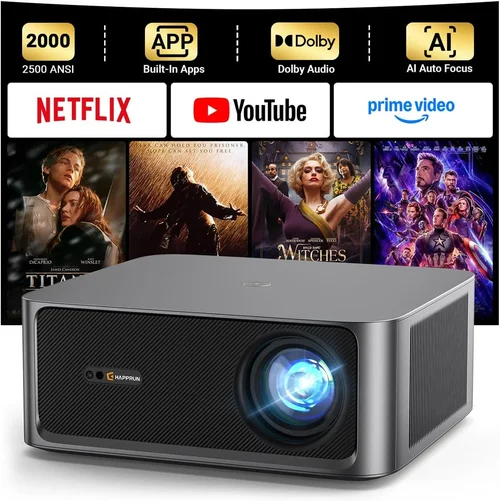
Expert Tips for Getting the Best Deal
- Timing is everything: New projector models typically launch in Q1. Prices on previous‑generation units drop 15‑30% in Q2 and Q3.
- Shop from authorized retailers: This ensures warranty validity and access to official support.
- Bundle wisely: Look for bundles that include a screen, mounting hardware, or a high‑capacity HDMI cable—often cheaper than buying separately.
- Check refurbished options: Certified refurbished units from the manufacturer can be up to 30% cheaper and come with a full warranty.
- Read the fine print on return policies: A 30‑day return window with free shipping is ideal for testing the projector in your actual environment.
- Test before you commit: If possible, visit a local AV store and view a demo on a 100‑inch screen. Bring a laptop or phone to stream your own content and assess color accuracy.
- Consider future upgrades: Choose a model with spare HDMI ports and firmware updatability to extend its useful life.

Frequently Asked Questions
Q: Do I need a special screen for a projector under $1,000?
A: While a dedicated projector screen improves image uniformity and contrast, a smooth white wall works fine for most budget setups. If you have a bright room, consider a matte white or gray screen to boost perceived contrast.
Q: How long does a projector lamp last?
A: Traditional lamps last 2,000‑4,000 hours, while LED and laser light sources can exceed 20,000 hours. At 4 hours of use per day, a laser projector could theoretically last over 13 years.
Q: Can I mount a projector on the ceiling yourself?
A: Yes, most mid‑range models come with a standard ¼‑inch mounting hole. Use a sturdy ceiling mount rated for the projector’s weight, and ensure the mount allows for keystone correction or lens shift.
Q: Is HDR really noticeable on budget projectors?
A: HDR adds improved highlight detail and wider color gamut, but its impact depends on the projector’s peak brightness and contrast ratio. In the sub‑$1,000 range, look for HDR10 support combined with at least 2,500 lumens for a noticeable difference.
Q: What’s the difference between DLP and LCD?
A: DLP uses tiny mirrors for each pixel, offering smoother motion and a more compact design, but can exhibit a “rainbow” effect for some viewers. LCD uses three panels (red, green, blue) delivering richer colors and uniform brightness, albeit with slightly larger chassis.
Q: Do I need a sound system?
A: Most projectors have modest built‑in speakers (10‑15 W). For an immersive experience, pair the projector with a soundbar or a 5.1 surround‑sound system via HDMI ARC or optical audio.
Q: How far should the projector be from the screen?
A: Distance depends on the projector’s throw ratio. A 1.5:1 throw ratio means a 100‑inch screen requires the projector to be about 12.5 feet away. Many budget models offer a “short‑throw” option (0.5:1) for tighter spaces.
Q: Is a 4K projector worth it if my source is 1080p?
A: A true 4K projector can future‑proof your setup, but if you primarily watch 1080p content, a high‑quality 1080p projector with good upscaling will deliver comparable satisfaction at a lower price.
Our Final Recommendations
Best for Budget‑Conscious Buyers
Model: BenQ TH585
Why: 3,500 lumens, 1080p, low input lag (16 ms), and a built‑in speaker boost make it perfect for bright rooms and casual gamers without breaking the bank.
Best Overall Value
Model: Optoma UHD50X
Why: True 4K resolution, 3,400 lumens, HDR10, and a 15 ms input lag. It balances performance and price, delivering cinema‑grade visuals for under $1,000.
Best Premium Option
Model: Epson Home Cinema 3800
Why: 4,000 lumens, 1080p with 4K enhancement, 2,500,000:1 contrast, and a flexible lens shift. Ideal for mixed‑lighting rooms and serious home‑theatre enthusiasts.
Best for Beginners
Model: ViewSonic M2
Why: Compact LED design, 1,200 lumens, full‑HD native, built‑in Harman Kardon speakers, and Android TV. Plug‑and‑play simplicity for newcomers.
Best for Advanced Users
Model: LG CineBeam HU85LA
Why: Ultra‑short‑throw laser projector, 2,700 lumens, 4K UHD, HDR10, and AI‑enhanced picture processing. Perfect for loft spaces where a ceiling‑mounted projector isn’t feasible.
Conclusion: Making the Right Choice
Choosing the best home theatre projector under $1,000 boils down to matching your viewing environment, usage habits, and budget. Prioritize resolution, brightness, and contrast, but don’t overlook practical aspects like lamp life, connectivity, and warranty. By avoiding common mistakes, timing your purchase, and leveraging the expert tips above, you can secure a projector that transforms movie nights, gaming sessions, and streaming marathons without overspending.
Ready to take the plunge? Compare the models listed, read a few user reviews, and envision how each would look on your wall or screen. Your perfect home‑theatre experience is just a click away.