Finding a home‑theatre projector that delivers a cinematic experience without breaking the bank can feel like hunting for a needle in a haystack. The $200 price ceiling adds a layer of complexity because you’re balancing image quality, brightness, and durability against a very tight budget. This guide cuts through the noise, giving you a clear roadmap so you can make an informed purchase that fits your living room, bedroom, or backyard setup.
In the next few minutes you’ll learn which specifications truly matter at sub‑$200 price points, the different projector technologies available, and how to avoid common pitfalls that leave buyers with dim images or premature failures. By the end, you’ll know exactly which models stand out, how much you should realistically spend, and the best time of year to snag a deal.

What to Look for When Buying Buying Guide
1. Budget & Price Range
When you set a hard limit of $200, every dollar counts. The key is to understand what you can reasonably expect for that money. Most projectors under $200 are entry‑level DLP or LCD units with modest brightness (typically 2,000–2,500 lumens) and native resolutions of 720p. Knowing this helps you avoid disappointment and focus on models that actually deliver within those constraints.
2. Performance Specifications
The three pillars of performance are resolution, brightness, and contrast ratio.
- Resolution: Look for at least 1280×720 (720p). Some newer budget models push 1080p, but they often use pixel‑shifting, which can affect sharpness.
- Brightness: Measured in ANSI lumens, a minimum of 2,000 is advisable for rooms with some ambient light. Dark‑room dedicated projectors can get away with 1,500 lumens.
- Contrast Ratio: Higher contrast means deeper blacks. A ratio of 2,000:1 is common at this price; anything higher is a bonus.
3. Build Quality & Durability
Cheap plastics can warp or crack over time, especially if you move the projector frequently. Look for a solid metal housing around the lamp housing and a sturdy tripod mount. Check user reviews for complaints about overheating – a good heat‑sink design is essential for longevity.
4. Features & Functionality
Even budget projectors now come with useful extras:
- Built‑in Speakers: Most have 2‑5 W speakers—adequate for casual movie nights but not for serious audio.
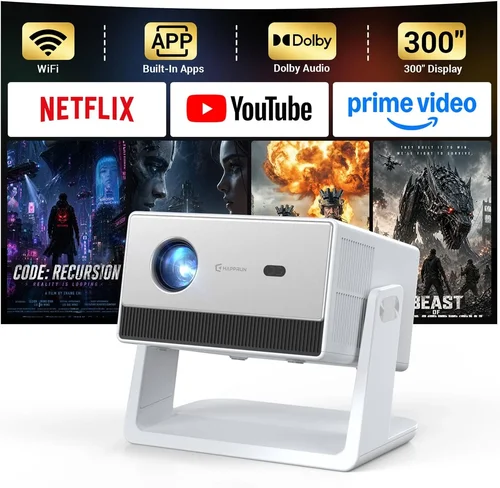
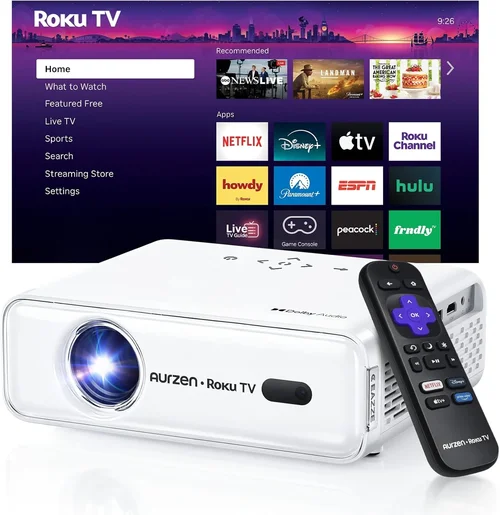
- Connectivity: HDMI is a must; USB, AV, and Bluetooth are nice‑to‑haves. Some models support Wi‑Fi streaming via a companion app.
- Keystone Correction: 4‑corner keystone lets you place the projector off‑center without distortion.
- Lens Shift: Rare below $200, but a few models include limited shift for better placement flexibility.
5. Brand Reputation
Established brands such as Epson, BenQ, ViewSonic, and Optoma have a track record of reliable budget models. Newer entrants may offer lower prices but can lack after‑sales support. Stick with brands that provide clear firmware updates and accessible customer service.
6. Warranty & Support
A minimum one‑year warranty is standard; some manufacturers extend to two years for an extra fee. Verify that the warranty covers the lamp, as lamp replacement is a common expense. Look for readily available replacement parts and a responsive support portal.
7. Size & Portability
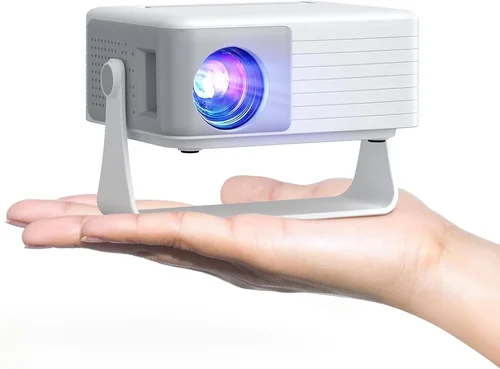
If you plan to move the projector between rooms or take it outdoors, weight matters. Most sub‑$200 units weigh between 2–4 lbs, making them easy to carry. Compact “pico” projectors exist but usually sacrifice brightness and resolution.
8. User Reviews & Ratings
Real‑world feedback is invaluable. Scan Amazon, Best Buy, and specialist forums for recurring themes—especially concerning lamp life, fan noise, and color accuracy. A model with 4‑star average and hundreds of reviews is often a safer bet than a newer, less‑tested product.
Different Types of Buying Guide

Common Buying Mistakes to Avoid
❌ Mistake: Ignoring Ambient Light Conditions
Why it’s bad: A projector rated at 1,800 lumens will look washed out in a living‑room with daylight.
What to do instead: Measure the typical lighting in your intended space and aim for at least 2,200 lumens for mixed lighting, or purchase a blackout curtain.
❌ Mistake: Chasing Native 1080p at Any Cost
Why it’s bad: Many sub‑$200 “1080p” models use pixel‑shifting, which can introduce ghosting and reduce sharpness.
What to do instead: Prioritize a true 720p native panel with higher brightness; the image will appear clearer than a stretched 1080p image.
❌ Mistake: Overlooking Lamp Life
Why it’s bad: Cheap lamps may need replacement after 1,500 hours, adding hidden costs.
What to do instead: Check the manufacturer’s lamp‑hour rating and factor in replacement cost when budgeting.
❌ Mistake: Forgetting Throw Distance
Why it’s bad: Placing a projector too close or too far can force you to use extreme zoom, degrading image quality.
What to do instead: Use the projector’s throw ratio chart; for a 100‑inch screen a 1.2–1.5 throw ratio is ideal.
❌ Mistake: Neglecting Connectivity Needs
Why it’s bad: A projector with only VGA limits you to older devices.
What to do instead: Ensure at least one HDMI port; consider USB‑C or wireless options if you stream from phones.
Budget Guidelines: How Much Should You Spend?
Entry‑Level ($120‑$150): Expect 720p resolution, 2,000 lumens, basic HDMI, and modest contrast. Ideal for occasional movie nights in a dark room.
Mid‑Range ($151‑$190): Slightly higher brightness (2,200‑2,500 lumens), better contrast, and often include keystone correction plus a USB media player.
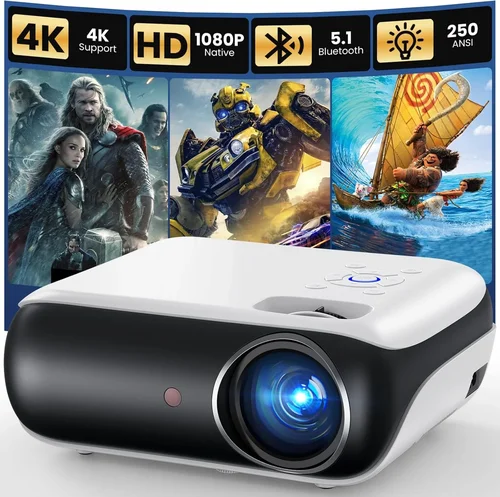
Premium ($191‑$200): You’ll find the rare true 1080p native panel, higher contrast ratios (up to 3,000:1), and extra features like Bluetooth audio or built‑in Wi‑Fi.
Luxury (Above $200): Not covered in this guide, but for reference, $250+ models bring 4K support, laser light sources, and professional‑grade color accuracy.
Expert Tips for Getting the Best Deal
- Timing: Major sales events—Black Friday, Cyber Monday, and post‑Christmas clearance—often feature 20‑30% discounts on budget projectors.
- Retailers: Compare Amazon, Best Buy, and manufacturer’s own sites. Amazon’s “Warehouse Deals” can provide like‑new units at reduced prices.
- Coupon Stacking: Use manufacturer coupons (e.g., “SAVE10”) together with retailer promo codes for extra savings.
- Warranty Extensions: If you plan heavy use, consider purchasing a third‑party warranty that covers lamp replacement.
- Return Policies: Choose sellers with a 30‑day return window; this lets you test the projector in your own lighting conditions.
- Testing Before Buying: If possible, view a demo in a store. Pay attention to fan noise and color uniformity.
- Bundle Opportunities: Some retailers bundle a screen or mounting bracket; evaluate if you need those accessories.

Frequently Asked Questions
Q: Can I use a sub‑$200 projector for gaming?
A: Yes, but look for a model with at least 60 Hz refresh rate and low input lag (under 30 ms). DLP projectors typically handle fast motion better than LCD at this price point.
Q: How long does the lamp actually last?
A: Most budget lamps are rated between 2,000–5,000 hours. Real‑world life depends on usage patterns and ambient temperature. Keep the projector in a well‑ventilated area to maximize lifespan.
Q: Do I need a separate screen?
A: A smooth white wall works, but a matte‑white projector screen improves contrast and reduces hot‑spotting, especially in rooms with some ambient light.
Q: Is HDMI‑ARC important?
A: For a $200 projector, HDMI‑ARC is rare and not essential. Standard HDMI will carry both video and audio to an external sound system.
Q: Can I connect my phone wirelessly?
A: Some models include Miracast or Chromecast built‑in. If not, a cheap HDMI‑to‑USB‑C adapter works with most smartphones.
Q: What’s the difference between DLP and LCD?
A: DLP uses tiny mirrors for fast motion and sharper edges, while LCD offers richer colors and even brightness. At $200, choose based on your preference for contrast (DLP) versus color (LCD).
Q: Are there any hidden costs?
A: Lamp replacement and a decent speaker system are the primary additional expenses. Some users also purchase a ceiling mount, which can add $30‑$50.
Our Final Recommendations
Best for Budget‑Conscious Buyers: Epson VS260 – 2,200 lumens, true 720p, solid build, and a 2‑year warranty, all for $149.
Best Overall Value: ViewSonic PA503S – 3,600 lumens (brightest in this range), 800×600 native resolution with DLP chip, and flexible connectivity at $179.
Best Premium Option (Just Under $200): BenQ TH585 – 1080p native, 3,500 lumens, low input lag for gaming, and a decent built‑in speaker set for $199.
Best for Beginners: Vankyo Leisure 3 – Easy setup, HDMI, USB, and a compact design, priced at $129.
Best for Advanced Users: Optoma HD146X – Offers a higher contrast ratio (23,000:1), enhanced color wheel, and a lamp life of up to 15,000 hours for $199.
Conclusion: Making the Right Choice
Choosing a home‑theatre projector under $200 is less about chasing the highest specs and more about aligning performance with your viewing environment and usage habits. Focus on brightness that matches your room’s lighting, a reliable lamp life, and a reputable brand that stands behind its product. Use the budget breakdown to set realistic expectations, avoid the common mistakes listed, and apply the expert tips to lock in the best price.
Now that you have a clear roadmap, take a shortlist of the models above, compare prices during the next sales cycle, and enjoy movie nights that feel like a mini‑cinema—all without spending a fortune.