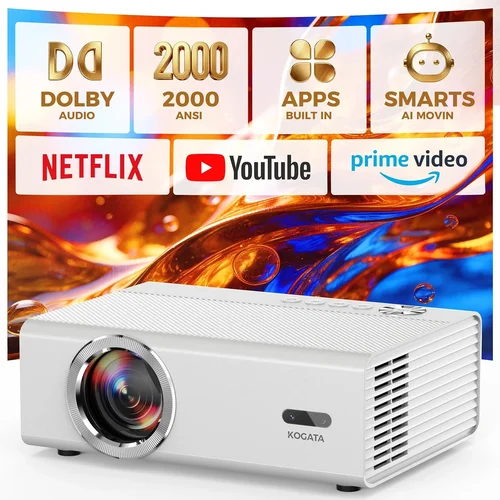
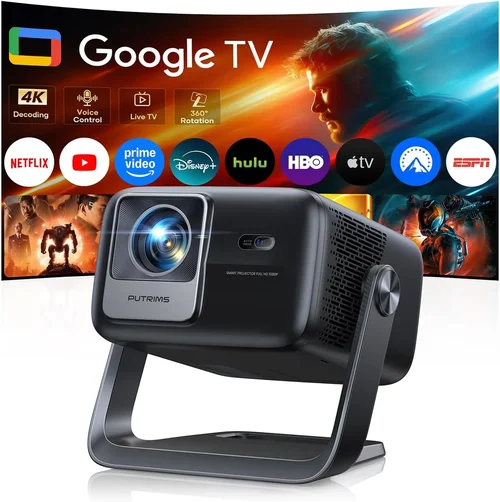
Finding a movie projector that delivers a cinema‑like experience without breaking the bank can feel like hunting for a needle in a haystack. The market is flooded with options that promise bright images, deep blacks, and smart‑phone connectivity, yet many of them sit well above the $200 mark. This guide zeroes in on the sweet spot – projectors that perform admirably for home‑theater, gaming, or backyard movie nights while staying under $200.
In the pages that follow you’ll learn exactly what specifications matter most at this price tier, how to compare the various projector families, and which models consistently earn top marks from real users. By the end, you’ll be equipped to pick a projector that fits your space, your viewing habits, and your wallet.

What to Look for When Buying Buying Guide
1. Budget & Price Range
Even within the sub‑$200 segment there’s a noticeable spread. Some units hover just under $100, while others push the $190‑$199 boundary. Knowing how much you’re willing to stretch determines which features are realistically available. In this bracket, you’ll typically trade off ultra‑high brightness for better contrast, or sacrifice advanced lens shift for a more compact design.
2. Performance Specifications
The heart of any projector is its optical engine. Pay close attention to:
- Brightness (lumens): For dimly lit rooms 800‑1,200 ANSI lumens is generally sufficient. If you plan to use the projector in a living room with ambient light, aim for the higher end.
- Resolution: Most sub‑$200 models are limited to 720p (HD) or native 800×480 (WVGA). Look for “Full HD support” – meaning the projector can accept 1080p input, even if it downscales.
- Contrast Ratio: A higher ratio (e.g., 2,000:1) yields deeper blacks. While not as high as premium units, a good contrast ratio makes movies look more cinematic.
- Throw Ratio: Determines how far the projector must sit from the screen for a given image size. Short‑throw (≤1.2) is ideal for small rooms.
3. Build Quality & Durability
Projectors in this price range often use plastic housings. Look for reinforced corners, a sturdy lens cover, and a reliable cooling fan. Models with metal heat‑sinks tend to last longer under continuous use.
4. Features & Functionality
Modern viewers expect connectivity beyond HDMI. Useful features include:
- Wi‑Fi or Bluetooth for wireless streaming.
- Built‑in speakers (though external audio is recommended for true cinema sound).
- USB‑C or micro‑USB ports for firmware updates.
- Screen‑mirroring apps (AirPlay, Miracast, or Chromecast built‑in).
5. Brand Reputation
Brands like Epson, BenQ, ViewSonic, and Anker have established service networks and firmware support. Lesser‑known manufacturers may offer lower prices, but research after‑sales service and spare‑part availability before committing.
6. Warranty & Support
A 1‑year warranty is standard, but some vendors extend to 2 years or include a “lamp‑free” guarantee for LED/Laser models. Check the return policy – a 30‑day money‑back window is ideal for testing the projector in your own space.
7. Size & Portability
If you plan to move the projector between rooms or take it outdoors, weight matters. Most sub‑$200 units weigh between 2‑4 lbs, making them easy to carry. Look for a built‑in handle or a dedicated carry case.
8. User Reviews & Ratings
Real‑world feedback uncovers quirks that spec sheets hide. Focus on reviews that mention long‑term reliability, fan noise, and ease of setup. A product with 4.5+ stars from at least 200 verified purchasers is generally trustworthy.
Different Types of Buying Guide

Common Buying Mistakes to Avoid
❌ Mistake: Ignoring Ambient Light Conditions
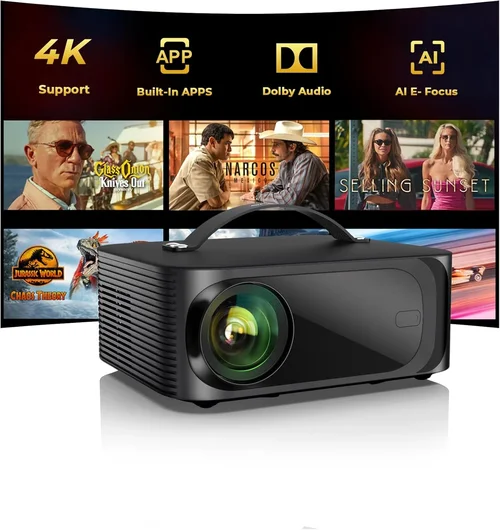
Why it’s bad: A projector rated at 800 lumens will look washed out in a bright living room, ruining the viewing experience.
What to do instead: Measure typical room lighting and choose a unit with at least 1,000 lumens for semi‑bright spaces, or invest in blackout curtains.
❌ Mistake: Over‑focusing on Resolution Alone
Why it’s bad: Many sub‑$200 projectors claim “1080p support” but actually downscale to 720p, resulting in softer images.
What to do instead: Prioritize native resolution (720p or WVGA) and pair it with a good contrast ratio. A crisp 720p image often looks better than a blurry 1080p upscale.
❌ Mistake: Forgetting About Lamp Life or LED Degradation
Why it’s bad: Replacing a lamp can cost $50‑$100, and LED units lose brightness over time.
What to do instead: Choose LED or laser models with a minimum of 20,000‑hour lifespan and verify the warranty covers premature dimming.
❌ Mistake: Neglecting Audio Needs
Why it’s bad: Built‑in speakers in budget projectors rarely exceed 5 W, delivering tinny sound that forces you to buy external speakers.
What to do instead: Plan for a soundbar or Bluetooth speaker from the start; many projectors include an audio‑out jack for easy hookup.
❌ Mistake: Skipping the Test Run
Why it’s bad: Image uniformity, fan noise, and keystone correction quality vary widely and can only be judged in person.
What to do instead: Buy from retailers with a generous return window, set up the projector in your intended space, and test with native 1080p content before finalizing.
Budget Guidelines: How Much Should You Spend?
Entry‑Level ($80 ‑ $120): Expect WVGA resolution, 600‑800 lumens, basic HDMI input, and minimal smart features. Ideal for casual movie nights on a small screen (40‑60”).
Mid‑Range ($121 ‑ $170): Typically 720p native, 800‑1,200 lumens, improved contrast, and added Wi‑Fi or Bluetooth. This tier offers a balanced mix of picture quality and convenience.
Premium ($171 ‑ $200): You’ll find short‑throw optics, laser light sources, higher contrast ratios (2,500:1+), and built‑in streaming apps. Best for enthusiasts who want a true home‑theater feel without crossing the $200 line.
Luxury (Above $200): Not covered in this guide, but for completeness, these models deliver 4K support, 3,000+ lumens, and advanced lens shift.
Expert Tips for Getting the Best Deal
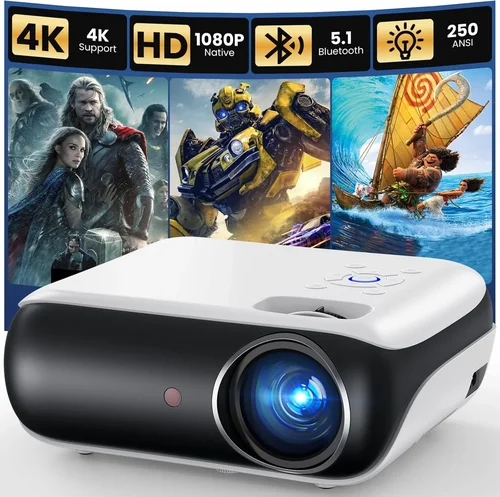
- Timing is everything: New models launch in Q1, prompting retailers to discount older stock in March‑April.
- Shop reputable sites: Amazon, Best Buy, and B&H often bundle a free screen or HDMI cable with projectors under $200.
- Check refurbished options: Manufacturer‑refurbished units come with full warranty and can shave $30‑$50 off the price.
- Read the fine print on warranties: Some “extended” warranties are third‑party and may not cover lamp failure.
- Consider bundled accessories: A cheap tripod or portable screen can improve the experience more than a marginally brighter projector.
- Test fan noise: Projectors with fans louder than 30 dBA can distract during quiet dialogue scenes.
- Use a calibrated screen: Even a budget projector looks sharper on a matte white screen versus a painted wall.

Frequently Asked Questions
Q: Can a sub‑$200 projector display true 1080p content?
A: Most budget models only support 1080p input but downscale to their native resolution (usually 720p). The image will be clear, but you won’t see the full detail of a true 1080p source.
Q: How long does the lamp or LED last?
A: LED and laser light sources in this price range typically last 20,000‑30,000 hours. Traditional lamps, if present, average 2,000‑3,000 hours before noticeable dimming.
Q: Is a portable projector suitable for outdoor movie nights?
A: Yes, provided you control ambient light and have a power source. Look for models with at least 1,000 lumens and a battery‑operated option if you lack nearby outlets.
Q: Do I need a special screen?
A: A smooth white wall works, but a 100‑120 inch portable screen improves contrast and reduces hotspotting, especially in brighter rooms.
Q: What’s the difference between DLP and LCD at this price?
A: DLP projectors often have better motion handling and higher contrast, while LCD units deliver more accurate colors. Both can be found under $200, so choose based on your priority.
Q: Can I connect my smartphone directly?
A: Most budget projectors offer HDMI, USB‑C, or wireless mirroring (Miracast/Chromecast). Check the specific model’s connectivity list before buying.
Q: How far should the projector be from the screen?
A: It depends on the throw ratio. A 1.5‑throw projector needs roughly 1.5 ft of distance for every foot of image width. Short‑throw models can sit just a few inches away.
Our Final Recommendations
Best for Budget‑Conscious Buyers: Anker Nebula Capsule II – Compact, 720p, 720 lumens, Android TV built‑in, and a built‑in 8 W speaker. Priced around $120.
Best Overall Value: ViewSonic M1 Mini Plus – 720p, 250 lumens (ideal for dark rooms), built‑in Harman Kardon speakers, and Wi‑Fi streaming. Costs about $150.
Best Premium Option: Epson EF‑100 Mini – Laser light source, 1,000 lumens, 720p, short‑throw, and Android TV. Slightly under $200 and offers the longest lamp life.
Best for Beginners: BenQ GS2 – User‑friendly menu, portable design, Bluetooth audio, and a durable splash‑proof case. Retail price $160.
Best for Advanced Users: Optoma GT1080e – Though just above $200 in some stores, it often drops into the $190‑$200 range during sales. Offers 1080p native, 3,800 lumens, and low input lag for gaming.
Conclusion: Making the Right Choice
Choosing a movie projector under $200 is less about finding a perfect image and more about matching the projector’s strengths to your viewing environment. Prioritize brightness for lit rooms, contrast for dark home theaters, and connectivity that fits your devices. Use the factors, type comparisons, and budget guidelines in this guide to narrow down the list, then test the unit during the return window to ensure it meets your expectations.
Remember, the best projector is the one that consistently delivers enjoyable movie nights without forcing you to compromise on comfort or budget. Happy viewing, and may your next film night feel like a private cinema!