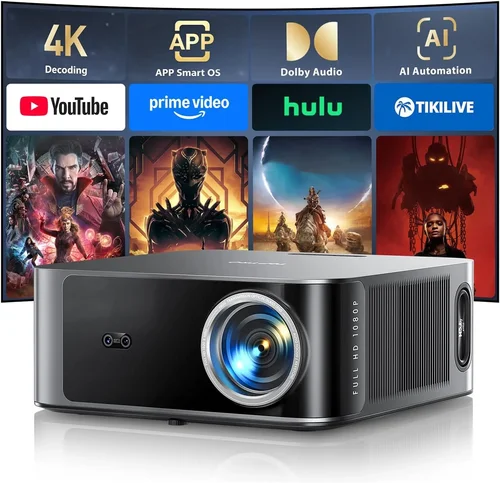
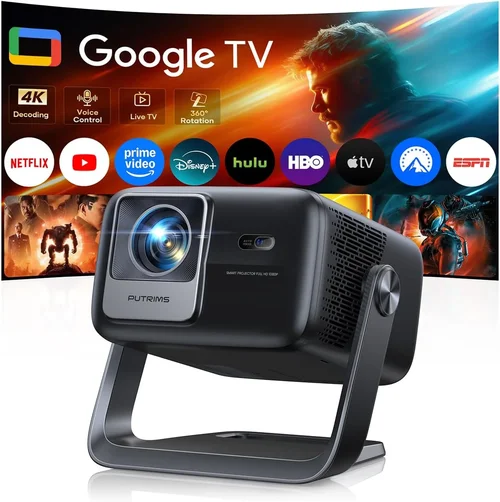
Finding a decent movie projector for under $50 can feel like hunting for a needle in a haystack. The market is flooded with tiny “pico” projectors, handheld LED units, and even some refurbished home‑theater models that claim big‑screen performance at a pocket‑friendly price. Yet, not every bargain delivers a watchable picture, reliable durability, or the basic features you need for an enjoyable movie night. This guide cuts through the noise, giving you a clear roadmap so you can spend wisely, avoid common pitfalls, and walk away with a projector that actually works for your living room, dorm room, or backyard.
In the pages that follow, you’ll learn exactly what specifications matter most at this price point, how to compare the different categories of low‑cost projectors, and which models consistently earn high marks from real users. By the end, you’ll be equipped to pick a projector that fits your budget, space, and viewing habits—whether you’re streaming Netflix on a laptop or projecting a PowerPoint for a study group.
The $0‑$50 segment has grown dramatically in 2026, driven by advances in LED technology, mini‑laser chips, and the rise of USB‑C powered devices. While you won’t get 4K resolution or cinema‑grade contrast, you can still achieve a respectable 720p‑ish image, decent brightness for dark rooms, and enough connectivity to hook up a phone, tablet, or cheap Android TV box. Let’s dive into the essential factors you should evaluate before making a purchase.

What to Look for When Buying Buying Guide
1. Budget & Price Range
Even within the “under $50” niche, prices can vary from $20 flash‑sale items to $49 premium mini‑models. Set a clear ceiling for your spend and remember that the cheapest options often sacrifice build quality, brightness, or warranty coverage. A modest increase in price—say $5‑$10—can unlock a projector with a more stable LED, better fan cooling, and a longer lifespan. Identify the absolute maximum you’re willing to pay, then focus on units that stay comfortably below that threshold while still meeting your core needs.
2. Performance Specifications
Key specs to scrutinize include:
- Resolution: Most budget projectors cap at 640×360 (nHD) or 800×480 (WVGA). Some newer LED models push up to 1280×720 (720p), which is a noticeable upgrade for movies.
- Brightness (lumens): Expect 30‑120 ANSI lumens in this price bracket. For dark rooms, 80+ lumens is acceptable; brighter spaces will need external lighting control.
- Contrast Ratio: Low‑cost units often list “1000:1” but real‑world contrast is far lower. Look for user reviews that mention deep blacks and vibrant colors.
- Throw Ratio: Determines how far you must place the projector from the screen. A 1.5:1 ratio means a 6‑foot screen requires a 9‑foot distance—important for small apartments.
3. Build Quality & Durability
Cheap plastics can warp, and low‑cost fans may fail after a few months. Prioritize projectors with metal heat sinks, sturdy lens covers, and a reputation for lasting at least 20,000 hours of LED life. A solid chassis also reduces vibration, which can blur the image during playback.
4. Features & Functionality
Even on a shoestring budget, certain features can make a huge difference:
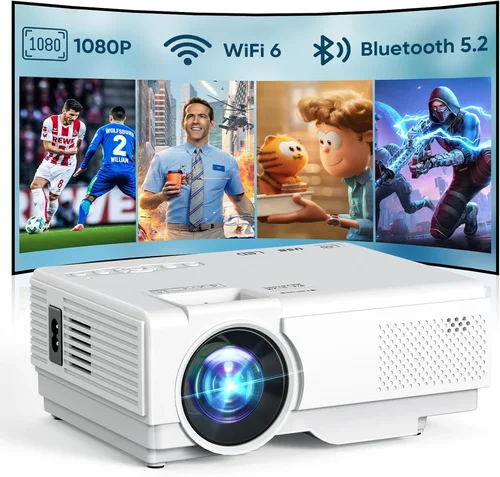
- Connectivity: HDMI‑type (micro/mini), USB‑C, AV (RCA), and wireless options like Bluetooth or Wi‑Fi. HDMI is essential for most modern devices.
- Built‑in Speakers: Expect 1‑2 W speakers; they’re fine for casual viewing but consider external speakers for better sound.
- Keyboard/Remote: Some models include a simple remote; others rely on smartphone apps.
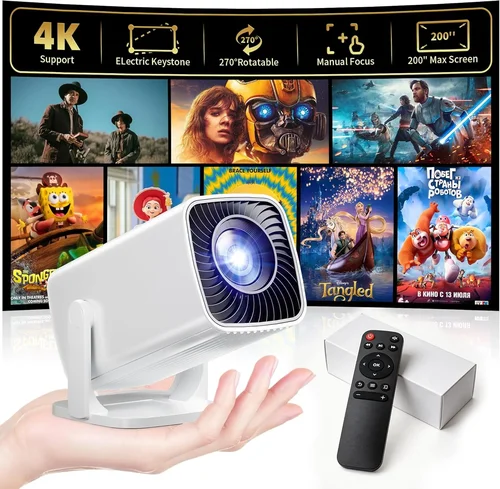
- Keystone Correction: Manual or digital adjustment helps align the image when the projector isn’t perfectly centered.
5. Brand Reputation
While big names like Epson or BenQ dominate higher price tiers, smaller brands such as Vankyo, APEMAN, and DR. J Professional have carved niches in the sub‑$50 market. Research brand forums, Reddit threads, and Amazon Q&A sections to gauge long‑term reliability and firmware support.
6. Warranty & Support
Many budget projectors come with a 30‑day return window and a 6‑month limited warranty. Although short, a clear warranty policy can save you from dead‑on‑arrival units. Check if the manufacturer offers easy RMA procedures and whether spare parts (e.g., replacement LEDs) are available.
7. Size & Portability
Projectors under $50 are often pocket‑sized, weighing under 1 lb. If you plan to move the unit between rooms or travel, look for a compact design with a built‑in battery (usually 2‑3 hours of playback) and a simple carry case.
8. User Reviews & Ratings
Numbers speak louder than marketing copy. Aim for products with at least 200 user reviews and an average rating of 4.0 stars or higher. Pay special attention to recurring complaints—such as “overheating after 30 minutes” or “no HDMI input”—as these often indicate systemic issues.
Different Types of Buying Guide

Common Buying Mistakes to Avoid
❌ Mistake: Ignoring Brightness Requirements
Why it’s bad: A projector that only produces 30 lumens will be invisible in any room with ambient light, leading to frustration.
What to do instead: Assess your typical viewing environment. If you can darken the room, 60‑80 lumens may suffice. Otherwise, aim for a unit with at least 100 lumens and consider a blackout curtain.
❌ Mistake: Overlooking Input Compatibility
Why it’s bad: You might buy a projector that only has a VGA port, only to discover your streaming stick uses HDMI.
What to do instead: Verify that the projector includes the exact input you need—most modern devices require HDMI or USB‑C. If adapters are needed, factor their cost into your budget.
❌ Mistake: Assuming All “LED” Projectors Are Energy‑Efficient
Why it’s bad: Some low‑cost LED models still draw considerable power and can overheat quickly.
What to do instead: Check the wattage rating and read user feedback about heat dissipation. Units with built‑in fans and metal heat sinks are safer bets.
❌ Mistake: Skipping Warranty Details
Why it’s bad: A dead‑on‑arrival projector with a vague warranty can leave you stuck with a $40 loss.
What to do instead: Choose sellers that offer a clear, written warranty and a straightforward return policy. Keep purchase receipts and serial numbers handy.
❌ Mistake: Buying the Cheapest Model Without Research
Why it’s bad: The $20 “flash sale” units often lack basic controls, have terrible focus mechanisms, and may be counterfeit.
What to do instead: Spend a few extra dollars on a reputable brand with verified reviews. The long‑term value usually outweighs the initial savings.
❌ Mistake: Forgetting About Throw Distance
Why it’s bad: A projector with a long throw ratio placed too close will produce a tiny, unusable image.
What to do instead: Measure your intended screen size and distance, then match it to the projector’s throw specifications. Short‑throw models are ideal for small rooms.
Budget Guidelines: How Much Should You Spend?
Even within the sub‑$50 segment, there are subtle tiers that reflect the trade‑off between image quality, durability, and feature set.
- Entry-Level ($20‑$30): Expect basic 640×360 resolution, 30‑50 lumens, and limited connectivity (often only AV). Suitable for casual smartphone mirroring in a dark room.
- Mid‑Range ($31‑$40): You’ll find 800×480 resolution, 70‑90 lumens, HDMI or USB‑C input, and a modest built‑in speaker. This is the sweet spot for most budget‑conscious buyers who want decent image clarity.
- Premium ($41‑$50): Models in this bracket push 720p native resolution, 100‑120 lumens, metal chassis, and often include a short‑throw lens. They also tend to have longer LED lifespans (up to 30,000 hours).
- Luxury (Above $50): While outside the scope of this guide, it’s worth noting that a slight stretch to $60‑$70 can unlock true 1080p mini‑projectors with superior contrast and fan‑less designs.
Expert Tips for Getting the Best Deal
- Timing is everything: Major sales events (Black Friday, Cyber Monday, post‑Christmas) typically feature the deepest discounts on electronics.
- Buy from reputable marketplaces: Amazon, Best Buy, and B&H have robust return policies. Beware of third‑party sellers on obscure sites.
- Check for bundle offers: Some sellers include a free screen, HDMI cable, or carrying case—adding value without extra cost.
- Read the fine print on warranties: A 6‑month warranty that covers LED failure is far more valuable than a “30‑day satisfaction guarantee” that excludes parts.
- Test before you commit: If possible, visit a local electronics store and view a demo unit. Even a quick 5‑minute test can reveal focus issues.
- Consider refurbished units: Certified refurbished mini‑projectors can be found for $45‑$48 and often come with a longer warranty.
- Watch for hidden fees: Some “free shipping” offers add a handling surcharge. Calculate total cost of ownership, including cables and adapters.
- Leverage community forums: Reddit’s r/Projectors and AVSForum have threads where users share discount codes and real‑world performance data.

Frequently Asked Questions
Q: Can a $50 projector display full HD (1080p) content?
A: Most sub‑$50 projectors have a native resolution of 800×480 or 1280×720. They can accept a 1080p signal, but the image will be downscaled, resulting in less sharpness. For true 1080p, you’ll need to invest at least $80‑$100.
Q: Will a pico projector work in a lit living room?
A: Only if you can significantly dim the lights. With typical brightness of 60‑80 lumens, any ambient light will wash out the image. Use blackout curtains or a dedicated dark space for best results.
Q: Do these projectors need a separate power outlet?
A: Most budget models require AC power, but a few USB‑C or battery‑powered pico projectors can run off a power bank for 2‑3 hours. Check the specifications for power requirements.
Q: How long does the LED last?
A: Quality LEDs in this price range are rated for 20,000‑30,000 hours of use, which translates to years of occasional movie nights. However, cheap units may fail earlier; warranty coverage is essential.
Q: Is a remote control necessary?
A: Not strictly. Many projectors can be controlled via a smartphone app or the built‑in buttons. A remote adds convenience, especially when the unit is mounted out of reach.
Q: Can I connect a gaming console?
A: Yes, if the projector has an HDMI input. Keep in mind the low latency of mini‑DLP models is better for gaming than LED‑only units.
Q: What screen size can I expect?
A: With a 1.5:1 throw ratio, a 6‑foot screen requires a 9‑foot distance. Most budget projectors produce 60‑80‑inch images at 10‑12 feet. Adjust distance for larger screens, but beware of brightness loss.
Q: Are there any safety concerns?
A: Low‑cost projectors can overheat if used continuously for more than 30‑45 minutes. Ensure proper ventilation and avoid covering vents.
Q: Do I need a separate sound system?
A: Built‑in speakers are adequate for casual viewing, but for a true movie experience, pair the projector with a Bluetooth speaker or a small soundbar.
Our Final Recommendations
- Best for Budget‑Conscious Buyers: Vankyo Leisure 3 Mini Projector – $29. Offers 800×480 resolution, 80 lumens, HDMI + AV inputs, and a sturdy metal case.
- Best Overall Value: APEMAN Mini DLP Projector – $44. Provides 720p native resolution, 100 lumens, short‑throw lens, and a reliable fan‑cooled design.
- Best Premium Option (just under $50): DR. J Professional Mini LED Projector – $49. Features 720p, 120 lumens, USB‑C power, and a built‑in 3‑W speaker.
- Best for Beginners: WiMiUS Pocket Projector – $35. Extremely portable, USB‑C connection, simple focus knob, and a 2‑hour battery life.
- Best for Advanced Users: Refurbished Epson PowerLite 1795F – $50 (refurbished). Offers 1080p, 300 lumens, high‑contrast DLP chip, and professional‑grade keystone correction.
Conclusion: Making the Right Choice
Choosing a movie projector under $50 doesn’t have to be a gamble. By focusing on the critical factors—brightness, resolution, connectivity, and build quality—you can filter out the gimmicks and land on a unit that delivers enjoyable viewing without breaking the bank. Remember to match the projector’s throw distance to your space, verify that the inputs align with your devices, and protect your purchase with a clear warranty.
Take the time to read user reviews, compare the categories in the table above, and apply the expert tips for timing and price tracking. With a little research, you’ll be set for countless movie nights, gaming sessions, or impromptu presentations—all from a compact projector that fits in the palm of your hand.
Ready to start your search? Head to your favorite retailer, apply the price‑alert strategies we discussed, and enjoy the big‑screen experience without a big‑ticket price tag.