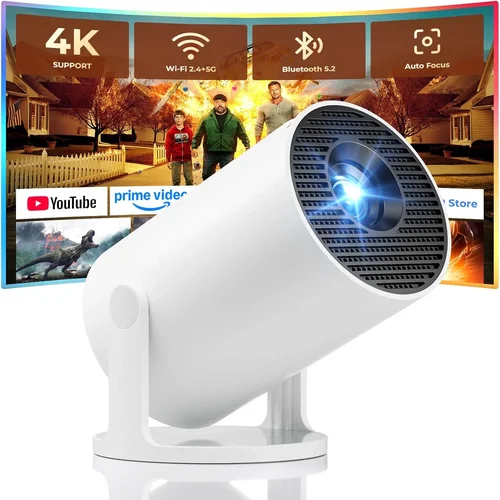
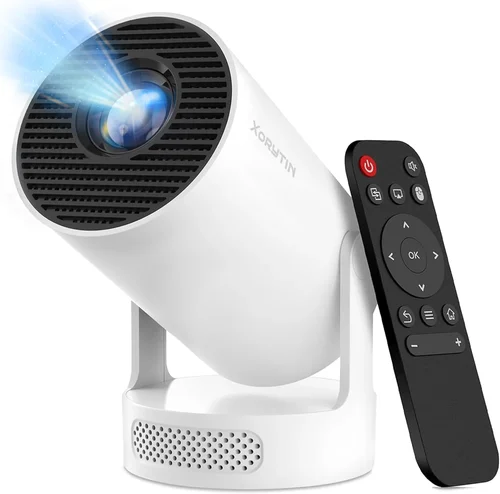
Finding a projector that fits comfortably into a laptop bag, delivers crystal‑clear images, and doesn’t break the bank can feel like hunting for a needle in a haystack. Whether you’re delivering a pitch to a client in a coffee shop, running a quick training session at a co‑working space, or simply need a reliable visual aid for impromptu meetings, a portable business projector under $200 can be a game‑changer. This guide walks you through everything you need to know so you can pick a model that truly works for you, without wasting time on hype or hidden pitfalls.
In the pages that follow you’ll learn how to evaluate brightness, resolution, connectivity, and durability—factors that matter most when you’re on the move. We’ll break down the different projector categories, flag common buying mistakes, and give you a clear budget roadmap. By the end, you’ll be equipped to choose a projector that matches your workflow, your travel habits, and your wallet.
The market for budget‑friendly portable projectors has exploded over the past few years. Advances in LED technology, smarter wireless chips, and compact optics have pushed prices down dramatically. Today, you can find units that project 100‑inch images, support full HD, and connect to smartphones via Bluetooth—all for less than $200. Understanding which specs are essential and which are nice‑to‑have is the key to avoiding buyer’s remorse.
What to Look for When Buying Buying Guide
1. Budget & Price Range
Price is the most obvious gatekeeper. In the sub‑$200 segment, you’ll encounter three distinct tiers: entry‑level (under $100), solid mid‑range ($100‑$150), and premium‑ish near $200. Each tier offers a trade‑off between brightness, resolution, and build quality. Set a clear ceiling before you start scrolling, but be prepared to stretch a little if a particular feature—like native 1080p resolution—makes a measurable difference in your daily presentations.
2. Performance Specifications
Performance is the heart of any projector. Focus on three core specs:
- Brightness (lumens): For indoor boardrooms with moderate ambient light, 200‑300 ANSI lumens (or the LED equivalent) is usually sufficient. If you often present in brighter cafés or hotel lobbies, aim for at least 350 lumens.
- Resolution: Native 720p (1280×720) is the baseline for decent clarity. Some models claim “Full HD” but actually upscale from 720p, so verify the native spec. True 1080p is rare under $200 but worth the extra spend if you need fine detail for charts.
- Contrast Ratio: Higher contrast improves depth perception. Look for ratios of 1500:1 or better; anything lower will produce washed‑out images, especially on white walls.
3. Build Quality & Durability
A portable projector will travel in backpacks, suitcases, and sometimes even on bicycles. Choose a unit built with a robust chassis—preferably aluminum or high‑grade polycarbonate—and a sealed lens cover to protect against dust. Shock‑resistant designs and reinforced corners can survive the inevitable bumps of business travel.
4. Features & Functionality
Modern budget projectors come packed with extras that can simplify your workflow:
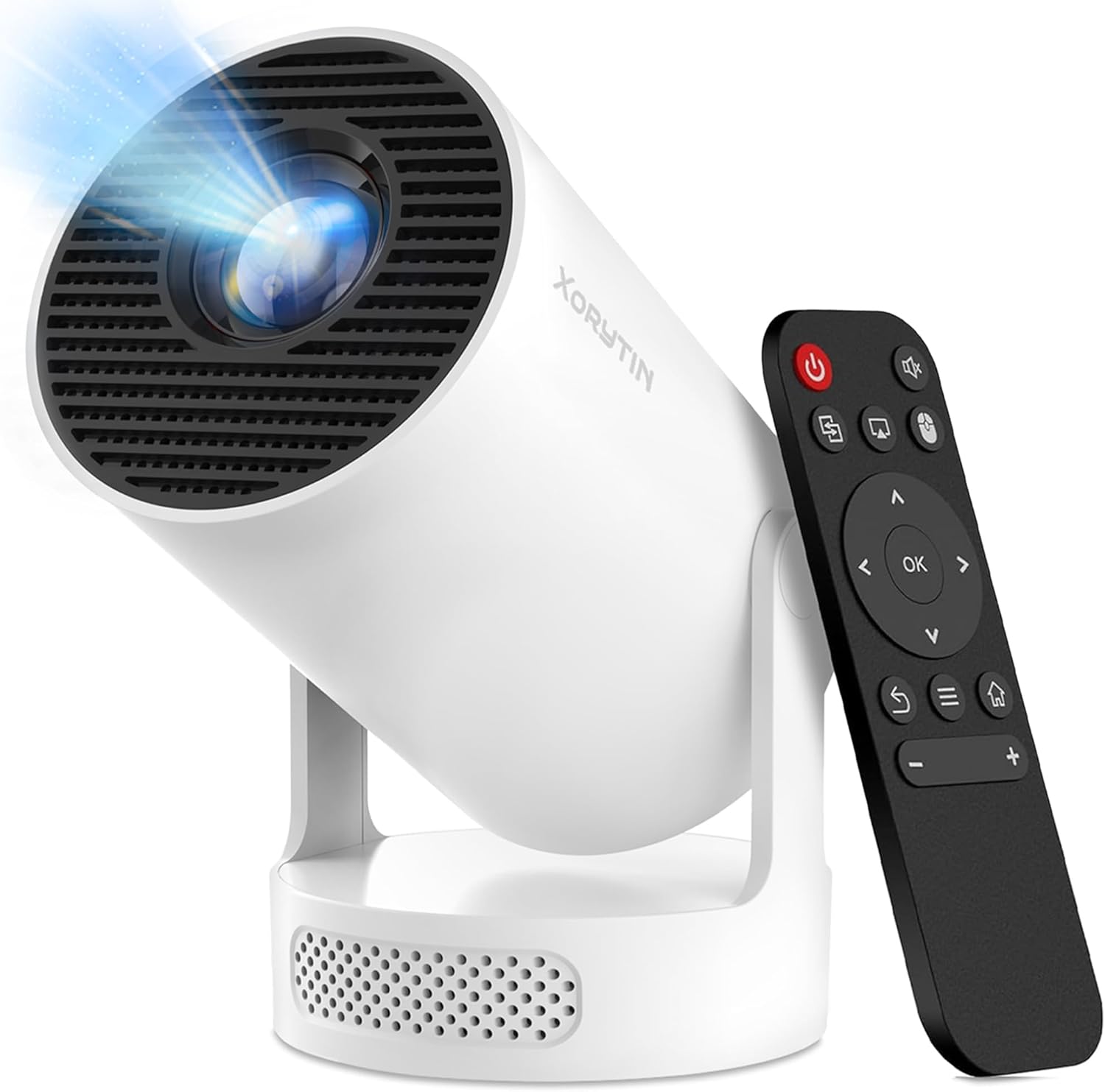
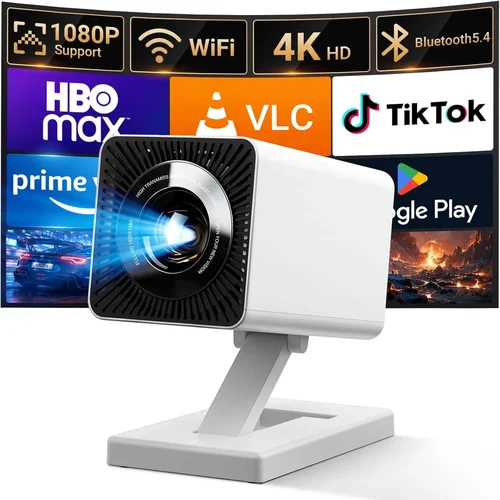
- Wireless Connectivity: Wi‑Fi and Bluetooth let you stream from a laptop, tablet, or phone without cables. Look for Miracast, AirPlay, or dedicated apps.
- Built‑in Speakers: While you’ll likely use external audio for polished presentations, decent 2‑W speakers can be handy for quick demos.
- Battery Life: Some models include a rechargeable battery that lasts 2‑3 hours of continuous projection—perfect for off‑grid meetings.
- Keystone Correction & Lens Shift: Automatic or manual keystone correction (±30°) helps you project a rectangular image even when the projector isn’t perfectly centered.
5. Brand Reputation
Even in the budget arena, brand pedigree matters. Companies like Anker, ViewSonic, Epson, and AAXA have proven track records for reliability and firmware updates. Newer entrants can surprise with innovation, but research post‑sale support, firmware update frequency, and community forums before committing.
6. Warranty & Support
A solid warranty (at least one year) can save you from costly repairs. Check whether the manufacturer offers on‑site service or a straightforward RMA process. Some retailers provide extended warranties or accidental damage coverage—worth considering if you travel frequently.
7. Size & Portability
True portability means the projector fits into a standard 15‑inch laptop bag and weighs under 2 lb. Dimensions under 5 × 5 × 2 inches are ideal. Also, a compact power adapter or USB‑C charging can streamline your setup.
8. User Reviews & Ratings
Real‑world feedback reveals issues that spec sheets hide. Scan reviews for recurring themes—overheating, laggy Bluetooth, or dim images after a few months of use. Prioritize models with a 4‑star average or higher across multiple platforms.
Different Types of Buying Guide

Common Buying Mistakes to Avoid
❌ Mistake: Prioritizing Brand Over Specs
Why it’s bad: A well‑known name does not guarantee that a $90 model will meet your brightness or resolution needs. You may end up with a sleek case but a dim, blurry image.
What to do instead: List the specs you need first—lumens, resolution, connectivity—and then compare brands that meet those criteria.
❌ Mistake: Ignoring Ambient Light Conditions
Why it’s bad: A projector that looks great in a dark home theater can be unusable in a brightly lit conference room.
What to do instead: Measure the typical lighting of your presentation spaces and choose a lumen rating that exceeds it by at least 30%.
❌ Mistake: Overlooking Battery Life
Why it’s bad: Running out of power mid‑presentation is embarrassing and disrupts the flow.
What to do instead: Verify the claimed battery runtime with independent reviews, and keep a spare power bank or USB‑C charger handy.
❌ Mistake: Forgetting Compatibility with Existing Devices
Why it’s bad: A projector that only supports HDMI may force you to carry extra adapters for laptops or phones.
What to do instead: Choose a model with multiple input options—HDMI, USB‑C, wireless Miracast—and test with your most used device before purchase.
❌ Mistake: Neglecting Warranty and Return Policies
Why it’s bad: Budget projectors can have higher failure rates. Without a solid warranty, you could be stuck with a dead unit.
What to do instead: Buy from retailers that offer a 30‑day return window and at least a one‑year manufacturer warranty.
❌ Mistake: Assuming All “Portable” Projectors Are Light
Why it’s bad: Some pocket‑sized units weigh close to 3 lb due to built‑in batteries and metal housings, which can strain a small bag.
What to do instead: Check the weight specification and consider how many other items you’ll carry alongside the projector.
Budget Guidelines: How Much Should You Spend?
- Entry-Level ($80‑$100): Expect 150‑200 lumens, 720p upscaled resolution, basic HDMI input, and minimal wireless options. Ideal for casual demos in dark rooms.
- Mid-Range ($101‑$150): You’ll find 250‑350 lumens, true 720p native resolution, built‑in speakers, and Wi‑Fi/Miracast. This tier balances price and performance for most professionals.
- Premium ($151‑$200): Look for 300‑400 lumens, genuine 1080p (or high‑quality 720p with HDR), battery operation, and a richer feature set (Android OS, Bluetooth audio, auto‑keystone).
- Luxury ($200+): While beyond the scope of this guide, luxury units push 500+ lumens, laser light sources, and extensive smart‑home integration. Consider only if you need large‑venue capability.
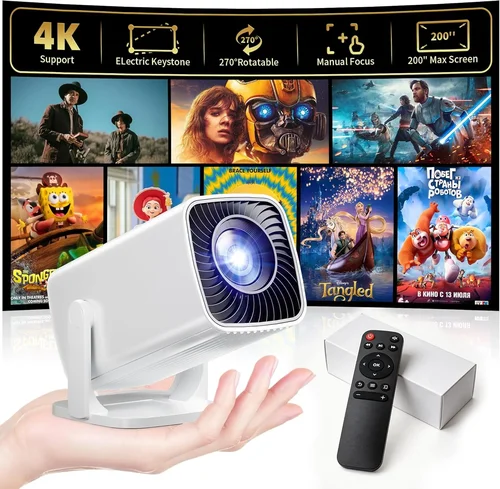
Expert Tips for Getting the Best Deal
- Timing: Major sales events—Black Friday, Cyber Monday, and Amazon Prime Day—often feature steep discounts on electronics under $200.
- Where to Buy: Compare Amazon, B&H Photo, and direct manufacturer stores. Retailers sometimes bundle a spare lamp or a travel case.
- Spotting Deals: Look for “refurbished” or “open‑box” units with full warranties. They’re tested and can be 20‑30% cheaper.
- Warranty Considerations: Register your product within 30 days to activate extended support offers.
- Return Policies: Choose sellers with at least a 30‑day hassle‑free return; this gives you time to test the projector in your typical environment.
- Testing Before Buying: If possible, visit a local electronics store and project a test image on a white wall. Check brightness, focus, and keystone correction in real lighting.
- Accessory Savings: A simple HDMI‑to‑USB‑C cable can replace expensive adapters. Look for bulk cable packs on discount sites.
- Future‑Proofing: Opt for a unit with a USB‑C power input; it aligns with newer laptops and portable chargers.

Frequently Asked Questions
Q: Can a sub‑$200 projector display a clear image in a well‑lit conference room?
A: It can, but you’ll need at least 300 lumens and a light‑colored (preferably white) projection surface. Adding a portable blackout screen can dramatically improve visibility.
Q: Do I need a separate remote control?
A: Most portable projectors include a small infrared remote. For wireless control, many manufacturers offer smartphone apps that let you adjust settings, switch sources, and even present slides directly from your device.
Q: How long do LED light sources last?
A: LED lamps typically last 20,000–30,000 hours, far exceeding the lifespan of traditional bulbs. This translates to years of daily use before any noticeable dimming.
Q: Is a built‑in speaker sufficient for business presentations?
A: Built‑in speakers are fine for voice‑over demos, but for videos or high‑quality audio, connect an external Bluetooth or wired speaker for a professional touch.
Q: Can I use a portable projector with my smartphone?
A: Absolutely. Look for models that support Miracast, AirPlay, or have a dedicated app. Some projectors also feature a USB‑C port that can mirror your phone’s screen directly.
Q: What is the difference between ANSI lumens and LED lumens?
A: ANSI lumens are measured using a standardized method for traditional lamps. LED lumens are often higher on paper but can appear dimmer because LED light is more directional. Always compare real‑world reviews rather than just the numbers.
Q: Do I need a separate screen?
A: Not strictly. A clean, white wall works fine for most indoor settings. However, a portable 100‑inch screen can improve image uniformity and reduce glare, especially in rooms with colored walls.
Q: How important is keystone correction?
A: Very important if you can’t place the projector squarely in front of the screen. Automatic keystone (±30°) saves time and eliminates distortion without manual adjustments.
Q: Are there any safety concerns with battery‑powered projectors?
A: Modern units use lithium‑ion batteries with built‑in protection circuits. Still, avoid extreme temperatures and store the projector in a cool, dry place when not in use.
Our Final Recommendations
- Best for Budget‑Conscious Buyers: Anker Nebula Capsule II – $119, 200 lumens, 720p native, Android 9.0 OS, 2‑hour battery. Compact, solid connectivity, and excellent brand support.
- Best Overall Value: ViewSonic M1 Mini Plus – $149, 250 lumens, 720p, built‑in Harman Kardon speakers, Wi‑Fi + Bluetooth, 2.5 lb weight. Great sound and color accuracy for its price.
- Best Premium Option: BenQ GS2 – $199, 300 lumens, 720p, Bluetooth speaker, 3‑hour battery, auto‑keystone, rugged silicone exterior. Ideal for frequent travelers who need durability.
- Best for Beginners: Vankyo Leisure 3 – $89, 200 lumens, 720p upscaled, HDMI/VGA, no battery but very lightweight. Simple plug‑and‑play for first‑time users.
- Best for Advanced Users: Elephas YG600 – $199, 360 lumens, true 1080p, USB‑C power, Android 10, Wi‑Fi Direct, and a built‑in 2‑W speaker. Offers the most features while staying under $200.
Conclusion: Making the Right Choice
Choosing the best portable business projector under $200 isn’t about finding the cheapest unit; it’s about matching the projector’s strengths to your specific presentation needs. Remember to prioritize brightness that overcomes ambient light, a resolution that keeps text sharp, and connectivity options that fit your device ecosystem. Balance these specs against your budget tier, and don’t forget to factor in durability, warranty, and real‑world user feedback.
Take the time to test a few models, watch for seasonal discounts, and read recent reviews before you commit. With the right research, you’ll secure a portable projector that delivers clear visuals, reliable performance, and the confidence to impress any audience—no matter where your work takes you.