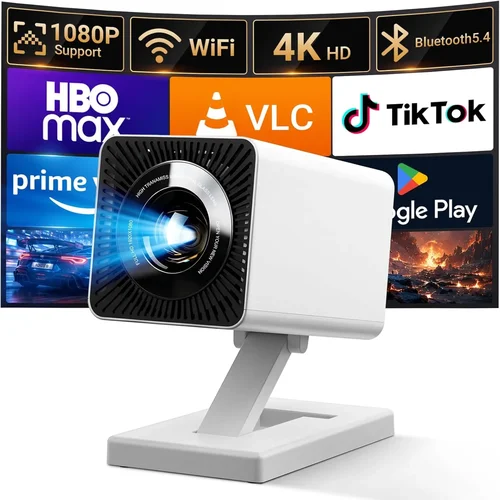
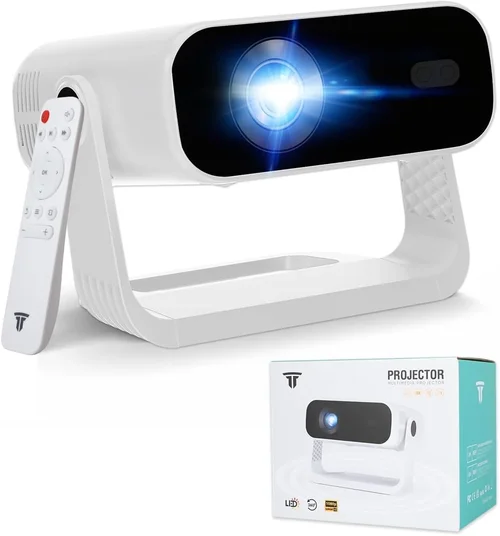
Choosing a projector for your home entertainment setup can feel like stepping into a maze of technical jargon, price tags, and endless model numbers. Yet, the payoff—a cinematic experience right in your living room—makes the journey worth every minute. This guide cuts through the noise, giving you a clear roadmap to find the best projector for home under $1,000 in 2026.
By the end of this article you’ll know exactly which specifications matter most, how different projector types stack up, where to snag the best deals, and which models consistently outperform the competition. Whether you’re a movie buff, a casual gamer, or someone who wants a big‑screen TV alternative without breaking the bank, we’ve got you covered.

What to Look for When Buying Buying Guide
1. Budget & Price Range
Sticking to a sub‑$1,000 budget forces you to prioritize features that truly impact your viewing experience. In this price tier you’ll typically find DLP or LCD projectors with 2,500–3,500 lumens, 1080p resolution, and decent contrast ratios. Avoid the temptation to overspend on “premium” specs that won’t be noticeable on a 100‑inch screen in a dimly lit room.
2. Performance Specifications
Resolution – 1080p (Full HD) remains the sweet spot; 4K‑enhanced models exist but often rely on pixel‑shifting, which adds cost without delivering true 4K clarity.
Brightness (Lumens) – For a dark home theater, 2,500 lumens is ample. If you plan to watch in a living‑room with ambient light, aim for 3,000–3,500 lumens.
Contrast Ratio – Higher contrast means deeper blacks. Look for a minimum of 10,000:1; many models in this range claim 15,000:1 or more, though real‑world performance can vary.
Throw Distance & Zoom – Short‑throw (ST) projectors let you place the unit close to the wall, ideal for small rooms. Standard throw requires more space but offers larger image sizes.
3. Build Quality & Durability
Projectors under $1,000 often use plastic housings. Focus on models with reinforced chassis and metal lens barrels, which resist heat‑induced warping. Check for fan noise ratings; a quieter unit (<30 dB) keeps dialogue crisp.
4. Features & Functionality
Connectivity – HDMI 2.0 is a must for 4K‑enhanced content, while USB‑C and Bluetooth add convenience for streaming sticks or wireless speakers.
Lens Shift & Keystone Correction – Mechanical lens shift provides precise image positioning without distortion. Digital keystone can be handy, but rely on it sparingly as it degrades image quality.
Built‑in Speakers – Most budget units have 5–10 W speakers. For true cinema sound, plan on an external sound system.
5. Brand Reputation
Established brands like Epson, BenQ, Optoma, and ViewSonic consistently deliver reliable performance and responsive support. Newer entrants may offer aggressive pricing, but research warranty terms and post‑sale service before committing.
6. Warranty & Support
A minimum 2‑year warranty is standard; some manufacturers extend to 3 years with a lamp replacement plan. Look for easy‑access support channels—live chat, phone, and a robust online knowledge base.
7. Size & Portability (if applicable)
If you intend to move the projector between rooms or take it outdoors, weight under 5 lb and a compact form factor become important. Portable models often sacrifice lens shift and may have lower brightness, so balance portability with performance needs.
8. User Reviews & Ratings
Real‑world feedback uncovers quirks that specs sheets hide. Prioritize products with 4‑star+ average ratings across multiple retailers, and read both positive and negative reviews to gauge consistency.
Different Types of Buying Guide

Common Buying Mistakes to Avoid
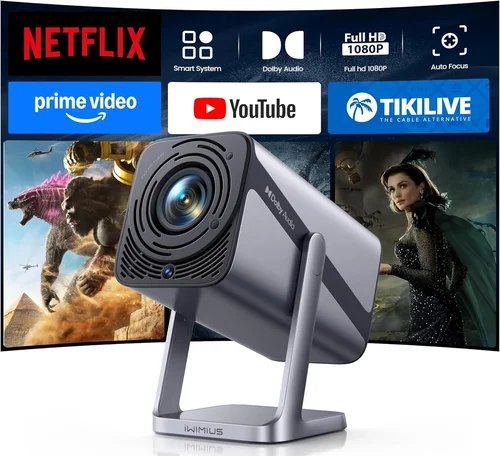
❌ Mistake: Ignoring Ambient Light Conditions
Why it’s bad: Purchasing a 2,000‑lumens projector for a bright living room will result in washed‑out images.
What to do instead: Measure typical ambient light levels, then choose a projector with at least 3,000 lumens for well‑lit spaces.
❌ Mistake: Over‑focusing on Megapixels Instead of Resolution
Why it’s bad: Megapixels matter for still photography, not for projected video. A 1080p panel provides clearer images than a “4‑MP” spec that still outputs 720p.
What to do instead: Prioritize native resolution (1080p) and contrast ratio over marketing‑centric megapixel claims.
❌ Mistake: Skipping Lens Shift & Keystone Evaluation
Why it’s bad: Relying solely on digital keystone can introduce blur and reduce contrast.
What to do instead: Choose a model with mechanical lens shift; use digital keystone only for minor adjustments.
❌ Mistake: Forgetting About Lamp Life Costs
Why it’s bad: Some budget projectors use short‑life lamps (2,000 hrs) that cost $150–$200 to replace.
What to do instead: Look for laser or LED light sources, or verify lamp warranty and replacement price before buying.
❌ Mistake: Assuming All HDMI Ports Are Equal
Why it’s bad: An HDMI 1.4 port can’t handle 4K‑enhanced content at 60 Hz, limiting future‑proofing.
What to do instead: Confirm the projector has HDMI 2.0 or higher for broader compatibility.
❌ Mistake: Neglecting Audio Needs
Why it’s bad: Built‑in speakers often lack bass and clarity, leading to a subpar movie experience.
What to do instead: Budget for an external soundbar or AV receiver; ensure the projector has audio‑out options (3.5 mm, optical, or HDMI ARC).
Budget Guidelines: How Much Should You Spend?
- Entry‑Level ($400‑$600): Expect 2,000–2,500 lumens, 720p or basic 1080p, limited lens shift, and shorter lamp life. Good for casual viewing in dark rooms.
- Mid‑Range ($600‑$850): Offers true 1080p, 2,500–3,500 lumens, decent contrast (10,000:1+), and mechanical lens shift. Ideal for most home theaters.
- Premium ($850‑$1,000): Includes laser or high‑efficiency LED light sources, higher contrast (15,000:1+), short‑throw options, and robust connectivity (HDMI 2.0, USB‑C, Bluetooth).
- Luxury ($1,000+): True 4K resolution, HDR10+, advanced color processing, and ultra‑low fan noise. Often exceeds the $1,000 ceiling but worth noting for future upgrades.
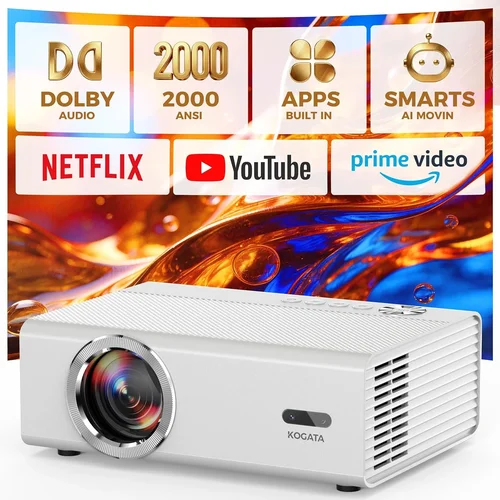
Expert Tips for Getting the Best Deal
- Timing is everything: Late Q4 (Nov‑Dec) and early Q2 (May‑June) see the deepest discounts as retailers clear inventory.
- Shop price‑comparison sites: Use tools like CamelCamelCamel or Keepa to track Amazon price history and spot sudden drops.
- Consider refurbished units: Certified refurbished projectors often come with full warranties at 20‑30% off retail.
- Bundle wisely: Some bundles include a high‑quality screen or mounting hardware—evaluate if you need them.
- Check return policies: A 30‑day return window lets you test the projector in your own space without risk.
- Negotiate with local retailers: Small electronics stores may match online prices or throw in a free HDMI cable.
- Watch out for “lamp‑only” deals: If you already own a compatible projector, buying a lamp separately can save up to $150.

Frequently Asked Questions
Q: Do I need a separate screen, or can I project onto a wall?
A: While a plain white wall works, a dedicated projector screen improves gain, color accuracy, and viewing angles. For budgets under $1,000, a 100‑inch matte white screen typically costs $80‑$150 and is a worthwhile upgrade.
Q: How far should the projector be from the wall?
A: It depends on the throw ratio. Standard throw (1.5–2.0) requires 10‑12 ft for a 100‑inch image, while short‑throw (0.4–0.6) can sit just 3‑4 ft away. Check the manufacturer’s throw distance chart.
Q: Is a laser projector better than an LED one?
A: Laser light sources provide higher brightness and longer life (20,000+ hrs) but are pricier. LED models are more affordable and still last 10,000+ hrs, making them suitable for most home uses under $1,000.
Q: Can I use my projector for gaming?
A: Yes, but ensure the projector supports at least 60 Hz refresh rate and low input lag (<30 ms). Models marketed as “gaming” often have a “Game Mode” that reduces processing delay.
Q: What is HDR and do I need it?
A: HDR (High Dynamic Range) expands color and contrast. Most budget projectors support HDR10, but true HDR impact is limited by brightness. If you watch a lot of HDR content on streaming services, aim for a projector with ≥3,000 lumens.
Q: How often do I need to replace the lamp?
A: Lamp life varies from 2,000 to 5,000 hours. At 4 hours of daily use, a 3,000‑hour lamp lasts about two years. Laser/LED units rarely need replacement.
Q: Is a higher contrast ratio always better?
A: In theory, yes, but real‑world contrast also depends on room lighting and screen material. A ratio of 10,000:1 or higher is sufficient for deep blacks in a darkened room.
Our Final Recommendations
- Best for Budget‑Conscious Buyers: BenQ TH585 – 3,500 lumens, 1080p, low input lag, and a 2‑year lamp warranty, all under $650.
- Best Overall Value: Epson Home Cinema 2150 – 2,500 lumens, 1080p, lens shift, wireless screen mirroring, and a solid build for $799.
- Best Premium Option (Just Under $1,000): Optoma UHD38 – 4,000 lumens, 1080p with HDR, 0.47 ms response time, and a laser light source lasting 20,000 hrs at $989.
- Best for Beginners: ViewSonic PA503S – Simple plug‑and‑play, 3,600 lumens, 800×600 native resolution (upscaled to 1080p), perfect for first‑time users at $449.
- Best for Advanced Users: LG CineBeam HU70LA – 1,500 lumens LED, 4K‑enhanced, built‑in smart TV platform, and ultra‑short‑throw design for $999.
Conclusion: Making the Right Choice
Investing in a home projector under $1,000 doesn’t mean you have to settle for subpar performance. By focusing on the right blend of brightness, resolution, contrast, and connectivity, you can create a cinema‑like experience that fits your space and budget.
Start by assessing your room’s lighting, desired screen size, and whether you need short‑throw capabilities. Then match those needs to the specifications and brand reputation outlined in this guide. Remember to shop smart—track prices, consider refurbished units, and always test the projector before finalizing your purchase.
Ready to transform movie night? Pick a model from our recommendations, follow the expert tips for the best deal, and enjoy a massive screen without breaking the bank.