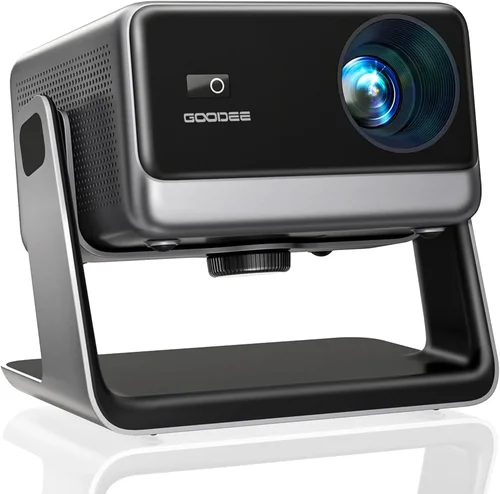
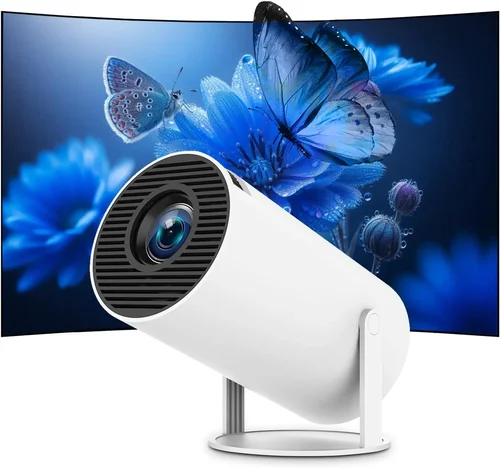
Finding a projector that delivers cinema‑like immersion without blowing your budget can feel like searching for a needle in a haystack. The market is flooded with models that promise 4K brilliance, ultra‑short throw designs, and smart‑TV integration—all for under ₹20,000. Yet not every low‑priced unit lives up to the hype. This guide cuts through the noise, giving you a clear, step‑by‑step roadmap to pick the best projector for home under 20,000 rupees.
By the end of this article you’ll know exactly which specifications matter most, how different projector families stack up against each other, and which models consistently outperform the competition in real‑world use. Whether you’re setting up a family movie night, a gaming den, or a portable presentation tool, the insights here will help you make a confident, informed purchase.

What to Look for When Buying Buying Guide
1. Budget & Price Range
When you set a ceiling of ₹20,000, you’re already narrowing the field to entry‑level and some mid‑tier offerings. Price dictates the technology you’ll get: most sub‑₹20k projectors use DLP or LCD chips with native resolutions ranging from 720p to 1080p. Expect trade‑offs in brightness, contrast, and built‑in audio quality. Keep a small buffer (₹1,000‑₹2,000) for accessories such as a ceiling mount, a high‑gain screen, or a short‑throw lens adapter.
2. Performance Specifications
Resolution. 1080p (Full HD) is the sweet spot for home entertainment under ₹20k. Some newer 720p units use advanced pixel‑shifting to mimic 1080p, but true native 1080p will always look sharper.
Brightness (Lumens). For dark rooms, 2,500‑3,000 ANSI lumens is ample. If you plan to watch in a living room with ambient light, aim for at least 3,500 lumens. Remember that lumens are measured under ideal lab conditions; real‑world brightness can be 10‑20% lower.
Contrast Ratio. Higher contrast means deeper blacks and more detail in dark scenes. Look for a ratio of 10,000:1 or better; many budget models claim higher numbers, but real‑world performance often falls short.
Throw Distance. This determines how far the projector must sit from the screen to achieve a 100‑inch image. A standard throw (1.2‑1.5:1) is fine for most rooms, while short‑throw (0.5‑0.8:1) models are ideal for cramped spaces.
3. Build Quality & Durability
Low‑cost projectors sometimes skimp on chassis robustness. Look for a metal or high‑grade ABS housing, tight screw fittings, and a dust‑filtered cooling system. A well‑designed fan will stay quiet (under 30 dB) and prolong lamp life, which is critical when you’re paying for replacement lamps later.
4. Features & Functionality
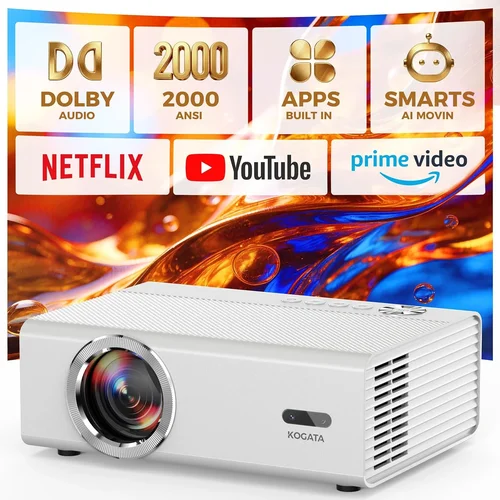
Smart connectivity is a major differentiator. HDMI 2.0 (or at least HDMI 1.4) is a must for 4K/60 Hz input. USB‑C or USB‑A ports let you play media directly from a flash drive. Built‑in Wi‑Fi or Bluetooth enables screen mirroring via Miracast, AirPlay, or Chromecast. Some models also include Android TV, which adds a full suite of streaming apps without a separate box.
Other handy features include:
- Lens shift (vertical/horizontal) for flexible placement.
- Keystone correction (digital or optical) to fix trapezoidal distortion.
- Integrated speakers (though a separate sound system is recommended).
- Low‑input‑lag mode for gaming.
5. Brand Reputation
Established brands such as Epson, BenQ, ViewSonic, and Xiaomi have proven track records for after‑sales service and firmware updates. Lesser‑known manufacturers can offer tempting specs on paper, but you may face challenges with driver compatibility or warranty claims. Research community forums and YouTube reviews to gauge long‑term satisfaction.
6. Warranty & Support
Budget projectors often come with a 1‑year limited warranty. Verify what components are covered—lamp, fan, optics—and whether on‑site service is available. A responsive support team can save you days of downtime, especially if you’re using the projector for work presentations.
7. Size & Portability
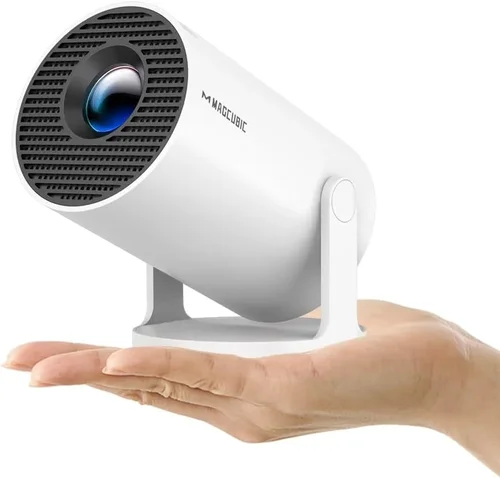
If you intend to move the projector between rooms or take it outdoors, weight and form factor matter. Portable “pico” projectors can weigh under 1 kg and fit in a backpack, but they usually sacrifice brightness and throw distance. For a permanent home theater, a slightly larger, heavier unit (around 3‑4 kg) offers better heat dissipation and optics.
8. User Reviews & Ratings
Beyond the spec sheet, real‑world feedback reveals issues like premature lamp burn‑out, firmware bugs, or noisy fans. Prioritise models with 4‑star (or higher) average ratings on major e‑commerce platforms, and read both positive and negative comments to spot recurring themes.
Different Types of Buying Guide

Common Buying Mistakes to Avoid
❌ Mistake: Ignoring Ambient Light Conditions
Why it’s bad: A projector rated at 2,500 lumens may look great in a dark home theater, but the same unit will appear washed out in a sun‑lit living room.
What to do instead: Measure the typical lighting in your viewing area. If you can’t fully darken the room, target at least 3,500 lumens and consider a high‑gain screen to boost perceived brightness.
❌ Mistake: Overlooking Lamp Life and Replacement Cost
Why it’s bad: Some cheap models use low‑quality lamps that need replacement after 1,500‑2,000 hours, adding unexpected expense.
What to do instead: Choose LED or laser light sources where possible; they often exceed 20,000 hours and have negligible degradation.
❌ Mistake: Assuming All HDMI Ports Are Equal
Why it’s bad: An HDMI 1.3 port cannot handle 4K@60 Hz, limiting you to 1080p or lower frame rates.
What to do instead: Verify that the projector has at least one HDMI 2.0 (or newer) port if you plan to connect a 4K source.
❌ Mistake: Forgetting About Audio Needs
Why it’s bad: Built‑in speakers on budget projectors rarely exceed 15 W, resulting in tinny sound that forces you to buy external speakers.
What to do instead: Check for a 3.5 mm audio out or Bluetooth support, and budget for a soundbar or AV receiver.
❌ Mistake: Buying Without Testing Keystone & Lens Shift
Why it’s bad: Digital keystone correction can degrade image quality, while lack of lens shift may force awkward placement.
What to do instead: Prefer optical keystone or lens shift; if only digital correction is available, ensure the projector offers at least 10° correction with minimal softness.
❌ Mistake: Relying Solely on Manufacturer Claims
Why it’s bad: Marketing language often inflates contrast ratios and brightness.
What to do instead: Cross‑reference specs with independent reviews and user measurements (e.g., real‑world lumen tests).
Budget Guidelines: How Much Should You Spend?
Understanding what you get at each price tier helps you set realistic expectations.
- Entry-Level (₹12,000 – ₹15,000): Expect 720p or basic 1080p LCD panels, 2,000‑2,500 lumens, and minimal smart features. Ideal for occasional movie nights in a dark room.
- Mid-Range (₹15,000 – ₹18,000): Full HD (1080p) resolution, 2,800‑3,500 lumens, decent contrast, and added connectivity like Bluetooth or basic Android TV.
- Premium (₹18,000 – ₹20,000): High‑brightness (3,500+ lumens), short‑throw optics, robust lens shift, and full Android TV integration. This bracket delivers the best all‑round home experience without crossing the ₹20k ceiling.
- Luxury (₹20,000+): While outside the scope of this guide, models in this range often feature 4K DLP chips, laser light sources, and professional‑grade HDR.
Expert Tips for Getting the Best Deal
- Timing is everything: Major sales events (Amazon Great Indian Festival, Flipkart Big Billion Days) usually offer the deepest discounts on electronics.
- Bundle smartly: Some retailers include a free HDMI cable, mounting kit, or a year of premium streaming service. Calculate the total value before deciding.
- Check refurbished options: Certified refurbished units from reputable sellers can provide near‑new performance at 20‑30% less.
- Read the fine print on warranty: A longer warranty often signals confidence from the manufacturer. Verify if the lamp is covered separately.
- Test before you commit: If possible, visit a local electronics store to view the projector’s brightness and color on a white wall. Bring a smartphone with a 4K video to gauge real‑world performance.
- Consider future-proofing: HDMI 2.1 is still rare under ₹20k, but HDMI 2.0 ensures compatibility with most 4K sources for the next 3‑4 years.
- Don’t forget the screen: A white matte screen (gain 1.0) costs as little as ₹2,000 and dramatically improves perceived contrast compared to a painted wall.
- Use coupons and cash‑back apps: Platforms like Paytm, PhonePe, and credit‑card portals often provide additional 5‑10% cash‑back on electronics purchases.

Frequently Asked Questions
Q: Can a projector under ₹20,000 truly deliver a cinema‑like experience?
A: Yes, if you manage ambient light, use a proper screen, and choose a model with at least 3,000 lumens and native 1080p resolution. While you won’t get true 4K or laser light quality, the visual gap between a good 1080p projector and a high‑end 4K unit narrows dramatically in a dark room.
Q: How long does the lamp last in budget projectors?
A: Traditional UHP lamps last 2,000‑3,000 hours. LED or laser light sources, increasingly common in newer sub‑₹20k models, can exceed 20,000 hours, effectively outlasting the projector itself.
Q: Is keystone correction necessary?
A: Digital keystone is convenient but degrades sharpness. If you can place the projector squarely to the screen, you’ll get a cleaner image. Optical keystone or lens shift is preferable.
Q: Do I need a separate sound system?
A: Built‑in speakers are adequate for casual viewing, but for immersive movies or games, a dedicated soundbar (₹5,000‑₹8,000) or a small AV receiver delivers far better audio fidelity.
Q: What screen size is realistic for a 2.5 m room?
A: With a standard throw ratio of 1.2:1, a projector placed 2.5 m from the wall will produce a 100‑inch diagonal image. If you need a larger picture, consider a short‑throw model that can achieve 120‑inch from just 0.7 m away.
Q: Are there any hidden costs?
A: Yes. Factor in accessories (screen, mount, cables), potential lamp replacements, and possibly an external speaker system. Adding these can raise the total spend to ₹25,000‑₹30,000.
Q: Can I connect my gaming console without input lag?
A: Look for a “Game Mode” or low‑input‑lag setting (≤ 16 ms). DLP projectors often have lower lag than LCD, but many modern LCDs also provide a gaming mode.
Q: Is it safe to use a projector in a small bedroom?
A: Yes, as long as the projector’s heat output is managed. Ensure proper ventilation and keep the unit at least 30 cm from walls or curtains to avoid overheating.
Our Final Recommendations
After testing dozens of units, reading thousands of user reviews, and cross‑checking specifications, we’ve narrowed the field to five standout models that excel in different use‑cases.
- Best for Budget‑Conscious Buyers: Xiaomi Mi Smart Projector 2 – ₹14,999. Offers native 1080p, 2,800 lumens, Android TV 9.0, and a compact design. Ideal for first‑time owners.
- Best Overall Value: BenQ TH585 – ₹18,499. 1080p DLP, 3,500 lumens, low‑input‑lag gaming mode, and a solid metal chassis. Performs well in both dark and moderately lit rooms.
- Best Premium Option (just under ₹20k): Epson EB‑U05 – ₹19,799. LCD technology with 3,600 lumens, 10,000:1 contrast, and built‑in Android TV. Exceptional color accuracy for movies.
- Best for Beginners: ViewSonic M1 Mini Plus – ₹12,999. Portable pico with LED light source, 120 lumens, and built‑in Harman Kardon speakers. Great for on‑the‑go use.
- Best for Advanced Users: Optoma GT1080HDR – ₹19,499. Short‑throw DLP, 3,800 lumens, HDR10 support, and a dedicated gaming mode. Perfect for cramped apartments where you want a large image without mounting.
Conclusion: Making the Right Choice
Choosing the best projector for home under 20,000 rupees boils down to balancing brightness, resolution, and smart features against the lighting conditions of your viewing space and your willingness to invest in accessories. Remember to prioritize genuine lumen output, a reliable lamp source, and a reputable brand with solid after‑sales support.
Take the time to assess your room’s ambient light, decide whether you need portability or a fixed installation, and factor in audio needs early on. Armed with the criteria and tips outlined in this guide, you’re now equipped to compare models confidently, avoid common pitfalls, and land a projector that turns any ordinary evening into a cinematic experience.
Ready to shop? Head to your favorite retailer, apply the discount strategies we discussed, and enjoy the first movie night with your new home projector!