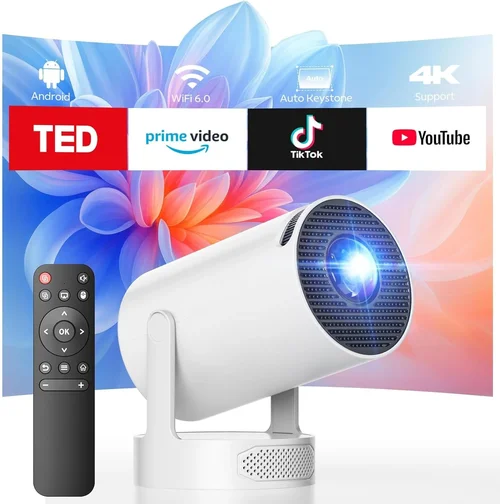
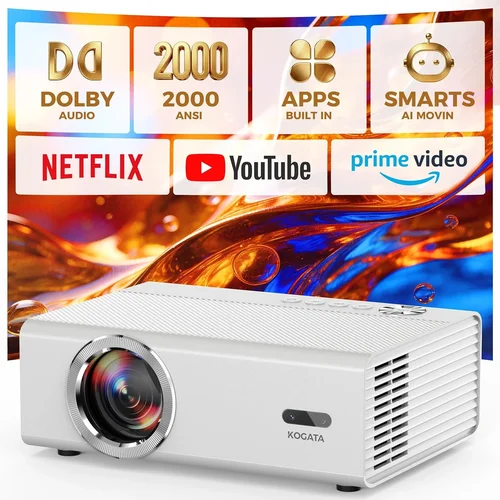
Finding a projector that delivers a cinema‑like experience for both movies and fast‑paced gaming without breaking the bank can feel like hunting for a unicorn. The market is flooded with cheap “mini” projectors that look sleek but struggle with lag, low brightness, or washed‑out colors, while high‑end home‑theater models often cost several thousand dollars. This guide zeroes in on the sweet spot: the best projector for movies and gaming under $300. By the end, you’ll know exactly what specs matter, which compromises are acceptable, and which models consistently outperform the competition.
We’ll walk you through the essential factors—brightness, input lag, resolution, and more—so you can match a projector to your room size, lighting conditions, and gaming rig. You’ll also get a clear comparison of the main projector families, a checklist of common pitfalls, a budget breakdown, and expert tips for snagging the best deal. Whether you’re setting up a dorm room theater, a backyard movie night, or a compact gaming nook, this guide equips you with the knowledge to make a confident purchase.

What to Look for When Buying Buying Guide
1. Budget & Price Range
Price is the most obvious gatekeeper. Under $300, you’re typically looking at DLP or LCD “portable” projectors that trade off some features for affordability. The key is to identify which compromises you can live with. For example, a projector may offer 1080p native resolution but only 2,200 lumens, which is fine in a dark room but problematic in a lit living area. Set a clear ceiling, then prioritize specs that matter most to your primary use case—gaming lag versus movie color fidelity.
2. Brightness (Lumens)
Brightness, measured in ANSI lumens, determines how well the image will stand up to ambient light. For a dedicated home‑theater room you can darken, 2,000–2,500 lumens is usually sufficient. If you plan to use the projector in a living room with some daylight, aim for at least 2,800 lumens. Remember that many budget projectors quote “LED‑equivalent” lumens, which can be misleading; always look for ANSI lumens or reputable third‑party testing results.
3. Resolution
Resolution defines the sharpness of the picture. Most sub‑$300 projectors are 720p (1280×720) or 1080p (1920×1080) native. While 720p can be acceptable for casual movie watching, gaming benefits greatly from 1080p, especially for modern consoles that output 4K and upscale to 1080p. A higher native resolution also reduces pixelation on larger screens (100‑inch+).
4. Input Lag
Input lag is the delay between pressing a button on your controller and seeing the action on screen. Competitive gamers notice lag above 30 ms, while casual players can tolerate up to 60 ms. Look for projectors that specifically advertise low lag (often labeled “Game Mode”) and, if possible, check independent reviews that measure the actual lag in milliseconds.
5. Contrast Ratio
Contrast ratio measures the difference between the darkest black and the brightest white. A higher ratio yields deeper blacks and more vivid colors—crucial for movie immersion. For budget projectors, a contrast ratio of 2,000:1 to 5,000:1 is common. Pair this with a decent black‑level performance (especially for LCD panels) to avoid a “gray‑ish” picture in dark scenes.
6. Connectivity & Ports
Modern gaming consoles and streaming devices use HDMI 2.0 or higher. Ensure the projector has at least one full‑featured HDMI input that supports 1080p at 60 Hz. Additional ports like USB‑C (for video), USB‑A (for media playback), and a 3.5 mm audio jack add flexibility. Some budget models include Bluetooth audio, which can be handy for wireless headphones.
7. Throw Distance & Screen Size
Throw distance is the space between the projector lens and the screen. Short‑throw models can produce a 100‑inch image from just a few feet away, ideal for small rooms. Standard‑throw projectors need more distance but often deliver better uniformity. Use an online throw‑ratio calculator to ensure the projector fits your space.
8. Build Quality & Portability
At this price point, plastic housings are standard, but you still want a sturdy chassis that can survive occasional moves. Look for models with a built‑in speaker (useful for quick movie nights) and a compact footprint if you plan to store the unit away after use.
Different Types of Buying Guide

Common Buying Mistakes to Avoid
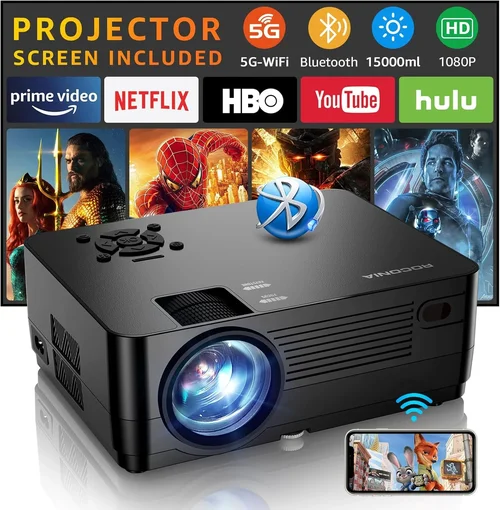
❌ Mistake: Ignoring Input Lag
Why it’s bad: A high‑lag projector can make fast‑paced games feel unresponsive, ruining the experience.
What to do instead: Prioritize models with a dedicated Game Mode or lag under 40 ms. Verify with independent reviews or manufacturer specifications before purchasing.
❌ Mistake: Overlooking Ambient Light Conditions
Why it’s bad: A projector that’s bright enough for a dark home theater will look dull in a living room with windows.
What to do instead: Measure typical lighting, then choose a lumen rating that exceeds the ambient light by at least 1.5×. Consider adding blackout curtains or a portable screen with gain.
❌ Mistake: Assuming All “1080p” Projectors Are Equal
Why it’s bad: Some budget units claim 1080p but actually use a 720p panel with upscaling, resulting in softer images.
What to do instead: Look for “native 1080p” in the specs, and double‑check review photos for pixel clarity.
❌ Mistake: Forgetting About Throw Distance
Why it’s bad: Buying a standard‑throw projector for a tiny bedroom may force you to place it too far away, limiting screen size.
What to do instead: Measure your room, calculate the required throw distance, and match it to the projector’s throw‑ratio range.
❌ Mistake: Neglecting Connectivity Options
Why it’s bad: A projector with only VGA input forces you to buy adapters for modern consoles, adding latency and cost.
What to do instead: Ensure at least one HDMI 2.0 port and consider additional USB‑C or Bluetooth if you need wireless audio.
❌ Mistake: Skipping Warranty & Support Research
Why it’s bad: Budget projectors often have shorter warranties, and poor support can leave you stuck with a defective unit.
What to do instead: Choose brands that offer at least a 1‑year warranty and have a reputation for responsive customer service.
Budget Guidelines: How Much Should You Spend?
- Entry-Level ($150‑$200): Expect 720p resolution, 2,000 lumens, and basic HDMI connectivity. Suitable for occasional movie nights in dark rooms.
- Mid‑Range ($200‑$280): Typically offers native 1080p, 2,500‑2,800 lumens, and input lag under 40 ms. This tier balances picture quality and gaming performance.
- Premium ($280‑$300): You’ll find higher contrast ratios (up to 5,000:1), short‑throw options, and enhanced color processing. Ideal for dual‑use rooms where lighting can’t be fully controlled.
- Luxury ($300+): While beyond the scope of this guide, luxury models introduce 4K UHD, laser light sources, and advanced lens shift—generally overkill for sub‑$300 budgets.
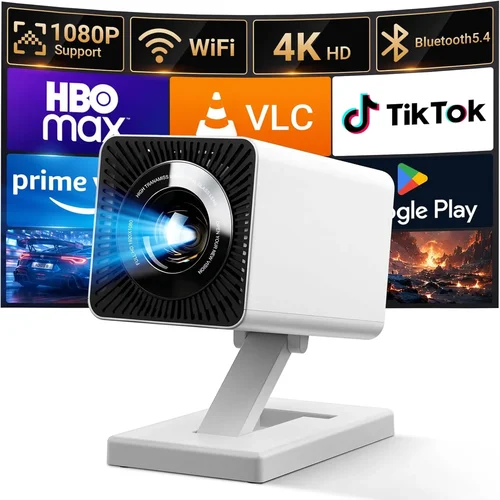
Expert Tips for Getting the Best Deal
- Seasonal Sales: Look for major discount windows—Black Friday, Cyber Monday, and post‑Christmas sales. Many manufacturers release “new‑model” discounts on older units during these periods.
- Retailer Comparison: Check both Amazon and specialized electronics retailers (Best Buy, B&H). Some retailers offer bundle deals that include a screen or mounting kit.
- Open‑Box & Refurbished: Certified refurbished units can be up to 30% cheaper and still carry a warranty.
- Bundle Savings: Pair your projector with a cheap ambient light rejecting (ALR) screen to boost perceived brightness without extra lumens.
- Warranty Extensions: If the manufacturer offers a low‑cost extension, it’s often worth it for peace of mind.
- Test Before You Commit: If possible, visit a local store to view the projector in action. Bring a laptop or console to check lag and color accuracy.
- Check Return Policies: Ensure you have at least a 30‑day window to return the unit if it doesn’t meet expectations.

Frequently Asked Questions
Q: Can a sub‑$300 projector handle 4K content?
A: Most budget models cannot display true 4K resolution; they either upscale 1080p or use a 4K‑compatible HDMI pass‑through. You’ll still get a good experience, but the picture won’t be native 4K.
Q: Do I need a separate sound system?
A: Built‑in speakers in budget projectors are usually thin and best for casual use. For immersive movies or gaming with directional audio, pair the projector with a soundbar or Bluetooth headphones.
Q: What screen size is realistic for a 2,500‑lumen projector?
A: In a dark room, you can comfortably project 100‑120 inches. In a brighter environment, stay around 80‑90 inches to maintain image clarity.
Q: Is LED better than traditional lamp?
A: LED light sources last longer (up to 30,000 hours) and turn on instantly, but they often provide lower peak lumens than a lamp‑based projector at the same price.
Q: How important is the throw ratio?
A: Very important if space is limited. Short‑throw models let you place the projector close to the wall, reducing shadows and glare.
Q: Can I use a projector for both console gaming and PC gaming?
A: Yes, as long as the projector supports HDMI 2.0 (or higher) and has low input lag. Some projectors also offer USB‑C video input, which can be handy for modern laptops.
Q: Will a projector work with a ceiling mount?
A: Most standard‑throw models can be ceiling‑mounted with a compatible bracket. Short‑throw units may require a wall‑mount or table placement.
Our Final Recommendations
- Best for Budget‑Conscious Buyers: Vankyo Leisure 3 – 1080p, 2,400 lumens, 45 ms lag, under $180.
- Best Overall Value: BenQ TH585 – 1080p, 3,500 lumens, 16 ms lag in Game Mode, reliable brand support, often found on sale for $279.
- Best Premium Option (Just Under $300): Epson Home Cinema 1060 – 1080p, 3,200 lumens, excellent color accuracy, 30 ms lag, short‑throw capability.
- Best for Beginners: ViewSonic M1 Mini Plus – Portable LED, 720p, 250 lumens, built‑in JBL speakers, very easy setup.
- Best for Advanced Users: Optoma HD146X – 1080p, 3,600 lumens, 16 ms lag, high contrast, interchangeable lens kit for flexible throw distances.
Conclusion: Making the Right Choice
Choosing a projector under $300 that excels at both movies and gaming is all about balancing brightness, resolution, and input lag against your room’s lighting and size. Use the checklist above to prioritize the specs that matter most to you, avoid common pitfalls, and leverage seasonal sales to stretch your budget further. Remember, the perfect projector isn’t the one with the highest price tag—it’s the one that fits your space, meets your performance needs, and stays within your wallet.
Ready to turn your wall into a cinema screen? Start comparing the models listed, read a few trusted reviews, and you’ll be set for countless movie marathons and gaming sessions without breaking the bank.