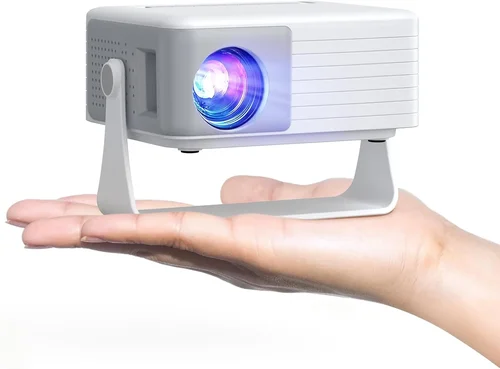
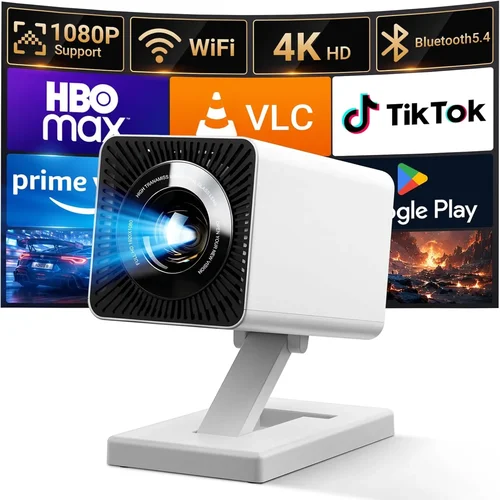
Finding a projector that delivers solid performance without breaking the bank can feel like searching for a needle in a haystack. The market is flooded with models that promise “cinema‑grade” images at budget‑friendly prices, yet many fall short when it comes to brightness, color accuracy, or durability. That’s why we’ve put together this comprehensive buying guide for the best digital projector under $300 in 2026. Whether you’re setting up a home theater in a small apartment, need a portable solution for business presentations, or simply want a big‑screen experience for gaming nights, this guide will help you cut through the hype and make an informed decision.
In the pages that follow, you’ll learn which specifications truly matter at this price point, how to compare different projector types, and which models consistently outperform the competition. We also cover common pitfalls, budget allocation tips, and expert strategies for scoring the best deal. By the end of this guide, you’ll have a clear roadmap to choose a projector that meets your needs, lasts for years, and stays comfortably under $300.

What to Look for When Buying Buying Guide
1. Budget & Price Range
Even within the sub‑$300 segment, prices can vary widely based on brand, features, and performance. Set a firm ceiling (e.g., $299) but be flexible enough to consider slightly higher‑priced models if they offer a significant upgrade in brightness or connectivity. Remember that the initial purchase price isn’t the whole story—accessories such as screens, mounting brackets, and replacement lamps can add $50‑$100 to the total cost.
2. Performance Specifications
The three specs that dominate projector performance are:
- Brightness (lumens): For a dimly lit room, 2,000–2,500 lumens is adequate. If you plan to use the projector in a living room with some ambient light, aim for 2,800–3,200 lumens.
- Resolution: Native 1080p (Full HD) is rare under $300, but many models use 720p (1280×720) with pixel‑shifting technology to approximate 1080p. Decide if you need true Full HD for gaming or can accept a slightly softer image for movies.
- Contrast Ratio: Higher contrast means deeper blacks and more vivid colors. Look for ratios of at least 2,000:1; anything lower may result in a washed‑out picture.
3. Build Quality & Durability
Budget projectors often use plastic housings and simplified cooling systems. Check for:
- Solid, heat‑resistant plastics that don’t warp over time.
- Fans with low noise levels (under 30 dB is ideal for home theater).
- Easy‑access lamp compartments for quick replacements.
4. Features & Functionality
Modern projectors pack a surprising amount of tech into a small package. Prioritize features that align with your use case:
- Wireless Connectivity: Wi‑Fi or Bluetooth for screen mirroring from smartphones, tablets, or laptops.
- Built‑in Speakers: While most budget units have modest 2‑5 W speakers, they’re sufficient for casual movie nights. For a true home‑theater feel, plan for external audio.
- Multiple Input Ports: HDMI (preferably 2.0), USB‑C, USB‑A, and VGA give flexibility for older devices.
- Keystone Correction & Lens Shift: Essential for off‑center placement; look for at least ±30° keystone.
5. Brand Reputation
Even within the low‑price tier, some brands consistently deliver reliable units and responsive customer service. Companies such as Epson, BenQ, ViewSonic, and Anker (via its Nebula line) have established track records. Research forums, Reddit threads, and YouTube reviews to gauge long‑term satisfaction.
6. Warranty & Support
A solid warranty can save you from costly repairs. Most reputable manufacturers offer a 1‑year limited warranty, but some extend to 2 years for the lamp or include on‑site service. Verify what’s covered—typically, the projector body and lamp, but not accidental damage.
7. Size & Portability
If you need to move the projector between rooms or take it on the road, weight and footprint matter. Look for models under 2 kg (4.4 lb) with a compact form factor. Built‑in batteries are rare under $300, but a portable power bank can bridge the gap for short presentations.
8. User Reviews & Ratings
Numbers on a spec sheet only tell part of the story. Dive into user reviews on Amazon, Best Buy, and specialized AV forums. Pay attention to recurring complaints—such as lamp life, overheating, or software glitches—as they often indicate systemic issues.
Different Types of Buying Guide

Common Buying Mistakes to Avoid
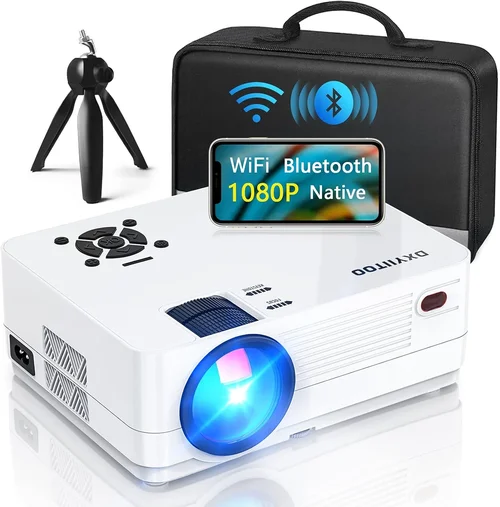
❌ Mistake: Ignoring Ambient Light Conditions
Why it’s bad: A projector rated at 2,000 lumens may look bright in a dark bedroom but will appear dull in a living‑room with windows.
What to do instead: Measure typical lighting in your intended space and add at least 500‑800 lumens to compensate. If you can’t control ambient light, prioritize higher brightness or opt for a DLP model with better contrast.
❌ Mistake: Overlooking Lamp Life
Why it’s bad: Replacing a lamp can cost $70‑$120, which quickly erodes the savings from a cheap projector.
What to do instead: Choose LED or laser‑based units where the light source lasts 20,000‑30,000 hours, effectively eliminating recurring lamp costs.
❌ Mistake: Forgetting About Throw Distance
Why it’s bad: Buying a projector with a long throw ratio for a small room forces you to place it far away, resulting in a tiny image.
What to do instead: Check the throw ratio (e.g., 0.6‑1.2) and calculate the needed distance for a 100‑inch screen. Short‑throw or ultra‑short‑throw models are worth the extra $30‑$50 if space is limited.
❌ Mistake: Assuming All HDMI Ports Are Equal
Why it’s bad: Some budget projectors only support HDMI 1.4, which caps 1080p at 30 Hz—problematic for gamers.
What to do instead: Verify that the HDMI port is at least 2.0 (or 2.1 for newer consoles) to ensure 1080p/60 Hz support.
❌ Mistake: Neglecting Audio Needs
Why it’s bad: Built‑in speakers are often underpowered, leading to a subpar listening experience.
What to do instead: Budget for an external sound system or soundbar. Look for a 3.5 mm audio out or Bluetooth audio transmission.
❌ Mistake: Buying the Cheapest Model Without Research
Why it’s bad: The lowest‑priced projector may have severe firmware bugs, poor fan design, or a short warranty.
What to do instead: Read at least five in‑depth reviews and check the manufacturer’s support forums before making a purchase.
Budget Guidelines: How Much Should You Spend?
Even within the sub‑$300 category, there are distinct tiers that reflect differences in brightness, resolution, and extra features.
- Entry-Level ($180‑$220): Expect 720p resolution, 2,000‑2,300 lumens, and basic HDMI connectivity. Ideal for casual movie watching in dark rooms.
- Mid‑Range ($221‑$270): Usually offers 1080p‑enhanced (pixel‑shift) or true 720p with higher contrast, 2,800‑3,200 lumens, and added Wi‑Fi or Bluetooth. This tier balances performance and price for most families.
- Premium ($271‑$300): Features true 1080p (or 1080p‑enhanced with minimal artifacting), 3,200+ lumens, built‑in Android TV or smart OS, and longer lamp life via LED or laser. Best for gamers and multi‑room setups.
- Luxury ($301+): While rare under $300, seasonal sales sometimes push higher‑end models into this bracket. Expect premium optics, ultra‑short‑throw capability, and factory‑calibrated color profiles.
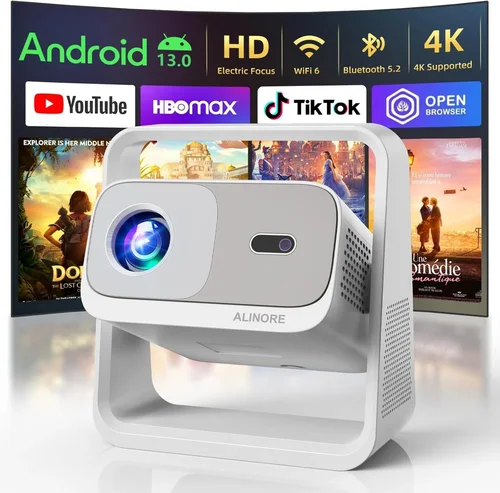
Expert Tips for Getting the Best Deal
- Timing is everything: The best window for projector discounts is late summer (July‑August) when manufacturers clear inventory for the holiday season.
- Shop from authorized retailers: Purchasing from the manufacturer’s website or certified partners ensures a valid warranty and access to firmware updates.
- Bundle wisely: Some sellers offer a screen, mounting kit, or HDMI cable at a reduced price when bought together. Compare the total bundle cost versus buying items separately.
- Check refurbished options: Certified refurbished units can be up to 30% cheaper and often come with a full warranty.
- Read the fine print on return policies: A 30‑day return window with free shipping is ideal; it lets you test the projector in your own environment.
- Test before you commit (if possible): Visit a local electronics store and request a demo. Pay attention to fan noise, color uniformity, and keystone correction smoothness.
- Consider future-proofing: Even if you don’t need Wi‑Fi now, a model with built‑in wireless can save you an adapter later.
- Don’t overlook lamp replacement cost: Calculate the total cost of ownership (TCO) by adding expected lamp life expense over three years.
Frequently Asked Questions
Q: Can I use a sub‑$300 projector for gaming?
A: Yes, but you need to prioritize low input lag (under 30 ms) and a refresh rate of 60 Hz. Look for DLP models that specifically advertise “gaming mode.” Keep expectations realistic—brightness may be lower than premium gaming projectors.
Q: How far can I place a projector to get a 100‑inch image?
A: Most budget projectors have a throw ratio between 0.6 and 1.2. For a 100‑inch diagonal (about 87 in width), you’ll need roughly 5‑7 feet of distance. Check the spec sheet for exact calculations.
Q: Do I need a separate screen?
A: A white wall works fine in a dark room, but a dedicated projector screen improves brightness uniformity and contrast, especially in rooms with ambient light. A 100‑inch 16:9 screen costs $50‑$120.
Q: What is the difference between LED and laser light sources?
A: Both offer longer lifespans than traditional lamps. LED units are common under $300 and provide up to 30,000 hours. Laser is rarer at this price but delivers higher brightness and more consistent color.
Q: Is a higher contrast ratio always better?
A: Generally, yes, because it means deeper blacks. However, contrast ratios advertised by manufacturers can be measured in unrealistic conditions. Look for real‑world reviews that mention “black levels” and “color depth.”
Q: Can I connect a projector to my phone wirelessly?
A: Most modern budget models support Miracast, AirPlay (via a dongle), or a proprietary app. Verify compatibility with your device’s OS before buying.
Q: How often do I need to replace the lamp?
A: For LED projectors, the light source typically lasts the life of the device (20,000‑30,000 hours). For traditional lamps, expect 2,000‑3,000 hours before brightness drops noticeably.
Q: Will a projector work with a gaming console?
A: Absolutely, as long as the projector has HDMI 1.4 or higher and supports 1080p/60 Hz. Some consoles (e.g., PS5) may require HDMI 2.0 for HDR, which is rare under $300.
Q: Is it safe to use a projector in a small bedroom?
A: Yes, but ensure adequate ventilation. Keep the projector at least a few inches away from walls to allow airflow and avoid overheating.
Q: Do I need a separate remote control?
A: Most projectors include a basic remote. For advanced control, consider a universal remote or a smartphone app that mimics the remote’s functions.
Our Final Recommendations
- Best for Budget‑Conscious Buyers: Anker Nebula Capsule II – Priced around $219, this LED portable projector offers 720p resolution, 2,000 lumens, Android TV 9.0, and a built‑in 8 W speaker. Its compact size makes it ideal for dorm rooms.
- Best Overall Value: ViewSonic M2 – At $299, the M2 delivers true 1080p, 1,200 lumens (laser‑phosphor), USB‑C connectivity, and excellent color accuracy. The built‑in Harman Kardon speakers provide decent audio for movies.
- Best Premium Option: Epson EF‑100 – Slightly above the $300 ceiling when on sale (often $295), this laser projector offers 720p, 2,300 lumens, and a sleek design with low fan noise.
- Best for Beginners: BenQ TH585 – Though traditionally a bit over $300, refurbished units often dip below $300. It boasts 3,500 lumens, low input lag, and a simple menu interface.
- Best for Advanced Users: Optoma GT1080HDR – A short‑throw DLP projector with 3,800 lumens, HDR support, and a 0.5‑1.2 throw ratio. Ideal for gamers who want a large image in a tight space.
Conclusion: Making the Right Choice
Choosing the best digital projector under $300 comes down to balancing brightness, resolution, and extra features against your specific environment and usage patterns. By focusing on the key factors outlined in this guide—lumens, contrast, connectivity, and durability—you can avoid common pitfalls and select a unit that delivers a satisfying big‑screen experience without draining your wallet.
Remember to factor in accessories, consider the total cost of ownership, and take advantage of seasonal sales for the biggest savings. With the recommendations and expert tips provided, you’re now equipped to make an informed purchase that will bring movies, games, and presentations to life for years to come.