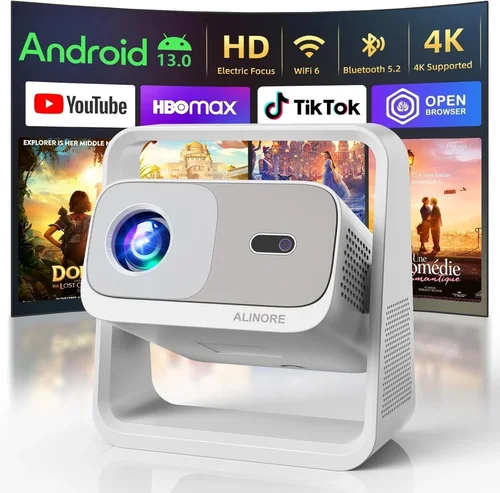
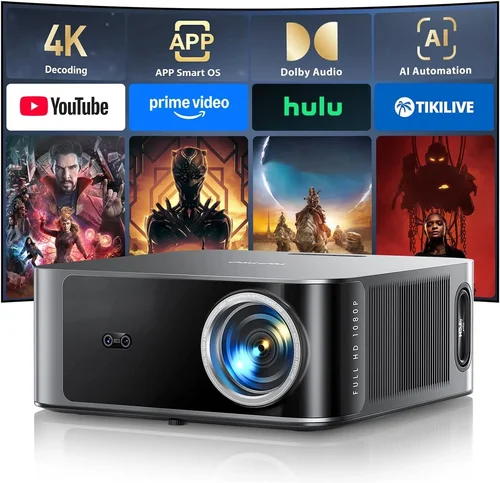
Finding a Full HD projector that delivers crisp images without breaking the bank can feel like searching for a needle in a haystack. The market is flooded with models that promise 1080p glory, yet many fall short when it comes to brightness, color accuracy, or durability. This guide cuts through the noise, giving you a clear roadmap to select the best Full HD projector under $500. Whether you’re setting up a home theater in a small apartment, creating an engaging classroom experience, or simply want a big‑screen movie night on a budget, the information here will help you make an informed decision.
In the pages that follow, you’ll learn which technical specs truly matter, how to match a projector’s features to your environment, and which models consistently outperform their price class. We’ll also compare the main types of projectors, highlight common pitfalls, and provide actionable tips for snagging the best deal. By the end of this guide, you’ll have a shortlist of top‑rated options and the confidence to choose the one that fits your needs perfectly.

What to Look for When Buying Buying Guide
1. Budget & Price Range
When you set a ceiling of $500, you immediately narrow the field to entry‑level and some mid‑range models. The key is to understand what you can realistically expect for that price. Typically, you’ll get solid 1080p resolution, moderate brightness (2,000–3,000 lumens), and basic connectivity. Anything above that may require compromising on one of these aspects. Define your absolute maximum spend, then allocate a small buffer for accessories such as a screen, mounting brackets, or a replacement lamp.
2. Performance Specifications
Resolution, brightness, contrast ratio, and color gamut are the pillars of projector performance.
- Resolution: Full HD (1920×1080) is non‑negotiable for a true 1080p experience.
- Brightness: Measured in lumens. For a dimly lit living room, 2,000 lumens is adequate; brighter rooms may need 3,000 lumens or more.
- Contrast Ratio: Higher contrast delivers deeper blacks. Look for at least 10,000:1 for decent movie quality.
- Color Accuracy: A wide color gamut (Rec. 709 or higher) ensures vivid, lifelike images.
3. Build Quality & Durability
A projector is an investment that should survive regular use. Check the housing material—metal bodies tend to dissipate heat better than plastic. Look for models with a sealed lamp compartment to protect against dust and a fan that operates quietly (under 30 dB is ideal for home theater). Longevity is also linked to lamp life; LED or laser light sources can last 20,000 hours or more, far exceeding traditional lamps.
4. Features & Functionality
Modern projectors pack a range of convenient features. Prioritize those that align with your usage:
- Built‑in Speakers: Useful for casual viewing but often lack depth; consider external audio for a true cinema feel.
- Wireless Connectivity: Wi‑Fi or Bluetooth enables screen mirroring from phones, tablets, or laptops without cables.
- HDMI & USB Ports: Multiple inputs give flexibility for gaming consoles, streaming sticks, and PCs.
- Keystone Correction & Lens Shift: Essential for off‑center placement; lens shift offers more precise geometry correction.
5. Brand Reputation
Established brands such as Epson, BenQ, ViewSonic, and Optoma have a track record of reliable support and firmware updates. Newer entrants may offer aggressive pricing, but research their after‑sales service, firmware stability, and community feedback before committing.
6. Warranty & Support
A solid warranty can save you headaches. Look for at least a 2‑year warranty covering the lamp and major components. Some manufacturers provide extended coverage for an extra fee. Check the availability of local service centers and the responsiveness of customer support—these factors become crucial if a lamp fails early.
7. Size & Portability
If you plan to move the projector between rooms or travel, weigh the size and weight. Portable models often sacrifice brightness but excel in convenience. Fixed‑installation units are bulkier but typically deliver higher performance.
8. User Reviews & Ratings
Real‑world feedback is invaluable. Scan user reviews on major retail sites for recurring themes—e.g., “lamp died after 200 hours” or “fantastic color accuracy.” Pay attention to verified purchases and note any firmware updates that may have addressed earlier issues.
Different Types of Buying Guide

Common Buying Mistakes to Avoid
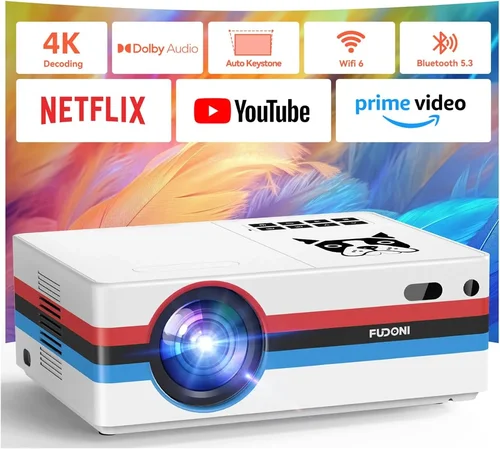
❌ Mistake: Ignoring Ambient Light
Why it’s bad: A projector rated at 2,000 lumens will look washed out in a bright living room, ruining the viewing experience.
What to do instead: Measure the typical lighting in your space. If you can’t control ambient light, aim for at least 3,000 lumens or consider a projector with a higher contrast ratio.
❌ Mistake: Over‑valuing Megapixels
Why it’s bad: Many listings tout “1080p” but actually use lower‑quality scaling chips that degrade image sharpness.
What to do instead: Check the native resolution (must be 1920×1080) and read reviews that specifically mention image clarity.
❌ Mistake: Forgetting About Throw Distance
Why it’s bad: Placing a projector too close or too far can result in a distorted image or require an expensive ultra‑short‑throw lens.
What to do instead: Use the manufacturer’s throw ratio chart to calculate the ideal distance for a 100‑inch screen.
❌ Mistake: Skipping Lamp Life Calculations
Why it’s bad: Replacing a lamp can cost $80–$150, adding hidden expense.
What to do instead: Choose LED or laser models with 20,000‑hour lamp life, or factor lamp replacement cost into your total budget.
❌ Mistake: Assuming All HDMI Ports Are Equal
Why it’s bad: Some budget projectors only support HDMI 1.2, limiting 4K‑upscaled content and HDR.
What to do instead: Verify that the HDMI ports support at least HDMI 1.4 for 1080p @ 60 Hz and basic HDR.
Budget Guidelines: How Much Should You Spend?
Entry‑Level ($300 – $350): Expect basic 1080p resolution, 2,000 lumens, and limited connectivity (usually a single HDMI). Ideal for occasional movie nights in a dim room.
Mid‑Range ($351 – $450): You’ll find improved brightness (2,500‑3,000 lumens), better contrast, dual HDMI, and often built‑in speakers with decent sound. This tier balances performance and price for most households.
Premium ($451 – $500): The top of the budget spectrum delivers 3,000+ lumens, higher contrast ratios, lens shift, and sometimes laser light sources. Perfect for bright rooms or semi‑professional use.
Luxury (Above $500): While outside the scope of this guide, luxury models push brightness above 4,000 lumens, include advanced color processing, and often support full HDR. Consider only if your budget permits.
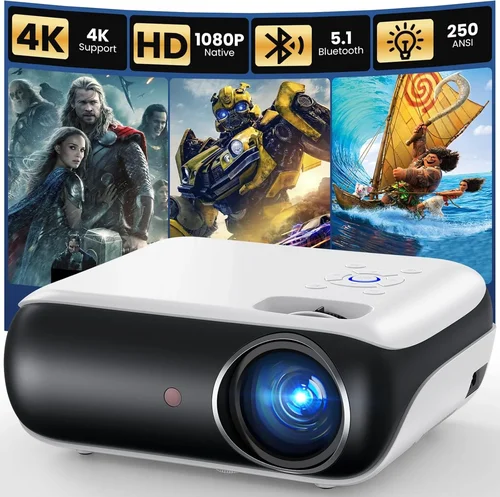
Expert Tips for Getting the Best Deal
- Timing: Black Friday, Cyber Monday, and post‑holiday sales are prime moments for deep discounts on electronics.
- Retailer Comparison: Check both large‑scale retailers (Amazon, Best Buy) and specialty AV stores. Some niche shops offer bundle packages that include a screen and mounting hardware.
- Coupon Stacking: Combine manufacturer coupons with retailer promo codes for maximum savings.
- Warranty Extensions: If you plan heavy use, an extended warranty can be worth the extra cost, especially for lamp replacement.
- Return Policy: Choose sellers with a 30‑day return window; this gives you time to test the projector in your actual environment.
- Testing: Bring a laptop or streaming stick to the store and project a 1080p video to evaluate brightness and color accuracy on‑site.
- Bundle Savings: Look for “projector + screen” bundles; they often shave $50‑$100 off the total cost.

Frequently Asked Questions
Q: Can I use a Full HD projector in a bright living room?
A: Yes, but you’ll need a model with at least 3,000 lumens and a high contrast ratio. Adding blackout curtains or dimming ambient lights will dramatically improve perceived image quality.
Q: Do I need a separate sound system?
A: Built‑in speakers are convenient for casual viewing, but they lack depth. For an immersive experience, pair the projector with a soundbar or a small AV receiver.
Q: How far should the projector be from the screen?
A: Use the throw ratio (e.g., 1.5:1). For a 100‑inch diagonal screen, a 1.5:1 ratio means the projector should sit about 12.5 feet away. Many manufacturers provide a throw distance calculator.
Q: Is a laser light source really better than a lamp?
A: Laser sources offer longer life (20,000 hours+), consistent brightness, and instant on/off. They are typically more expensive but can be cheaper in the long run due to no lamp replacements.
Q: Will a projector work with a gaming console?
A: Absolutely. Ensure the projector has HDMI 1.4 or higher and supports at least 60 Hz refresh rate. Low input lag models (under 30 ms) are preferable for fast‑paced games.
Q: How do I maintain my projector?
A: Keep the ventilation grilles clean, use a dust cover when not in use, and replace the lamp only when the warning appears. For laser models, occasional lens cleaning is sufficient.
Q: Can I mount the projector on the ceiling?
A: Most models support ceiling mounting with a standard ¼‑20 thread. Verify the weight rating of the mount and ensure the projector’s lens shift or keystone correction can handle the angle.
Our Final Recommendations
Best for Budget‑Conscious Buyers: BenQ TH585 – Offers 3,500 lumens, 1080p resolution, and low input lag for gaming, all at $399.
Best Overall Value: Epson Home Cinema 1060 – Delivers 3,200 lumens, 10,000:1 contrast, and a flexible lens shift for $449, making it a solid all‑rounder.
Best Premium Option (under $500): Optoma HD146X – With 3,600 lumens, a dynamic contrast ratio of 25,000:1, and a robust build, it sits at $479 and excels in bright rooms.
Best for Beginners: ViewSonic PA503S – Simple plug‑and‑play operation, 3,600 lumens, and a reasonable price of $329 make it perfect for first‑time users.
Best for Advanced Users: LG PF50KA – A portable LED projector with 2,600 lumens, built‑in battery, and wireless screen sharing, priced at $499 for those who need flexibility without sacrificing Full HD.
Conclusion: Making the Right Choice
Choosing the best Full HD projector under $500 boils down to balancing brightness, contrast, and feature set against your specific environment and usage patterns. Start by assessing ambient light, desired screen size, and connectivity needs. Use the factors and common mistakes outlined above as a checklist, and reference our top recommendations to narrow your options.
Remember, the cheapest model may end up costing more in lamp replacements or unsatisfactory performance. Invest a little extra in a reputable brand with a solid warranty, and you’ll enjoy crisp, vibrant images for years to come. Happy viewing, and may your next movie night be larger than life!