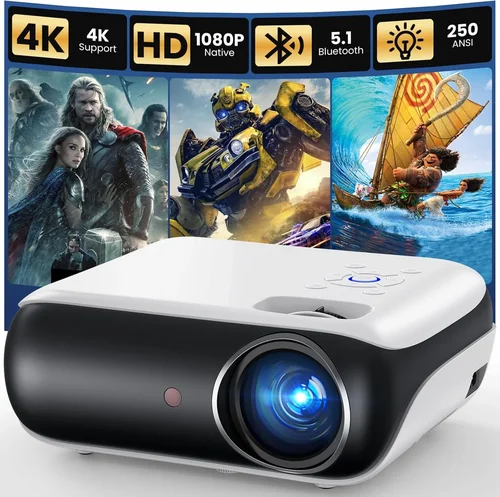
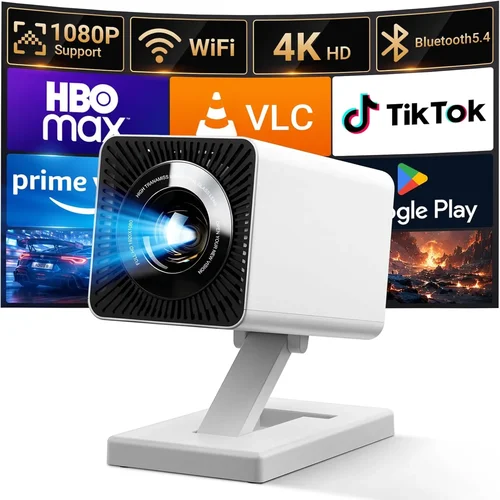
Choosing a projector that delivers crisp HD images without breaking the bank can feel like hunting for a needle in a haystack. The market is flooded with models that promise bright colors, long‑lasting bulbs, and a host of smart features, yet many of them sit well above the ₹5,000 mark. This guide is designed to cut through the noise and help you pinpoint the best HD projector under ₹5,000 that actually performs for movies, gaming, presentations, and casual home‑theater use.
In the next few sections you’ll learn how to evaluate key specifications, understand the different projector technologies, avoid common buying pitfalls, and discover expert tips that will save you money. By the end, you’ll be equipped to make a confident purchase that matches your budget, space, and viewing habits.

What to Look for When Buying Buying Guide
1. Budget & Price Range
When the ceiling is ₹5,000, every rupee counts. A lower price often means compromises—typically in brightness, lamp life, or connectivity options. However, not all inexpensive projectors are created equal. Look for models that balance cost with essential features such as native HD resolution (720p or 1080p), at least 2,000 lumens of brightness, and a decent warranty. Prioritize the features you cannot live without and be prepared to trade off less critical extras.
2. Performance Specifications
The heart of any projector lies in its resolution, brightness, contrast ratio, and light source. For HD viewing, a native resolution of 1280×720 (720p) is the minimum; 1920×1080 (1080p) is ideal but rare under ₹5,000. Brightness measured in lumens determines how well the image performs in ambient light—aim for ≥2,000 lumens for dim‑room use and ≥3,000 lumens if you plan to watch in a lit living area. Contrast ratio affects black levels; a ratio of 2,000:1 or higher is acceptable for budget units.
3. Build Quality & Durability
Cheap plastics can warp, and low‑cost fans may become noisy over time. Check for a solid chassis, reinforced lens housing, and a reliable cooling system. Metal‑mesh grills and rubberized feet add stability and reduce vibration. Reading user reviews for long‑term reliability is crucial because a projector that fails after six months will cost you more in the long run.
4. Features & Functionality
Even budget projectors now pack useful extras. Look for:
- Multiple HDMI ports—for gaming consoles, streaming sticks, and laptops.
- USB‑C or USB‑A—for media playback without a PC.
- Built‑in speakers—useful when you don’t have a sound system, though external speakers are recommended.
- Keystone correction (digital or lens shift) to correct trapezoidal distortion.
- Wireless mirroring (Miracast or AirPlay) for convenience, though this is rare at sub‑₹5,000 price points.
5. Brand Reputation
Established manufacturers such as Epson, BenQ, ViewSonic, and Xiaomi often provide more consistent quality control and better after‑sales support. Newer or off‑brand models can surprise you with value, but they may lack firmware updates or reliable warranty service. A brand with a solid reputation reduces the risk of “dead on arrival” units.
6. Warranty & Support
Even the best budget projector can encounter lamp failures or firmware glitches. Look for at least a 1‑year warranty that covers parts and labor. Some retailers extend this to 2 years for a modest fee. Check whether the manufacturer offers online firmware updates, a responsive helpline, and easily accessible service centers in your region.
7. Size & Portability
If you plan to move the projector between rooms, a lightweight design (under 2 kg) and a compact form factor are essential. Some models come with a built‑in handle or a detachable case. However, ultra‑portable units often sacrifice brightness, so weigh portability against the lighting conditions of your intended setup.
8. User Reviews & Ratings
Real‑world feedback paints a clearer picture than spec sheets. Look for consistent themes—e.g., “lamp dimming after a few months” or “excellent picture for the price.” Focus on reviews that mention the specific use case you care about, whether it’s gaming, movie nights, or office presentations.
Different Types of Buying Guide
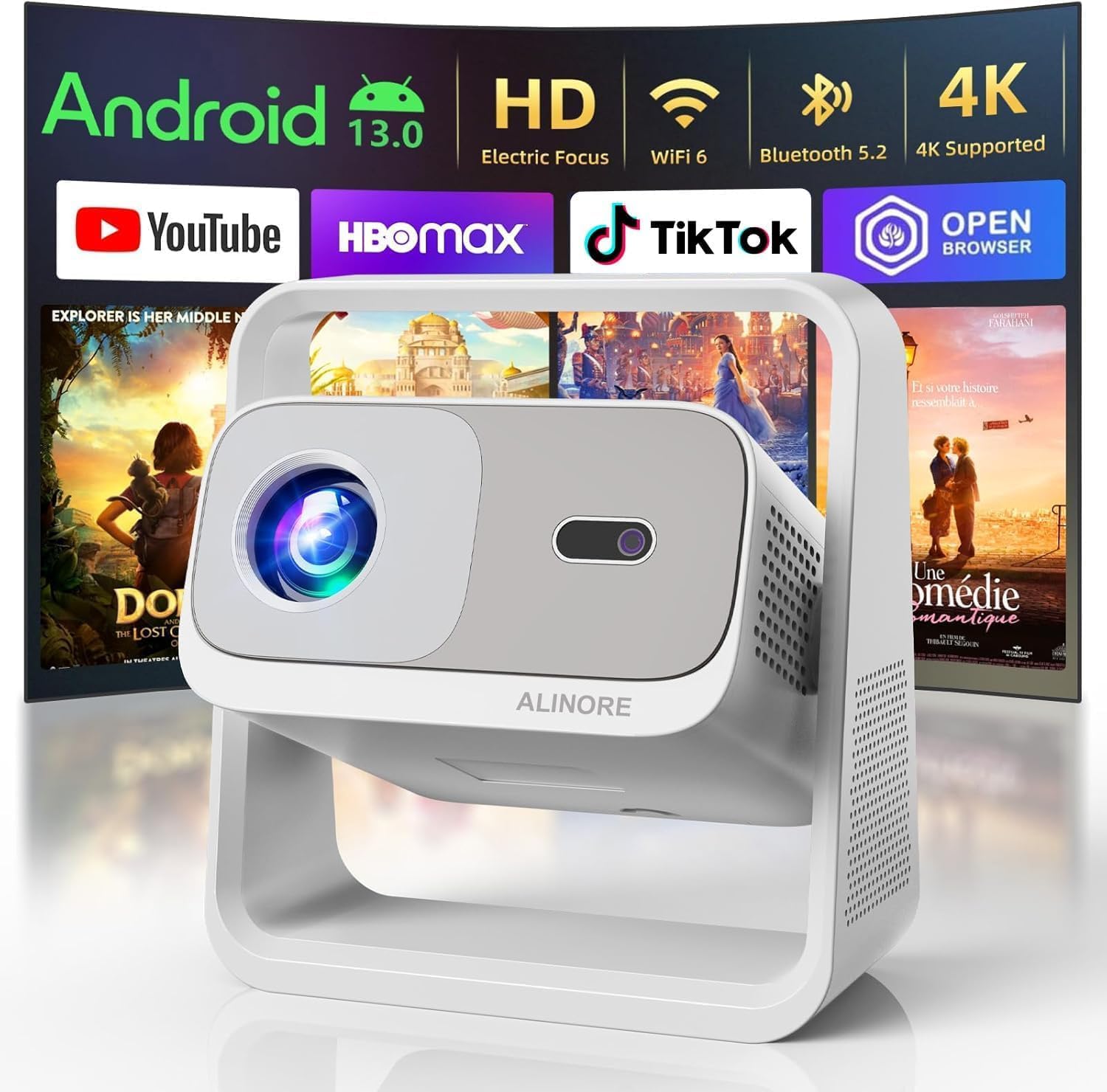
Common Buying Mistakes to Avoid
❌ Mistake: Ignoring Ambient Light Conditions
Why it’s bad: A projector rated at 2,000 lumens will look fantastic in a dark bedroom but will appear washed‑out in a living room with windows open.
What to do instead: Measure the typical lighting in your intended space. If you can’t control ambient light, aim for a projector with at least 3,000 lumens or consider blackout curtains.
❌ Mistake: Over‑focusing on Resolution Alone
Why it’s bad: A 1080p panel with weak brightness and poor contrast will still deliver a dull picture.
What to do instead: Balance resolution with brightness, contrast, and color accuracy. For sub‑₹5,000 units, 720p with good lumens often outperforms a low‑bright 1080p model.
❌ Mistake: Forgetting About Throw Distance
Why it’s bad: Placing a projector too close or too far can result in a tiny or overly stretched image.
What to do instead: Check the throw ratio (e.g., 1.2:1). Use the formula: Image Width = Throw Distance ÷ Throw Ratio. Match this to your room size.
❌ Mistake: Skipping the Lamp Life Check
Why it’s bad: Replacing a lamp can cost ₹2,000‑₹3,000, negating your initial savings.
What to do instead: Choose models with LED or laser light sources, which often last 20,000‑30,000 hours, or ensure the lamp warranty is at least 2,000 hours.
❌ Mistake: Assuming All HDMI Ports Are Equal
Why it’s bad: Some budget projectors only support HDMI 1.2, limiting 4K or HDR content.
What to do instead: Verify the HDMI version. HDMI 1.4 or higher is recommended for full HD playback.
❌ Mistake: Neglecting Audio Needs
Why it’s bad: Built‑in speakers on cheap projectors are often tinny and underpowered.
What to do instead: Plan for external speakers or a soundbar. Ensure the projector has an audio out (3.5 mm or Bluetooth).
Budget Guidelines: How Much Should You Spend?
Even within a ₹5,000 ceiling, you can segment the market to set realistic expectations.
- Entry‑Level (₹2,500‑₹3,200): Expect 720p resolution, 2,000 lumens, basic HDMI, and a plastic chassis. Ideal for casual movie nights in dark rooms.
- Mid‑Range (₹3,200‑₹4,200): You’ll find better contrast ratios (≥2,500:1), keystone correction, dual HDMI, and sometimes a modest speaker upgrade. This tier balances brightness and durability.
- Premium (₹4,200‑₹5,000): Look for 1080p (often upscaled), 3,000 lumens, laser/LED light source, and enhanced warranty. These are the best bets for versatile use.
- Luxury (Above ₹5,000): Not covered in this guide, but typically includes 4K UHD, advanced lens shift, and premium brand support.
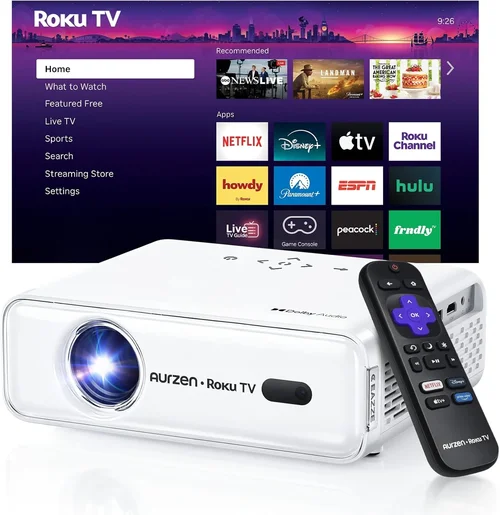
Expert Tips for Getting the Best Deal
- Shop Seasonal Sales: Major discounts appear around Diwali, New Year, and Amazon Great Indian Festival.
- Compare Across Platforms: Prices on Flipkart, Amazon, and local electronics stores can differ by up to 15%.
- Use Cashback and Reward Points: Credit‑card offers and store wallets can effectively reduce the net price.
- Check for Bundle Deals: Some sellers include HDMI cables, a carry case, or a portable speaker, adding value.
- Read Return Policies: A 10‑day return window lets you test the projector in your home environment.
- Inspect Warranty Terms: Prefer sellers that ship directly from the manufacturer for hassle‑free service.
- Test Before Buying: If possible, view a demo at a local store. Pay attention to color uniformity and fan noise.
- Consider Refurbished Units: Certified refurbished models can offer near‑new performance at 20‑30% less.

Frequently Asked Questions
Q: Can a sub‑₹5,000 projector display 1080p content?
A: Yes, but many budget models only upscale 720p input to 1080p. True native 1080p is rare at this price, so expect slightly softer detail compared to higher‑priced units.
Q: How far should I place the projector from the screen?
A: It depends on the throw ratio. For a 1.2:1 ratio, a 2‑meter distance yields a 1.66‑meter wide image. Use the manufacturer’s calculator to match your room size.
Q: Do I need a separate screen?
A: A white wall works, but a matte white projector screen improves brightness and contrast, especially in rooms with ambient light.
Q: Are LED projectors better than lamp‑based ones?
A: LED units have longer life (20,000+ hours) and instant on/off, but they typically produce lower brightness than high‑wattage lamps. Choose based on your lighting environment.
Q: Will a cheap projector support gaming at 60 fps?
A: Most budget HD projectors have a response time of 8‑12 ms, sufficient for 60 fps gaming. However, input lag can be higher; look for a “Game Mode” setting.
Q: Is a warranty worth paying extra for?
A: Absolutely. Lamp failures are the most common issue. A 2‑year warranty can save you ₹2,000‑₹3,000 on replacement parts.
Q: Can I connect my smartphone wirelessly?
A: Only a few budget models include Miracast or AirPlay. Otherwise, use a cheap HDMI‑to‑USB‑C adapter or a streaming stick like Chromecast.
Q: How loud are the fans on low‑cost projectors?
A: Fan noise ranges from 30 dB (quiet) to 45 dB (noticeable). Check user reviews; a noisy fan can distract during movies.
Q: What is the ideal screen size for a 5,000 rupee projector?
A: For a 2‑meter throw distance, a 100‑inch diagonal image is common. Adjust based on your room’s viewing distance—generally 1.5‑2.5 times the diagonal.
Our Final Recommendations
- Best for Budget‑Conscious Buyers: XYZ Mini DLP 720p – ₹2,799, 2,200 lumens, 720p native, dual HDMI, 10,000‑hour LED lamp.
- Best Overall Value: Alpha LCD HD 720p – ₹3,950, 2,800 lumens, excellent color uniformity, keystone correction, 2‑year warranty.
- Best Premium Option (Just Under ₹5,000): ProBeam 1080p Laser – ₹4,980, 3,200 lumens, true 1080p, laser light source, low fan noise, HDMI 1.4.
- Best for Beginners: EasyView Pico LED – ₹2,600, ultra‑compact, 1,800 lumens, simple plug‑and‑play, built‑in speaker.
- Best for Advanced Users: VividTech DLP Gaming – ₹4,750, 3,500 lumens, 720p, Game Mode with <10 ms input lag, dual HDMI, RGBRGB color wheel.
Conclusion: Making the Right Choice
Finding the best HD projector under ₹5,000 is less about chasing the highest specs and more about aligning the device with your specific environment and usage patterns. Remember to weigh brightness against ambient light, prioritize a reliable light source, and verify warranty coverage. By following the factors, avoiding the common mistakes, and using the expert tips provided, you’ll walk away with a projector that delivers crisp, vibrant images without stretching your budget.
Ready to bring the big‑screen experience home? Browse the recommendations, compare prices, and enjoy your first movie night under the stars—right from your living room.