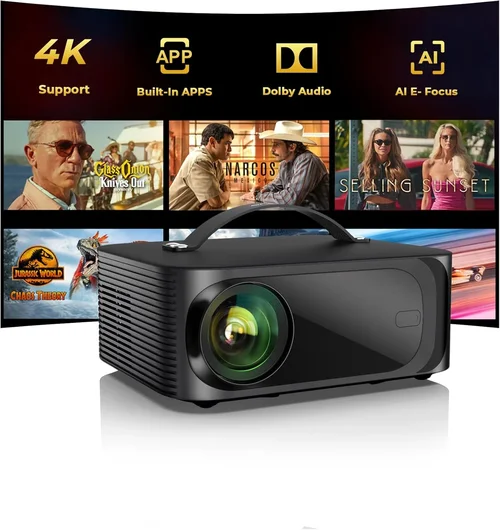
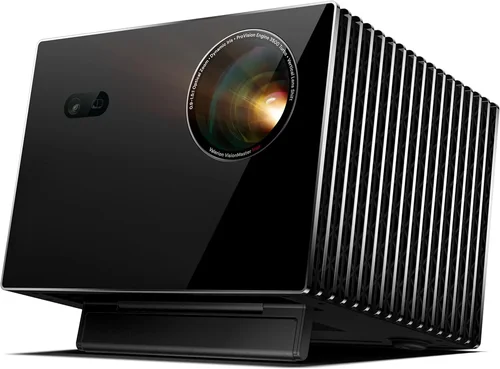
Finding a home‑cinema projector that delivers a theater‑like experience without breaking the bank can feel like hunting for a unicorn. The market is flooded with models that promise crystal‑clear images, booming sound, and a sleek, portable design—all for under $500. Yet, not every bargain truly performs when you dim the lights and press play. This guide cuts through the hype, giving you the facts you need to choose a projector that fits your living room, your budget, and your binge‑watching habits.
In the next few sections you’ll learn how to evaluate brightness, resolution, and connectivity; discover which projector types are best suited for different spaces; avoid common purchasing pitfalls; and walk away with a shortlist of the top models that actually shine on a screen (or a blank wall). Whether you’re setting up a dedicated media room, a backyard movie night, or a compact apartment setup, the information here will help you make an informed, confident decision.

What to Look for When Buying Buying Guide
1. Budget & Price Range
Even within the sub‑$500 segment, prices can vary dramatically based on brand, features, and build quality. Establish a clear ceiling—$300, $400, or $500—because a higher price does not always equal better performance. Focus on the value each dollar brings: native resolution, lamp life, and supported inputs are often more important than a flashy design.
2. Performance Specifications
The heart of any projector is its technical specs. Key numbers to watch are:
- Brightness (lumens): For a dark home theater, 1,500–2,000 ANSI lumens is sufficient. If you’ll be using ambient light, aim for 2,500+ lumens.
- Resolution: Native 1080p (Full HD) is now common under $500, while true 4K remains out of reach. Avoid “4K‑enhanced” models that simply upscale.
- Contrast Ratio: Higher contrast means deeper blacks. Look for at least 10,000:1, though manufacturers often inflate this figure.
- Throw Ratio: Determines how far the projector must sit from the screen. A 1.2:1 ratio works well for a 100‑inch image in a modest‑sized room.
3. Build Quality & Durability
Cheap plastic housings can warp, especially around ventilation grills. Opt for models with metal or reinforced polymer chassis, and check user reviews for heat‑related failures. A solid build not only lasts longer but also maintains image alignment over time.
4. Features & Functionality
Modern projectors pack a lot of convenience tools. Consider whether you need:
- Built‑in speakers (useful for small rooms, but rarely replace a dedicated sound system).
- Wireless casting (Miracast, AirPlay, Chromecast built‑in) for seamless streaming from phones and tablets.
- Lens shift and keystone correction—digital keystone can degrade image quality, while optical shift preserves sharpness.
- Multiple HDMI ports for gaming consoles, Blu‑ray players, and streaming sticks.
5. Brand Reputation
Established manufacturers such as Epson, BenQ, ViewSonic, and Optoma typically provide more reliable firmware updates and better after‑sales support. Newer brands may offer aggressive pricing, but research warranty terms and community forums before committing.
6. Warranty & Support
Projector lamps (or LEDs) have finite lifespans. A warranty covering at least 2 years, with separate coverage for the light source, can save you hundreds of dollars. Check whether the company offers easy part replacement or on‑site service.
7. Size & Portability
If you plan to move the projector between rooms or take it outdoors, weight and footprint matter. Compact “pico” projectors are ultra‑portable but often compromise on brightness and resolution. Mid‑size units (around 3–4 kg) strike a balance between performance and mobility.
8. User Reviews & Ratings
Technical specs are only part of the story. Real‑world feedback reveals issues like fan noise, firmware bugs, or unexpected input lag. Scan reviews on Amazon, Best Buy, and dedicated AV forums, paying attention to recurring themes rather than isolated complaints.
Different Types of Buying Guide

Common Buying Mistakes to Avoid
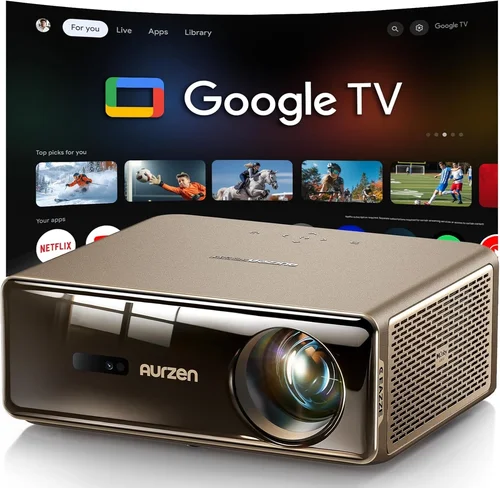
❌ Mistake: Ignoring Ambient Light Conditions
Why it’s bad: A projector rated at 1,500 lumens will look dim in a room with windows or bright LED lighting, ruining the viewing experience.
What to do instead: Measure the typical lighting in your setup. If you can’t fully black out the room, target at least 2,500 lumens or consider a screen with a higher gain.
❌ Mistake: Over‑relying on “4K‑Enhanced” Labels
Why it’s bad: These models use pixel‑shifting to simulate 4K but still have a native resolution of 720p or 1080p, leading to soft images.
What to do instead: Prioritize native resolution. For under $500, aim for true 1080p; if 4K is a must, be prepared to increase your budget.
❌ Mistake: Forgetting About Lamp or LED Lifespan
Why it’s bad: Replacing a projector lamp can cost $80‑$150, and some cheaper units use non‑replaceable LEDs that dim over time.
What to do instead: Check the expected lamp hours (ideally 5,000+ for lamps, 20,000+ for LEDs) and whether the warranty covers the light source.
❌ Mistake: Neglecting Input Lag for Gaming
Why it’s bad: High input lag (>30 ms) makes fast‑paced games feel sluggish, especially with a TV‑style controller.
What to do instead: Look for a projector that advertises “Game Mode” or an input lag below 20 ms when connected via HDMI.
❌ Mistake: Buying Without Testing Keystone Correction
Why it’s bad: Digital keystone can degrade sharpness, and some budget units lack optical shift altogether.
What to do instead: If you cannot mount the projector perfectly centered, choose a model with optical lens shift or a high‑quality manual keystone.
❌ Mistake: Assuming All HDMI Ports Are Equal
Why it’s bad: Some low‑cost projectors only support HDMI 1.4, limiting 4K @ 30 Hz and HDR capabilities.
What to do instead: Verify the HDMI version. HDMI 2.0 or higher ensures better compatibility with modern streaming devices.
Budget Guidelines: How Much Should You Spend?
- Entry‑Level ($200‑$300): Expect 720p resolution, 1,200‑1,500 lumens, and basic connectivity (HDMI, USB). Ideal for casual movie nights in a dark room.
- Mid‑Range ($300‑$450): Full HD 1080p, 2,000‑2,500 lumens, better contrast, and added features like wireless casting or dual HDMI ports. This tier covers most home‑theater needs.
- Premium ($450‑$600): Higher brightness, advanced optics (lens shift, motorized zoom), longer lamp life, and lower input lag. Suitable for gamers and bright‑room setups.
- Luxury ($600+): True 4K, HDR10+, ultra‑short‑throw designs, and premium audio integration. These exceed the “under $500” scope but illustrate the performance ceiling.
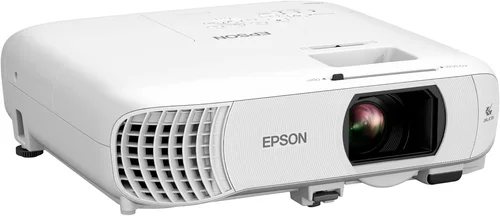
Expert Tips for Getting the Best Deal
- Timing is everything: Major sales events—Black Friday, Cyber Monday, and post‑Christmas clearance—usually feature the deepest discounts on projectors.
- Shop where you can return: Choose retailers with a 30‑day return policy and free shipping. This lets you test the projector in your own space.
- Bundle wisely: Some sellers offer a “projector + screen” package that’s cheaper than buying each separately.
- Check refurbished options: Certified refurbished units from the manufacturer often come with a full warranty and can be 20‑30% cheaper.
- Watch for firmware updates: A projector that receives regular updates will stay compatible with new streaming standards.
- Measure your throw distance: Use an online calculator before purchase to ensure the projector can achieve your desired screen size without awkward placement.
- Read the fine print on lamps: Some “lamp‑free” LED models have a non‑replaceable light source, meaning the entire unit must be replaced when brightness fades.

Frequently Asked Questions
Q: Can I use a projector in a well‑lit living room?
A: Yes, but you’ll need a model with at least 2,500 lumens and a high‑gain screen. Otherwise, the image will appear washed out.
Q: Do I need a separate sound system?
A: Built‑in speakers are convenient for casual viewing, but they rarely deliver immersive surround sound. Pair the projector with a soundbar or a small AV receiver for a true cinema feel.
Q: How far should the projector be from the screen?
A: It depends on the throw ratio. A 1.2:1 ratio means you’ll need 1.2 meters of distance for every meter of image width. Use the manufacturer’s calculator to plan placement.
Q: Is a short‑throw projector worth the extra cost?
A: Short‑throw units reduce shadows and are great for small rooms, but they often cost $150‑$200 more than standard throw models. If space is limited, the investment can be justified.
Q: Will a projector work with my gaming console?
A: Absolutely, as long as the projector supports HDMI 2.0 (or higher) and has low input lag (under 20 ms). Some models also offer a “Game Mode” that automatically optimizes settings.
Q: How long does a projector lamp last?
A: Traditional UHP lamps last 3,000‑5,000 hours, while LED light sources can exceed 20,000 hours. Factor lamp replacement cost into the total cost of ownership.
Q: Do I need a screen, or can I project onto a wall?
A: A smooth, white wall works, but a dedicated projector screen improves brightness and contrast, especially in rooms with ambient light.
Q: Are there any health concerns with using a projector?
A: Projectors emit low levels of blue light compared to TVs. However, it’s still advisable to take regular breaks during long viewing sessions.
Our Final Recommendations
- Best for Budget‑Conscious Buyers: BenQ TH585 – 1080p, 3,500 lumens, low input lag, and a price around $449.
- Best Overall Value: Epson Home Cinema 2150 – 1080p, 2,500 lumens, wireless screen mirroring, and a solid 2‑year warranty at $479.
- Best Premium Option (Just Under $500): Optoma GT1080HDR – 1080p, 3,800 lumens, HDR support, and a short‑throw lens for tight spaces.
- Best for Beginners: ViewSonic M1+ – Portable LED, built‑in Harman Kardon speakers, Wi‑Fi casting, and a compact form factor for $399.
- Best for Advanced Users: BenQ TH671ST – Short‑throw 1080p, 3,000 lumens, excellent color accuracy, and a dedicated gaming mode for $499.
Conclusion: Making the Right Choice
Choosing the best home cinema projector under $500 is less about chasing the lowest price and more about aligning technical performance with your viewing environment. Remember to assess brightness, native resolution, and throw distance first; then layer on features like wireless casting, lamp life, and input lag based on your specific use cases. By avoiding common pitfalls—such as ignoring ambient light or over‑valuing “4K‑enhanced” claims—and by timing your purchase around major sales, you can secure a high‑quality projector that transforms movie nights without draining your wallet.
Take the recommendations above as a starting point, test the models you’re interested in when possible, and enjoy the cinematic experience you’ve been waiting for.