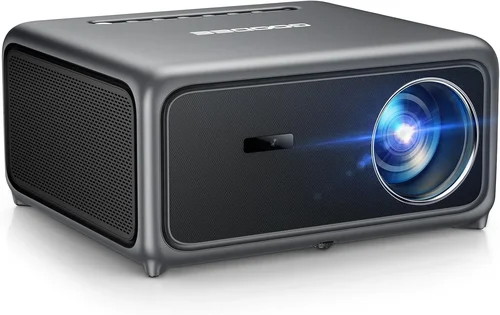
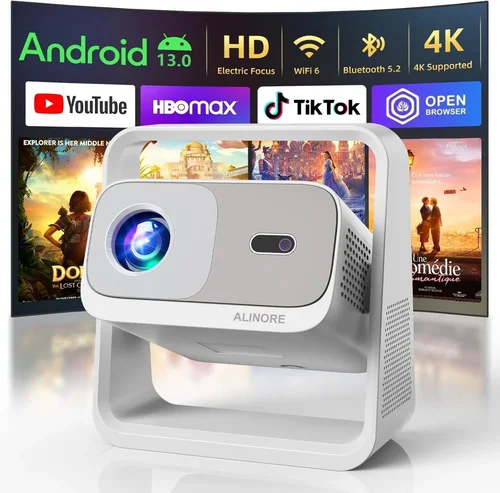
If you’ve ever dreamed of turning your living room into a cinematic haven without splurging on a high‑end home‑theater system, you’re in the right place. Projectors under $600 have come a long way, offering brightness, color accuracy, and feature sets that were once reserved for premium models. This guide cuts through the noise, helping you pinpoint the projector that delivers the biggest bang for your buck while fitting your space, viewing habits, and budget.
In the next several sections you’ll learn which specifications truly matter, how different projector families compare, and what pitfalls to avoid when shopping online or in‑store. By the end, you’ll be equipped to make an informed purchase that turns movie night into an immersive experience—without breaking the bank.
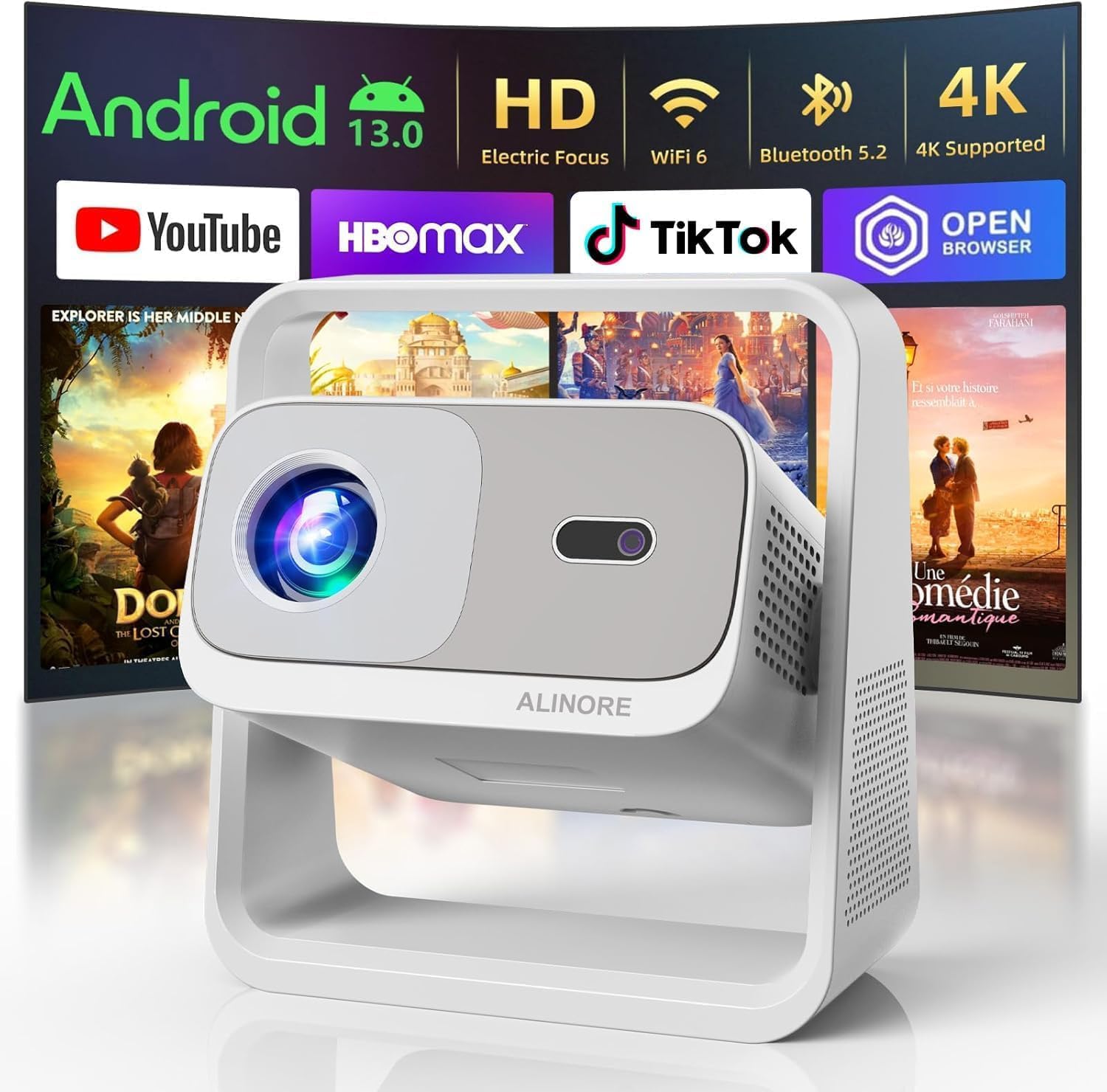
What to Look for When Buying Buying Guide
1. Budget & Price Range
Even within the sub‑$600 bracket, prices can vary dramatically based on brand, features, and performance. Set a clear ceiling—$450, $500, $600—and then prioritize which specs you’re willing to compromise on. Remember, a slightly higher price today can save you from costly upgrades or accessories later.
2. Performance Specifications
Key performance metrics include:
- Brightness (lumens): For home theater use in a darkened room, 1,800‑2,500 ANSI lumens is adequate. If you plan on occasional daytime viewing, aim for 2,500+ lumens.
- Resolution: Native 1080p (Full HD) should be the baseline. While 4K‑enhanced models exist, true 4K is rare under $600 and often an up‑scaling trick.
- Contrast Ratio: Higher contrast delivers deeper blacks. Look for a ratio of at least 10,000:1; many budget units claim 30,000:1 but real‑world performance is lower.
- Color Accuracy: A projector with a wide color gamut (Rec. 709 or higher) and good calibration options will render movies more faithfully.
3. Build Quality & Durability
Budget projectors can feel flimsy, but a solid chassis, reliable cooling, and a reputable lamp life (ideally 10,000+ hours) are essential for longevity. Metal or high‑grade ABS housings reduce vibration, which in turn preserves image stability.
4. Features & Functionality
Modern projectors pack a surprising amount of tech:
- Lens Shift & Keystone Correction: Essential for flexible placement. Optical lens shift preserves image quality better than digital keystone.
- Connectivity: HDMI 2.0 (or higher) is a must for 4K/60 Hz signals. Look for USB‑C, Wi‑Fi, or Bluetooth if you want wireless streaming.
- Built‑in Speakers: Useful for casual viewing, but they rarely replace a dedicated sound system.
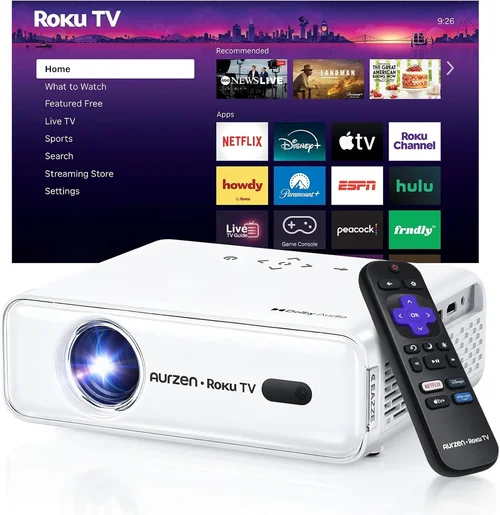
- Smart OS: Some models run Android TV or Roku, turning the projector into an all‑in‑one media hub.
5. Brand Reputation
Brands like Epson, BenQ, ViewSonic, and Optoma have established track records for reliability and support. Newer entrants may offer aggressive pricing, but check warranty length and community forums for real‑world reliability data.
6. Warranty & Support
A minimum 2‑year warranty is standard for $600‑range projectors. Look for extended coverage options, easy lamp replacement policies, and responsive customer service. A solid warranty can be a deciding factor when two models appear otherwise identical.
7. Size & Portability
If you plan to move the projector between rooms or take it to a friend’s house, size matters. Compact “mini” projectors often sacrifice brightness, while larger units may need a dedicated shelf or ceiling mount.
8. User Reviews & Ratings
Beyond the manufacturer’s specs, real‑world feedback reveals issues like fan noise, heat buildup, or firmware bugs. Prioritize products with a minimum of 150 verified reviews and an average rating of 4.0 stars or higher.
Different Types of Buying Guide

Common Buying Mistakes to Avoid
❌ Mistake: Ignoring Ambient Light Conditions
Why it’s bad: A projector rated at 1,800 lumens will look washed out in a bright living room, ruining the viewing experience.
What to do instead: Measure your room’s typical light level. If you can’t achieve near‑darkness, aim for 2,500+ lumens or consider a projector with a high contrast ratio and an ambient light rejecting (ALR) screen.
❌ Mistake: Overlooking Lamp Life & Replacement Cost
Why it’s bad: A cheap lamp may need replacement after 2,000 hours, costing $150‑$200—effectively raising your total cost of ownership.
What to do instead: Choose models with at least 10,000‑hour LED or laser light sources, or verify the lamp warranty and replacement price before buying.
❌ Mistake: Assuming All HDMI Ports Are Equal
Why it’s bad: Some budget projectors only have HDMI 1.3, limiting 4K@30 Hz or HDR support.
What to do instead: Verify the HDMI version (2.0 or higher) and check for HDCP 2.2 compliance if you stream from services like Netflix or Disney+.
❌ Mistake: Skipping the Throw Distance Calculation
Why it’s bad: Buying a projector that needs to be placed 12 ft away when your room is only 8 ft wide forces you into an awkward setup or a tiny image.
What to do instead: Use the manufacturer’s throw ratio chart. For a 100‑inch screen, a throw ratio of 1.2‑1.5 translates to a 10‑12 ft distance; short‑throw models (0.4‑0.8) fit tighter spaces.
❌ Mistake: Forgetting About Audio Needs
Why it’s bad: Relying on the built‑in speaker often results in tinny, underpowered sound, especially for action movies.
What to do instead: Plan for an external sound system—soundbar, bookshelf speakers, or a full surround setup. Ensure the projector has an audio out (3.5 mm or optical) for easy integration.
❌ Mistake: Buying the Cheapest Model Without Future‑Proofing
Why it’s bad: A $250 unit may lack HDMI 2.0, HDR, or adequate lamp life, leading to early replacement.
What to do instead: Invest in a $500‑$600 model that includes HDR10, HDMI 2.0, and a decent warranty. The extra cost pays off in performance and longevity.
Budget Guidelines: How Much Should You Spend?
- Entry‑Level ($350‑$450): Expect 1,500‑1,800 lumens, 720p‑1080p resolution, basic keystone correction, and limited connectivity. Good for occasional movie nights in a dark bedroom.
- Mid‑Range ($450‑$600): This is the sweet spot. Look for 2,000‑2,500 lumens, true 1080p, decent contrast (10,000:1+), lens shift, and at least two HDMI ports. Ideal for dedicated home‑theater rooms.
- Premium ($600‑$800): While slightly above the $600 ceiling, premium models bring HDR10, laser light sources, and higher contrast ratios (up to 30,000:1). Consider these if you’re willing to stretch the budget for future‑proof features.
- Luxury ($800+): True 4K resolution, ultra‑short‑throw designs, and integrated smart platforms. Not necessary for most casual viewers, but worth noting for completeness.
Expert Tips for Getting the Best Deal
- Timing: Late summer and holiday sales (July‑September, November‑December) yield the deepest discounts.
- Retailers: Compare prices across Amazon, Best Buy, B&H, and direct manufacturer sites. Some manufacturers offer exclusive bundles (wall mount + screen) that add value.
- Bundles: Look for projector‑screen combos. A 120‑inch 16:9 screen often costs less than buying each separately.
- Warranty Extensions: If the retailer offers a 3‑year extended warranty for $30‑$40, it’s usually a smart purchase given the cost of lamp replacements.
- Return Policies: Choose sellers with a 30‑day return window and free return shipping. This lets you test the projector in your own space.
- Testing: Bring a laptop or streaming stick to the store to verify image uniformity, fan noise, and keystone performance before buying.
- Shipping: Free, insured shipping is a must for fragile optics. Avoid “economy” options that may lead to damage.
- Accessories: Invest in a quality HDMI 2.0 cable, a ceiling mount, and a proper screen. Cheap cables can bottleneck 4K HDR signals.

Frequently Asked Questions
Q: Can a $600 projector display HDR content?
A: Yes, many mid‑range models now support HDR10. However, true HDR performance depends on brightness; 2,000+ lumens is the practical minimum for a noticeable HDR effect.
Q: Do I need a special screen?
A: For a dark‑room setup, a standard white matte screen works fine. If you have ambient light, consider an ALR screen that rejects stray light and preserves contrast.
Q: How far should the projector be from the screen?
A: It depends on the throw ratio. A 1.5 throw ratio means you need 1.5 ft of distance for every foot of image width. Use the manufacturer’s calculator to match your room dimensions.
Q: Is a laser projector worth the extra cost?
A: Laser light sources offer longer life (up to 30,000 hours) and instant on/off, but they can be pricier. If you plan heavy usage (daily movie nights), the lower total cost of ownership can justify the premium.
Q: Will the built‑in speakers suffice?
A: Built‑in speakers are typically 5‑10 W and suitable for casual viewing. For an immersive experience, pair the projector with a soundbar or a dedicated AV receiver.
Q: How often do I need to replace the lamp?
A: Traditional lamps last 2,000‑4,000 hours. LED and laser sources often last the projector’s lifetime (10,000‑30,000 hours). Check the spec sheet for your model’s lamp rating.
Q: Can I use a projector for gaming?
A: Absolutely, but look for low input lag (<20 ms) and a refresh rate of 60 Hz or higher. DLP projectors generally have the edge in fast motion handling.
Q: Is a short‑throw projector necessary?
A: Short‑throw is only required if you can’t place the projector far enough from the screen. They tend to be more expensive, so opt for a standard throw if space permits.
Our Final Recommendations
- Best for Budget‑Conscious Buyers: ViewSonic PA503S – 3,600 lumens, SVGA resolution, excellent for bright rooms, under $350.
- Best Overall Value: BenQ TH585 – 3,500 lumens, true 1080p, 10,000:1 contrast, low lag (16 ms), lens shift, priced at $579.
- Best Premium Option (Just Above $600): Epson Home Cinema 2150 – 2,500 lumens, 1080p, 60,000:1 contrast, wireless mirroring, $649 (often discounted to $599).
- Best for Beginners: Optoma HD146X – Simple plug‑and‑play, 3,600 lumens, 1080p, decent built‑in speaker, $529.
- Best for Advanced Users: LG PF50KA – LED‑laser hybrid, 2,600 lumens, 1080p, HDR10, Wi‑Fi, Bluetooth, 2‑hour lamp life, $599.
Conclusion: Making the Right Choice
Choosing the best home theater projector under $600 boils down to balancing brightness, resolution, and extra features against your viewing environment and budget. Start by assessing your room’s light conditions, decide on the throw distance you can accommodate, and then prioritize the specs that matter most—lumens, contrast, and connectivity.
Remember, the cheapest option may cost more in the long run due to lamp replacements or missing features. A mid‑range model like the BenQ TH585 delivers a cinema‑grade experience without the premium price tag, while the Epson 2150 offers a slightly higher cost for added contrast and wireless convenience.
Take advantage of seasonal sales, compare warranties, and test the projector if possible. With the right research and a clear set of priorities, you’ll soon be enjoying blockbuster‑quality movies from the comfort of your couch—all for under $600.