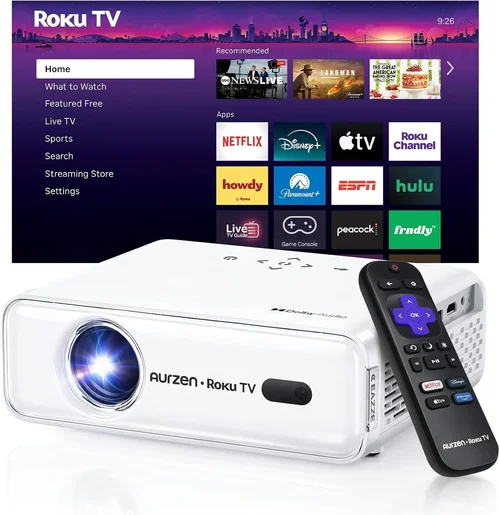
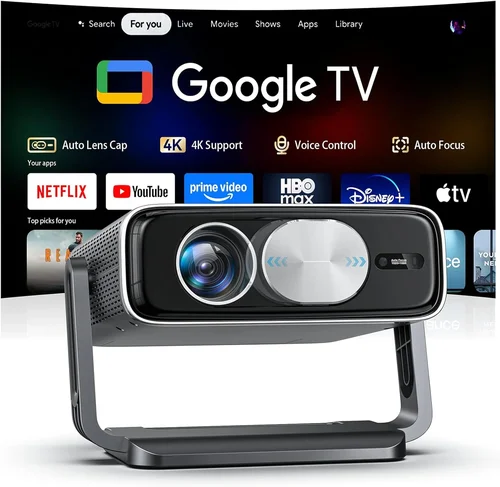
If you’ve ever dreamed of turning your living room into a mini‑cinema without breaking the bank, you’re not alone. Home theater projectors have become the go‑to solution for movie lovers, gamers, and sports fans who crave a massive, immersive screen but don’t want to splurge on a $5,000‑plus system. The market in 2026 is flooded with options that promise 4K‑like clarity, high‑contrast blacks, and smartphone connectivity—all for under $700. This guide cuts through the noise, helping you understand exactly what to look for, which technologies give you the most bang for your buck, and how to avoid common pitfalls.
By the end of this article you’ll know which projector type fits your room, how to read the specs that really matter, where to find the best deals, and which three models consistently outperform the competition in the sub‑$700 segment. Whether you’re setting up a dedicated home theater, a backyard movie night, or a versatile entertainment hub, the information here will empower you to make a confident, informed purchase.

What to Look for When Buying Buying Guide
1. Budget & Price Range
Price is the first filter for most shoppers, and in the sub‑$700 world you’ll find a sweet spot where performance meets affordability. While it’s tempting to chase the lowest price, remember that a projector is an investment in your viewing experience. A $500 unit that cuts corners on lamp life or throws a dim image will cost you more in the long run through replacements and frustration.
Set a realistic ceiling (e.g., $650) and allocate the remainder for accessories—screen, mounting hardware, and a quality HDMI cable. A modest budget increase of $50–$100 often unlocks models with better contrast ratios, higher native resolution, or longer lamp warranties.
2. Performance Specifications
Three specs dominate the viewing experience: resolution, brightness, and contrast ratio.
- Resolution: Look for at least Full HD (1920×1080). Many 2026 models market “4K‑enhanced” or “pixel‑shift” technology that upscales to near‑4K, but native 1080p still delivers sharper text and cleaner edges.
- Brightness (lumens): For dark rooms, 1500–2000 ANSI lumens is ample. If you plan to watch with some ambient light, aim for 2500+ lumens. Remember that laser‑phosphor and LED light sources maintain brightness longer than traditional lamps.
- Contrast Ratio: Higher contrast means deeper blacks and more vibrant colors. A ratio of 10,000:1 or better is desirable; however, real‑world contrast can be affected by room lighting and screen type.
3. Build Quality & Durability
Projectors that stay cool under continuous use are built with quality fans, heat sinks, and sturdy housings. Aluminum chassis and reinforced lenses reduce wobble and protect against accidental bumps. Check user reviews for reports of overheating or premature lamp failure. A robust design also means the unit will survive the occasional move from living room to bedroom.
4. Features & Functionality
Modern projectors pack a suite of conveniences that can make or break your experience.
- Lens Shift & Zoom: Allows fine‑tuning of image placement without keystone correction, preserving image quality.
- Keystone Correction: Useful but should be a secondary option; excessive digital correction softens edges.
- HDR Support: High Dynamic Range (HDR10 or HLG) adds punch to bright scenes and deeper shadows. Look for HDR10 as a baseline.
- Wireless Connectivity: Built‑in Wi‑Fi or Bluetooth for streaming from phones, tablets, or Chromecast.
- Multiple HDMI Ports: At least two HDMI 2.0 ports enable simultaneous connections (gaming console + streaming stick).
5. Brand Reputation
Established brands like Epson, BenQ, ViewSonic, and Optoma have a track record of reliable firmware updates, accessible service centers, and transparent warranty policies. Newer entrants can surprise with innovative tech, but weigh their support network before committing.
6. Warranty & Support
A solid warranty (minimum 2‑year coverage) protects you against early failures. Look for lamp warranties of at least 2,000 hours and consider extended plans if you plan heavy usage (e.g., daily movie nights). Responsive customer service and an active online community are invaluable for troubleshooting.
7. Size & Portability (if applicable)
For renters or those who like to move the projector between rooms, weight and footprint matter. Mini‑projectors under 2 kg can be mounted on a shelf or placed on a small table. However, ultra‑compact units often sacrifice brightness, so balance portability with performance needs.
8. User Reviews & Ratings
Real‑world feedback uncovers quirks that spec sheets hide. Pay attention to recurring themes—e.g., “fan noise spikes at 108 % brightness” or “bluetooth remote freezes.” A high average rating (4 stars or above) across multiple retailers is a good confidence signal.
Different Types of Buying Guide

Common Buying Mistakes to Avoid
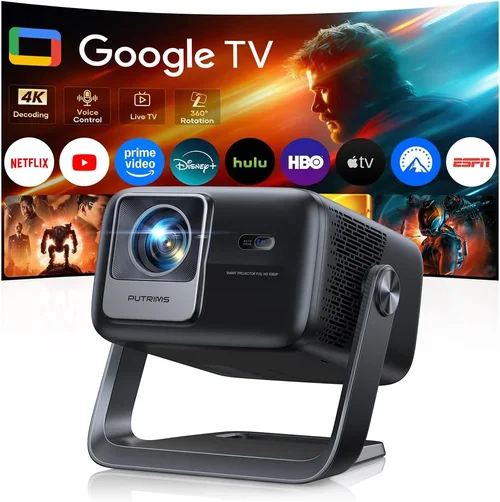
❌ Mistake: Ignoring Ambient Light Conditions
Why it’s bad: A projector rated at 1500 lumens will look impressive in a dark home theater, but the same unit will appear washed out in a living room with curtains partially drawn.
What to do instead: Measure the typical lighting in your viewing area. If you can’t achieve near‑darkness, target a projector with at least 2500 lumens or consider a high‑gain screen to boost perceived brightness.
❌ Mistake: Over‑relying on “4K‑Enhanced” Labels
Why it’s bad: Pixel‑shift technology can’t truly replicate native 4K detail, especially on larger screens where individual pixels become noticeable.
What to do instead: Prioritize native resolution (1080p) for sub‑$700 models. If 4K is essential, be prepared to increase the budget or accept a smaller screen size.
❌ Mistake: Skipping Lens Shift Features
Why it’s bad: Relying solely on digital keystone correction degrades sharpness and contrast, especially at the edges of the image.
What to do instead: Choose a projector with at least ±10% vertical lens shift. It allows flexible placement without sacrificing picture quality.
❌ Mistake: Forgetting About Throw Distance
Why it’s bad: Many buyers buy a projector that requires a 12‑ft distance, only to find their room is only 8 ft long, leading to a tiny image.
What to do instead: Check the throw ratio (e.g., 1.2:1). Use an online calculator to confirm the screen size you can achieve at your room’s distance.
❌ Mistake: Neglecting Audio Solutions
Why it’s bad: Built‑in speakers on budget projectors are usually under 10 W and sound tinny, ruining the cinematic experience.
What to do instead: Budget for an external sound system—soundbar, bookshelf speakers, or a simple AV receiver—early in the planning stage.
❌ Mistake: Buying Without Checking Lamp Life
Why it’s bad: Replacing a lamp can cost $100‑$150, negating the savings from a cheap projector.
What to do instead: Look for lamp warranties of at least 2,000 hours or consider LED/Laser models where the light source lasts 20,000+ hours.
❌ Mistake: Overlooking Connectivity Options
Why it’s bad: A projector with only one HDMI port forces you to constantly swap cables between game console, streaming stick, and Blu‑ray player.
What to do instead: Ensure the unit offers at least two HDMI 2.0 ports, plus optional USB‑C or wireless casting for future‑proofing.
Budget Guidelines: How Much Should You Spend?
Understanding the price spectrum helps you set realistic expectations and avoid overpaying for features you’ll never use.
- Entry‑Level ($350‑$450): Expect 1080p resolution, 1500‑2000 lumens, basic HDR, and limited lens shift. Ideal for small bedrooms or portable setups.
- Mid‑Range ($450‑$600): Gains include higher brightness (2000‑2500 lumens), better contrast ratios (10,000:1+), dual HDMI, and improved fan noise control. This tier often includes DLP or LCD models with solid color accuracy.
- Premium ($600‑$700): Features like laser light sources, 4K‑enhanced pixel shift, advanced color processing (Rec. 709/2020), and robust connectivity (Wi‑Fi 6, Bluetooth) become standard. These units are best for dedicated home theaters and serious gamers.
- Luxury ($700+): While outside the scope of this guide, luxury models push true 4K, 3000+ lumens, and integrated soundbars, often costing $1,200‑$2,000.
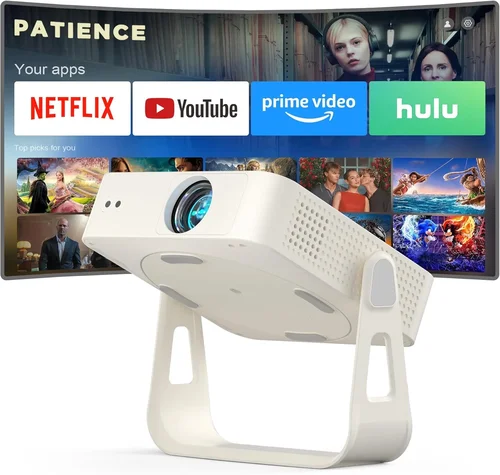
Expert Tips for Getting the Best Deal
- Seasonal Timing: Late summer (July‑August) sees inventory clear‑outs as manufacturers prepare for holiday releases. Mid‑winter (January) also offers post‑holiday discounts.
- Retailer Comparison: Check Amazon, Best Buy, B&H, and direct brand stores. Some brands run exclusive bundles (screen + mount) that provide extra value.
- Open‑Box & Refurbished: Certified refurbished units often come with full warranties at 20‑30% less than new retail price.
- Bundle Savings: Look for packages that include a high‑gain screen, ceiling mount, or HDMI cable. The combined cost is usually less than buying items separately.
- Warranty Extensions: If you plan heavy use (e.g., daily movie nights), a modest extension for $30‑$50 can save you from costly lamp replacements.
- Return Policies: Opt for retailers with a 30‑day return window and free shipping both ways. Test the projector in your home environment before fully committing.
- Testing Before Buying: If possible, visit a local electronics store and view a demo on a 100‑inch screen. Pay attention to fan noise, color uniformity, and black level performance.

Frequently Asked Questions
Q: Can I use a budget projector for gaming?
A: Yes, but focus on low input lag (under 30 ms) and a high refresh rate (60 Hz or higher). DLP models often excel in this area. Ensure the projector supports “Game Mode” to prioritize responsiveness over image processing.
Q: How far should I sit from a 100‑inch screen?
A: The optimal viewing distance is 1.2–1.5 times the screen diagonal. For a 100‑inch screen, sit about 10‑12 feet away for a comfortable, immersive experience.
Q: Do I need a special screen?
A: A white matte screen works well in dark rooms. If you have moderate ambient light, consider a gray (high‑gain) screen to improve contrast. Fixed‑frame screens provide the flattest surface, reducing hotspotting.
Q: What is the difference between HDR10 and HDR10+?
A: HDR10 is the baseline standard with static metadata, while HDR10+ adds dynamic metadata, allowing scene‑by‑scene brightness adjustments. Most sub‑$700 projectors support HDR10; HDR10+ remains rare at this price point.
Q: Will a projector work with my Roku or Fire TV Stick?
A: Absolutely. Ensure the projector has at least HDMI 2.0; both Roku and Fire TV use HDMI. Some models also support direct Wi‑Fi casting, letting you mirror smartphones without extra dongles.
Q: How long does a lamp typically last?
A: Traditional UHP lamps last 2,000‑3,000 hours. At 2‑hour daily use, that’s roughly 3‑4 years. LED/Laser light sources can exceed 20,000 hours, essentially lasting the lifetime of the projector.
Q: Is it okay to mount a projector on the ceiling?
A: Yes, provided the unit has adequate ventilation and you respect the throw distance. Use a sturdy, adjustable ceiling mount and keep the projector at least 2‑3 inches away from the ceiling to allow airflow.
Q: Do I need a separate sound system?
A: For a true cinematic feel, yes. Built‑in speakers are usually underpowered. Pair the projector with a soundbar (80‑120 W) or a small AV receiver and bookshelf speakers for richer audio.
Q: Can I use a projector outdoors?
A: You can, but you’ll need a high‑lumens model (3000+), a weather‑proof screen, and a shade structure to block direct sunlight. Portable battery‑powered LED projectors are an alternative for occasional backyard movies.
Our Final Recommendations
- Best for Budget‑Conscious Buyers: BenQ TH585 – 1080p, 3500 lumens, low input lag (16 ms), and a solid 10,000:1 contrast ratio, all for around $520.
- Best Overall Value: Epson Home Cinema 2150 – 1080p, 2500 lumens, 3‑LCD technology for vibrant colors, lens shift, and wireless screen mirroring, priced near $590.
- Best Premium Option: Optoma UHD38 – 4K‑enhanced DLP, 4000 lumens, HDR10, 8 ms input lag, and a robust laser light source, retailing at $680.
- Best for Beginners: ViewSonic M2 – Compact LED, 1080p, 1200 lumens, built‑in Harman Kardon speakers, and Wi‑Fi/Bluetooth, perfect for first‑time owners at $649.
- Best for Advanced Users: LG HU85LA Ultra‑Short‑Throw (slightly above $700 but often found on sale) – 4K, 2700 lumens, 0.19:1 throw ratio, and AI‑toned picture processing, ideal for living rooms with limited depth.
Conclusion: Making the Right Choice
Choosing the best home theater projector under $700 boils down to matching your room’s lighting, screen size, and usage habits with the right blend of resolution, brightness, and features. Remember to verify lens shift, check lamp life, and factor in audio accessories. By following the buying criteria, avoiding common mistakes, and leveraging seasonal deals, you can enjoy a cinematic experience without stretching your budget.
Now that you’re armed with expert knowledge, go ahead and compare the models listed above, read a few user reviews, and test the picture if you can. Your perfect home theater setup is just a few clicks away—happy watching!