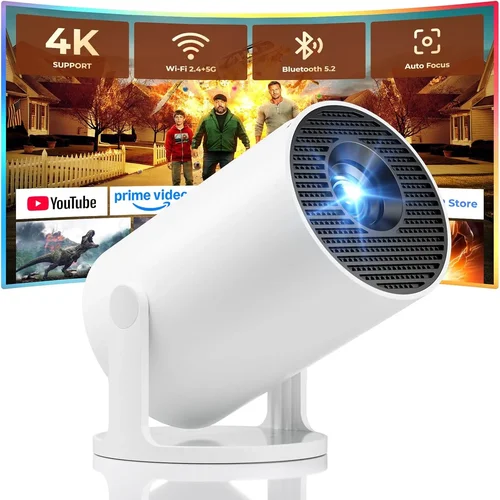
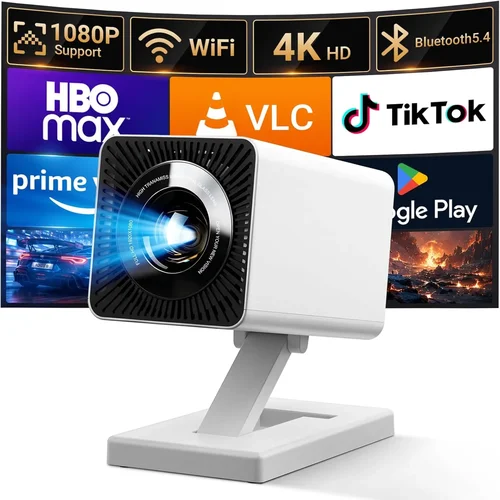
Finding the perfect LED projector under $500 can feel like navigating a maze of specs, brands, and price tags. With home‑theater setups, backyard movie nights, and remote‑work presentations on the rise, a reliable, bright, and affordable projector is no longer a luxury—it’s a necessity. This guide cuts through the noise, giving you a clear roadmap to choose a projector that fits your budget without sacrificing the viewing experience you deserve.
In the sections that follow, you’ll learn which technical specs truly matter, how to match a projector to your space, and where to snag the best deals. Whether you’re a college student looking for a portable cinema, a family planning weekend movie marathons, or a small‑business owner needing crisp slideshows, we’ve gathered the data, user feedback, and expert insights to help you make an informed purchase.
The LED projector market has exploded over the past three years. Advances in light‑engine efficiency, built‑in Android platforms, and ultra‑short‑throw optics have brought features once reserved for $1,000‑plus models into the sub‑$500 segment. Below, we break down these developments and explain why they matter for your next buy.

What to Look for When Buying Buying Guide
1. Budget & Price Range
Price is the most obvious factor, but it’s also the trickiest. A $200 projector may look attractive, yet it could lack essential features like HDMI‑ARC or adequate brightness. Conversely, a $480 model might include premium extras that you’ll never use. Set a realistic ceiling based on your primary use case—home cinema, gaming, or business—and then prioritize features that align with that purpose.
2. Performance Specifications
Key specs include:
- Brightness (lumens): For dim rooms, 800–1,200 ANSI lumens is sufficient. In brighter environments, aim for 1,500+ lumens.
- Resolution: 1080p (Full HD) is the sweet spot under $500; 4K UHD is rare and often achieved through pixel‑shifting, which can affect clarity.
- Contrast Ratio: Higher ratios (e.g., 10,000:1) deliver deeper blacks, essential for movie night.
- LED Lifespan: LED light sources typically last 20,000–30,000 hours, far outlasting traditional lamps.
Balancing these specs ensures you won’t compromise on image quality while staying within budget.
3. Build Quality & Durability
A projector that feels flimsy will likely suffer from overheating or alignment issues. Look for metal chassis, reinforced lens covers, and reliable cooling systems (quiet fans or passive heat sinks). Models with sealed optics also resist dust, extending lifespan.
4. Features & Functionality
Modern LED projectors pack a lot of tech:
- Connectivity: HDMI 2.0, USB‑C, Wi‑Fi, and Bluetooth are now common. Ensure the ports match your devices.
- Built‑in Android/Smart OS: Allows streaming apps without an external box.
- Keystone Correction & Lens Shift: Essential for flexible placement.
- Speaker Quality: While most have modest built‑in speakers, a separate sound system is advisable for a true theater feel.
5. Brand Reputation
Established brands like Epson, BenQ, and ViewSonic typically offer more consistent firmware updates and broader warranty networks. Newer entrants (e.g., Anker, XGIMI) can surprise with innovation, but research their post‑sale support before committing.
6. Warranty & Support
LED projectors often come with 2‑year limited warranties covering parts and labor. Verify whether the warranty includes the light engine and if on‑site service is available. Good customer support can save you time and money if issues arise.
7. Size & Portability
If you plan to move the projector between rooms or take it on the road, weight under 3 lb and a compact footprint are advantageous. Consider built‑in batteries (rare under $500) or a lightweight travel case.
8. User Reviews & Ratings
Scour Amazon, Best Buy, and specialized AV forums for real‑world feedback. Pay attention to recurring complaints (e.g., fan noise, hotspotting) and praise (e.g., color accuracy, easy setup). A high average rating combined with detailed reviews is a strong buying signal.
Different Types of Buying Guide

Common Buying Mistakes to Avoid
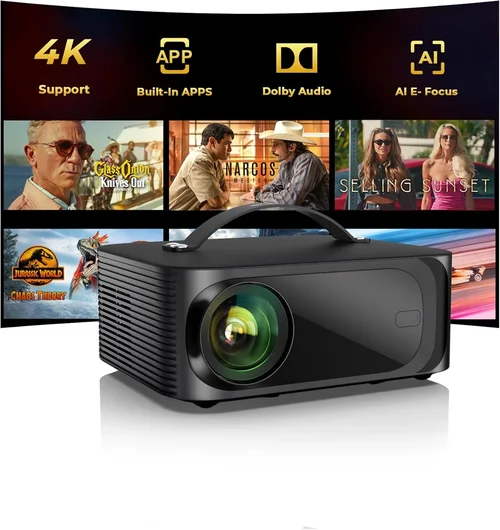
❌ Mistake: Ignoring Ambient Light Conditions
Why it’s bad: A projector rated at 800 lumens will look great in a dark bedroom but will appear washed out in a living room with windows.
What to do instead: Measure typical lighting in your intended space and choose a brightness level 30‑50% higher than the ambient light level.
❌ Mistake: Overlooking Input Lag for Gaming
Why it’s bad: High input lag can make fast‑paced games feel unresponsive, ruining the experience.
What to do instead: Look for models that advertise ≤ 16 ms lag or a dedicated “Game Mode.”
❌ Mistake: Forgetting About Throw Distance
Why it’s bad: Placing a standard‑throw projector too close to the screen results in a tiny image; too far, and you lose focus.
What to do instead: Use the manufacturer’s throw‑ratio chart to calculate optimal distance for your desired screen size.
❌ Mistake: Assuming All HDMI Ports Are Equal
Why it’s bad: Some budget projectors only offer HDMI 1.2, which can’t handle 4K or HDR content.
What to do instead: Verify that the HDMI version is at least 2.0 if you plan to stream 1080p HDR or use a gaming console.
❌ Mistake: Neglecting Future Firmware Updates
Why it’s bad: Without updates, you may miss out on bug fixes, new streaming apps, or security patches.
What to do instead: Choose brands that provide regular OTA (over‑the‑air) updates and have an active user community.
❌ Mistake: Skipping the Warranty Fine Print
Why it’s bad: Some warranties exclude the LED light engine, leaving you to foot a costly repair.
What to do instead: Read the warranty terms carefully; prioritize models that cover the light source for the full warranty period.
Budget Guidelines: How Much Should You Spend?
- Entry-Level ($150‑$250): Expect 720p resolution, 800 lumens, basic HDMI, and minimal smart features. Great for casual backyard use or occasional presentations.
- Mid-Range ($251‑$400): Full HD 1080p, 1,200‑1,500 lumens, better contrast, and often include Android TV or Bluetooth audio. This tier offers the best value for most families.
- Premium ($401‑$500): High‑brightness (≥1,500 lumens), low‑lag gaming modes, ultra‑short‑throw options, and richer connectivity (USB‑C, dual HDMI). Ideal for enthusiasts who want cinema‑grade performance without breaking the bank.
- Luxury ($500+): True 4K, laser light sources, motorized lenses, and integrated soundbars. While some models flirt with the $500 mark, true luxury features typically exceed the budget limit.
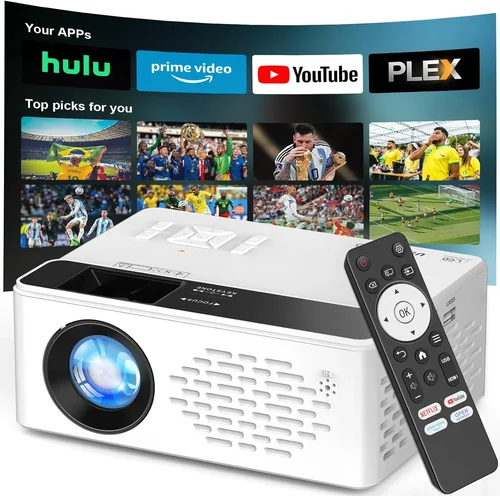
Expert Tips for Getting the Best Deal
- Timing is everything: Major discount windows include Amazon Prime Day (July), Black Friday/Cyber Monday (Nov), and back‑to‑school sales (August).
- Compare across retailers: Use price‑comparison tools like CamelCamelCamel or Google Shopping to spot the lowest listed price.
- Consider open‑box or refurbished: Certified refurbished units often come with full warranties at 15‑25% off retail.
- Bundle savings: Some sellers offer a free screen, HDMI cable, or portable speaker when you purchase the projector.
- Check return policies: A 30‑day hassle‑free return window lets you test the projector at home and ensure it meets your expectations.
- Evaluate warranty extensions: If you plan heavy use, an extra‑year warranty can be a cost‑effective safety net.
- Test before you buy: If possible, view a demo unit in a store with your own content source to gauge brightness and color accuracy.

Frequently Asked Questions
Q: Can an LED projector replace a TV in a bright living room?
A: Only if the projector offers at least 2,000 lumens and you can control ambient light (e.g., blackout curtains). In most bright rooms, a TV still provides a clearer image.
Q: How long does an LED light source actually last?
A: Most manufacturers rate 20,000–30,000 hours. At 4 hours of use per day, that translates to roughly 13‑20 years of operation.
Q: Do I need a separate screen?
A: A smooth, white wall works for casual use, but a dedicated projector screen improves gain, contrast, and color uniformity, especially in rooms with ambient light.
Q: Is HDMI ARC necessary?
A: HDMI ARC simplifies audio routing to a soundbar or AV receiver. It’s not essential for basic viewing but adds convenience for a home‑theater setup.
Q: What is “keystone correction” and when should I use it?
A: Keystone correction digitally adjusts a trapezoidal image caused by off‑axis placement. Use it sparingly, as excessive correction can degrade sharpness.
Q: Can I connect a gaming console?
A: Yes, provided the projector has HDMI 2.0 or higher and a low‑input‑lag mode. Look for “Game Mode” in the specs.
Q: Are there any safety concerns with LED projectors?
A: LED projectors run cooler than lamp‑based units, reducing fire risk. Still, keep ventilation clear and avoid covering the exhaust vents.
Q: How do I clean the lens?
A: Use a microfiber cloth and a gentle lens‑cleaning solution. Avoid pressing hard; a circular motion works best.
Our Final Recommendations
- Best for Budget‑Conscious Buyers: Anker Nebula Capsule II – $199, 720p, 720 lumens, Android TV built‑in, portable form factor.
- Best Overall Value: ViewSonic M2 – $449, Full HD 1080p, 1,200 lumens, Harman Kardon speakers, Wi‑Fi & Bluetooth, 10‑hour lamp life.
- Best Premium Option: XGIMI Horizon Pro – $499, 1080p, 1,500 lumens, ultra‑short‑throw, Android TV 9.0, low‑lag gaming mode.
- Best for Beginners: Epson EF‑100 – $399, 1080p, 2,000 lumens, simple plug‑and‑play, decent keystone correction.
- Best for Advanced Users: BenQ TH585 – $479, 1080p, 3,500 lumens, 16 ms input lag, sports‑mode preset, robust connectivity.
Conclusion: Making the Right Choice
Choosing the best LED projector under $500 boils down to aligning your primary use (movies, gaming, presentations) with the right mix of brightness, resolution, and smart features. Remember to assess your room’s lighting, calculate the proper throw distance, and factor in future-proofing elements like firmware updates and warranty coverage. By following the guidelines, avoiding common pitfalls, and considering our top recommendations, you’ll walk away with a projector that delivers cinema‑quality experiences without draining your wallet.
Ready to start your search? Use the price‑tier breakdown and feature checklist above to narrow down options, then hit the best‑deal season (Black Friday or Prime Day) to lock in savings. Happy viewing!