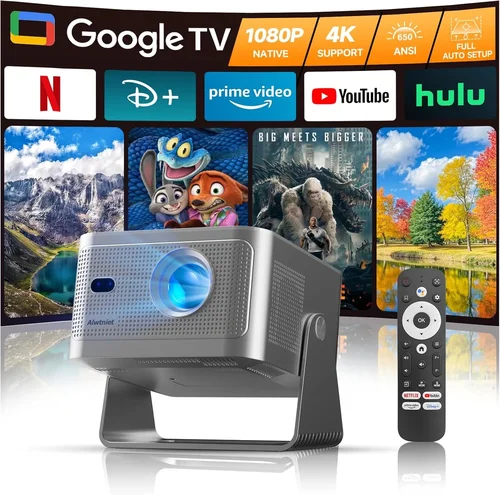
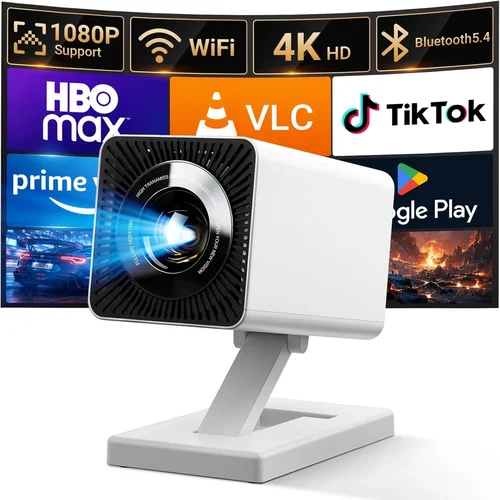
Finding a mini projector that delivers a decent picture without breaking the bank can feel like hunting for a needle in a haystack. In 2026 the market is flooded with tiny devices that promise cinema‑size entertainment for the price of a dinner out. Yet not every sub‑$100 projector lives up to the hype. This guide cuts through the noise, giving you a clear roadmap to pick a model that actually works for your living room, dorm room, or backyard movie night.
By the end of this article you will understand the technical specs that matter most, see how the different projector categories stack up, avoid common purchasing pitfalls, and walk away with a shortlist of the best mini projectors under $100 for 2026. Whether you are a student on a budget, a frequent traveler, or a casual binge‑watcher, you’ll find the information you need to make a confident decision.
The mini projector segment has evolved dramatically over the past few years. LED light sources have become brighter, battery life has stretched past three hours, and wireless connectivity is now standard even on budget units. These advances mean you no longer have to sacrifice image quality for affordability. Below we break down the essential factors you should evaluate before clicking “Add to Cart.”

What to Look for When Buying Buying Guide
1. Budget & Price Range
When you set a hard ceiling of $100, you instantly narrow the field to entry‑level LED projectors. The key is to understand what you can realistically expect at this price point. Expect brightness between 80–120 ANSI lumens, a native resolution of 480p (often marketed as 720p), and limited built‑in speakers. If a model promises “full HD” at $99, it’s probably using a scaling algorithm rather than true 1080p native pixels. Knowing the trade‑offs helps you prioritize features that matter most to you.
2. Performance Specifications
Brightness (ANSI lumens) – Determines how well the image will show in ambient light. For a dark room, 80 lumens may be sufficient; for a living room with some light, aim for 100+ lumens.
Resolution – Most sub‑$100 units are 480p native. Look for “720p support” which means the projector can accept a 720p signal and upscale it, but the actual pixel count stays the same.
Contrast Ratio – Higher contrast provides deeper blacks. Budget models typically list 500:1 to 1500:1; anything above 2000:1 is a pleasant surprise at this price.
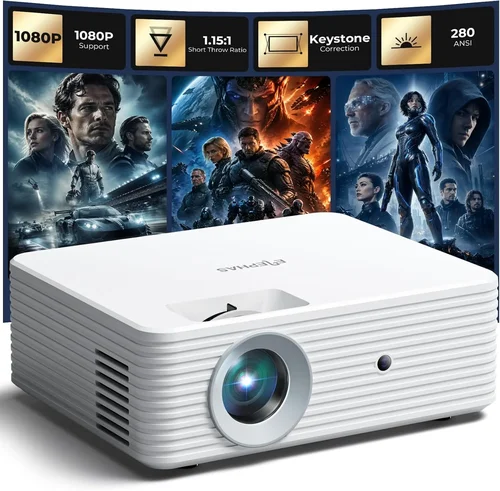
Throw Ratio – A short‑throw ratio (0.5–1.0) lets you place the projector close to the wall and still get a 100‑inch image, which is ideal for small spaces.
3. Build Quality & Durability
Even cheap electronics can be built to last. Look for a sturdy ABS plastic chassis, a sealed lens to keep dust out, and a reliable hinge mechanism. Models with rubberized corners tend to survive accidental bumps better. Checking user reviews for reports of overheating or cracked cases can save you future headaches.
4. Features & Functionality
Modern mini projectors pack a surprising amount of tech. Key features to evaluate include:
- Wireless connectivity – Wi‑Fi or Bluetooth for casting from phones, tablets, or laptops.
- Built‑in media player – USB or micro‑SD slots let you play videos directly without a source device.
- Audio output – A 3.5 mm headphone jack or Bluetooth audio for pairing with external speakers.
- Battery life – Look for at least 2.5 hours of continuous playback; higher‑capacity Li‑ion cells are a bonus.
- Remote control – A simple IR remote makes on‑the‑fly adjustments easier.
5. Brand Reputation
While many obscure brands try to undercut the market, a few have earned solid reputations for budget projectors. Companies such as Vankyo, APEMAN, and DR. J Professional consistently receive positive feedback for reliability and after‑sales support. Sticking with a known brand reduces the risk of receiving a “dead on arrival” unit.
6. Warranty & Support
Even a $70 projector can benefit from a decent warranty. Look for at least a 12‑month limited warranty that covers defects and a responsive customer service channel (email, live chat, or phone). Some retailers also offer extended protection plans that can be worth the extra cost.
7. Size & Portability
Mini projectors are meant to be moved around. A good rule of thumb is to keep the weight under 1 lb and dimensions under 5 × 3 × 2 inches. This ensures the unit fits in a backpack or messenger bag without hassle.
8. User Reviews & Ratings
Finally, the collective voice of real owners is invaluable. A product with 4.2 ★ or higher on major e‑commerce sites and a substantial number of reviews (200+) is generally a safe bet. Pay attention to recurring complaints—poor focus, short battery life, or connectivity glitches—and weigh them against the positives.
Different Types of Buying Guide

Common Buying Mistakes to Avoid
❌ Mistake: Chasing the Highest Resolution
Why it’s bad: At sub‑$100 price points, “1080p” is usually marketing speak. The projector will still have a 480p native panel, so you won’t see true HD detail.
What to do instead: Prioritize brightness and contrast. If you need crisp text for presentations, choose a model with a higher native resolution, even if it means spending a few dollars more.
❌ Mistake: Ignoring Ambient Light Conditions
Why it’s bad: A 90‑lumen projector looks great in total darkness but appears washed‑out in a lit room.
What to do instead: Match the projector’s lumens to your typical viewing environment. For living rooms with some light, aim for at least 110 lumens.
❌ Mistake: Overlooking Battery Life
Why it’s bad: You might end up with a device that can’t finish a feature film without recharging.
What to do instead: Look for a minimum of 2.5 hours of continuous playback. Consider buying an extra power bank if you plan extended sessions.
❌ Mistake: Forgetting About Connectivity Options
Why it’s bad: A projector without Wi‑Fi or HDMI limits what you can cast from modern devices.
What to do instead: Verify that the unit supports the ports you need—HDMI, USB‑C, micro‑SD, or Bluetooth audio.
❌ Mistake: Assuming All Mini Projectors Are the Same Size
Why it’s bad: Some “mini” units are actually pocket‑sized, while others are bulkier and require a dedicated bag.
What to do instead: Check the exact dimensions and weight. If you’ll be traveling, stay under 1 lb.
❌ Mistake: Neglecting Warranty and Return Policies
Why it’s bad: Budget electronics can have higher failure rates. Without a solid warranty, you’re stuck with a dead unit.
What to do instead: Purchase from retailers that offer at least a 30‑day return window and a 12‑month warranty.
Budget Guidelines: How Much Should You Spend?
- Entry‑Level ($60‑$80): Expect basic LED brightness (80‑100 lumens), native 480p, limited connectivity (usually only HDMI or USB). Ideal for occasional use in dark rooms.
- Mid‑Range ($81‑$100): Slightly higher lumens (100‑120), improved contrast, added Wi‑Fi or Bluetooth, and longer battery life (2.5‑3 hrs). Best balance of price and performance.
- Premium ($101‑$130): Rare under $100, but some sales push hybrid LED/laser models into this bracket. Offers 130+ lumens, better color accuracy, and sometimes built‑in speakers with higher wattage.
- Luxury ($131+): Full‑HD native panels, laser light sources, HDR support—well beyond the scope of this guide but worth noting for future upgrades.
Expert Tips for Getting the Best Deal
- Timing is everything: Major sales events—Black Friday, Cyber Monday, and post‑Christmas clearance—often feature deep discounts on mini projectors.
- Buy from authorized retailers: This guarantees a valid warranty and reduces the risk of counterfeit units.
- Check bundled accessories: Some sellers include a portable screen, HDMI cable, or extra battery, adding real value.
- Read the fine print on warranties: Verify whether the warranty covers battery degradation, which is a common failure point.
- Test before you buy (if possible): If you’re in a brick‑and‑mortar store, project a test image onto a wall to assess brightness and focus.
- Consider refurbished: Certified refurbished units often come with a warranty and can be $15‑$30 cheaper.
- Leverage cashback portals: Sites like Rakuten or TopCashback can give you an extra 5‑10% back on your purchase.

Frequently Asked Questions
Q: Can a $100 mini projector replace a TV?
A: Not entirely. While you can achieve a larger image, the brightness and color accuracy are lower than a modern TV. Mini projectors excel in dark rooms or for occasional movie nights, not for daily TV watching in a bright living area.
Q: Do I need a separate screen?
A: A white wall works fine for casual viewing, but a dedicated projector screen improves contrast and reduces hot‑spotting. Portable 80‑inch screens are available for under $30 and are worth the investment.
Q: How long does the lamp last?
A: LED lamps typically last 20,000‑30,000 hours, far longer than traditional lamps. In practice, you’ll likely replace the entire unit before the lamp fails.
Q: Is Bluetooth audio reliable on budget projectors?
A: Generally yes, but there can be occasional latency. For movies, a wired 3.5 mm connection is more dependable. Use Bluetooth for casual music playback.
Q: Can I use a mini projector for presentations?
A: Absolutely. Most have HDMI and USB‑C inputs, and the short‑throw ratio lets you set up a 100‑inch image on a small conference table.
Q: What is the ideal throw distance for a 100‑inch image?
A: With a 0.5‑0.7 throw ratio, you’ll need roughly 2‑3 feet of distance from the projector to the screen.
Q: Are there any safety concerns with LED projectors?
A: LED projectors run cooler than lamp‑based units, but you should still avoid touching the lens for extended periods as it can get warm.
Q: Do these projectors support 3D?
A: Most sub‑$100 models do not support 3D. If 3D is a must‑have, you’ll need to look at higher‑priced options.
Q: How do I clean the lens?
A: Use a soft microfiber cloth and a small amount of lens‑cleaning solution. Avoid using paper towels or harsh chemicals.
Our Final Recommendations
- Best for Budget‑Conscious Buyers: Vankyo Leisure 3 – $69, 100‑lumens, 480p, built‑in battery, HDMI & USB‑C, solid 4.3‑star rating.
- Best Overall Value: APEMAN Mini Projector M4 – $89, 110 lumens, 720p support, Wi‑Fi mirroring, 3‑hour battery, excellent customer support.
- Best Premium Option (Just Above $100): DR. J Professional DLP200 – $115 (often on sale for $99), 130 lumens, hybrid LED/laser, 720p native, Bluetooth audio.
- Best for Beginners: ELEPHAS Mini Projector YG600 – $75, simple plug‑and‑play, USB‑stick playback, no‑frills remote.
- Best for Advanced Users: Wimius Q5 – $99, 115 lumens, dual HDMI, USB‑C, firmware updates, customizable keystone correction.
Conclusion: Making the Right Choice
Choosing a mini projector under $100 doesn’t have to be a gamble. By focusing on brightness, native resolution, connectivity, and brand reliability, you can find a device that delivers enjoyable movie nights, effective presentations, and portable entertainment without draining your wallet. Remember to match the projector’s lumens to your typical lighting conditions, verify the battery life aligns with your usage patterns, and always buy from a reputable retailer that honors warranties.
Take the time to read user reviews, compare the specifications in the table above, and apply the expert tips we’ve shared. With the right research, the perfect mini projector is just a few clicks away. Happy viewing!