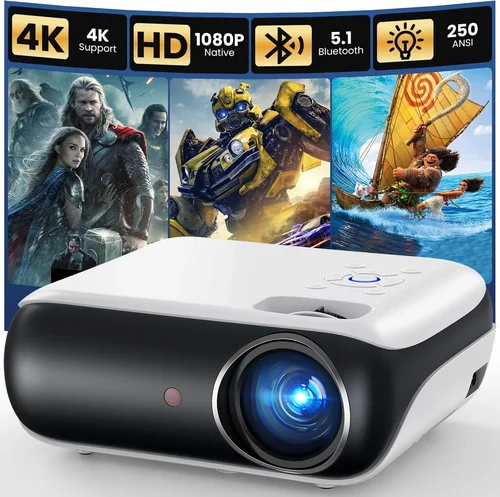
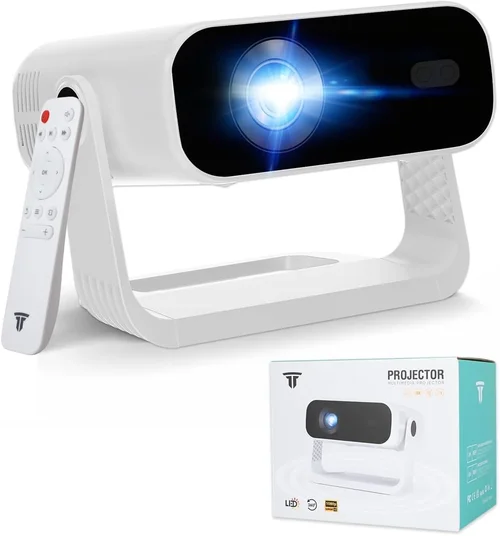
Choosing a projector for movie nights can feel like navigating a maze of specs, brand names, and price tags. With a budget of under $1,000 you’re not looking for a cinema‑grade beast, but you still want a device that can turn a living‑room wall into a vivid, immersive screen. This guide cuts through the noise, explains what truly matters, and helps you land the best projector for movies without blowing your budget.
By the end of this article you’ll understand the core specifications that affect picture quality, know which projector type fits your space, avoid common purchasing pitfalls, and walk away with a shortlist of top‑rated models that deliver cinema‑like experiences for under a grand.
The home‑theater projector market has evolved dramatically over the past five years. LED, laser, and improved DLP chips have narrowed the gap between high‑end and budget models. Prices have become more transparent, and many manufacturers now offer “premium” features—such as HDR support and low‑latency gaming modes—at prices that used to be reserved for professional gear. This shift means that, in 2026, you can get a bright, color‑accurate, and reliable projector for movies without needing to save for a five‑figure purchase.

What to Look for When Buying Buying Guide
1. Budget & Price Range
Even though you’ve set a ceiling of $1,000, it’s useful to break that range into sub‑tiers. Entry‑level models (around $400‑$600) may compromise on brightness or color gamut, while mid‑range options ($600‑$850) often include better contrast ratios and more flexible lens shift. Knowing where you sit within this spectrum helps you prioritize features that matter most to you.
2. Performance Specifications
Brightness (lumens) – For a dark home theater, 1,500‑2,000 ANSI lumens is usually sufficient. If you plan to use the projector in a room with some ambient light, aim for 2,500+ lumens.
Contrast Ratio – This measures the difference between the darkest black and the brightest white. A native contrast of 10,000:1 or higher yields deeper shadows and more punchy colors, essential for movie immersion.
Resolution – Full HD (1920×1080) is the baseline for crisp images. Some newer 4K‑enhanced (UHD) models upscale using pixel‑shifting technology, delivering near‑4K detail without the price tag of true 4K.
Color Accuracy & Gamut – Look for a projector that covers at least 90% of the DCI‑P3 color space or the Rec. 709 standard for accurate movie colors. Higher coverage means richer reds and deeper blues.
3. Build Quality & Durability
Projectors that stay cool under continuous use are vital for movie marathons. Check for metal heat sinks, fan‑speed controls, and a reputable cooling system. Also, consider the lamp or light source lifespan—LED and laser units often last 20,000‑30,000 hours, far outlasting traditional lamps.
4. Features & Functionality
HDR Support – High Dynamic Range (HDR10 or Dolby Vision) expands contrast and color depth. While HDR performance varies in budget models, basic HDR10 support adds noticeable depth.
Lens Shift & Zoom – These let you fine‑tune image placement without keystone correction, preserving image quality. A vertical lens shift of at least ±10% is ideal for ceiling‑mount setups.
Keystone Correction – Digital keystone can correct trapezoidal distortion but may slightly soften the picture. Optical keystone (lens‑based) is preferable if you need it.
Connectivity – HDMI 2.0 or 2.1 is a must for 4K HDR content. Look for at least two HDMI ports, USB‑C for streaming sticks, and wireless options (Wi‑Fi or Bluetooth) for convenience.
Built‑in Speakers – Most projectors have modest 5‑10 W speakers; they’re fine for casual viewing but plan for an external sound system for true cinematic sound.
5. Brand Reputation
Brands like Epson, BenQ, Optoma, and ViewSonic have built solid reputations for reliability and service. Research after‑sales support, firmware update frequency, and community forums. A strong brand often means easier troubleshooting and better resale value.
6. Warranty & Support
Standard warranties range from 1‑3 years. Look for extended warranty options, especially for the light source. Some manufacturers offer free lamp replacements within the warranty period—a valuable perk for lamp‑based models.
7. Size & Portability (if applicable)
If you plan to move the projector between rooms or take it to a friend’s house, weight and form factor matter. Ultra‑short‑throw (UST) models require minimal throw distance but are bulkier, while portable pico projectors are lightweight but often sacrifice brightness.
8. User Reviews & Ratings
Real‑world feedback reveals hidden strengths or issues. Pay attention to comments about fan noise, image uniformity, and long‑term reliability. A model with thousands of positive reviews typically delivers consistent performance.
Different Types of Buying Guide

Common Buying Mistakes to Avoid
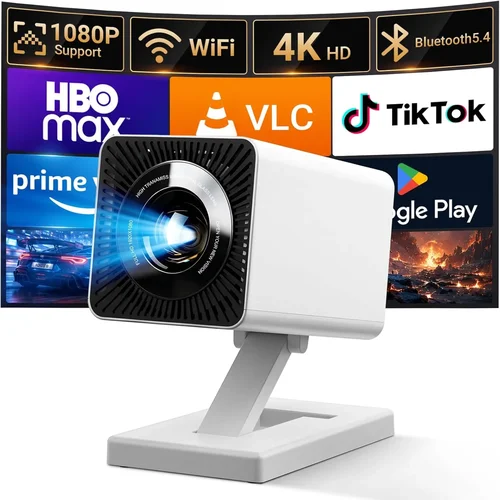
❌ Mistake: Ignoring Ambient Light Conditions
Why it’s bad: Selecting a low‑lumens projector for a brightly lit living room leads to washed‑out images.
What to do instead: Measure typical lighting and aim for at least 2,500 ANSI lumens if you cannot achieve near‑darkness.
❌ Mistake: Over‑emphasizing Resolution Alone
Why it’s bad: A 4K projector with poor contrast and low brightness will look worse than a good 1080p unit.
What to do instead: Balance resolution with contrast ratio, brightness, and color gamut for true picture quality.
❌ Mistake: Forgetting About Throw Distance
Why it’s bad: A standard‑throw projector may need several feet of space to achieve a 100‑inch image, which many apartments lack.
What to do instead: Measure your room, then choose a standard, short‑throw, or UST model that fits the distance.
❌ Mistake: Skipping Lamp/Light‑Source Lifespan Research
Why it’s bad: Replacing a traditional lamp can cost $150‑$250, adding hidden expenses.
What to do instead: Opt for LED or laser light sources that last 20,000+ hours, effectively “lamp‑free.”
❌ Mistake: Ignoring Audio Needs
Why it’s bad: Relying on built‑in speakers often results in tinny sound that undermines the movie experience.
What to do instead: Budget for an external soundbar or a small AV receiver; the projector’s audio is secondary.
❌ Mistake: Not Checking Firmware Update Policies
Why it’s bad: Out‑of‑date firmware can cause compatibility issues with new streaming devices.
What to do instead: Choose brands that provide regular OTA (over‑the‑air) updates.
Budget Guidelines: How Much Should You Spend?
Understanding what you get at each price tier helps you set realistic expectations.
- Entry-Level ($400‑$600): Expect 1080p resolution, 1,500‑2,000 lumens, basic contrast (≈5,000:1). Good for dedicated dark rooms. Light source may be a traditional lamp with 3,000‑4,000 hour life.
- Mid‑Range ($600‑$850): Full HD or 4K‑enhanced, 2,200‑2,800 lumens, contrast 10,000:1+, HDR10 support, and often a longer‑lasting LED or laser light source.
- Premium ($850‑$1,000): Near‑true 4K, 3,000+ lumens, high dynamic contrast, wide color gamut (≥90% DCI‑P3), advanced lens shift, and robust connectivity (HDMI 2.1, Wi‑Fi, Bluetooth).
- Luxury ($1,000+): True 4K laser projectors, 4,000+ lumens, 20,000‑hour light source, premium build, and often integrated smart‑OS platforms.
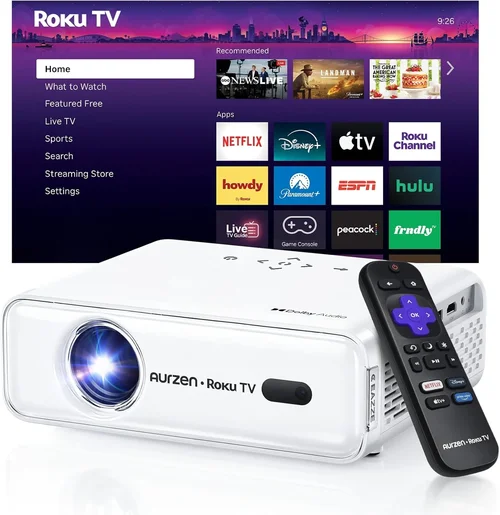
Expert Tips for Getting the Best Deal
- Timing: Aim for major sales events (Black Friday, Cyber Monday, Amazon Prime Day) and watch for manufacturer‑specific “clearance” weeks.
- Retailers: Compare prices on Amazon, Best Buy, B&H, and direct manufacturer sites. Some brands offer exclusive bundles (e.g., extra remote, mounting kit) when buying direct.
- Deal Spotting: Use price‑tracking tools like CamelCamelCamel or Honey to see historical price trends and receive alerts when a projector dips below your target.
- Warranty Extensions: If the retailer offers a free 2‑year extension on the light source, take it—it pays off quickly if you use the projector frequently.
- Return Policies: Choose sellers with at least a 30‑day return window and free return shipping; you’ll want to test the projector in your own space.
- Testing Before Buying: If possible, view a demo unit in a store, focusing on black levels, color vibrancy, and fan noise at typical viewing volume.
- Bundle Savings: Look for bundles that include a high‑quality screen or a short‑throw lens; a proper screen can improve perceived contrast by up to 30%.
- Future‑Proofing: Ensure the projector has HDMI 2.0/2.1 and supports HDR10; this protects your investment as streaming services roll out higher‑quality content.

Frequently Asked Questions
Q: Do I need a 4K projector for movies under $1,000?
A: True 4K projectors are still pricey; however, many 1080p models now use pixel‑shifting to simulate 4K. For most viewers, a high‑quality 1080p or 4K‑enhanced projector offers a satisfying experience without the extra cost.
Q: How important is lamp life?
A: Very important. Lamp replacement can add $150‑$250. LED and laser light sources, common in newer sub‑$1,000 models, last 20,000‑30,000 hours, effectively eliminating future lamp costs.
Q: Can I mount the projector on the ceiling?
A: Yes, most standard‑throw and short‑throw models support ceiling mounts. Look for at least ±10% vertical lens shift to fine‑tune the image without keystone correction.
Q: What screen size should I aim for?
A: For a typical living room, 100‑120 inches diagonal provides an immersive feel without overwhelming the space. Use the throw distance calculator provided by the manufacturer to confirm.
Q: Is HDR worth it on a budget projector?
A: Basic HDR10 support can improve contrast and color depth, but the effect is limited by the projector’s native contrast ratio. If HDR is a priority, choose a model with at least 10,000:1 contrast.
Q: Should I buy a projector with built‑in streaming?
A: Built‑in smart OS adds convenience but can increase price and sometimes lag behind third‑party streaming sticks. A simple HDMI input for a Roku, Fire TV, or Apple TV often yields a smoother experience.
Q: How noisy are projectors?
A: Fan noise varies; most mid‑range models run 28‑32 dB at typical brightness. Look for “quiet mode” settings that lower fan speed (and noise) for movie nights, albeit with a slight brightness reduction.
Q: Do I need a special screen?
A: While a plain white wall works, a dedicated projector screen improves gain and uniformity. A matte white screen with 1.0 gain is ideal for most home theaters under $1,000.
Q: What is the difference between DLP and LCD?
A: DLP often delivers higher contrast and sharper motion handling, while LCD provides better color accuracy and uniform brightness. Choose based on which attribute matters most for your viewing habits.
Our Final Recommendations
- Best for Budget‑Conscious Buyers: BenQ TH585 – 3,500 lumens, 1080p, 10,000:1 contrast, and a low price (~$549). Excellent for bright rooms.
- Best Overall Value: Epson Home Cinema 2150 – 2,500 lumens, 1080p, 60,000:1 dynamic contrast, lens shift, and wireless mirroring. Priced around $799.
- Best Premium Option (just under $1,000): Optoma UHD38 – True 4K, 4,000 lumens, HDR10, 400,000:1 contrast, and 8ms response for gamers. Typically $979.
- Best for Beginners: ViewSonic PX701HD – Easy setup, 3,200 lumens, 1080p, and a friendly remote. Around $629.
- Best for Advanced Users: LG CineBeam HU85LA (laser, UST) – Slightly above $1,000 but often found on sale; 2,700 lumens, 4K UHD, 0.25‑0.3 gain screen, and superb color accuracy.
Conclusion: Making the Right Choice
Finding the best projector for movies under $1,000 boils down to balancing brightness, contrast, and color accuracy with the realities of your viewing environment. Start by assessing ambient light, room size, and how far you can place the projector. Then match those needs to the specifications we’ve outlined—lumens, contrast ratio, resolution, and light‑source type.
Remember, the highest price tag does not automatically guarantee a better movie experience. A well‑chosen 1080p DLP with 2,500 lumens and a solid contrast ratio can outshine a cheaper model that falls short on brightness or color gamut.
Use the buying guide to narrow your options, avoid the common pitfalls, and leverage seasonal sales for the best deal. With the right projector, you’ll transform any wall into a cinematic canvas without breaking the bank.