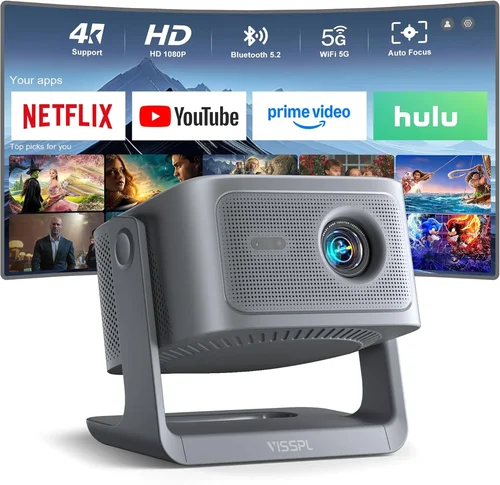
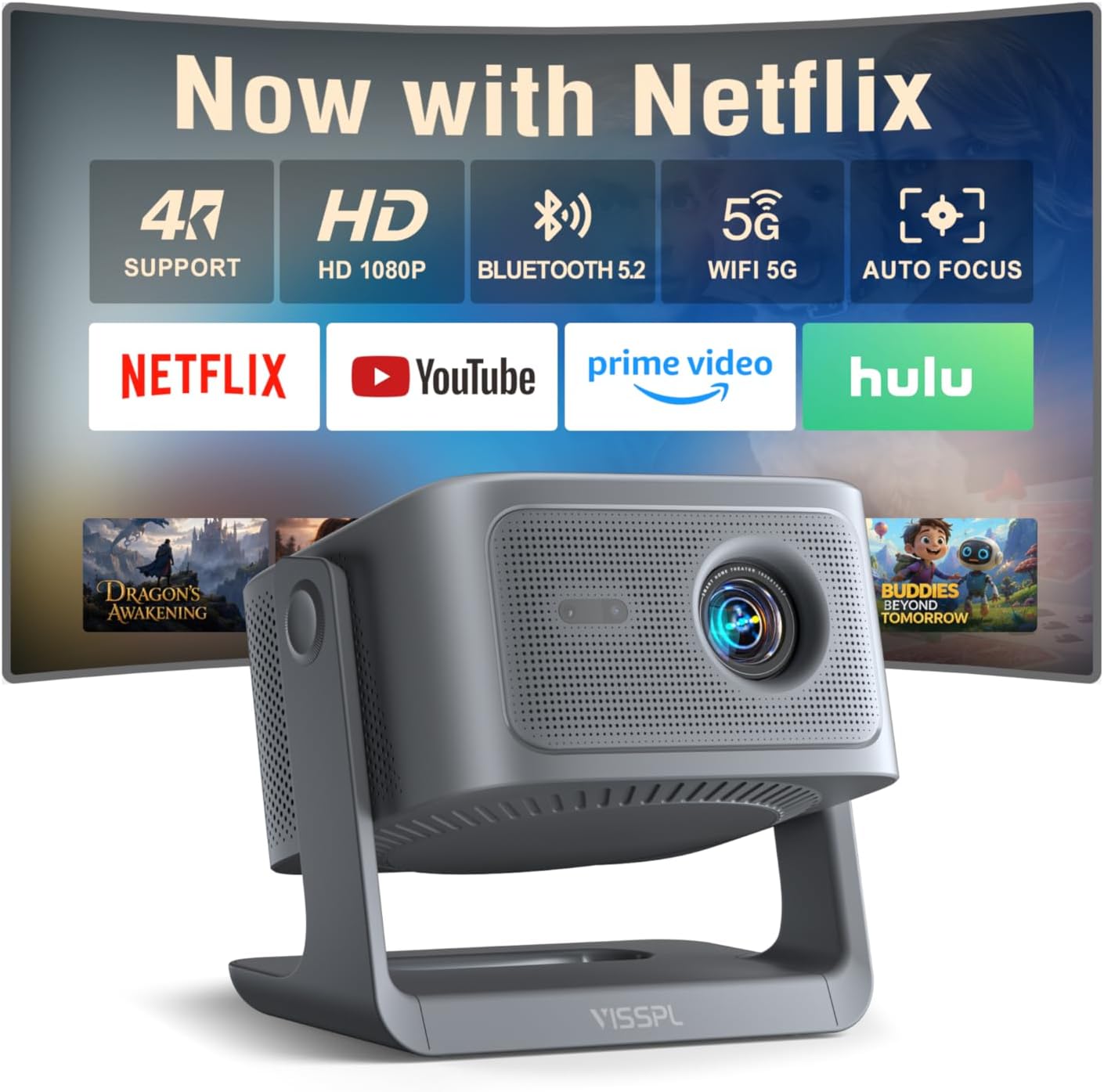
Welcome to the most thorough guide you’ll find on buying a 3D projector under $1,000. Whether you’re a movie‑buff who wants to bring the cinema home, a gamer eager for immersive visuals, or a presenter looking for a wow‑factor in the boardroom, the right projector can change everything. The market in 2026 is crowded with options that promise “true 3D,” ultra‑short‑throw capabilities, and HDR support—all at prices that were once considered premium. This guide cuts through the noise, giving you the facts, figures, and practical advice you need to make a confident purchase.
In the pages that follow you’ll learn how to evaluate key specifications, compare different projector categories, avoid common pitfalls, and budget wisely. We’ll also share expert tips on timing your purchase and where to find the best deals. By the end, you’ll be equipped not just to pick a projector, but to pick the projector that fits your lifestyle, space, and budget.
The 3D projector market has evolved dramatically over the past few years. Advances in DLP and LCD chip technology, combined with more affordable laser light sources, have pushed performance levels up while keeping prices under $1,000 for many solid models. At the same time, manufacturers have introduced new standards—such as DLP Link and HDMI 2.1 compatibility—that affect how you connect and enjoy 3D content. Understanding these trends is essential before you click “add to cart.”
What to Look for When Buying Buying Guide
1. Budget & Price Range
Your budget is the starting line for any buying decision. In the sub‑$1,000 segment you’ll typically find three price tiers: entry‑level (around $400‑$600), mid‑range ($600‑$850), and high‑end entry (up to $999). Each tier offers a different balance of brightness, resolution, and feature set. Knowing how much you’re willing to spend helps narrow down the models that meet your performance expectations without breaking the bank.
2. Performance Specifications
Performance is measured by several interrelated specs:
- Resolution: 1080p (Full HD) remains the sweet spot for most buyers under $1,000. Some newer models push 4K‑enhanced (upscaled) images, but native 4K is rare at this price.
- Brightness (lumens): For 3D viewing in a dark room, 1,500‑2,000 lumens is sufficient. If you plan to use the projector in ambient light, aim for 2,500 lumens or more.
- Contrast Ratio: Higher contrast (e.g., 20,000:1) yields deeper blacks and more vivid 3D depth.
- Refresh Rate & 3D Compatibility: Look for native 120 Hz or the ability to accept 60 Hz per eye via DLP Link, HDMI 1.4, or HDMI 2.0.
3. Build Quality & Durability
Projectors are built to run for thousands of hours, but cheaper units may use lower‑grade plastics or under‑spec power supplies. Check for metal chassis, robust cooling fans, and sealed lenses. A solid build not only lasts longer but also maintains calibration over time, which is crucial for consistent 3D performance.
4. Features & Functionality
Beyond basic projection, consider these add‑ons:
- Lens Shift & Keystone Correction: Essential for flexible placement.
- Built‑in Speakers: Useful for casual movie nights, though external audio is recommended for the best experience.
- Wireless Connectivity: Wi‑Fi, Bluetooth, or AirPlay can simplify streaming 3D content from phones or tablets.
- HDR Support: While HDR’s impact on 3D is still emerging, HDR10 can improve overall picture quality.
5. Brand Reputation
Established brands such as Epson, BenQ, Optoma, and ViewSonic have a track record of reliable firmware updates and responsive customer service. Newer entrants may offer attractive specs at lower prices, but research their post‑sale support before committing.
6. Warranty & Support
A standard one‑year warranty is common, but some manufacturers extend it to two years or offer a “lamp‑free” laser warranty that covers up to 20,000 hours. Look for on‑site service options and a clear process for firmware updates—especially important for 3D compatibility.
7. Size & Portability (if applicable)
If you need a projector for travel or temporary setups, weight and footprint matter. Ultra‑short‑throw (UST) models tend to be bulkier, while pico projectors are ultra‑portable but often lack true 3D capability.
8. User Reviews & Ratings
Real‑world feedback reveals strengths and weaknesses that spec sheets hide. Pay attention to recurring themes—such as “rainbow effect” on DLP models or “fan noise” on LCD units—and weigh them against your tolerance levels.
Different Types of Buying Guide

Common Buying Mistakes to Avoid
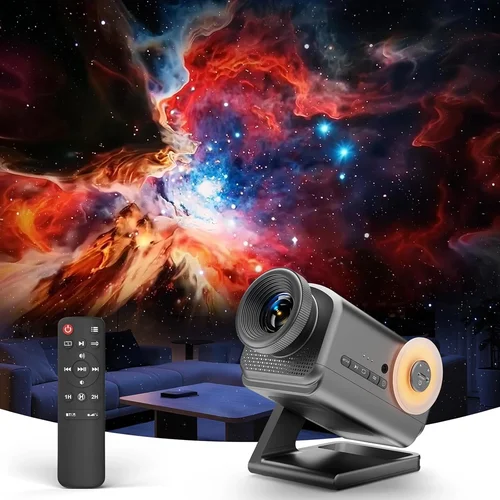
❌ Mistake: Ignoring Ambient Light Conditions
Why it’s bad: A projector rated at 1,500 lumens may look brilliant in a dark home theater, but the same unit will appear washed out in a living‑room with windows.
What to do instead: Measure the typical lighting in your intended space. If you can’t control ambient light, prioritize a model with at least 2,500 lumens and a high contrast ratio.
❌ Mistake: Overlooking 3D Glass Compatibility
Why it’s bad: Some projectors only support active shutter glasses, while others work with passive polarized glasses. Buying the wrong type forces you to purchase expensive adapters.
What to do instead: Confirm the projector’s 3D technology (DLP Link, HDMI 1.4, HDMI 2.0) and match it with the glasses you already own or plan to buy.
❌ Mistake: Forgetting About Lamp Life or Laser Degradation
Why it’s bad: Replacing a lamp can cost $150‑$250 and cause downtime.
What to do instead: Choose a laser‑light projector for near‑zero maintenance, or verify the lamp’s rated hours and warranty coverage.
❌ Mistake: Choosing a Projector Without Lens Shift
Why it’s bad: Without lens shift, you may need to place the projector at an awkward angle, leading to keystone distortion and reduced image quality.
What to do instead: Opt for models that offer vertical and horizontal lens shift, or at least a wide keystone correction range.
❌ Mistake: Neglecting Input Lag for Gaming
Why it’s bad: High input lag can make fast‑paced games feel sluggish, ruining the 3D immersion.
What to do instead: Look for projectors that advertise “game mode” or have measured input lag below 30 ms at 1080p/120 Hz.
❌ Mistake: Assuming Higher Resolution Equals Better 3D
Why it’s bad: Many sub‑$1,000 projectors use upscaled 4K, which can introduce artifacts in 3D mode.
What to do instead: Prioritize native 1080p resolution with good color accuracy; true 4K is still out of reach for most budget 3D units.
❌ Mistake: Skipping Firmware Updates
Why it’s bad: Manufacturers often release patches that improve 3D sync and fix compatibility bugs.
What to do instead: Register your projector on the brand’s website and check for updates before the first use.
Budget Guidelines: How Much Should You Spend?
Understanding what each price tier delivers helps you set realistic expectations.
- Entry-Level ($400‑$600): You’ll find 1080p DLP projectors with 1,500 lumens, basic 3D support via HDMI 1.4, and limited warranty. Ideal for occasional movie nights in a dark room.
- Mid-Range ($600‑$850): Expect brighter (2,000‑2,500 lumens) LCD or hybrid models, better contrast, lens shift, and often a “game mode.” This tier balances performance and price for most households.
- Premium ($850‑$1,000): Laser‑light sources, higher contrast (up to 30,000:1), built‑in speakers, and extended warranties become common. Choose this if you plan to use the projector frequently or in varied lighting.
- Luxury ($1,000+): While outside the scope of this guide, luxury models push native 4K, HDR10+, and advanced networking. Consider them only if budget is not a constraint.
Expert Tips for Getting the Best Deal
- Timing: New models launch in Q2; retailers clear inventory in Q3, making late summer a sweet spot for discounts.
- Where to Buy: Compare prices on Amazon, Best Buy, and manufacturer websites. Some brands offer a “price‑match guarantee” within 30 days.
- Spotting Deals: Look for bundle offers that include 3D glasses, a screen, or an extended warranty—often cheaper than buying items separately.
- Warranty Considerations: An extended warranty can be worth $50‑$80 if you plan heavy usage; check if it covers the light source.
- Return Policies: Ensure the retailer offers at least a 30‑day return window; this lets you test the projector in your own environment.
- Testing Before Buying: If possible, view a demo in a store with a 3D test disc. Pay attention to rainbow effect, fan noise, and 3D depth.
- Firmware Updates: Register the unit and enable automatic updates to keep 3D compatibility current.
- Cable Quality: Use high‑speed HDMI 2.0 cables for 3D content; cheap cables can cause sync issues.

Frequently Asked Questions
Q: Do I need special glasses for every 3D projector?
A: Most budget 3D projectors use active shutter glasses that sync via infrared or Bluetooth. Some LCD models support passive polarized glasses, but you must buy the compatible type. Always verify the projector’s 3D technology before purchasing glasses.
Q: Can I use a 3D projector for regular 2D movies?
A: Absolutely. 3D projectors switch seamlessly between 2D and 3D modes. In 2D, you’ll enjoy the same brightness and contrast as any non‑3D projector.
Q: How does lamp life affect image quality over time?
A: As a lamp ages, brightness gradually declines, and color accuracy can shift. Laser light sources maintain consistent output for up to 20,000 hours, making them a low‑maintenance choice.
Q: Is there a noticeable “rainbow effect” on DLP projectors?
A: The rainbow effect is a visual artifact caused by the color wheel in single‑chip DLP projectors. It’s more noticeable in high‑contrast scenes and for sensitive viewers. If this concerns you, consider an LCD or laser model.
Q: What screen material works best for 3D?
A: A high‑gain, gray‑screen (e.g., 1.5–2.0 gain) improves contrast and reduces ambient light impact. For active shutter glasses, a silver screen can enhance brightness but may affect color fidelity.
Q: Do I need a high‑end graphics card for 3D gaming?
A: Yes. To fully exploit 120 Hz 3D, a GPU capable of outputting 1080p at 120 fps is recommended. Modern mid‑range cards (RTX 3060 or higher) handle most titles comfortably.
Q: Can I connect my 3D projector to a streaming stick?
A: Most streaming devices (Roku, Fire TV, Apple TV) support 3D via HDMI 1.4, but performance varies. For the best experience, use a dedicated 3D Blu‑ray player or a PC with 3D output.
Q: How far should the projector be from the screen?
A: Distance depends on throw ratio. A standard throw (1.5‑2.0) requires 8‑12 feet for a 100‑inch image; ultra‑short‑throw models can sit inches away. Check the manufacturer’s throw‑ratio chart.
Q: Is a higher refresh rate always better for 3D?
A: For 3D, a 120 Hz source (60 Hz per eye) is ideal, reducing flicker and improving depth perception. However, if you only watch movies at 24 fps, a lower refresh rate will still work.
Our Final Recommendations
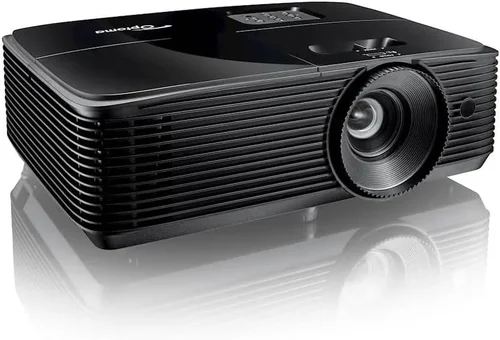
- Best for Budget‑Conscious Buyers: Optoma HD146X – 1080p, 3,200 lumens, DLP Link, under $500. Delivers bright images and reliable 3D with an affordable price.
- Best Overall Value: BenQ TH671ST – Short‑throw, 3,000 lumens, low input lag, and built‑in game mode. Priced around $750, it balances performance and price.
- Best Premium Option: Epson Home Cinema 3200 – Laser light source, 2,700 lumens, 3LCD technology, and excellent color accuracy. Slightly under $1,000, it offers long‑term reliability.
- Best for Beginners: ViewSonic PX701HD – Easy setup, automatic keystone correction, and a user‑friendly menu. Ideal for first‑time 3D owners.
- Best for Advanced Users: LG HU80KA (used) – Though typically above $1,000 new, a gently used unit provides 4K‑enhanced resolution, laser light, and versatile mounting options.
Conclusion: Making the Right Choice
Choosing the best 3D projector under $1,000 boils down to matching your environment, usage patterns, and budget. Prioritize brightness and contrast for the lighting conditions you’ll face, verify 3D glass compatibility, and consider long‑term maintenance like lamp life or laser durability. Use the factors and tips outlined above to shortlist a handful of models, read real‑world reviews, and test if possible before finalizing.
Remember, the perfect projector isn’t the one with the highest specs—it’s the one that fits seamlessly into your life and delivers the immersive 3D experience you crave. Happy hunting, and enjoy the show!