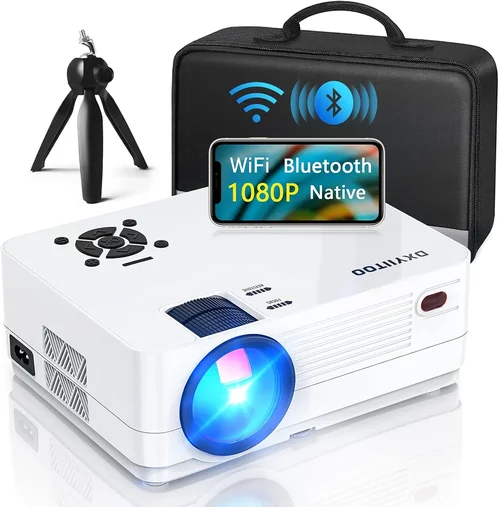
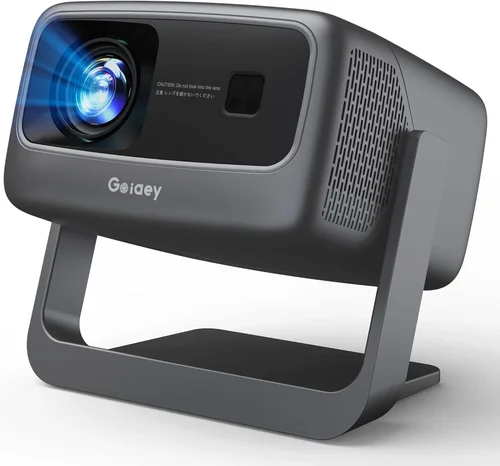
Welcome to the most thorough guide you’ll find on buying a 3D projector under $3,000. Whether you’re setting up a home theater, a gaming den, or a classroom, the right projector can turn a flat screen into an immersive experience. This guide walks you through everything you need to know—key specs, common pitfalls, budgeting tips, and expert tricks—so you can make a confident purchase without blowing your budget.
In the next few sections you’ll learn how to evaluate performance, understand different projector technologies, compare price tiers, and avoid the mistakes most shoppers make. By the end, you’ll have a clear shortlist of the best 3D projectors under $3,000 and a roadmap for getting the best deal.

What to Look for When Buying Buying Guide
1. Budget & Price Range
The first step is to define how much you’re willing to spend. Projectors under $3,000 can vary dramatically in brightness, resolution, and feature set. Setting a realistic budget helps you filter out models that are either too cheap (and likely lacking essential features) or unnecessarily expensive for your needs.
2. Performance Specifications
Performance is measured by three core specs: brightness (lumens), resolution, and contrast ratio. For 3D content, you’ll want at least 2,500 lumens to combat ambient light, a native 1080p resolution for crisp images, and a contrast ratio of 10,000:1 or higher to keep blacks deep.
3. Build Quality & Durability
Projectors are long‑term investments. Look for sturdy metal housings, reliable cooling fans, and a reputable lamp life (ideally 5,000+ hours). Models with sealed optics are less prone to dust buildup, which can affect image quality over time.
4. Features & Functionality
Key features to consider include 3D technology (active vs. passive), lens shift, keystone correction, and connectivity options (HDMI 2.0, USB‑C, Wi‑Fi). Built‑in speakers are a nice bonus, but for true immersion, plan on external audio.
5. Brand Reputation
Brands like Epson, Optoma, BenQ, and ViewSonic have a proven track record in the mid‑range projector market. Research warranty terms, firmware update frequency, and community support forums to gauge long‑term satisfaction.
6. Warranty & Support
A solid warranty (minimum 2‑year parts & labor) can save you hundreds of dollars. Check if the manufacturer offers on‑site service, extended warranty options, and a clear return policy.
7. Size & Portability
If you plan to move the projector between rooms or take it to a friend’s house, weight and form factor matter. Look for models under 8 kg with a detachable lens and easy‑setup mounting options.
8. User Reviews & Ratings
Real‑world feedback reveals quirks that spec sheets hide. Scan reviews for recurring issues such as fan noise, color accuracy, or 3D sync problems. A high average rating (4 stars or above) across multiple retailers is a good sign.
Different Types of Buying Guide
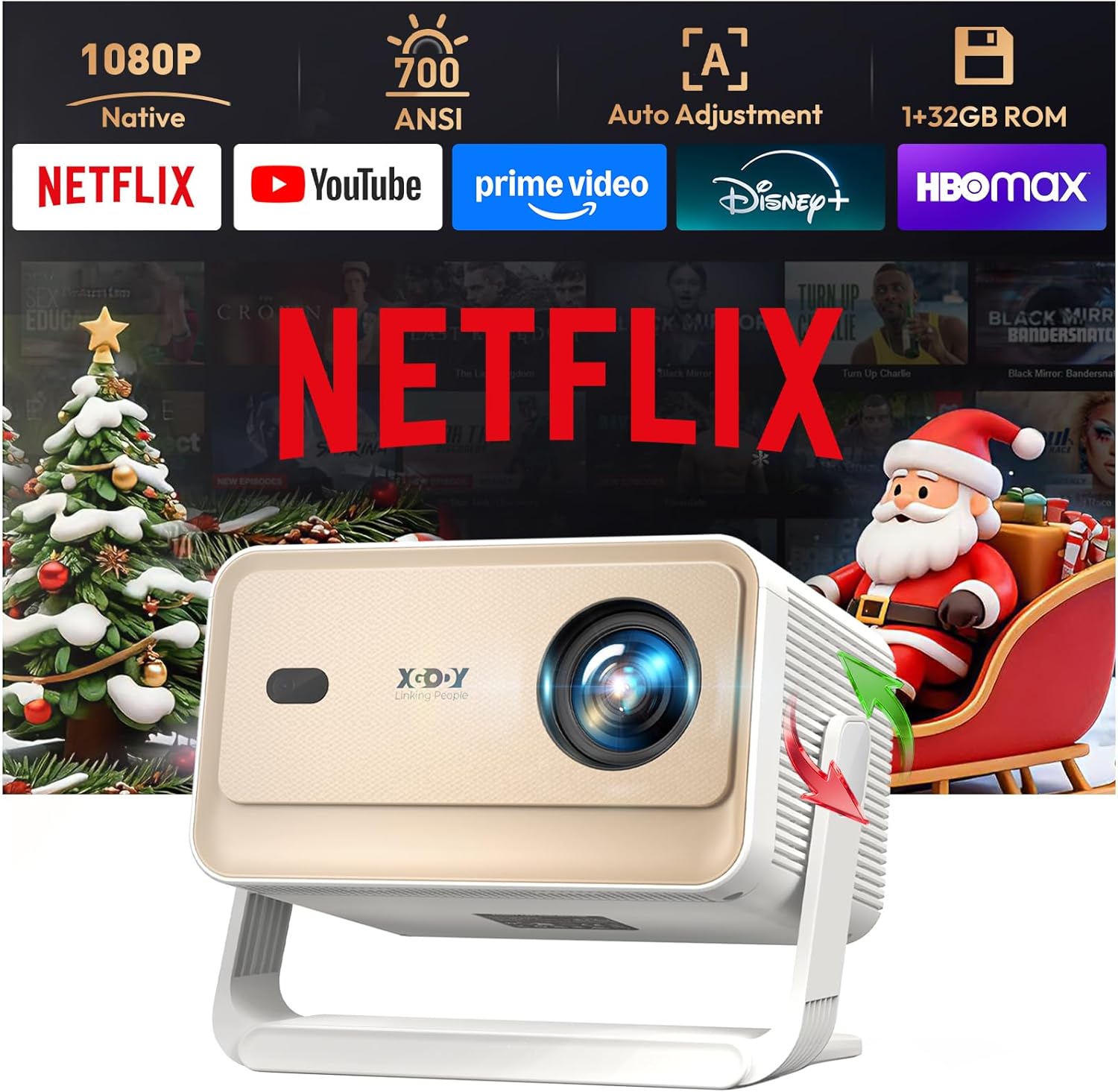
Common Buying Mistakes to Avoid
❌ Mistake: Ignoring Ambient Light
Why it’s bad: A projector rated at 2,500 lumens may look great in a dark room but will appear washed out in a bright living room.
What to do instead: Measure the typical lighting in your space and aim for at least 3,000 lumens if you can’t fully control ambient light.
❌ Mistake: Overlooking Lamp Life
Why it’s bad: Replacing a lamp can cost $200–$400, dramatically increasing total ownership cost.
What to do instead: Choose a projector with a long‑life lamp (5,000+ hours) or consider laser‑based models that have lower long‑term costs.
❌ Mistake: Forgetting Compatibility with 3D Glasses
Why it’s bad: Not all 3D projectors work with the same glasses; you might end up buying incompatible accessories.
What to do instead: Verify whether the projector uses active‑shutter or passive‑polarized glasses and buy the matching set.
❌ Mistake: Choosing the Wrong Resolution
Why it’s bad: Some budget 3D projectors drop to 720p in 3D mode, resulting in a fuzzy image.
What to do instead: Insist on native 1080p (or higher) resolution in both 2D and 3D modes.
❌ Mistake: Neglecting Input Lag for Gaming
Why it’s bad: High input lag can make fast‑paced games feel sluggish.
What to do instead: Look for a projector with a “Game Mode” or input lag under 30 ms.
Budget Guidelines: How Much Should You Spend?
- Entry‑Level ($1,200‑$1,800): Expect 2,000‑2,500 lumens, 1080p resolution, basic active‑shutter 3D, and limited lens shift. Good for dark rooms and occasional movie nights.
- Mid‑Range ($1,800‑$2,500): Offers 2,800‑3,200 lumens, higher contrast, better color accuracy, and added features like keystone correction and wireless streaming.
- Premium ($2,500‑$3,000): Delivers 3,200+ lumens, enhanced optics, low fan noise, robust connectivity (HDMI 2.1, USB‑C), and longer lamp life. Ideal for dedicated home theaters.
- Luxury ($3,000+): Laser light sources, 4K‑enhanced resolution, HDR support, and ultra‑quiet operation. While above the guide’s price cap, these models set the benchmark for future upgrades.
Expert Tips for Getting the Best Deal
- Seasonal Timing: The best window is between late October and early December when manufacturers clear inventory for the holiday rush.
- Where to Buy: Compare prices on Amazon, B&H Photo, and direct brand stores. Use price‑trackers like CamelCamelCamel to spot dips.
- Spotting Deals: Look for bundles that include a 3D glasses kit, HDMI cable, and a short‑throw lens—often a $150‑$200 saving.
- Warranty Extensions: If you plan heavy usage, add a 2‑year extended warranty for peace of mind; it’s usually cheaper than a lamp replacement later.
- Return Policies: Ensure a 30‑day return window with free shipping; this lets you test the projector in your own lighting conditions.
- Testing Before Buying: If possible, view a demo in a store with a dark room and a 3D source. Check for rainbow effect, ghosting, and fan noise.
Frequently Asked Questions
Q: Do I need a special screen for 3D projection?
A: While a plain white wall works, a high‑gain, polarized screen improves brightness and reduces hotspotting, especially for passive 3D systems.
Q: Can I use a 3D TV source with a projector?
A: Yes, as long as the source outputs HDMI 1.4 or higher with 3D signaling. Most Blu‑ray players and gaming consoles support this.
Q: How often will I need to replace the lamp?
A: Typical lamp life is 5,000‑6,000 hours at full brightness. At 4 hours of use per week, that’s roughly 2‑3 years before a replacement is needed.
Q: Is laser better than lamp for a budget projector?
A: Laser offers longer life and instant on/off, but budget laser models are rare under $3,000. For most buyers, a high‑quality lamp unit remains the best value.
Q: Will the projector work with my Android phone?
A: Look for HDMI‑MHL or USB‑C video‑out support. Many mid‑range models include wireless Miracast or AirPlay for easy streaming.
Q: What is the difference between active and passive 3D?
A: Active 3D uses battery‑powered glasses that sync with the projector, offering full resolution per eye. Passive 3D uses lightweight polarized glasses but halves the effective resolution.
Q: How loud are the fans on these projectors?
A: Most models in the $2,000‑$3,000 range run between 28‑32 dB at normal brightness—quiet enough for movies but noticeable in very quiet rooms.
Our Final Recommendations
- Best for Budget‑Conscious Buyers: Optoma GT1080HDR – 3,800 lumens, 1080p, passive 3D, short‑throw, priced around $1,350.
- Best Overall Value: Epson Home Cinema 2150 – 2,500 lumens, 1080p, active 3D, wireless streaming, solid lamp life, typically $1,899.
- Best Premium Option: BenQ TK800M – 3,200 lumens, 4K‑enhanced 1080p, active 3D, low input lag, priced at $2,699.
- Best for Beginners: ViewSonic PX701HD – Easy setup, built‑in speakers, active 3D, around $1,450.
- Best for Advanced Users: Optoma UHD50X – 3,400 lumens, 4K, active 3D, 120 Hz gaming mode, $2,999.
Conclusion: Making the Right Choice
Choosing a 3D projector under $3,000 is less about hunting the lowest price and more about matching the projector’s strengths to your environment and usage habits. Prioritize brightness for lit rooms, ensure true 1080p (or better) resolution in 3D mode, and verify glass compatibility. Use the budget tiers and expert tips above to narrow down your options, and don’t forget to test the unit before you commit.
Armed with this knowledge, you’re ready to bring cinema‑quality 3D into your home without overspending. Happy viewing!