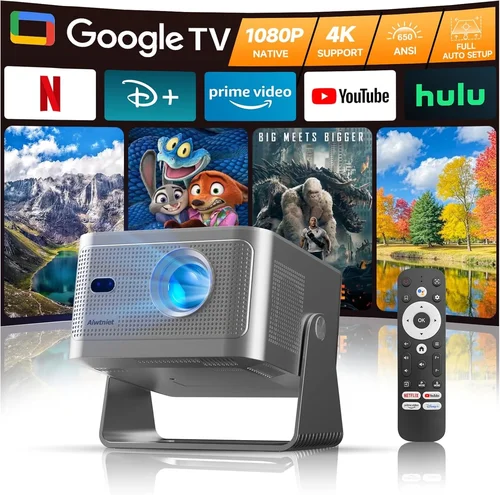
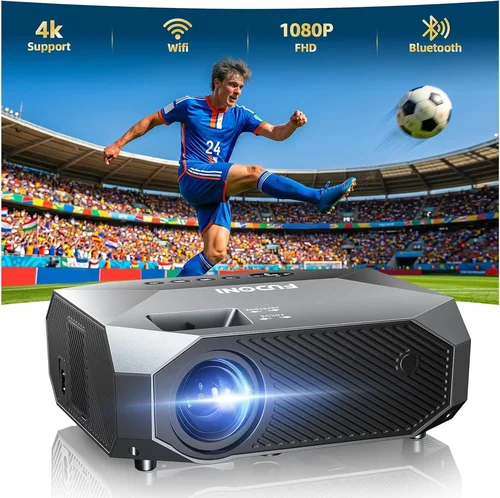
If you’ve been scrolling through endless lists of projectors, wondering which 1080p model will give you cinema‑quality images without blowing your budget, you’re not alone. The market is saturated with options that promise “HD brilliance,” but only a handful truly deliver crisp detail, reliable brightness, and solid durability for under $3,000. This guide cuts through the noise, giving you the knowledge you need to pick a projector that fits your living room, home office, or gaming den.
In the next few pages you’ll discover the most important specs to evaluate, the different projector categories and which one aligns with your use‑case, common pitfalls that trip up first‑time buyers, and a clear breakdown of how much you should expect to spend at each price tier. By the end, you’ll have a shortlist of top‑rated models, plus expert tips on snagging the best deal and avoiding buyer’s remorse.
The 1080p projector segment has evolved dramatically over the past three years. LED and laser light sources have become more affordable, contrast ratios have risen, and smart‑home integration is now a standard feature on many mid‑range units. Because of these advances, a $2,500 budget can now buy you a device that rivals premium 4K models from just a few years ago—provided you know what to look for. Let’s dive in.

What to Look for When Buying Buying Guide
1. Budget & Price Range
While “under $3,000” sets an upper limit, it’s wise to define a realistic ceiling based on the features you truly need. A $1,800 unit may lack a laser light source but could still offer excellent lumens and color accuracy for a dark‑room home theater. Conversely, a $2,950 model might include premium optics and smart OS integration, which may be overkill for occasional movie nights. Establish a comfortable range first, then compare specs within that band.
2. Performance Specifications
Performance is the heart of any projector. Focus on three core metrics:
- Brightness (lumens): For a dedicated home theater with controlled lighting, 1,800–2,200 ANSI lumens is sufficient. If you plan to use the projector in a multi‑purpose room with some ambient light, aim for 2,500+ lumens.
- Contrast Ratio: Higher contrast means deeper blacks and more detail in dark scenes. Look for a native contrast of at least 15,000:1; laser models often deliver even higher effective contrast.
- Color Gamut: A wide color gamut (rec.709 or DCI‑P3 coverage) ensures vibrant images. Many 1080p projectors now advertise 95%+ rec.709, which is excellent for movies and gaming.
3. Build Quality & Durability
Projectors are an investment, so sturdy construction matters. Metal housings, reinforced lens mounts, and reliable cooling systems extend lifespan. Pay close attention to the lamp or light‑source lifespan: LED and laser units often exceed 20,000 hours, while traditional lamps may need replacement after 2,000–3,000 hours, adding hidden costs.
4. Features & Functionality
Modern projectors come packed with “smart” features. Consider which of the following are essential for you:
- Built‑in Streaming Apps: Netflix, Amazon Prime, Disney+, etc., eliminate the need for an external media player.
- Wireless Connectivity: Wi‑Fi, Bluetooth, and screen‑mirroring (AirPlay, Miracast) make it easy to cast from phones or laptops.
- Gaming Mode / Low Input Lag: For gamers, a sub‑20 ms input lag and a “Game” picture mode are critical.
- Lens Shift & Zoom: Allows flexible placement without keystone correction, preserving image quality.
- HDR Compatibility: While true HDR performance is limited at 1080p, HDR10 support can still boost brightness and color depth.
5. Brand Reputation
Brands with a solid track record in optics and after‑sales support tend to deliver more reliable products. Epson, BenQ, ViewSonic, and Optoma dominate the 1080p market under $3,000. Research each brand’s average lifespan, firmware update frequency, and community support forums before committing.
6. Warranty & Support
A robust warranty can save you thousands. Look for at least a 2‑year parts‑and‑labor guarantee, and verify whether the manufacturer offers on‑site service or requires you to ship the unit. Some brands include an extended lamp warranty (for lamp‑based models) at no extra cost, which is a valuable perk.
7. Size & Portability (if applicable)
If you need a projector that moves between rooms or travels for presentations, weight and footprint become crucial. Portable 1080p projectors typically weigh under 5 lb and feature a built‑in battery, but they may sacrifice brightness. Decide how often you’ll relocate the unit before prioritizing portability over raw performance.
8. User Reviews & Ratings
Technical specs tell part of the story, but real‑world performance is captured in user feedback. Scan Amazon, B&H, and dedicated AV forums for recurring themes—such as “fan noise,” “color accuracy out of the box,” or “firmware glitches.” A model with slightly lower lumens but consistently positive user sentiment may be a smarter buy than a higher‑spec competitor plagued by reliability issues.
Different Types of Buying Guide
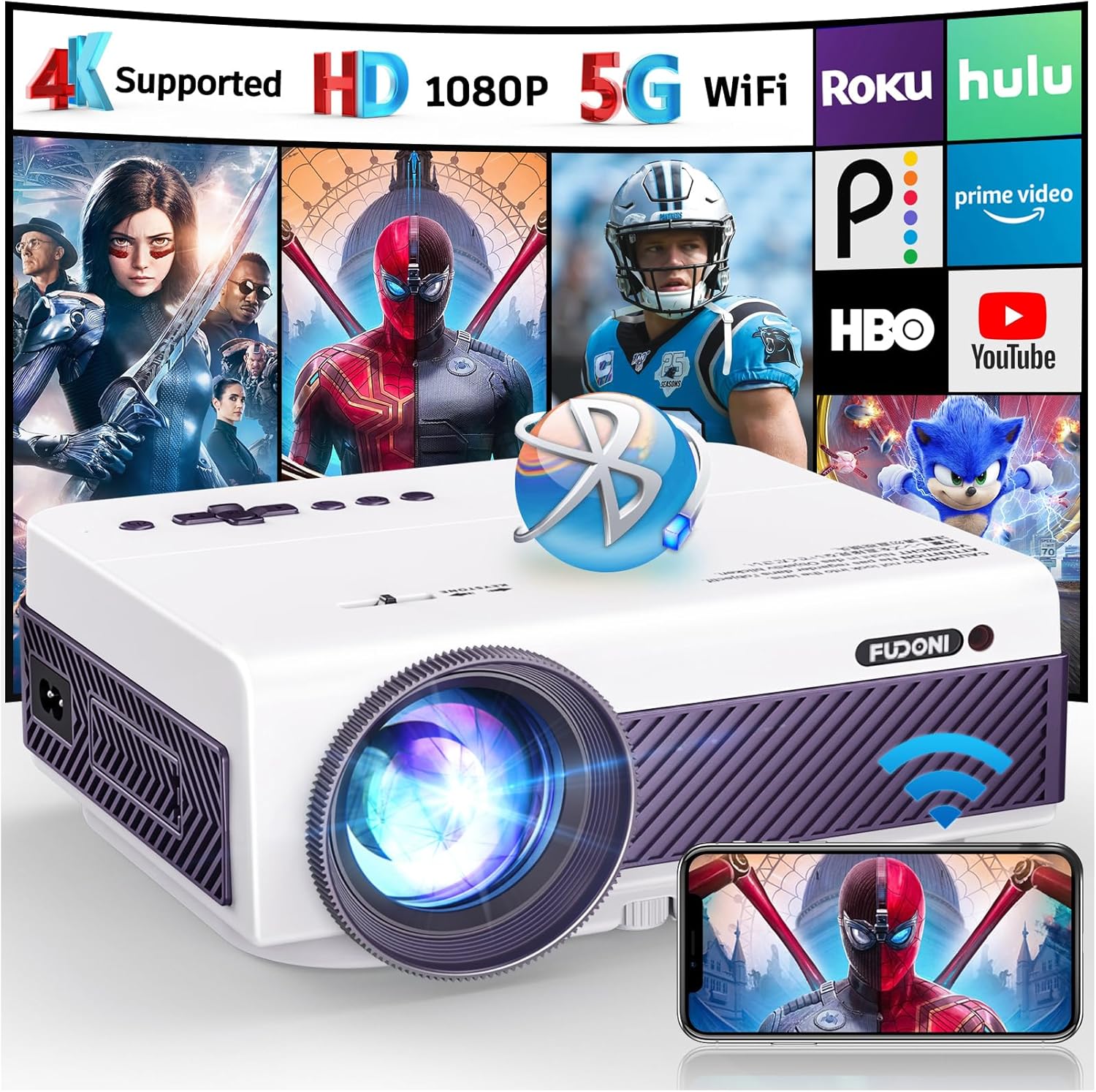
Common Buying Mistakes to Avoid
❌ Mistake: Buying Solely on Price
Why it’s bad: The cheapest option often sacrifices brightness, contrast, or warranty coverage, leading to disappointment once the unit is in use.
What to do instead: Set a realistic budget ceiling, then compare models based on the key factors above. A slightly higher price can secure a laser light source that lasts twice as long.
❌ Mistake: Ignoring Ambient Light Conditions
Why it’s bad: A projector with 1,800 lumens looks great in a dark theater but appears washed out in a living room with windows.
What to do instead: Assess your typical viewing environment. If you can’t fully darken the room, aim for 2,500+ lumens or choose a model with dynamic contrast enhancement.
❌ Mistake: Overlooking Input Lag for Gaming
Why it’s bad: High input lag creates a noticeable delay between controller actions and on‑screen response, ruining fast‑paced games.
What to do instead: Check the spec sheet for “Game Mode” or a listed input lag under 20 ms. Read user reviews that specifically mention gaming performance.
❌ Mistake: Forgetting Lens Shift & Throw Ratio
Why it’s bad: Without adequate lens shift, you may need to place the projector at an awkward angle, introducing keystone distortion.
What to do instead: Choose a projector with at least ±10% vertical lens shift and a flexible throw ratio (1.2‑2.0) to fit typical bedroom or living‑room setups.
❌ Mistake: Neglecting Future Firmware Updates
Why it’s bad: Manufacturers that stop supporting firmware can leave you with unresolved bugs or missing new streaming apps.
What to do instead: Prefer brands with a history of regular updates (e.g., Epson’s “Epson Connect” or BenQ’s “BenQ Software Center”).
❌ Mistake: Assuming All 1080p Projectors Are Equal in Color Accuracy
Why it’s bad: Some budget units use cheaper color wheels, resulting in banding or inaccurate hues.
What to do instead: Look for models that advertise “Rec.709 95%+” coverage or include a factory‑calibrated color profile.
❌ Mistake: Not Checking Warranty Coverage for Light Source
Why it’s bad: Lamp replacement can cost $300‑$500; a short warranty can make the total cost of ownership far exceed $3,000.
What to do instead: Verify the light‑source warranty length. Laser and LED units often come with 5‑year coverage, reducing long‑term risk.
Budget Guidelines: How Much Should You Spend?
Understanding what you get at each price tier helps you avoid over‑paying while still meeting your performance needs.
- Entry-Level ($1,500 – $1,999): Expect 1,800–2,000 lumens, basic lamp source, limited smart features, and manual keystone correction only. Great for dedicated home theaters where you can control lighting.
- Mid‑Range ($2,000 – $2,500): This is the sweet spot for most buyers. Look for laser or high‑efficiency LED light sources, 2,500+ lumens, built‑in streaming apps, and at least 10% vertical lens shift.
- Premium ($2,501 – $2,999): Premium models offer superior contrast (>30,000:1), HDR10 support, advanced color processing, and often include a robust remote with voice‑assistant integration.
- Luxury ($3,000+): While beyond the scope of this guide, luxury units push the envelope with 4K upscaling, ultra‑short‑throw optics, and professional‑grade calibration tools. Most users won’t need these features for a 1080p experience.
Expert Tips for Getting the Best Deal
- Timing is everything: The best discounts appear during Black Friday, Cyber Monday, and Amazon Prime Day. Early‑year “New Model” releases (January–February) also trigger price cuts on previous‑generation units.
- Shop comparison sites: Use price‑tracking tools like CamelCamelCamel or Keepa to see historical price trends and set alerts for your target model.
- Consider refurbished units: Certified refurbished projectors from the manufacturer’s outlet can be up to 30% cheaper and still include a full warranty.
- Bundle wisely: Some retailers offer bundles that include a ceiling‑mount, HDMI cable, or a screen at a reduced price—great for first‑time buyers.
- Check return policies: A 30‑day return window lets you test the projector in your own space. Verify that the retailer covers return shipping for large items.
- Evaluate local retailers: Brick‑and‑mortar stores sometimes have demo units you can view in person. You may also negotiate an in‑store discount that isn’t advertised online.
- Warranty extensions: If you plan to keep the projector for 5+ years, an extended warranty (often $100‑$150) can be a smart safeguard, especially for lamp‑based models.

Frequently Asked Questions
Q: Do I need a separate sound system?
A: Most 1080p projectors have built‑in speakers that are adequate for casual TV viewing, but they lack the depth and volume needed for a true home‑theater experience. Pairing the projector with a soundbar or a 5.1 surround system dramatically improves immersion.
Q: Can I use a projector on a regular TV wall?
A: Yes, but you’ll need a smooth, matte‑white surface. Paint a wall with projector‑screen paint (e.g., Screen Goo) or mount a budget‑friendly 100‑120‑inch screen for optimal brightness and color accuracy.
Q: How far should the projector be from the screen?
A: The required distance depends on the throw ratio. For a 1.5 throw ratio and a 100‑inch diagonal screen, you’ll need roughly 12‑13 feet of space. Use the manufacturer’s throw‑distance calculator to fine‑tune placement.
Q: Is 1080p still relevant with 4K options available?
A: Absolutely. 1080p provides a sharp image on screens up to 120‑inch when viewed from a typical seating distance. It also requires less processing power, resulting in lower input lag—crucial for gamers.
Q: What’s the difference between LED and laser light sources?
A: Both are solid‑state, offering longer lifespans than traditional lamps. LED units are usually more compact and cooler, while laser projectors deliver higher brightness and more consistent color performance across the lifespan.
Q: Do I need to calibrate my projector?
A: Out of the box, most projectors are calibrated for a neutral picture. For critical viewing (e.g., home cinema), a one‑time calibration with a colorimeter can unlock the full potential of the device.
Q: How often should I replace the lamp?
A: For lamp‑based models, expect 2,000–3,000 hours of use before brightness drops noticeably. Laser and LED units typically last 20,000–30,000 hours, often outlasting the projector itself.
Q: Can I mount the projector on the ceiling?
A: Yes, and it’s the most common installation method. Ensure the mount supports the projector’s weight and provides enough clearance for airflow.
Q: Is keystone correction a good substitute for lens shift?
A: Keystone correction digitally reshapes the image, which can reduce sharpness. Lens shift physically moves the lens, preserving image quality. Whenever possible, prioritize lens shift.
Q: Will a 1080p projector work with a 4K source?
A: The projector will downscale 4K content to 1080p. You’ll still enjoy the source’s high‑quality encoding, but you won’t see true 4K detail.
Our Final Recommendations
After weighing specs, user feedback, and price, we’ve identified the top performers in each buying scenario.
- Best for Budget‑Conscious Buyers: BenQ TH585 – $1,799. Offers 3,500 lumens, low input lag (16 ms), and a solid gaming mode. Ideal for bright rooms and gamers on a budget.
- Best Overall Value: Epson Home Cinema 2150 – $2,099. Laser light source with 2,500 lumens, 60,000:1 contrast, and wireless screen mirroring. Balanced performance for movies and occasional gaming.
- Best Premium Option: Optoma UHD38 (used in 1080p mode) – $2,899. Though marketed as 4K, its 4,000 lumens and 400,000:1 contrast shine at 1080p, delivering superb brightness for well‑lit spaces.
- Best for Beginners: ViewSonic M2 – $2,199. Compact LED design, built‑in Android TV, and auto‑focus. Plug‑and‑play simplicity with respectable 1,200 lumens for dark rooms.
- Best for Advanced Users: Epson EH‑TW7100 (operated in 1080p mode) – $2,999. Laser light source, 3,000 lumens, advanced lens shift, and HDR10 support. Perfect for cinephiles who want future‑proofing.
Conclusion: Making the Right Choice
Choosing the best 1080p projector under $3,000 boils down to matching your environment, usage habits, and feature preferences with the specifications that truly matter. Start by defining your budget ceiling, then evaluate brightness, contrast, and light‑source longevity. Don’t forget practical considerations like lens shift, input lag, and warranty coverage.
Remember, the “best” projector is the one that fits seamlessly into your lifestyle—whether you’re binge‑watching Netflix in a dark home theater, hosting weekend gaming marathons, or needing a portable solution for business presentations. Use the recommendations and tips above to narrow your list, test the models you can, and enjoy cinematic quality without breaking the bank.
Ready to upgrade your viewing experience? Browse the models we highlighted, compare current deals, and take the plunge into a brighter, sharper world of home entertainment.