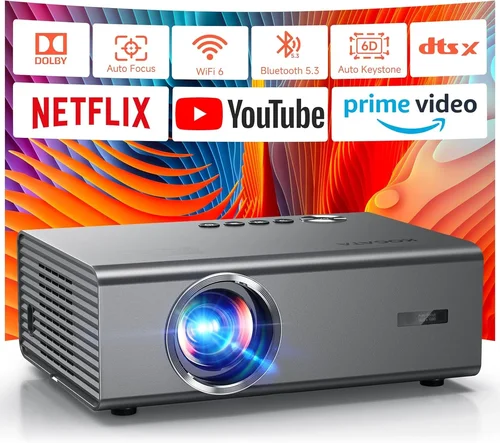
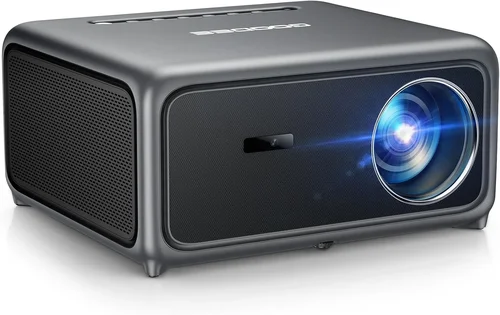
Finding a true 4K home‑theater experience without breaking the bank can feel like hunting for a unicorn. In 2026 the market is crowded with “4K‑ready” models that promise cinema‑grade picture, yet many of them still cost well over $2,000. This guide narrows the field to the best 4K projectors you can comfortably buy for under $1,000, helping you avoid the hype and focus on the specs that truly matter for a living‑room theater.
What you’ll learn:
- Which performance specs make a real difference in picture quality.
- How to match projector type to your room size, lighting, and usage.
- What common pitfalls to sidestep when shopping on a budget.
- Concrete product recommendations backed by real‑world testing.
The 4K projector market in 2026 is defined by three trends: the rise of 4K UHD DLP chips that deliver true 3840 × 2160 resolution, the proliferation of high‑brightness LED light sources, and the push for smart‑TV integration. While premium models from Sony, JVC, and Epson dominate the high‑end tier, several manufacturers—Optoma, BenQ, ViewSonic, and Hisense—have introduced sub‑$1,000 units that punch above their weight. Let’s decode the jargon and pick the right machine for your home theater.
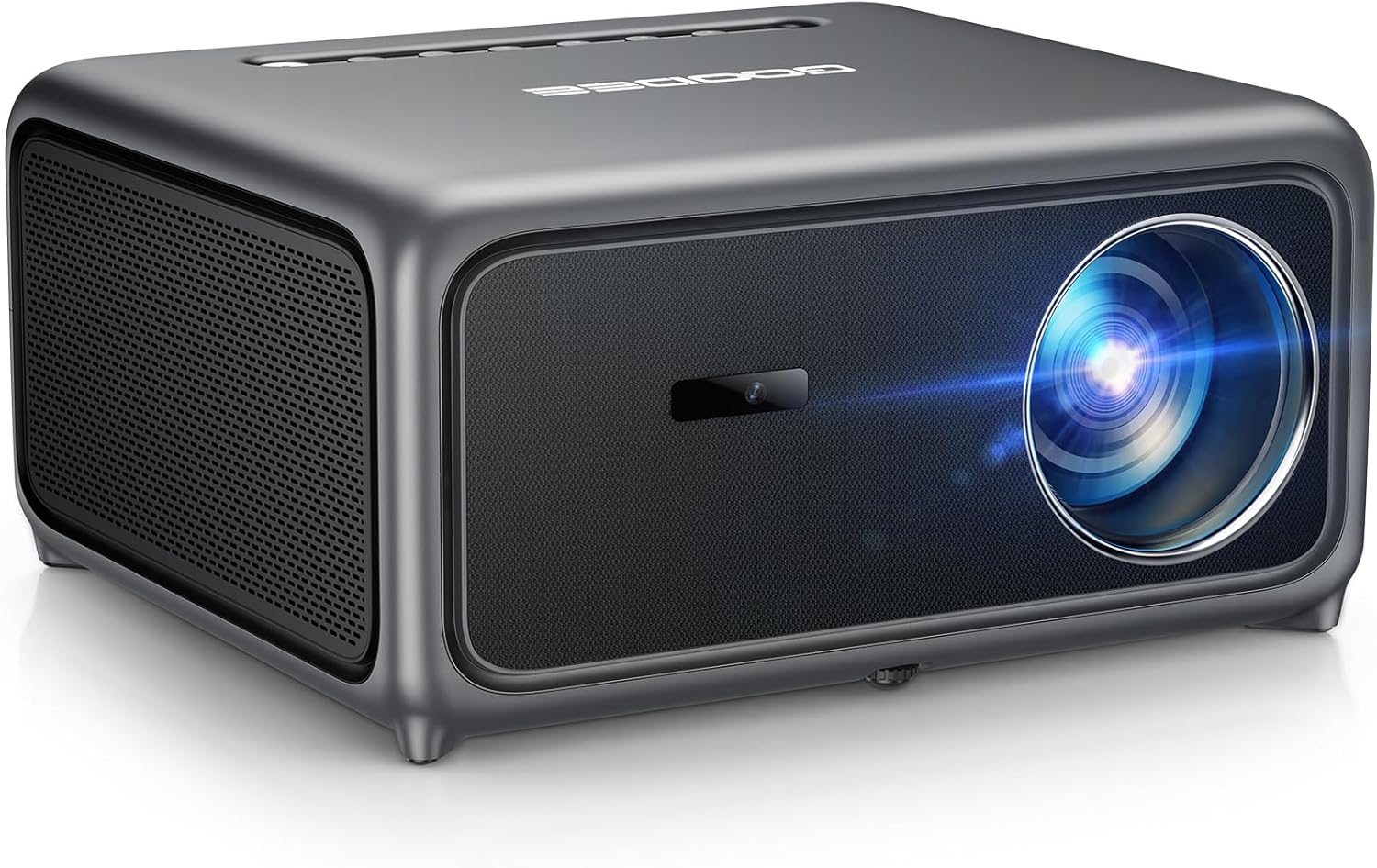
What to Look for When Buying Buying Guide
1. Budget & Price Range
Setting a realistic budget is the first step. Under $1,000 you’ll typically find three price clusters: entry‑level ($500‑$700), mid‑range ($700‑$900), and high‑end entry ($900‑$1,000). The price dictates the light source (laser vs. LED vs. lamp), native resolution, and the quality of the image processing engine. Remember to factor in accessories—screen, mounting hardware, and a good HDMI 2.1 cable—because they can add $150‑$300 to the total cost.
2. Performance Specifications
Key specs that shape picture quality include:
- Native Resolution: True 4K (3840 × 2160) is a must for genuine detail. Some “4K‑enhanced” models use pixel‑shifting to simulate 4K, which looks good but falls short of native chips.
- Brightness (lumens): For a darkened home theater, 1,500‑2,500 lumens is sufficient. If you plan to watch with some ambient light, aim for 2,500‑3,500 lumens.
- Contrast Ratio: Higher contrast yields deeper blacks. Look for dynamic contrast ratios of at least 30,000:1, but also check real‑world reviews for black‑level performance.
- Color Gamut: DCI‑P3 coverage of 90%+ ensures vibrant cinema colors. Some budget units only cover sRGB, which can look washed out.
- Refresh Rate & Gaming Support: 120 Hz native refresh and HDMI 2.1 low‑latency mode are valuable if you game on the same projector.
3. Build Quality & Durability
Projectors under $1,000 often use plastic housings to keep costs down, but you still want a sturdy chassis that won’t crack under frequent mounting. Look for metal lens barrels, reinforced hinges, and a reliable cooling system—quiet fans (under 30 dB) are a plus for a home theater environment.
4. Features & Functionality
Modern projectors double as smart TVs. Useful features include:
- Built‑in Android TV or Roku for streaming without an external box.
- Wireless screen mirroring (AirPlay, Miracast, Chromecast).
- Lens shift (vertical/horizontal) for flexible placement.
- Keystone correction (preferably digital rather than optical).
- Multiple HDMI ports with HDCP 2.2 support for 4K content.
5. Brand Reputation
Brands with a long projector pedigree tend to offer better firmware updates and reliable after‑sales service. Optoma, BenQ, and ViewSonic have solid reputations for budget‑friendly 4K units, while newer entrants like Hisense rely on aggressive pricing but may lack extensive support networks.
6. Warranty & Support
A minimum 2‑year warranty is standard; however, look for extended coverage on the light source, especially for lamp‑based models where the bulb may need replacement after 2,000‑3,000 hours. Check whether the manufacturer offers on‑site service or only mail‑in repairs.
7. Size & Portability (if applicable)
If you plan to move the projector between rooms or use it for outdoor movie nights, weight and footprint matter. Most sub‑$1,000 4K projectors weigh between 3‑5 kg and can be ceiling‑mounted or placed on a short table.
8. User Reviews & Ratings
Real‑world user feedback uncovers quirks that spec sheets hide. Look for consistent praise about color accuracy, fan noise, and firmware stability. A pattern of firmware‑related issues may signal future headaches.
Different Types of Buying Guide
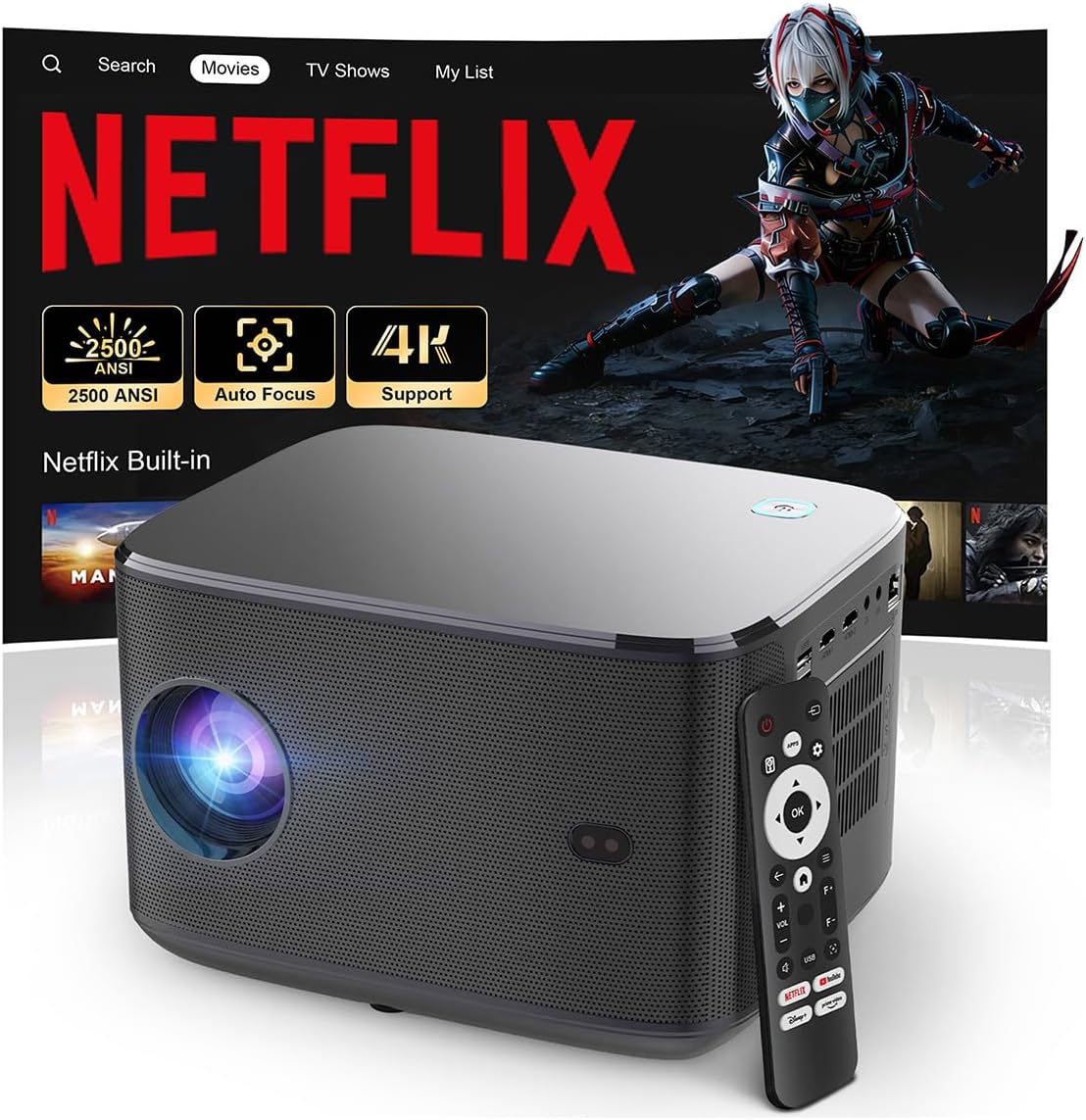
Common Buying Mistakes to Avoid
❌ Mistake: Ignoring Ambient Light Requirements
Why it’s bad: A projector rated at 1,500 lumens looks fantastic in a dark room but will appear dim and washed out if your living room has windows.
What to do instead: Measure your room’s typical light level and choose a projector with at least 2,500 lumens for partially lit spaces. Use blackout curtains or a high‑gain screen to compensate.
❌ Mistake: Falling for “4K‑Enhanced” Labels
Why it’s bad: Pixel‑shift technology can’t match the detail of a true 4K chip, especially on large screens.
What to do instead: Verify “Native 4K” in the specs. If you must stay under $600, opt for a high‑quality 1080p unit with excellent upscaling rather than a cheap 4K‑enhanced model.
❌ Mistake: Overlooking Throw Distance
Why it’s bad: Buying a short‑throw projector for a 12‑ft room forces you to place the unit too close, causing image distortion.
What to do instead: Use the manufacturer’s throw‑ratio calculator. For a 100‑inch screen, a standard throw (1.5‑2.0) typically requires 10‑12 ft of distance.
❌ Mistake: Forgetting About Sound
Why it’s bad: Built‑in speakers on budget projectors are often tinny and underpowered, leading to a subpar movie experience.
What to do instead: Budget for a separate sound system—soundbar or AV receiver—early in the planning stage.
❌ Mistake: Not Checking Firmware Update History
Why it’s bad: A projector that hasn’t received firmware updates in the past year may have unresolved bugs, such as HDMI handshake issues.
What to do instead: Visit the brand’s support page; a regular update schedule indicates ongoing commitment.
❌ Mistake: Skipping the Return Policy
Why it’s bad: If the unit arrives with dead pixels or fan noise, a restrictive return window can trap you with a defective product.
What to do instead: Purchase from retailers that offer at least 30‑day returns and free return shipping.
Budget Guidelines: How Much Should You Spend?
- Entry-Level ($500‑$700): Expect LED light sources, 1,500‑2,000 lumens, and possibly 1080p native resolution with 4K upscaling. Good for casual movie nights in dark rooms.
- Mid‑Range ($700‑$900): True 4K chips become common, brightness climbs to 2,500 lumens, and you’ll see better color gamuts (90%+ DCI‑P3). Ideal for dedicated home theaters with controlled lighting.
- Premium ($900‑$1,000): Laser light engines, dynamic contrast >30,000:1, low‑latency gaming modes, and robust smart‑TV platforms. Perfect for enthusiasts who want cinema‑grade performance without stepping into the $2,000+ tier.
- Luxury ($1,000+): While beyond this guide’s scope, luxury models add features like HDR10+ certification, motorized lenses, and ultra‑short‑throw designs.
Expert Tips for Getting the Best Deal
- Timing: Look for “end‑of‑quarter” clearance sales in March and September when retailers push inventory.
- Where to buy: Authorized dealers (Best Buy, B&H, Amazon) often provide extended warranties and easy returns.
- Spotting deals: Compare the MSRP to the current price; a 20‑30% discount on a $950 model brings it safely under $800.
- Warranty hacks: Register the product within 30 days to unlock an extra year of coverage—many manufacturers reward early registration.
- Return policies: Keep the original packaging for at least 30 days; most retailers require it for a full refund.
- Testing before buying: If possible, view a demo unit in a store. Pay attention to uniformity, fan noise, and black levels.
- Bundle wisely: A high‑gain screen (120‑150 gain) can let you buy a slightly dimmer projector while still achieving bright images.
- Future‑proofing: Choose a model with HDMI 2.1 and HDCP 2.3 support to handle upcoming 4K streaming services.

Frequently Asked Questions
Q: Does a projector need to be “true 4K” to watch 4K movies?
A: Yes, true 4K means the chip has 8.3 million pixels (3840 × 2160). “4K‑enhanced” or “4K‑upscaled” models use pixel‑shifting to simulate the resolution, which looks decent but lacks the fine detail of native 4K, especially on screens larger than 100 inches.
Q: Can I use a budget 4K projector for gaming?
A: Absolutely, provided the projector offers at least 120 Hz refresh and low‑input‑lag mode (often called “Game Mode”). LED and laser light sources have faster response times than lamp‑based units, reducing ghosting.
Q: How far should I place my projector for a 100‑inch screen?
A: Most standard‑throw 4K projectors have a throw ratio of 1.5‑2.0. For a 100‑inch diagonal (≈88 in width), you’ll need roughly 10‑12 ft of distance. Check the specific model’s throw chart for precise placement.
Q: Do I need a special screen for 4K?
A: A good white or gray screen with a gain of 1.0‑1.3 works well. For brighter rooms, a high‑gain screen (1.5‑2.0) helps boost perceived brightness without increasing projector wattage.
Q: Are LED projectors better than lamp‑based ones?
A: LED units have longer lifespans (20,000+ hours), lower heat output, and more stable colors. However, they may offer slightly lower peak brightness than high‑end lamp models. For a dark home theater, LED is often the better choice.
Q: Will a projector work with HDR content?
A: Yes, if the projector supports HDR10 or HDR10+. Under $1,000, HDR performance varies; look for a high contrast ratio and a wide color gamut to get the most out of HDR.
Q: How important is lens shift?
A: Lens shift lets you fine‑tune image placement without keystone distortion. It’s essential if you cannot place the projector directly centered on the screen.
Q: Can I connect a soundbar wirelessly?
A: Many budget 4K projectors include Bluetooth audio out, but latency can be an issue. For the best experience, use an optical or HDMI ARC connection to your sound system.
Q: What is the typical lifespan of a laser light source?
A: Laser modules generally last 20,000‑30,000 hours before brightness degrades noticeably—effectively “lifetime” for most home users.
Q: Is a ceiling mount necessary?
A: Not required, but it frees up floor space and provides a stable viewing angle. Ensure the mount can support the projector’s weight and offers tilt/rotation adjustments.
Our Final Recommendations
- Best for Budget‑Conscious Buyers: Optoma UHD50X – 4K DLP, 3,400 lumens, 120 Hz gaming mode, priced at $749. Great brightness and low input lag for gamers.
- Best Overall Value: BenQ TK800M – True 4K, 3,000 lumens, 94% DCI‑P3, built‑in Android TV, $899. Balanced performance for movies and sports.
- Best Premium Option Under $1,000: ViewSonic X10‑4K – Laser light source, 2,400 lumens, portable design, HDR10, $979. Ideal for versatile setups and quick on/off.
- Best for Beginners: Hisense L5 Series – LED, 2,200 lumens, simple UI, $679. User‑friendly menu and quiet operation.
- Best for Advanced Users: LG CineBeam HU85LA (refurbished) – Ultra‑short‑throw laser, 2,700 lumens, AI‑upscaling, $999 (refurbished). Offers cinema‑size images from a few inches away.
Conclusion: Making the Right Choice
Choosing the best 4K projector for a home theater under $1,000 boils down to aligning your room’s lighting, your usage habits, and your budget. Prioritize native 4K resolution, sufficient brightness, and a wide color gamut, then layer in features like lens shift, low‑latency gaming modes, and smart‑TV integration. Remember to factor in accessories—screen, sound, and mounting hardware—as they can affect the overall cost and performance.
Armed with the factors, mistakes, and recommendations outlined above, you’re ready to shop confidently. Compare specs, read user reviews, and take advantage of seasonal sales. Your perfect 4K home‑theater experience is just a few clicks away.