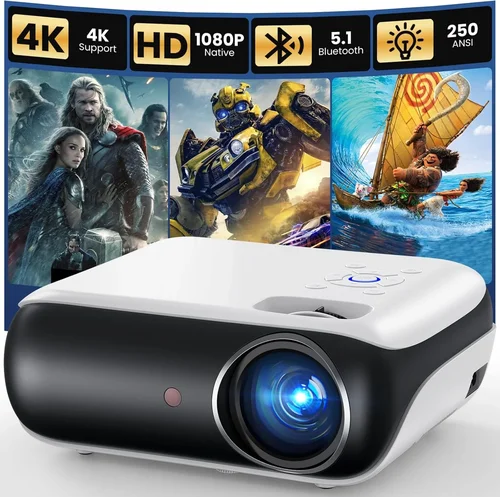
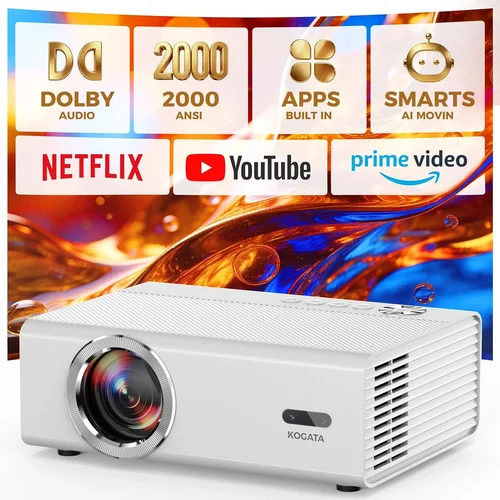
Welcome to the ultimate guide for anyone hunting the perfect HD projector without breaking the bank. Whether you’re setting up a home‑theater in a modest living room, need a reliable screen for a classroom, or simply want a portable device for movie nights on the go, understanding the nuances of budget‑friendly projectors can save you countless hours of research and a lot of regret later. In the next few sections we’ll walk you through everything you need to know – from the technical specs that truly matter, to the common pitfalls that trip up even seasoned shoppers.
By the end of this guide you’ll be able to identify the best HD projectors under $200, match the right model to your specific use‑case, and feel confident negotiating the best deal. The market for sub‑$200 projectors has exploded over the past few years, with manufacturers squeezing more brightness, better contrast, and smarter connectivity into increasingly compact packages. Let’s demystify the jargon and give you a clear roadmap to a great purchase.

What to Look for When Buying Buying Guide
1. Budget & Price Range
Price is the obvious starting point, but it’s more than a number. A $199 projector should deliver a baseline viewing experience that feels solid, not a “bare‑bones” compromise. Look for models that stay within the $150‑$200 window while still offering at least 2,500 lumens of brightness and native 720p resolution. Anything lower will struggle in rooms with ambient light, and you’ll quickly feel the pinch.
2. Performance Specifications
Key performance metrics include resolution, brightness (lumens), contrast ratio, and throw distance. For HD (720p) projectors under $200, aim for:
- Resolution: 1280×720 native; upscaling to 1080p is a nice bonus.
- Brightness: Minimum 2,500 ANSI lumens for dimly lit rooms; 3,000+ if you plan to use it in a living room with some light.
- Contrast Ratio: At least 2,000:1 – higher contrast yields deeper blacks.
- Throw Ratio: 1.2‑2.0 for flexible placement; short‑throw models are rare under $200 but worth the extra $30 if space is limited.
3. Build Quality & Durability
Cheap plastics can warp, and cheap fans can overheat. Look for a sturdy chassis, preferably with metal reinforcement around the lens housing. Check user reviews for mentions of overheating after 2‑3 hours of continuous use – a common issue in budget units.
4. Features & Functionality
Modern projectors often bundle extra features that add real value:
- Connectivity: HDMI is a must; USB‑C and wireless Miracast are nice-to‑haves.
- Built‑in Speakers: While not a substitute for a sound system, a 5‑10 W speaker can be handy for casual viewing.
- Keystone Correction: Automatic or manual adjustment helps when you can’t place the projector perfectly centered.
- Lamp Life: Look for 30,000‑50,000 hour claims – the longer the lamp life, the lower the long‑term cost.
5. Brand Reputation
Even in the budget segment, certain brands consistently deliver reliable units. Vankyo, Epson (entry‑level), BenQ (lower tier), and ViewSonic have proven track records. These companies typically provide better firmware updates and more responsive customer service.
6. Warranty & Support
A solid warranty can be the difference between a safe purchase and a gamble. Most reputable budget projectors come with a 1‑year limited warranty. Verify what’s covered – lamp replacement, accidental damage, and whether you need to register the product online for full protection.
7. Size & Portability
If you plan to move the projector between rooms or take it on the road, size matters. Look for a unit under 5 lb with a compact footprint. Some models even include a built‑in battery, though these are rare in the sub‑$200 category.
8. User Reviews & Ratings
Finally, scan Amazon, Best Buy, and specialized forums for real‑world feedback. Pay attention to recurring complaints (e.g., “image shifts after a few months”) and weigh them against the overall rating. A product with a 4.1‑star average and 500+ reviews is generally safer than a 4.6‑star rating based on just 20 sales.
Different Types of Buying Guide

Common Buying Mistakes to Avoid
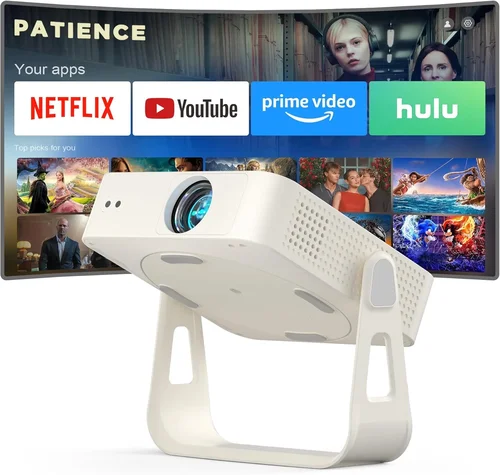
❌ Mistake: Ignoring Ambient Light Conditions
Why it’s bad: A projector rated at 2,000 lumens will look dim in a bright living room, leading to a washed‑out image.
What to do instead: Measure the typical lighting in your intended space. If you can’t control ambient light, aim for at least 3,000 lumens or add blackout curtains.
❌ Mistake: Over‑emphasizing Resolution Alone
Why it’s bad: A 1080p panel with 1,500 lumens will still look dull in daylight.
What to do instead: Balance resolution with brightness, contrast, and lamp life. For sub‑$200 units, a solid 720p with higher lumens often yields a better overall experience.
❌ Mistake: Forgetting About Throw Ratio
Why it’s bad: Placing a standard‑throw projector too close to the wall stretches the image and reduces sharpness.
What to do instead: Calculate the required distance: Image width ÷ Throw Ratio = Placement distance. Choose a short‑throw model if your room is under 8 ft.
❌ Mistake: Skipping the Warranty Fine Print
Why it’s bad: Some manufacturers require you to register within 30 days or the warranty becomes void.
What to do instead: Register online immediately after purchase and keep the receipt. Note what components (lamp, fan) are covered.
❌ Mistake: Assuming All HDMI Ports Are Equal
Why it’s bad: Older HDMI 1.2 ports may not support 1080p passthrough or HDR, limiting future compatibility.
What to do instead: Look for HDMI 1.4 or higher; it ensures smoother playback of modern content.
❌ Mistake: Neglecting Audio Needs
Why it’s bad: Built‑in speakers on cheap projectors are often tinny, making movie nights disappointing.
What to do instead: Budget for a separate soundbar or external speakers. Check that the projector has a 3.5 mm audio out or Bluetooth.
Budget Guidelines: How Much Should You Spend?
- Entry‑Level ($120‑$150): Expect 2,000‑2,500 lumens, basic HDMI, fixed focus, and limited keystone. Good for dark rooms and occasional use.
- Mid‑Range ($151‑$180): Brightness climbs to 2,800‑3,200 lumens, better contrast, and often includes wireless mirroring. Ideal for multi‑purpose rooms.
- Premium ($181‑$200): Near‑top brightness (3,200+ lumens), improved color accuracy, short‑throw options, and smart OS. Best for enthusiasts who want a near‑home‑theater feel without splurging.
- Luxury ($200+): While the guide focuses under $200, a few “over‑budget” models slip just above. They typically add 4K upscaling, higher contrast, and longer lamp life—worth considering if you can stretch a little.
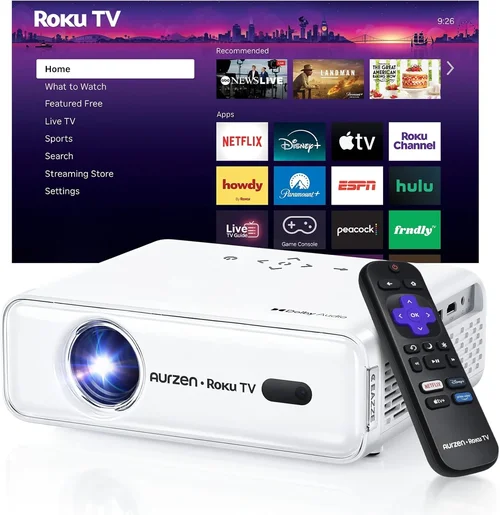
Expert Tips for Getting the Best Deal
- Timing is everything: New models launch in Q2; retailers discount older stock in Q3 and Q4.
- Shop reputable retailers: Amazon, Best Buy, and B&H carry authentic units with reliable return policies.
- Check refurbished options: Certified refurbished models can be up to 30% cheaper and still include full warranty.
- Bundle for savings: Some sellers offer a screen or HDMI cable bundle that saves $15‑$30 versus buying separately.
- Read the fine print on return policies: A 30‑day return window with free shipping is ideal for testing the projector at home.
- Test before you commit: If buying in‑store, request a demo on a wall similar to your home setup.
- Consider lamp replacement costs: Even with a 30,000‑hour lamp, factor in the $30‑$50 replacement price over the projector’s life.
- Leverage credit card protections: Some cards offer extended warranty coverage beyond the manufacturer’s offer.

Frequently Asked Questions
Q: Can a projector under $200 display 1080p content?
A: Yes, many budget units accept 1080p input and upscale it, but the native resolution is usually 720p. The image will be sharper than a low‑resolution TV, yet not true 1080p fidelity. If native 1080p is a must, you’ll likely need to spend $250‑$300.
Q: How far should I place a 720p projector for a 100‑inch screen?
A: Most standard‑throw projectors have a throw ratio of 1.5‑2.0. For a 100‑inch (diagonal) screen, the width is about 87 in. Divide 87 in by a 1.7 throw ratio ≈ 51 in (≈4.2 ft) from the screen to the lens.
Q: Do I need a separate screen?
A: Not mandatory. A smooth white wall works fine in a dark room, but a dedicated screen improves brightness and contrast, especially in rooms with some ambient light.
Q: Are portable pico projectors worth it?
A: For true portability and occasional use, yes. However, pico projectors often cap at 1,000‑1,500 lumens, making them unsuitable for bright environments.
Q: What is “lamp life” and why does it matter?
A: Lamp life estimates how many hours the light source will function before dimming noticeably. Higher lamp life reduces long‑term costs because you replace the lamp less often.
Q: Can I connect my smartphone wirelessly?
A: Many sub‑$200 projectors now support Miracast, AirPlay, or a simple Wi‑Fi dongle. Check the spec sheet for “wireless screen mirroring” before buying.
Q: How loud are the fans on budget projectors?
A: Expect fan noise between 30‑38 dB. It’s audible but generally not distracting in a typical living‑room setting.
Q: Do I need a separate remote?
A: Most projectors include a basic remote. For advanced control, consider a universal remote or a smartphone app if the unit supports it.
Our Final Recommendations
- Best for Budget‑Conscious Buyers: Vankyo Leisure 3 – $149, 2,400 lumens, 720p, solid build, excellent user reviews.
- Best Overall Value: Epson VS250 – $179, 3,200 lumens, 720p, HDMI, decent contrast, reputable brand warranty.
- Best Premium Option (Just Under $200): ViewSonic M1 Mini Plus – $199, 2,800 lumens, built‑in Harman Kardon speakers, Wi‑Fi, short‑throw.
- Best for Beginners: BenQ MW526 – $159, easy setup, auto‑keystone, good lamp life.
- Best for Advanced Users: Optoma GT5600 – $199, short‑throw, 3,600 lumens, 720p, extensive connectivity.
Conclusion: Making the Right Choice
Choosing the best HD projector under $200 is less about chasing the lowest price and more about aligning specifications with your viewing environment. Remember to balance brightness, contrast, and throw distance, verify warranty terms, and read real‑user feedback. With the information in this guide, you can confidently compare models, avoid common pitfalls, and select a projector that turns any room into a cinema without draining your wallet.
Ready to start shopping? Use the recommendations above as a checklist, set a price alert for your favorite model, and enjoy the first movie night on your new projector!