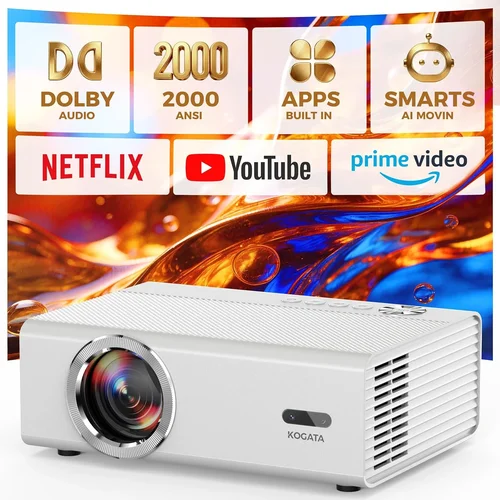
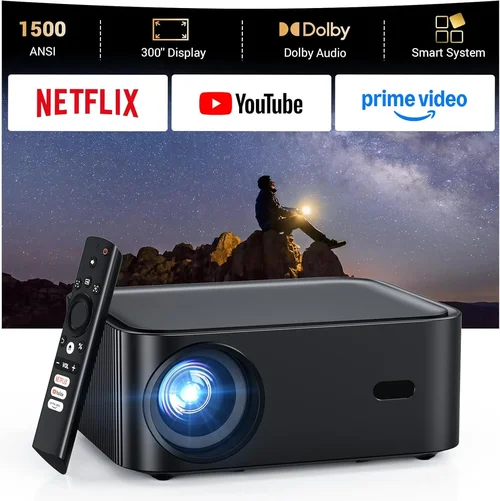
Welcome to the ultimate guide for anyone hunting the perfect HD projector without breaking the bank. Whether you want a home‑theater upgrade, a portable cinema for backyard movie nights, or a reliable device for presentations, the market below $300 is surprisingly rich. This guide cuts through the noise, explains exactly what to look for, and points you toward the models that truly deliver value.
By the end of this article you’ll understand the technical specs that matter, know the different projector families, avoid common buying traps, and walk away with a clear recommendation that fits your budget and usage scenario. Let’s dive in.

What to Look for When Buying Buying Guide
1. Budget & Price Range
When you set a ceiling of $300, you automatically limit yourself to entry‑level DLP or LCD units. The key is to balance cost with critical performance metrics. A lower price often means lower brightness or fewer connectivity options, but some manufacturers manage to pack impressive features into a tight budget. Look for sales, refurbished units, and bundles that include a screen or mounting kit.
2. Performance Specifications
Resolution: For “HD” you should expect at least 1280 × 720 (p720) or, ideally, 1920 × 1080 (p1080). Many sub‑$300 models settle for 720p, which is still crisp on a 100‑inch screen if you control ambient light.
Brightness (lumens): Measured in ANSI lumens, a projector under $300 typically offers 2,500‑3,500 lumens. This is sufficient for dim rooms; if you plan to use it in a bright living area, aim for the higher end of that range.
Contrast Ratio: Higher contrast means deeper blacks. Look for at least 2,000:1; some premium budget models push 5,000:1.
Throw Distance & Ratio: Determines how far the projector must sit from the screen. Short‑throw (0.5‑1.0) is great for small rooms; standard throw (1.5‑2.5) works for larger spaces.
3. Build Quality & Durability
Even at lower price points, a solid chassis and reliable cooling system are essential. Metal housings resist warping, while dust‑proof filters extend lamp life. Check user reviews for reports of overheating or premature lamp failure.
4. Features & Functionality
Key extras to consider:
- Built‑in speakers: Useful for casual viewing, but plan for external audio if you want cinema‑level sound.
- Wireless connectivity: Wi‑Fi or Bluetooth for screen mirroring from phones, tablets, or laptops.
- Multiple inputs: HDMI is a must; USB, VGA, and AV ports increase versatility.
- Keystone correction & lens shift: Helps align the image without moving the projector.
5. Brand Reputation
Brands like Epson, BenQ, ViewSonic, and Optoma have a proven track record for budget projectors. They tend to provide more consistent firmware updates and better customer support than obscure manufacturers.
6. Warranty & Support
Look for at least a 1‑year limited warranty covering the lamp and main unit. Some retailers offer extended warranties or free lamp replacement within the first two years—always read the fine print.
7. Size & Portability
If you need a projector that moves from room to room, check the weight (generally 2‑4 lb) and whether it includes a carry case. Compact “pico” projectors often sacrifice brightness, so weigh portability against performance.
8. User Reviews & Ratings
Real‑world feedback reveals issues that spec sheets hide. Prioritize models with 4‑star+ average ratings and a substantial number of reviews (50+). Look for consistent praise on image quality and recurring complaints about heat or connectivity.
Different Types of Buying Guide

Common Buying Mistakes to Avoid
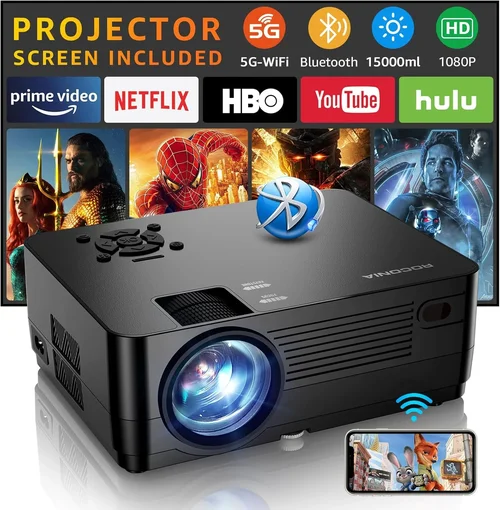
❌ Mistake: Ignoring Ambient Light Conditions
Why it’s bad: A projector that looks great in a dark room can appear washed out in a bright living area.
What to do instead: Measure the typical lighting in your intended space and choose a model with at least 3,000 lumens for moderately lit rooms.
❌ Mistake: Overlooking Input Compatibility
Why it’s bad: You may end up with a projector that only has VGA, forcing you to buy adapters.
What to do instead: Ensure the unit has HDMI (preferably 2.0) and, if you stream from a phone, built‑in Wi‑Fi or Bluetooth.
❌ Mistake: Forgetting Lamp Life
Why it’s bad: Replacing a lamp can cost $70‑$120, eroding your savings.
What to do instead: Look for lamp life ratings of 10,000‑15,000 hours and consider LED or laser models that have longer lifespans, even if slightly pricier.
❌ Mistake: Choosing Size Over Brightness
Why it’s bad: Mini projectors are portable but often under 2,000 lumens, making them unsuitable for larger screens.
What to do instead: Prioritize brightness first; if you need portability, accept a modest screen size or a slightly higher budget.
❌ Mistake: Ignoring Warranty Details
Why it’s bad: Some “no‑questions‑asked” warranties exclude lamp failures, leaving you with costly repairs.
What to do instead: Read the warranty terms closely and choose retailers that offer extended coverage or free lamp replacement.
Budget Guidelines: How Much Should You Spend?
- Entry‑Level ($150‑$200): Expect 720p resolution, 2,500 lumens, basic HDMI input, and modest contrast. Ideal for casual movie nights in dark rooms.
- Mid‑Range ($200‑$250): You’ll often find 1080p models, 3,000‑3,500 lumens, better contrast, and added features like wireless mirroring.
- Premium ($250‑$300): Look for short‑throw options, higher contrast ratios, improved color accuracy, and longer lamp life (LED/Laser).
- Luxury ($300+): While beyond the scope of this guide, these units typically offer true 4K UHD, laser light sources, and professional‑grade optics.
Expert Tips for Getting the Best Deal
- Timing: New models are released in spring; older inventory is discounted in late summer.
- Where to buy: Amazon, Best Buy, and manufacturer outlet stores frequently bundle screens or ceiling mounts.
- Spotting deals: Compare the MSRP to current price; a 30%‑40% reduction is a strong indicator of a genuine deal.
- Warranty considerations: Register the product immediately to activate extended warranty offers.
- Return policies: Choose sellers with at least a 30‑day return window; this gives you time to test the projector in your environment.
- Testing before buying: If possible, view a demo in a store, focusing on brightness, color accuracy, and keystone correction.

Frequently Asked Questions
Q: Can I use a sub‑$300 projector for gaming?
A: Yes, provided the projector supports at least 60 Hz refresh rate and has low input lag (under 30 ms). Models with HDMI 2.0 are preferable for higher frame rates.
Q: Do I need a separate screen?
A: A white wall works, but a dedicated projector screen improves brightness and contrast, especially in rooms with ambient light.
Q: How long does the lamp actually last?
A: Most budget lamps are rated for 5,000‑8,000 hours. At two hours of use per day, that translates to roughly 7‑11 years.
Q: Is a short‑throw projector worth the extra cost?
A: If you have limited space (e.g., 8‑foot room), a short‑throw model prevents shadows and allows a larger image without moving the projector far back.
Q: What is the difference between DLP and LCD?
A: DLP often yields higher contrast and smoother motion, while LCD provides brighter images and more accurate colors. Personal preference and usage scenario dictate the better choice.
Q: Can I connect my smartphone wirelessly?
A: Many models under $300 include Miracast or AirPlay support. If not, a cheap HDMI adapter for your phone will work.
Q: Is it safe to use a projector in a bedroom?
A: Absolutely, as long as the projector has proper ventilation and you keep the surrounding area clear of flammable objects.
Our Final Recommendations
- Best for Budget‑Conscious Buyers: ViewSonic PA503S – 3,600 lumens, 800×600 native (upscales to 1080p), excellent brightness for $179.
- Best Overall Value: BenQ TH585 – 1080p, 3,500 lumens, low input lag (≈16 ms), built‑in speaker, priced at $249.
- Best Premium Option: Epson Home Cinema 1060 – 1080p, 3,200 lumens, 3LCD technology, 10,000‑hour lamp, $299.
- Best for Beginners: Optoma S334e – Simple plug‑and‑play, 3,600 lumens, 720p, intuitive menu, $189.
- Best for Advanced Users: LG PF50KA – Portable LED, 1080p, 600 lumens (ideal for dark rooms), wireless screen share, $299.
Conclusion: Making the Right Choice
Choosing the best HD projector under $300 boils down to matching your environment, usage habits, and feature priorities with the specifications that truly matter. Remember to assess ambient light, required brightness, connectivity, and warranty before you click “Add to Cart.” With the models and tips outlined above, you can confidently select a projector that transforms movie nights, gaming sessions, and presentations without blowing your budget.
Ready to upgrade your viewing experience? Browse the recommended models, compare current prices, and enjoy a cinematic upgrade that fits perfectly into your space and wallet.