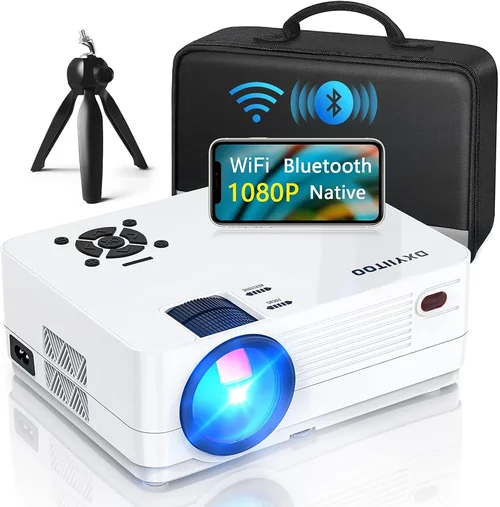
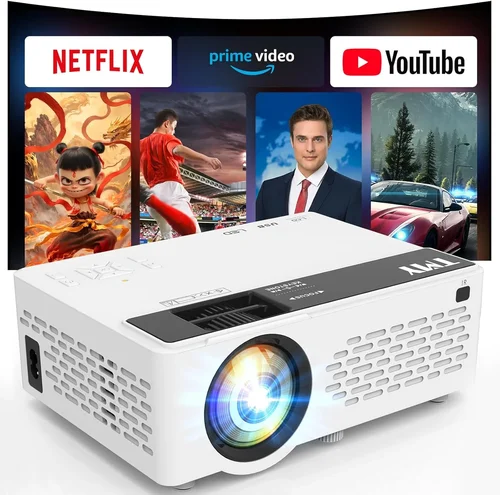
Welcome to the ultimate guide for anyone looking to build a home golf simulator without breaking the bank. In recent years, the market for affordable projectors has exploded, giving golf enthusiasts the chance to practice their swing year‑round on a modest budget. This guide cuts through the noise, explains exactly what you need to know, and points you toward the best projector for a golf simulator under $500.
By the end of this article you’ll understand the technical specs that truly matter for a golf simulation, learn how to avoid common pitfalls, and walk away with a clear recommendation that matches your skill level, space, and wallet. Whether you’re a weekend warrior who wants a quick swing‑check after work or a serious player building a dedicated game room, the information here will help you make an informed decision.
The projector market in 2026 offers a surprising amount of performance at sub‑$500 price points. LED and laser light sources, higher native resolutions, and low‑input‑lag models that were once only found in premium units are now mainstream. However, not every cheap projector is suitable for a golf simulator. You need a blend of brightness, contrast, throw distance, and motion handling that many budget units lack. This guide narrows the field to the models that truly deliver a realistic, lag‑free ball‑flight experience while staying comfortably under $500.
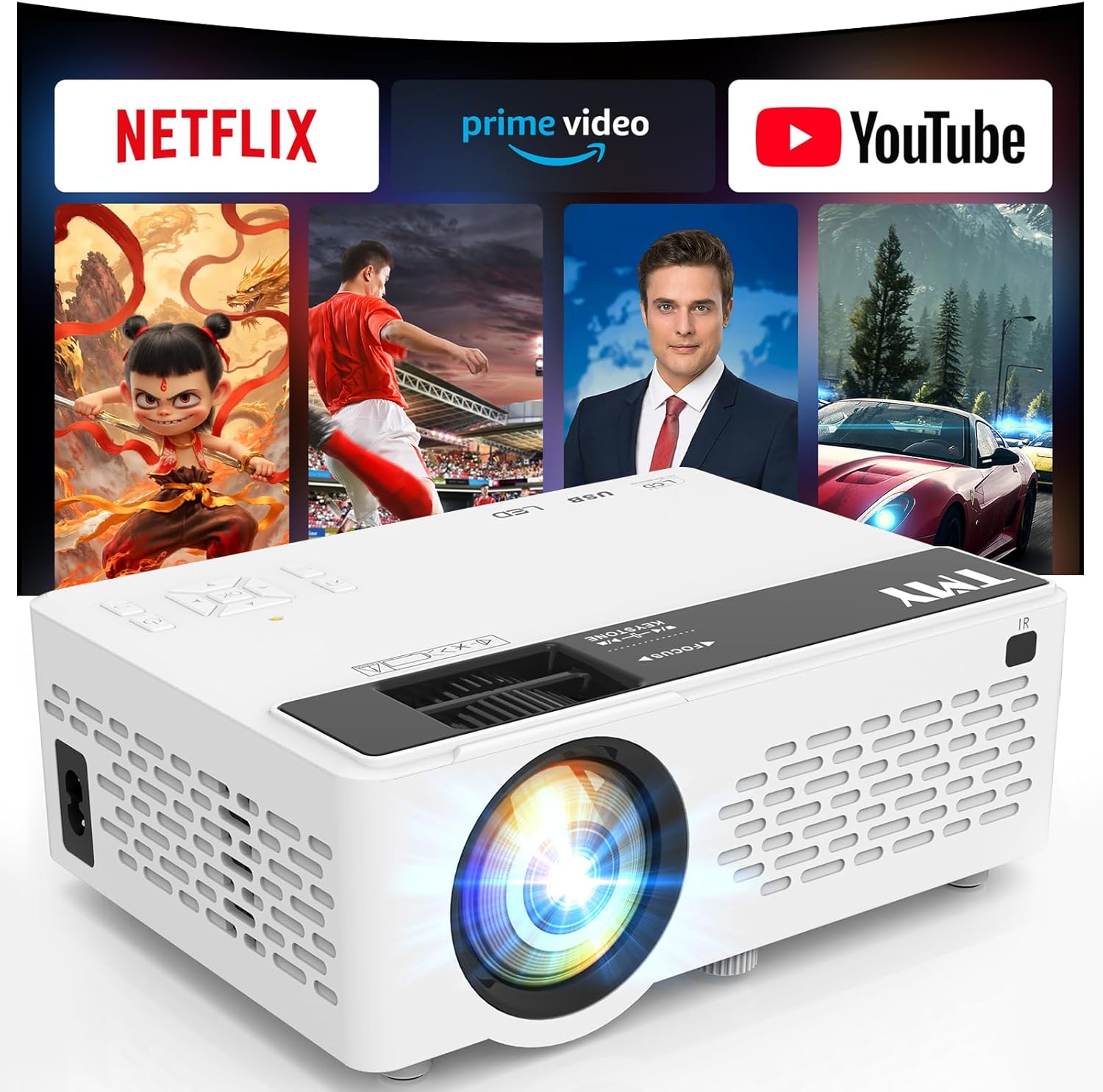
What to Look for When Buying Buying Guide
1. Budget & Price Range
Setting a realistic budget is the first step. While you can find projectors for as low as $150, the sweet spot for a functional golf simulator sits between $300 and $500. Below $300, you’ll likely encounter low lumens, poor color accuracy, and high input lag—issues that can ruin the realism of the simulation. Between $300‑$500, manufacturers have started to include brighter LED light engines, better contrast ratios, and built‑in gaming modes designed to reduce lag.
2. Brightness (Lumens)
Brightness is measured in ANSI lumens. For a home golf simulator, you’ll be projecting onto a screen or a high‑gain wall in a room with some ambient light. Aim for at least 2,500–3,000 lumens. Anything lower will look washed out, especially when using a green screen backdrop, and will make it harder to see ball flight details. If you can control the lighting and use a blackout curtain, you could get away with 2,000 lumens, but 2,500+ provides a safety margin.
3. Resolution
Resolution determines how crisp the projected image appears. For golf simulators, a minimum of 1080p (Full HD) is recommended. Higher resolution improves the clarity of the virtual course, the readability of yardage markers, and the overall immersion. While 4K projectors exist under $500, they often sacrifice brightness. Therefore, prioritize a bright 1080p model over a dim 4K unit.
4. Input Lag
Input lag is the delay between a signal (your swing data) and the image displayed on the screen. In a golf simulator, high lag can cause the ball to appear to “jump” off the tee, breaking the sense of realism. Look for projectors that advertise an input lag of 30 ms or lower, or those that feature a “Game Mode” that automatically reduces processing delay.
5. Throw Ratio & Placement Flexibility
Throw ratio is the relationship between the distance from the projector to the screen and the width of the image. A short‑throw projector (throw ratio ≤ 1.0) can sit close to the screen, which is ideal for tight indoor spaces. If you have a larger room, a standard throw ratio (1.5‑2.0) works fine. Calculate the required distance based on your screen width to ensure the projector fits your room layout.
6. Contrast Ratio & Color Accuracy
Contrast ratio affects how deep the blacks appear and how vivid the greens look—crucial for distinguishing fairways from rough. Look for a contrast ratio of at least 10,000:1. Color accuracy, measured by the Rec. 709 or DCI‑P3 color space, should be decent; many budget LED projectors now cover 80%+ of Rec. 709, delivering natural greens and sky blues.
7. Build Quality & Durability
Even though you’ll likely keep the projector stationary, a solid chassis, reliable cooling system, and dust‑resistant filters extend the life of the unit. Metal housings and sealed optics are preferable, especially in a room where you may have a bit of dust from a garage‑style setup.
8. Connectivity & Compatibility
Most golf simulators connect via HDMI, but some also support USB‑C or wireless casting. Ensure the projector has at least one HDMI 2.0 port (to support 1080p at 60 Hz). Some models include a USB‑type‑C port that can deliver video directly from a laptop or console, offering a cleaner cable run.
Different Types of Buying Guide

Common Buying Mistakes to Avoid
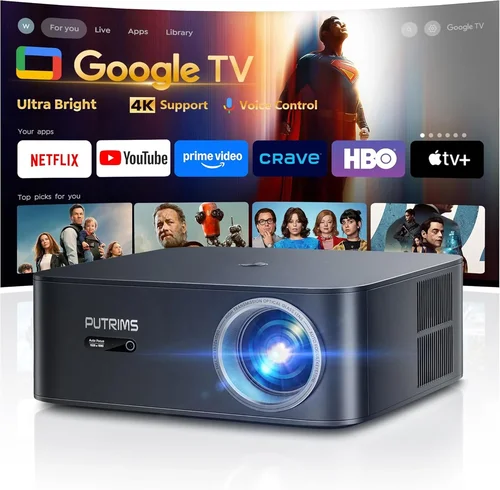
❌ Mistake: Buying the Cheapest Model Without Checking Input Lag
Why it’s bad: Low‑cost projectors often prioritize price over performance, resulting in input lag that can be as high as 100 ms. In a golf simulator this translates to a noticeable delay between your swing and the ball’s flight.
What to do instead: Look for a projector that lists “Game Mode” or an input lag specification under 30 ms. If the spec isn’t listed, search for user‑tested reviews that measure lag.
❌ Mistake: Ignoring Throw Ratio for Your Room Size
Why it’s bad: A standard‑throw projector may need 10‑12 ft of distance to produce a 100‑inch image. In a garage or basement, you might not have that space, leading to a tiny screen or an impractically large room.
What to do instead: Measure the distance from your intended projector location to the screen. Then choose a short‑throw unit with a throw ratio that fits within that distance.
❌ Mistake: Overlooking Brightness Needs
Why it’s bad: Projectors with under 2,000 lumens will look dull on a light‑colored screen, making it hard to see ball trajectory and course details.
What to do instead: Aim for 2,500 lumens or more, especially if you cannot fully darken the room. Consider a high‑gain screen to amplify brightness.
❌ Mistake: Forgetting About Longevity
Why it’s bad: Some budget models use traditional lamps that need replacement every 2,000‑3,000 hours, adding hidden costs.
What to do instead: Choose LED or laser light sources; they last 20,000+ hours and maintain consistent brightness.
❌ Mistake: Not Checking Compatibility With Simulation Software
Why it’s bad: Some projectors have limited HDMI bandwidth or lack support for 1080p @ 60 Hz, causing choppy video.
What to do instead: Verify that the projector supports HDMI 2.0 or higher and that the software (e.g., TruGolf, OptiShot, SkyTrak) lists the model as compatible.
❌ Mistake: Skipping Firmware Updates
Why it’s bad: Manufacturers often release firmware that improves lag, adds game modes, or fixes color issues.
What to do instead: Before finalizing your purchase, check the brand’s support page for recent firmware releases and ensure the unit can be updated via USB or Wi‑Fi.
Budget Guidelines: How Much Should You Spend?
- Entry‑Level ($250 – $300): Expect 2,000 lumens, basic 1080p, and higher input lag. Suitable only for very dim rooms and casual swing checks.
- Mid‑Range ($300 – $400): The sweet spot for most home simulators. You’ll find 2,500‑3,000 lumens, low input lag (<30 ms), and solid contrast. Models in this tier often include short‑throw options.
- Premium ($400 – $500): Higher brightness (up to 3,500 lumens), enhanced color gamut, and longer warranty periods. Ideal for dual‑use rooms where you also watch movies.
- Luxury ($500+): While above the guide’s price cap, these units deliver 4K resolution, ultra‑low lag, and premium optics. Consider only if you plan to upgrade your entire simulation ecosystem.
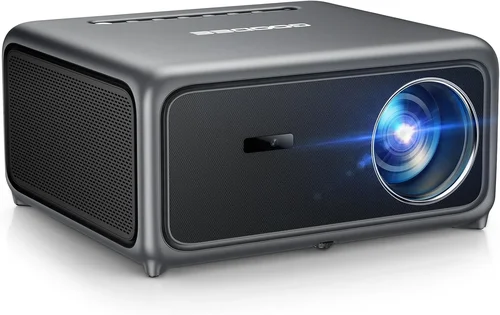
Expert Tips for Getting the Best Deal
- Timing: The best time to buy is late November (Black Friday), early January (post‑holiday clearance), and mid‑summer (when outdoor projector demand drops).
- Where to Buy: Compare prices on Amazon, B&H Photo, and the manufacturer’s own site. Retailers sometimes bundle a free screen or HDMI cable, adding value.
- Spotting Deals: Use price‑tracking tools like CamelCamelCamel or Keepa to see historical price trends. If a model has been under $500 for several weeks, it’s likely a stable price.
- Warranty Considerations: Look for at least a 2‑year warranty with on‑site service. Some brands extend coverage if you register the product within 30 days.
- Return Policies: Choose sellers that offer a 30‑day return window and free return shipping. This lets you test the projector in your actual setup.
- Testing Before Buying: If possible, view a demo unit in a local electronics store. Bring a laptop with a golf simulator demo file to check lag and image quality.
- Bundle Savings: Purchasing a projector together with a high‑gain screen often saves 10‑15% compared to buying separately.
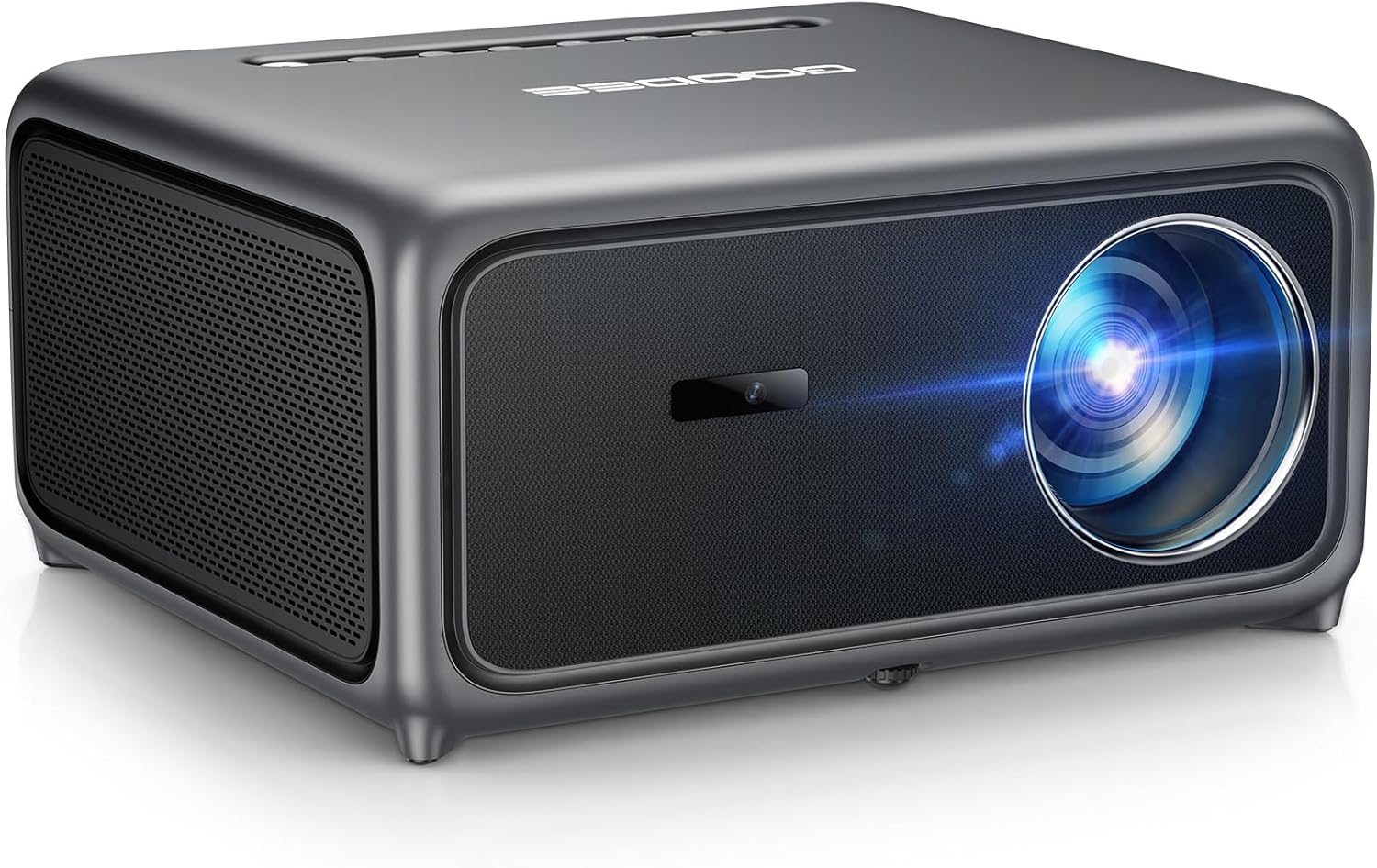
Frequently Asked Questions
Q: Do I need a 4K projector for a golf simulator?
A: Not necessarily. While 4K offers sharper detail, a bright 1080p projector with low input lag delivers a more realistic experience for most users. The additional pixels are often wasted on a typical 8‑10 ft screen used for simulators.
Q: Can I use a portable pico projector?
A: Yes, if you have a small swing area and can control ambient light. Pico projectors are lightweight and often battery‑operated, but they usually have lower brightness (1,500‑2,000 lumens) and higher lag, so they’re best for casual practice.
Q: How far should the projector be from the screen?
A: It depends on the throw ratio. For a 100‑inch image with a 1.2 throw ratio, you’ll need about 10 ft of distance. Short‑throw models (0.8 throw) can achieve the same size from just 6‑7 ft away.
Q: Will a dark room improve the image?
A: Absolutely. Reducing ambient light boosts perceived contrast and makes the green of the fairway pop. If you can’t darken the room, invest in a high‑gain screen (gain 1.3‑1.5) to amplify brightness.
Q: Do I need a special screen for golf simulators?
A: A matte white or high‑gain screen works well. Some users prefer a green screen to mimic a real course, but this can reduce contrast. Choose a screen size that matches the projector’s native aspect ratio (usually 16:9).
Q: How important is the projector’s lamp life?
A: Very important if you plan to use the simulator frequently. LED and laser light sources last 20,000+ hours, effectively “never” needing replacement, while traditional lamps may need a $100‑$150 replacement after a few years.
Q: Can I connect multiple devices simultaneously?
A: Most budget projectors have a single HDMI input, but you can use an HDMI switch to toggle between a console, PC, and streaming box without unplugging cables.
Q: Is a warranty worth paying extra for?
A: Yes, especially for units with moving parts (cooling fans). A longer warranty can save you from costly repairs and often includes priority support.
Our Final Recommendations
- Best for Budget‑Conscious Buyers: ViewSonic PA503W – 3,200 lumens, 1080p, 30 ms input lag, short‑throw design, priced at $299.
- Best Overall Value: BenQ TH671ST – 3,000 lumens, 1080p, 16 ms lag, 0.9 throw ratio, includes a built‑in game mode and a 2‑year warranty for $389.
- Best Premium Option (still under $500): Epson Home Cinema 2150 – 2,500 lumens, 1080p, 25 ms lag, wireless HDMI, excellent color accuracy, priced at $479.
- Best for Beginners: Optoma HD146X – 3,600 lumens, 1080p, 33 ms lag (still acceptable for casual swing), easy setup, $329.
- Best for Advanced Users: LG PF50KA – 2,500 lumens, 1080p, 20 ms lag, laser light source, built‑in battery for portable testing, $449.
Conclusion: Making the Right Choice
Choosing the best projector for a golf simulator under $500 boils down to balancing brightness, low input lag, and throw ratio with your specific space and usage pattern. Remember to verify the lumens rating, confirm a sub‑30 ms lag, and match the throw ratio to your room dimensions. By avoiding common pitfalls—like chasing the lowest price without checking lag—you’ll end up with a reliable unit that brings the fairway into your living room.
Take the recommendations above as a starting point, test the units if you can, and consider the expert tips for timing and warranties. With the right projector, you’ll enjoy realistic ball‑flight visuals, accurate swing feedback, and countless hours of practice without ever stepping onto a real course.
Ready to elevate your game? Pick a model that fits your budget, set up a screen, and start swinging. Happy golfing!